19

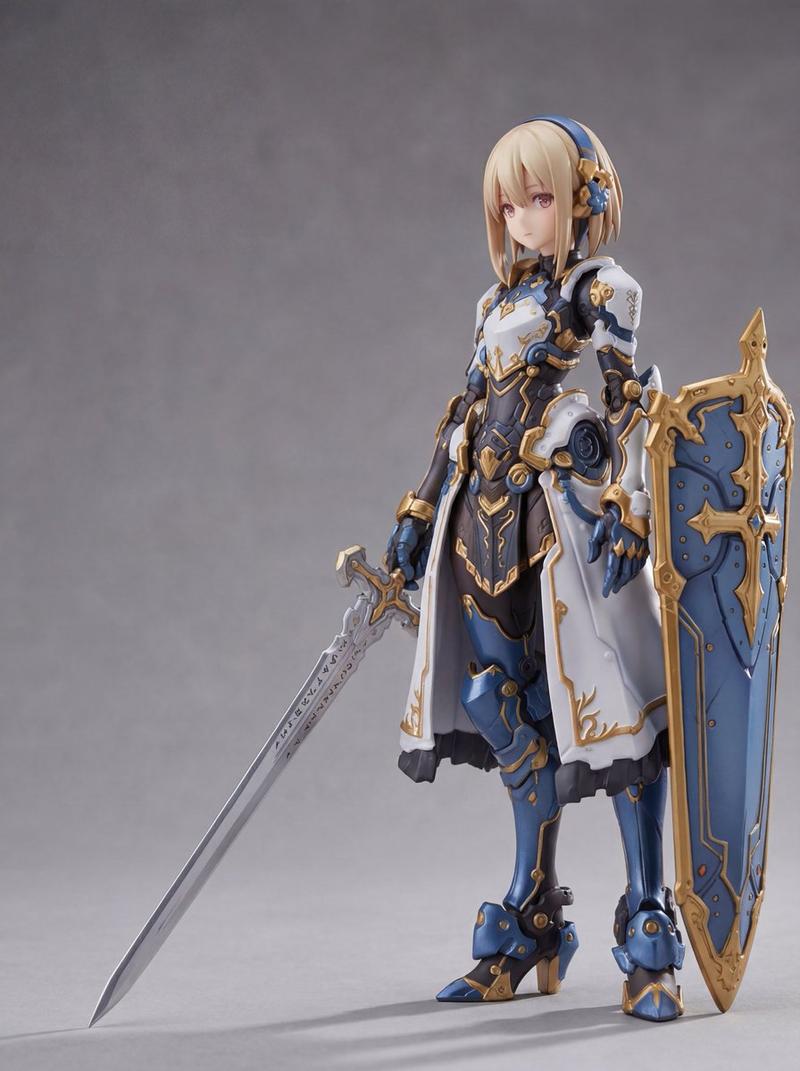
奇幻战士角色概念设计
Enlarge

奇幻战士角色概念设计

Prompt
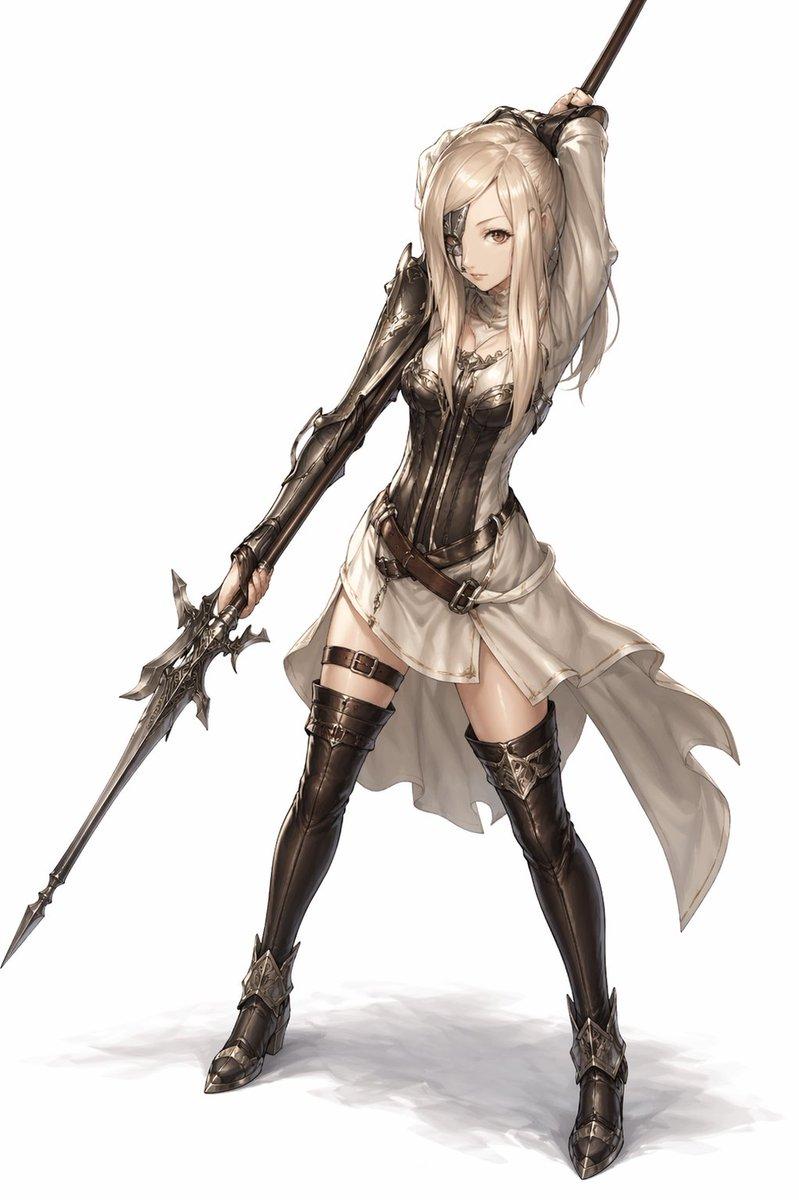
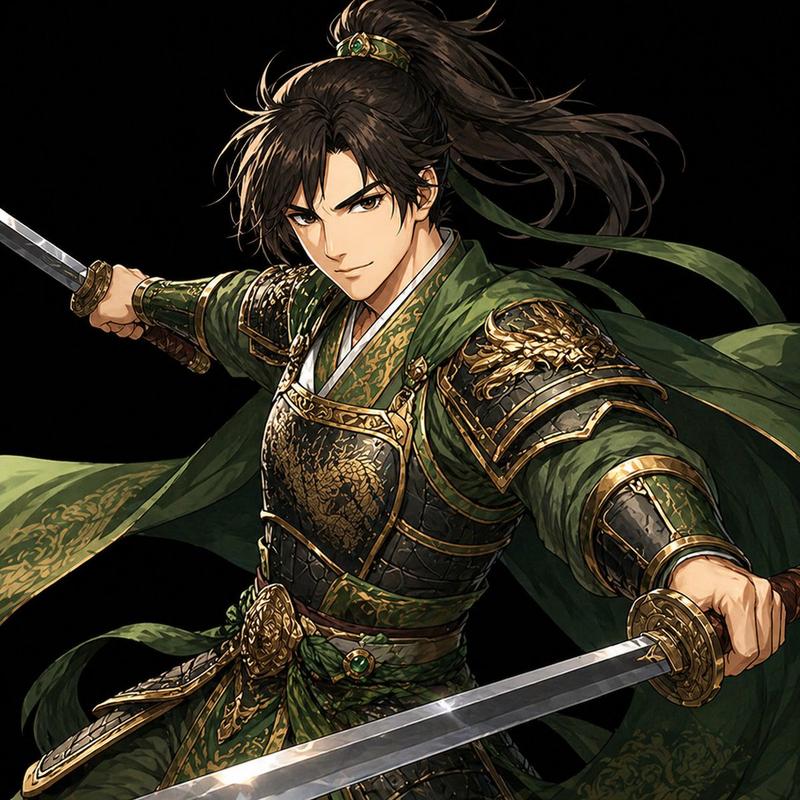
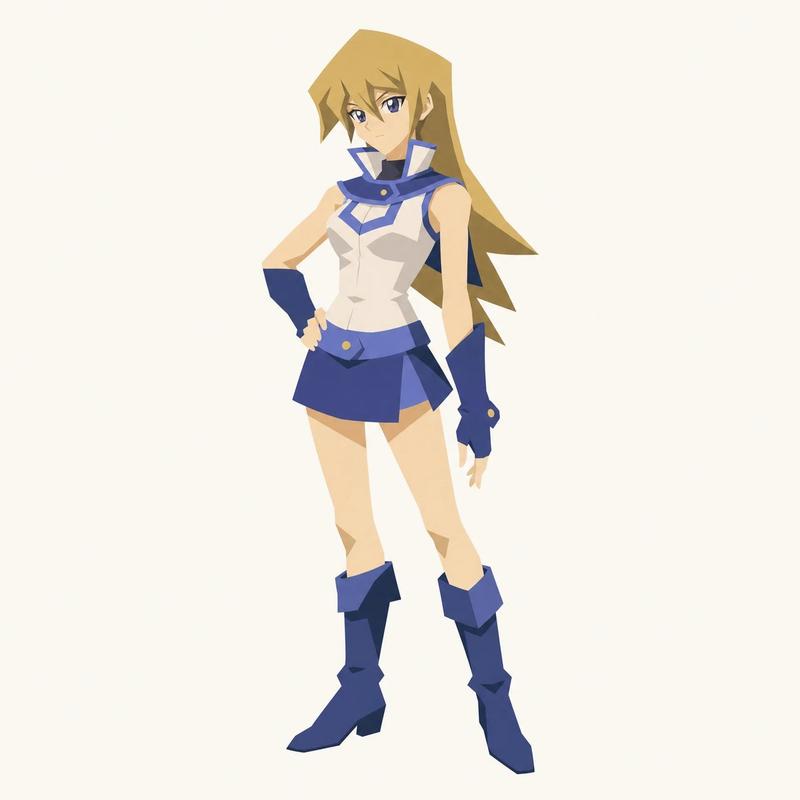
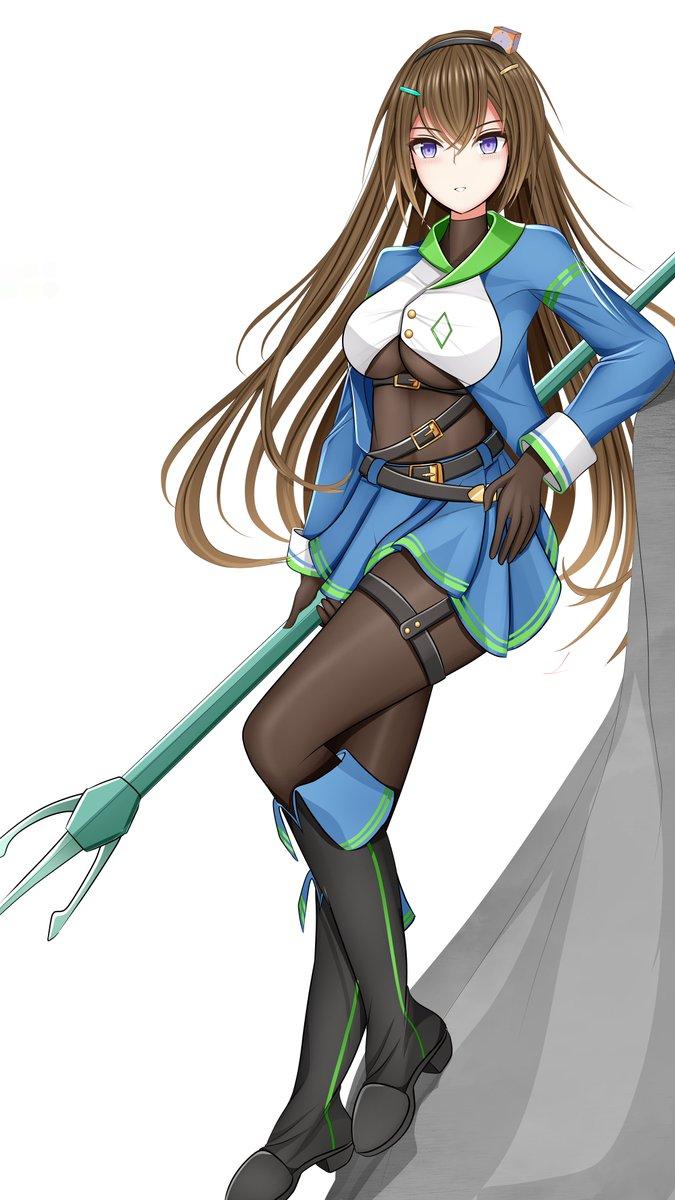
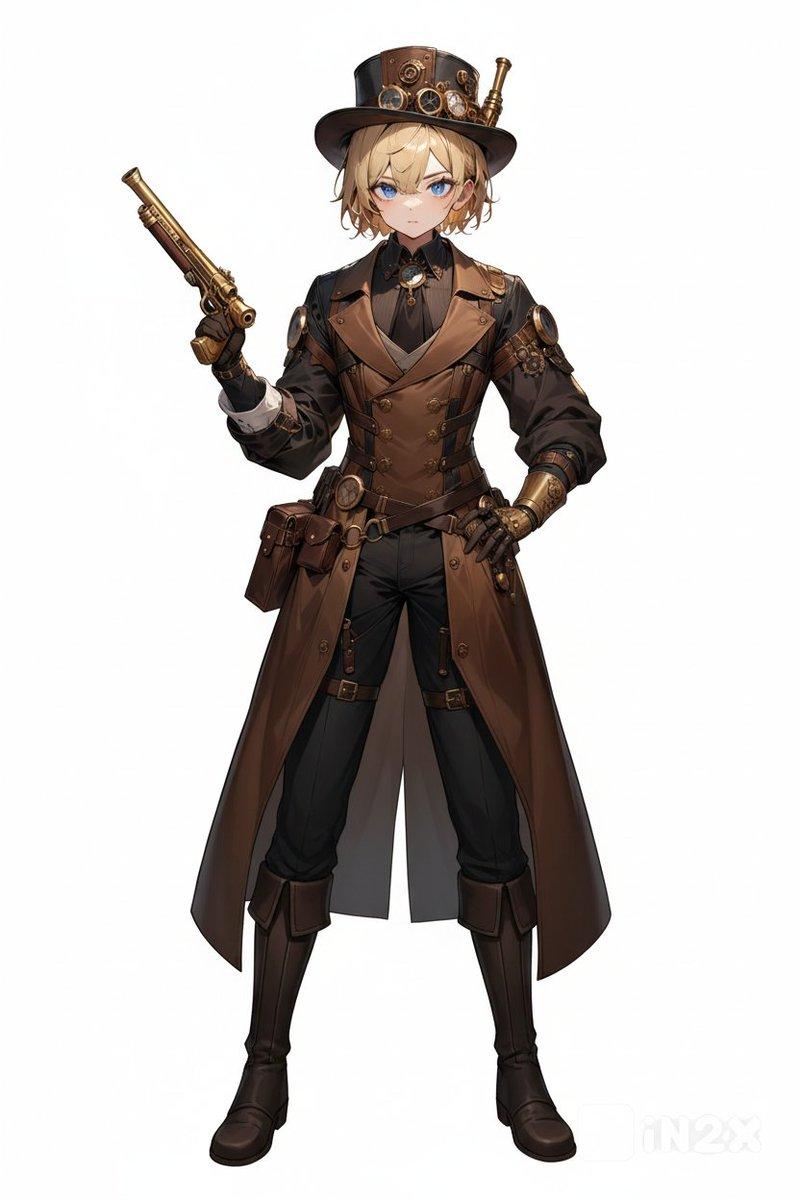
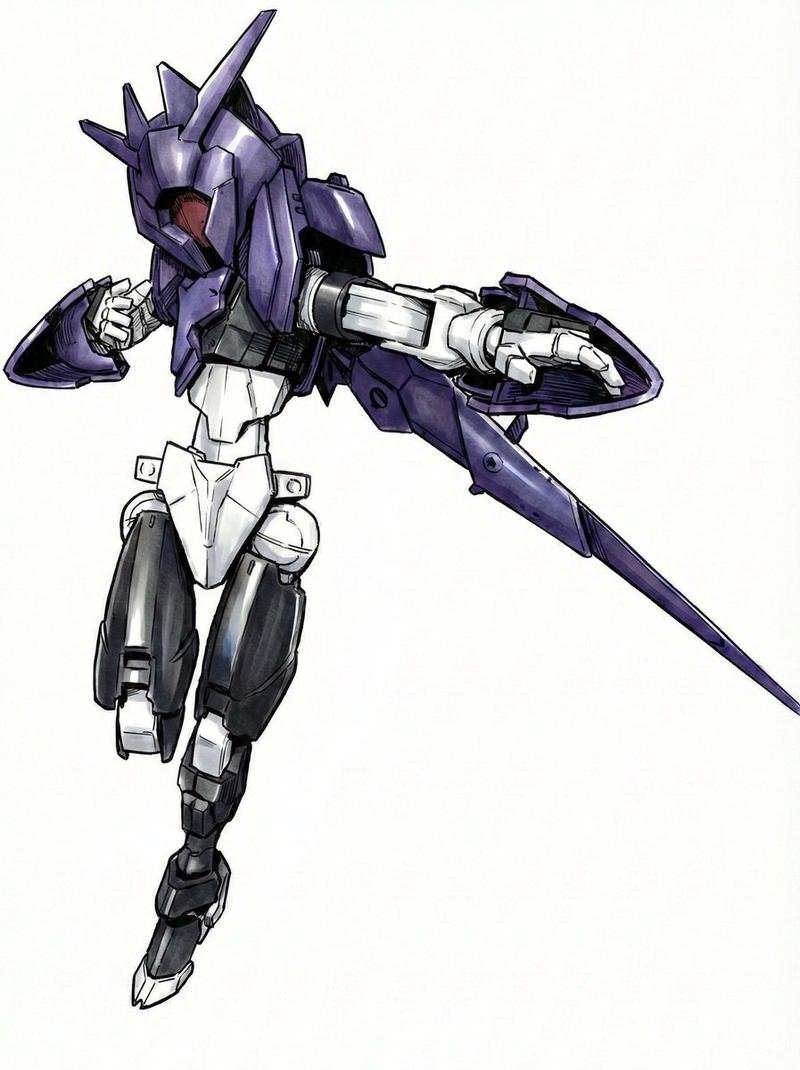
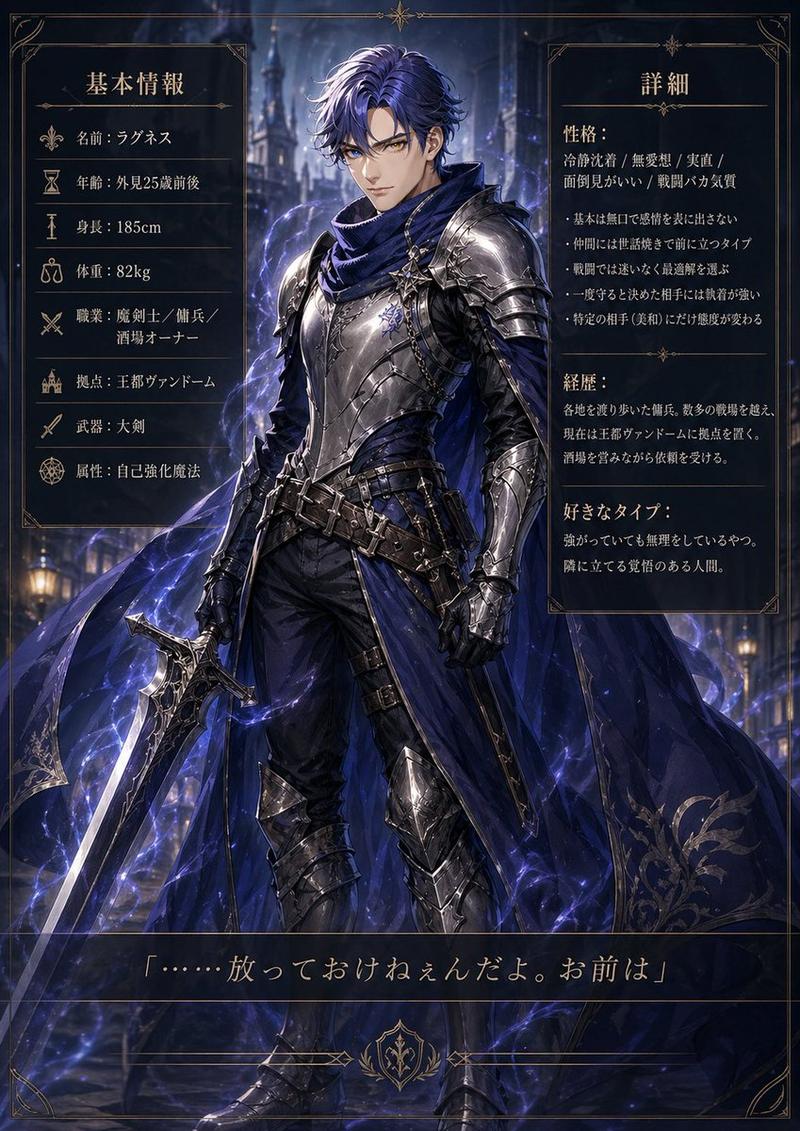
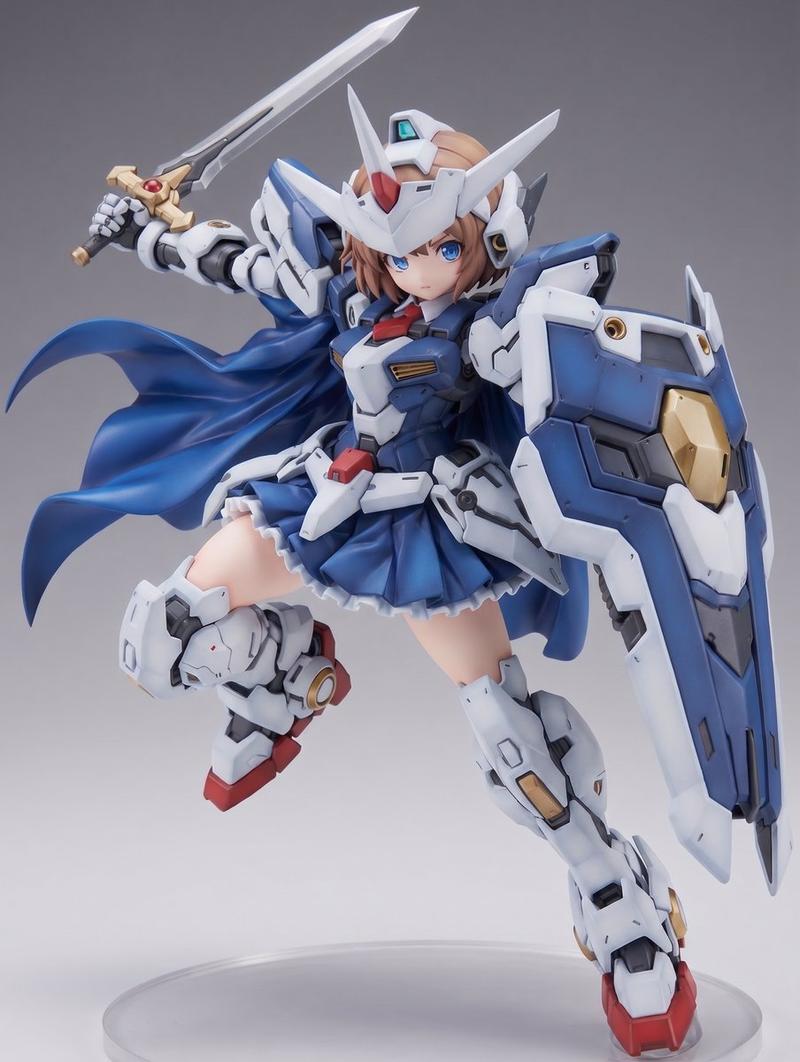
A full-body fantasy character concept art illustration of a {argument name="character gender" default="young male"} warrior standing in a relaxed but ready pose on a plain light gray background, isolated with no environment. He has short, messy {argument name="hair color" default="dark brown"} hair and a rough heroic JRPG-style design. His face is largely obscured and de-emphasized, with the focus on costume and silhouette. He wears 8 clearly visible outfit elements: a dark fitted bodysuit, a white and cream layered chest mantle with angular feather-like folds, a large deep blue cape draped over both shoulders and flowing behind him, dark arm coverings with wrapped forearms, a brown utility belt, multiple tan leather pouches and straps hanging from the hips, silver knee and shin armor on both legs, and worn brown leather boots. He holds 2 weapons: a sheathed sword gripped at his left hip and a long dark staff or rod angled downward in his right hand. The art style is painterly high-detail fantasy concept art with fine ink-like outlines, muted earthy colors, realistic fabric folds, soft shading, and polished videogame character design presentation, centered composition, full figure visible from head to toe.
Category
Charts & Infographics
Model
GPT Image 2
Creator
APIMart
Views3
Source ID
16579
Published
Apr 27, 2026

Guide

About "奇幻战士角色概念设计"

What is this prompt for?

"奇幻战士角色概念设计" AI image prompt for GPT Image 2 (Charts & Infographics). 此提示词可生成一张纯背景的 JRPG 风格奇幻战士全身概念插画,适用于角色设计图和游戏美术构思。 Copy it on Picva and recreate the look i…

The full copyable prompt and example visuals above are ready for AI image generation or one-click recreate in Picva.

How to use this prompt

  1. Step 1

    Open the prompt detail

    Review the example visuals, category, and full prompt text for "奇幻战士角色概念设计".

  2. Step 2

    Copy the prompt

    Copy the prompt body from this page, or load it directly in Studio.

  3. Step 3

    Pick a model (GPT Image 2)

    Prefer GPT Image 2. If you switch models, keep subject and composition and tweak style terms.

  4. Step 4

    Generate and export

    Recreate the look in Picva, or export into your workflow for editing and publishing.

FAQ

What is the "奇幻战士角色概念设计" prompt?
It is an AI image-generation prompt for GPT Image 2 in the Charts & Infographics category. This page includes the full prompt text, example visuals, and a one-click recreate path in Picva.
How do I use this prompt to generate an image?
Copy the prompt from this page, or use Generate / Studio. Paste it into a compatible image model, or recreate the look in Picva with optional reference images.
Which model is this prompt for?
This page lists GPT Image 2. Most descriptive prompts also transfer to nearby image models such as GPT Image, Flux, or Midjourney with light style tweaks.
Can I use the result commercially?
You can usually copy the prompt for creation, but commercial use of the final image depends on the model terms, reference-image rights, and the generated content. Follow the source author and platform rules.