15

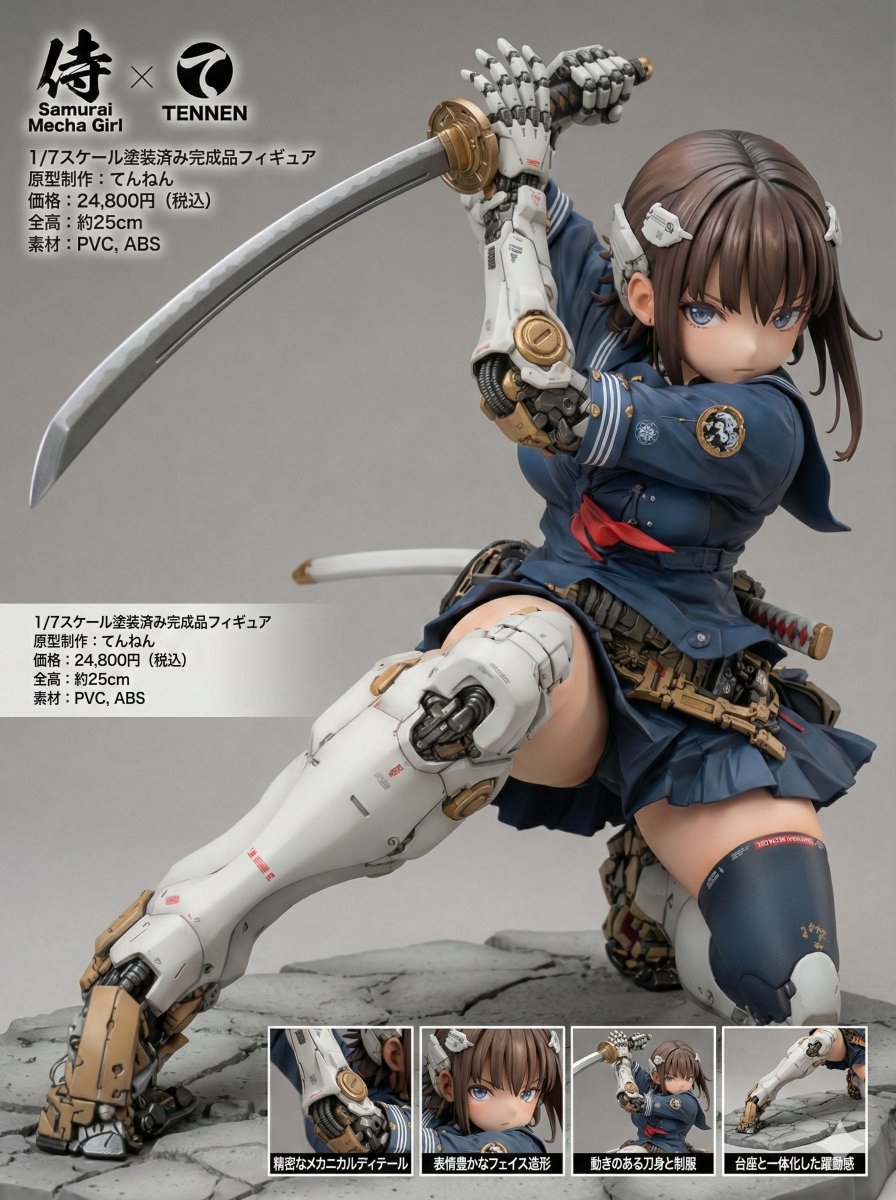
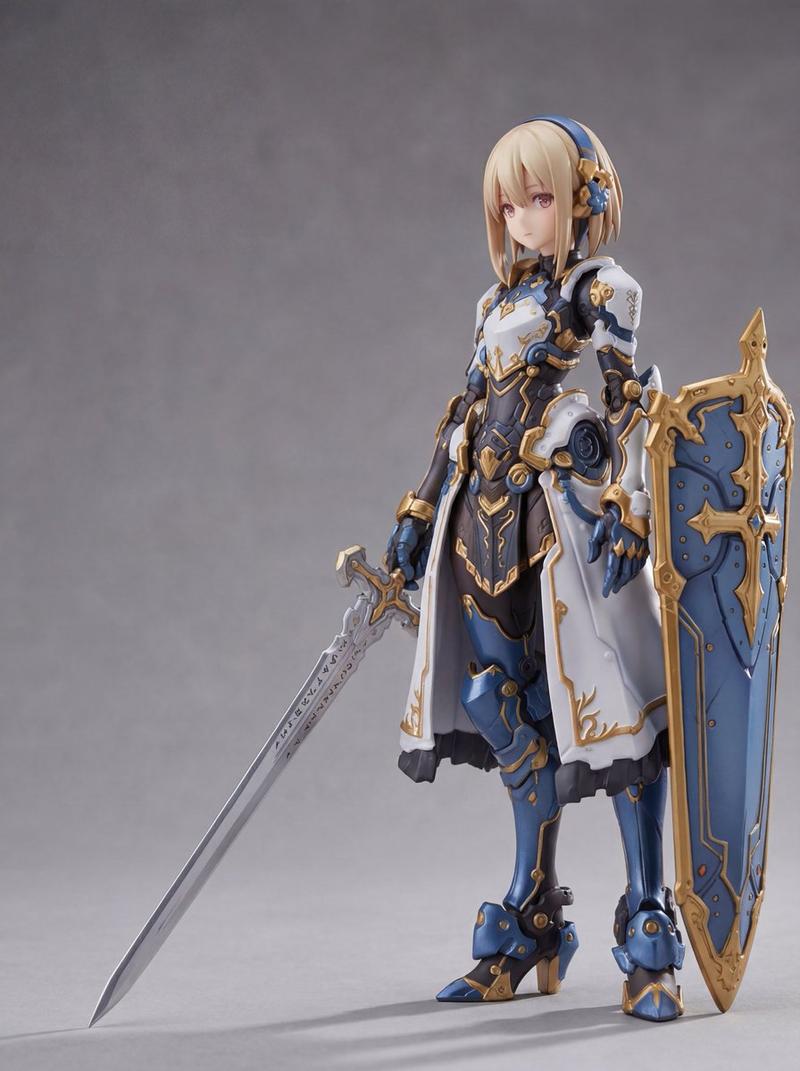
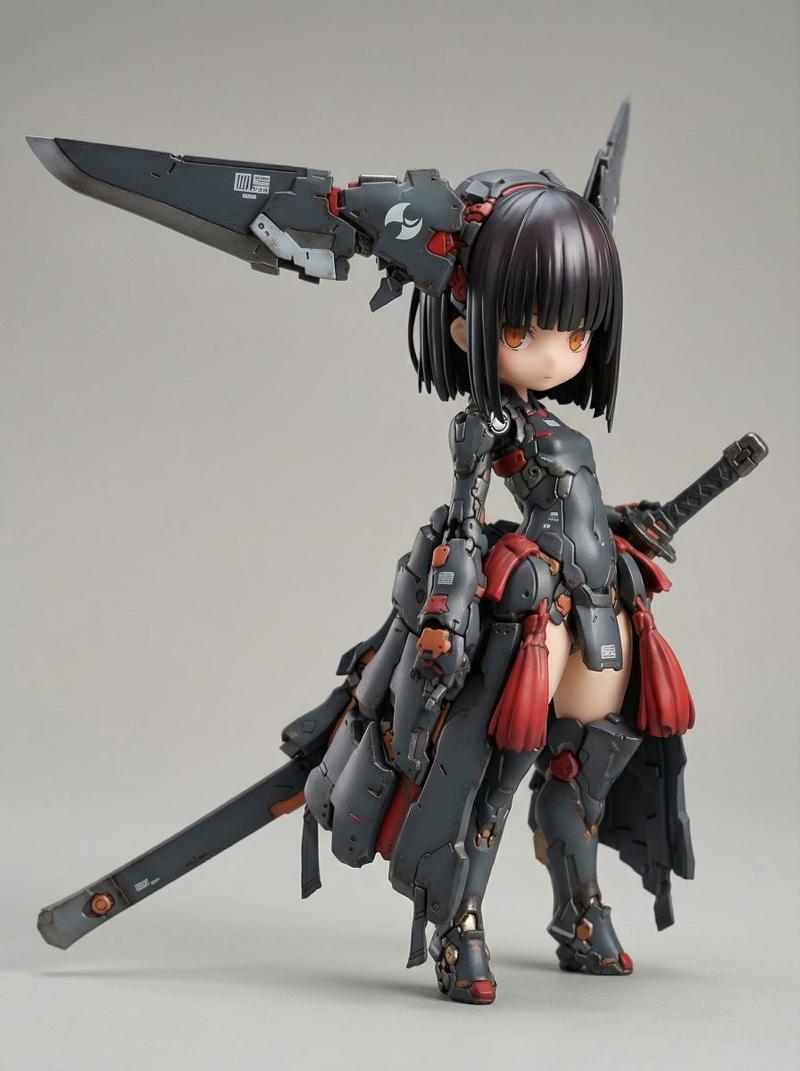
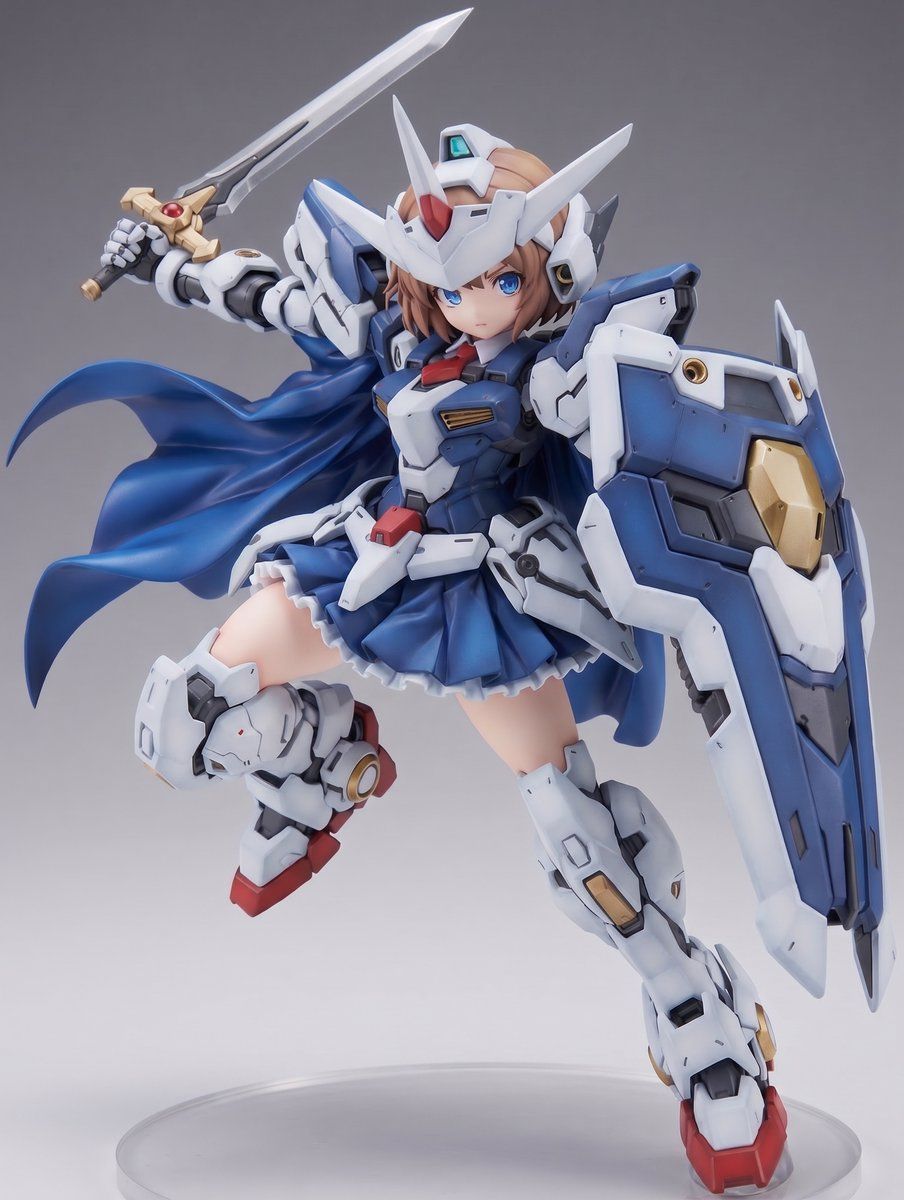
机甲少女手办产品渲染
Enlarge

Example images

机甲少女手办产品渲染

Prompt
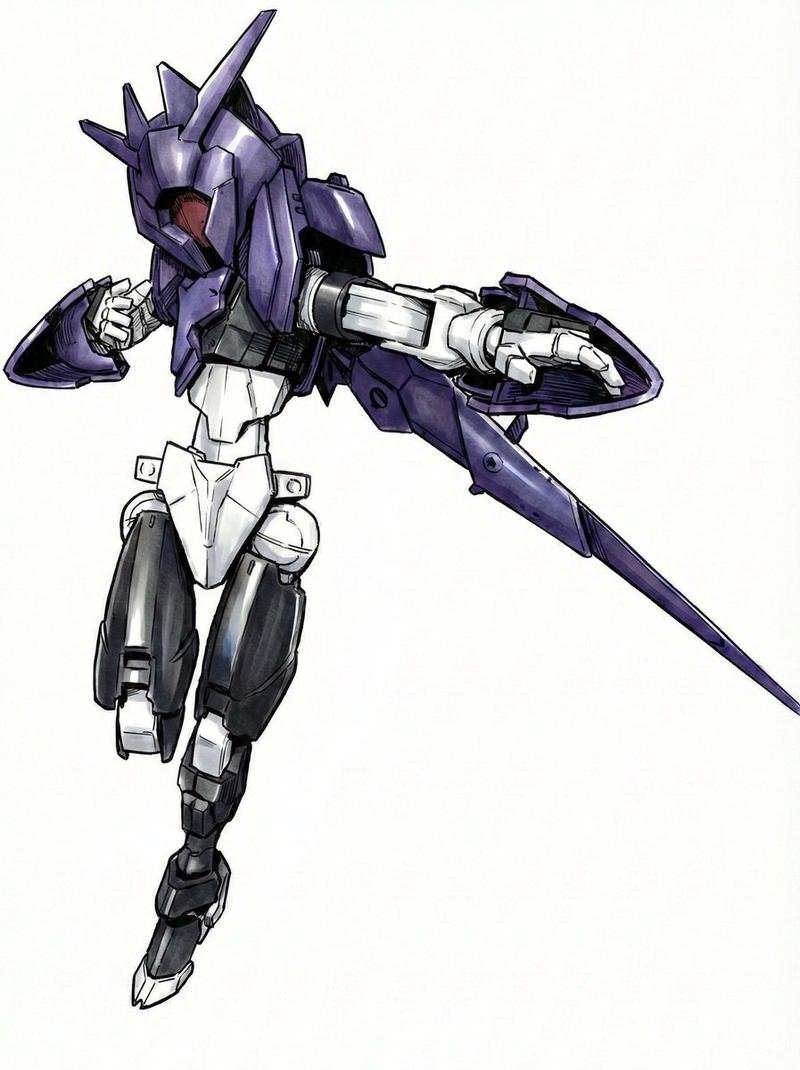
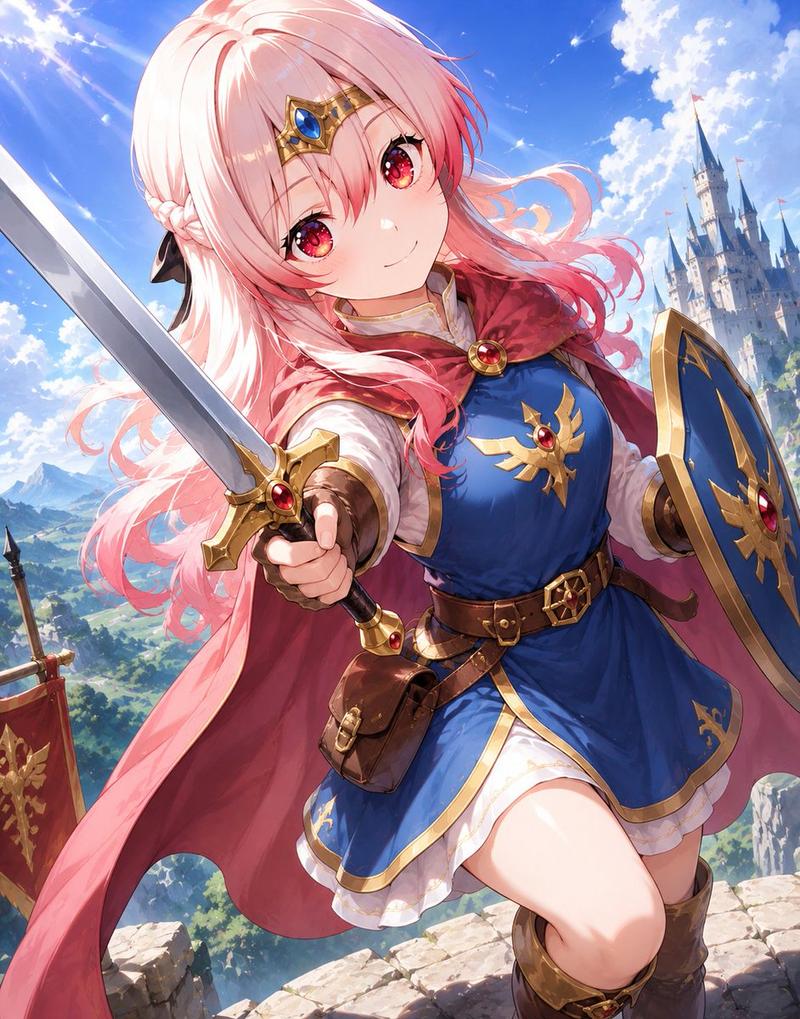
Using REFERENCE_0 as the character design sheet, transform the armored mecha girl concept into a realistic {argument name="figure scale" default="1/7 scale"} painted collectible figure product photo. Convert the black-and-white line art into a fully colored, high-quality PVC/anime figure with crisp molded armor panels, glossy and matte material separation, subtle seams, decals, and toy-like sculpted details. Keep the same core character design, dynamic airborne pose, helmet, sword, shield, cape, skirt armor, and mechanical leg armor, but render it as an actual physical figure instead of a concept sheet.

Color and finish: Use the reference sheet’s color notes as the basis: {argument name="main armor color" default="white and navy blue"}, with {argument name="accent colors" default="red, gold, gray, and light brown hair"}. Make the face, hair, armor, cape, shield, and sword look like a premium painted prototype.

Composition: Show a single full-body figure in a three-quarter front view, centered, with the sword raised behind her and the large shield forward on one arm. Add a simple studio setup with a neutral {argument name="background color" default="gray gradient"} background and a clear circular display base beneath the figure.

Style constraints: No concept-sheet panels, no annotation boxes, no Japanese labels, no extra turnaround drawings, no text, no watermark. Make it look like a professional product render/photo of a yet-unreleased anime mecha-girl figure.
Category
Posters & Typography
Model
GPT Image 2
Views5
Source ID
22637
Published
May 25, 2026

Guide

About "机甲少女手办产品渲染"

What is this prompt for?

"机甲少女手办产品渲染" AI image prompt for GPT Image 2 (Posters & Typography). 将机甲少女概念图转化为逼真的涂装收藏级手办渲染图,适用于产品风格可视化。 Copy it on Picva and recreate the look in one click.

The full copyable prompt and example visuals above are ready for AI image generation or one-click recreate in Picva.

How to use this prompt

  1. Step 1

    Open the prompt detail

    Review the example visuals, category, and full prompt text for "机甲少女手办产品渲染".

  2. Step 2

    Copy the prompt

    Copy the prompt body from this page, or load it directly in Studio.

  3. Step 3

    Pick a model (GPT Image 2)

    Prefer GPT Image 2. If you switch models, keep subject and composition and tweak style terms.

  4. Step 4

    Generate and export

    Recreate the look in Picva, or export into your workflow for editing and publishing.

FAQ

What is the "机甲少女手办产品渲染" prompt?
It is an AI image-generation prompt for GPT Image 2 in the Posters & Typography category. This page includes the full prompt text, example visuals, and a one-click recreate path in Picva.
How do I use this prompt to generate an image?
Copy the prompt from this page, or use Generate / Studio. Paste it into a compatible image model, or recreate the look in Picva with optional reference images.
Which model is this prompt for?
This page lists GPT Image 2. Most descriptive prompts also transfer to nearby image models such as GPT Image, Flux, or Midjourney with light style tweaks.
Can I use the result commercially?
You can usually copy the prompt for creation, but commercial use of the final image depends on the model terms, reference-image rights, and the generated content. Follow the source author and platform rules.