18

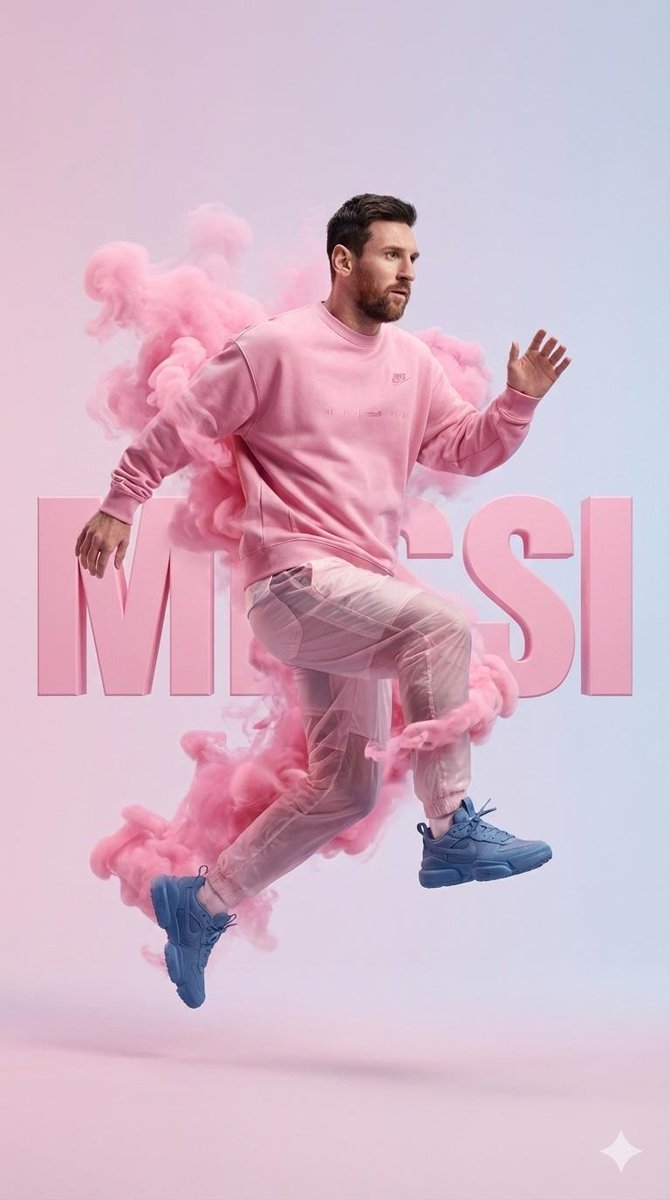
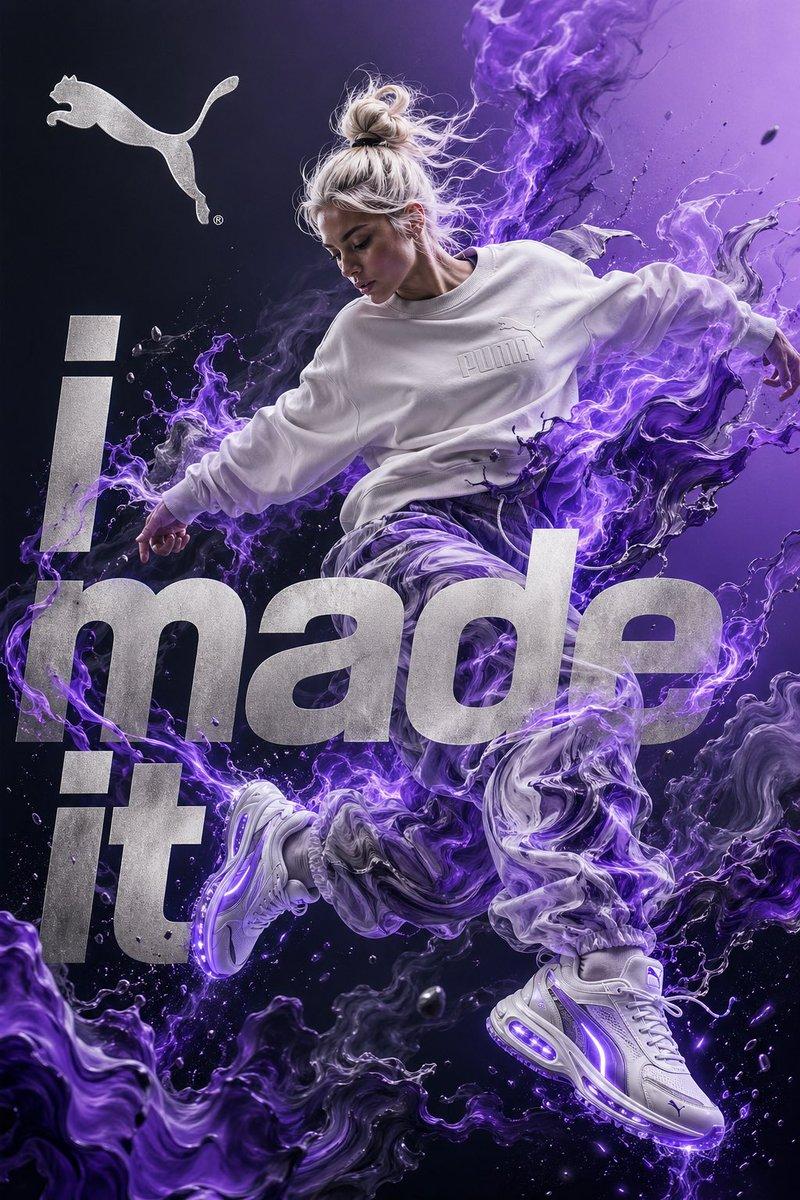
高端街头服饰宣传海报
Enlarge

高端街头服饰宣传海报

Prompt
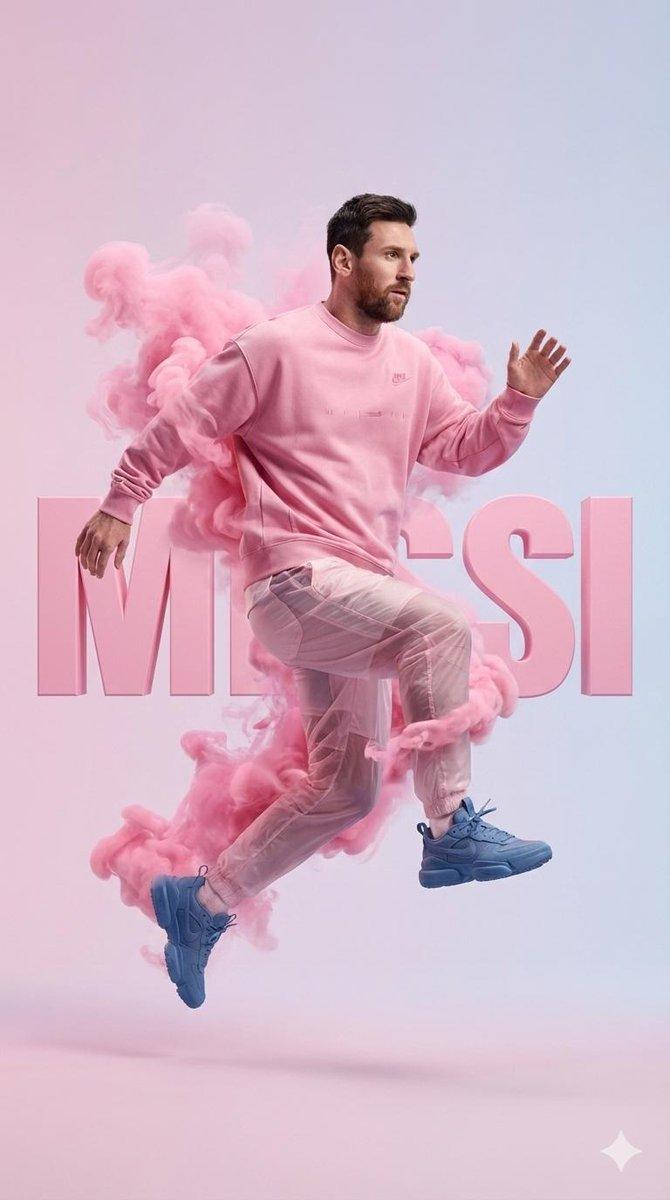
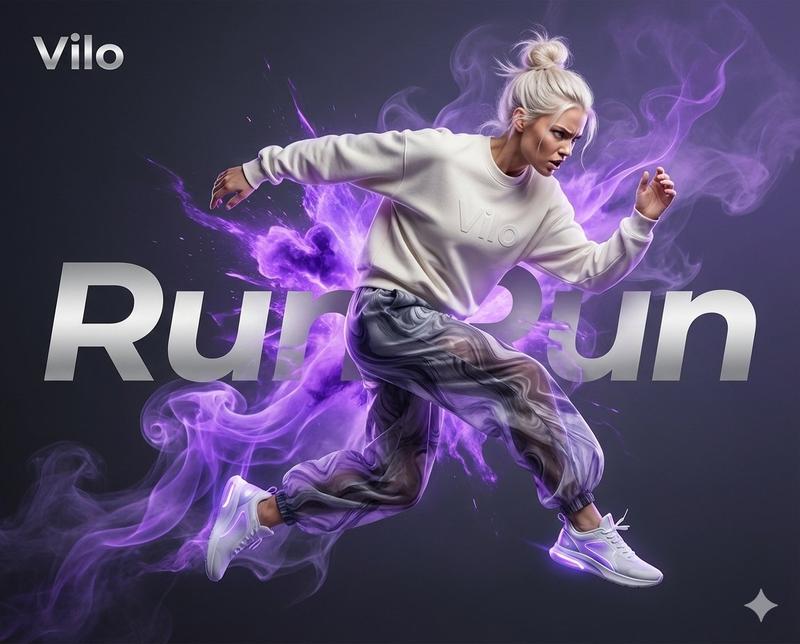
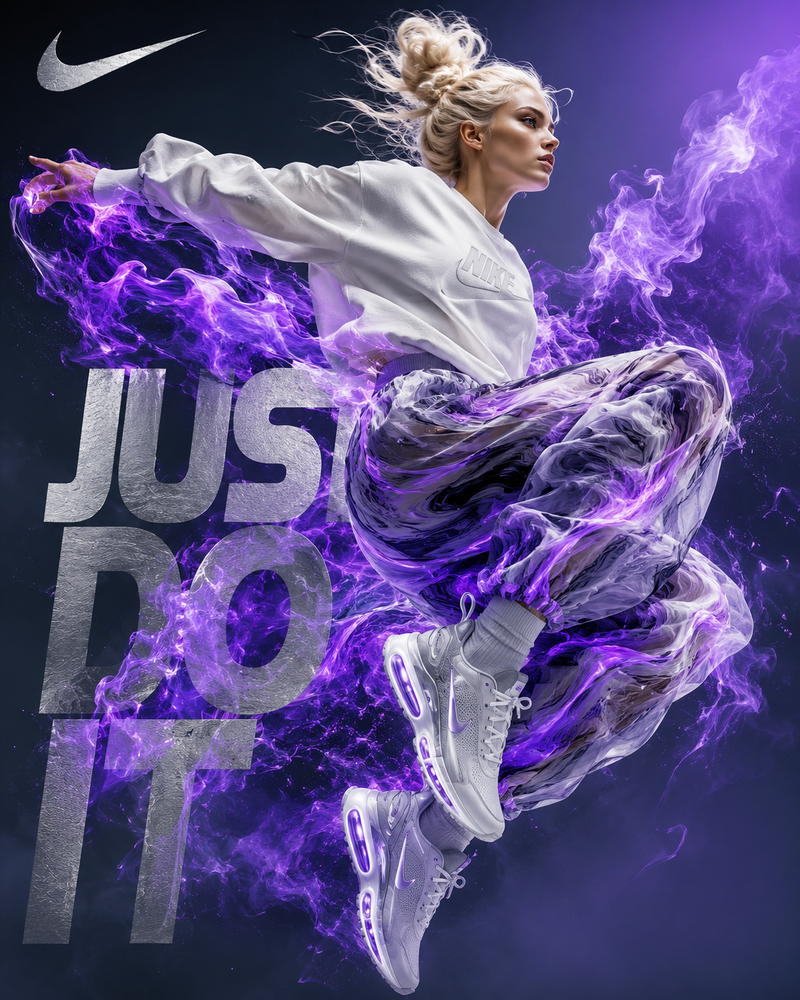
Use the uploaded reference image as the identity source. Create a high-end streetwear campaign poster with the same person captured mid-air in a dynamic floating pose. Clean studio background with {argument name="background gradient" default="soft white to light grey gradient"}. Subject wears a monochrome {argument name="clothing" default="oversized sweatshirt, matching sneakers, and translucent loose pants"}. Add {argument name="smoke color" default="dramatic colored smoke clouds"} swirling around the body, blending with the outfit tone. Strong fashion editorial lighting, sharp details, premium advertisement style, centered composition. Behind the subject, place giant bold 3D block letters spelling “{argument name="brand name" default="[BRAND NAME]"}” across the background instead of any other text, matching the outfit color. Crisp shadows, glossy finish, modern luxury sportswear aesthetic, highly detailed, poster quality.
Category
Posters & Typography
Model
GPT Image 2
Creator
Harboris
Views3
Source ID
16797
Published
Apr 28, 2026

Guide

About "高端街头服饰宣传海报"

What is this prompt for?

"高端街头服饰宣传海报" AI image prompt for GPT Image 2 (Posters & Typography). 创作一张奢华时尚广告,以特定人物(参考图)为主角,呈现动态姿势,并融入彩色烟雾与 3D 字体效果。 Copy it on Picva and recreate the look i…

The full copyable prompt and example visuals above are ready for AI image generation or one-click recreate in Picva.

How to use this prompt

  1. Step 1

    Open the prompt detail

    Review the example visuals, category, and full prompt text for "高端街头服饰宣传海报".

  2. Step 2

    Copy the prompt

    Copy the prompt body from this page, or load it directly in Studio.

  3. Step 3

    Pick a model (GPT Image 2)

    Prefer GPT Image 2. If you switch models, keep subject and composition and tweak style terms.

  4. Step 4

    Generate and export

    Recreate the look in Picva, or export into your workflow for editing and publishing.

FAQ

What is the "高端街头服饰宣传海报" prompt?
It is an AI image-generation prompt for GPT Image 2 in the Posters & Typography category. This page includes the full prompt text, example visuals, and a one-click recreate path in Picva.
How do I use this prompt to generate an image?
Copy the prompt from this page, or use Generate / Studio. Paste it into a compatible image model, or recreate the look in Picva with optional reference images.
Which model is this prompt for?
This page lists GPT Image 2. Most descriptive prompts also transfer to nearby image models such as GPT Image, Flux, or Midjourney with light style tweaks.
Can I use the result commercially?
You can usually copy the prompt for creation, but commercial use of the final image depends on the model terms, reference-image rights, and the generated content. Follow the source author and platform rules.