19

超现实漂浮男子化为灰烬
Enlarge

超现实漂浮男子化为灰烬

Prompt
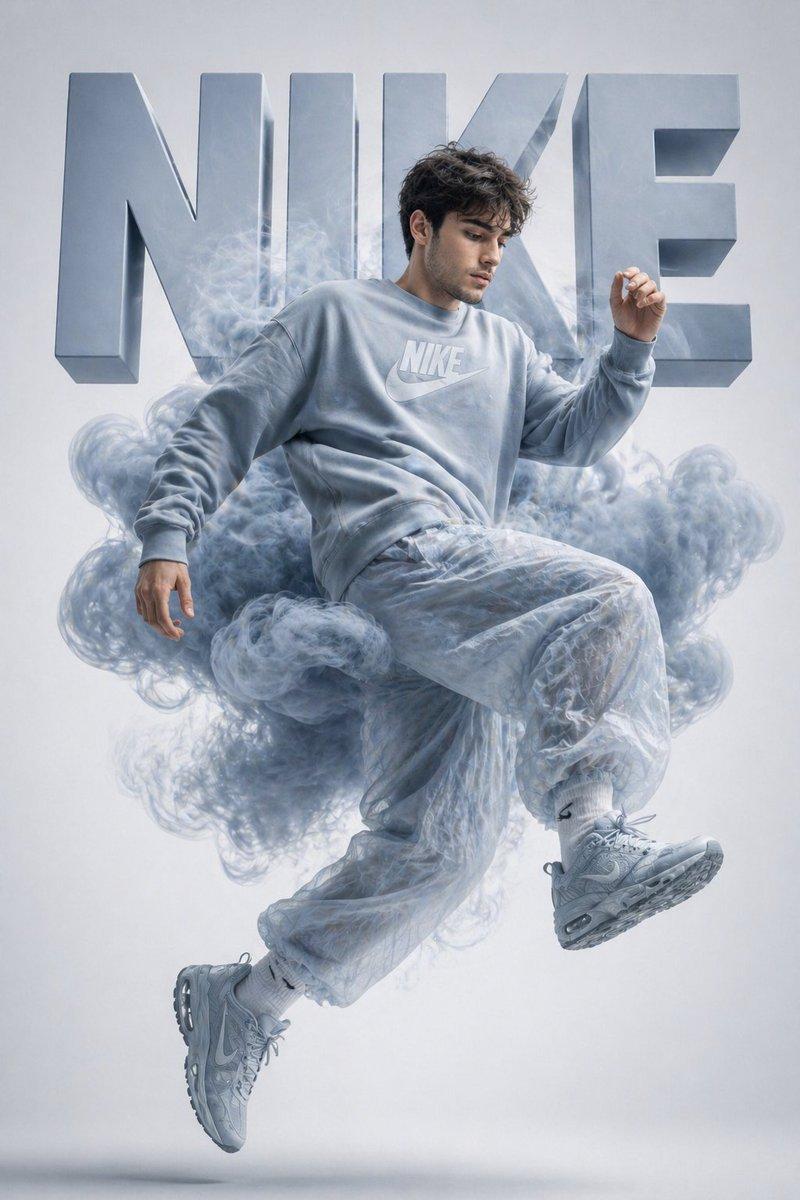
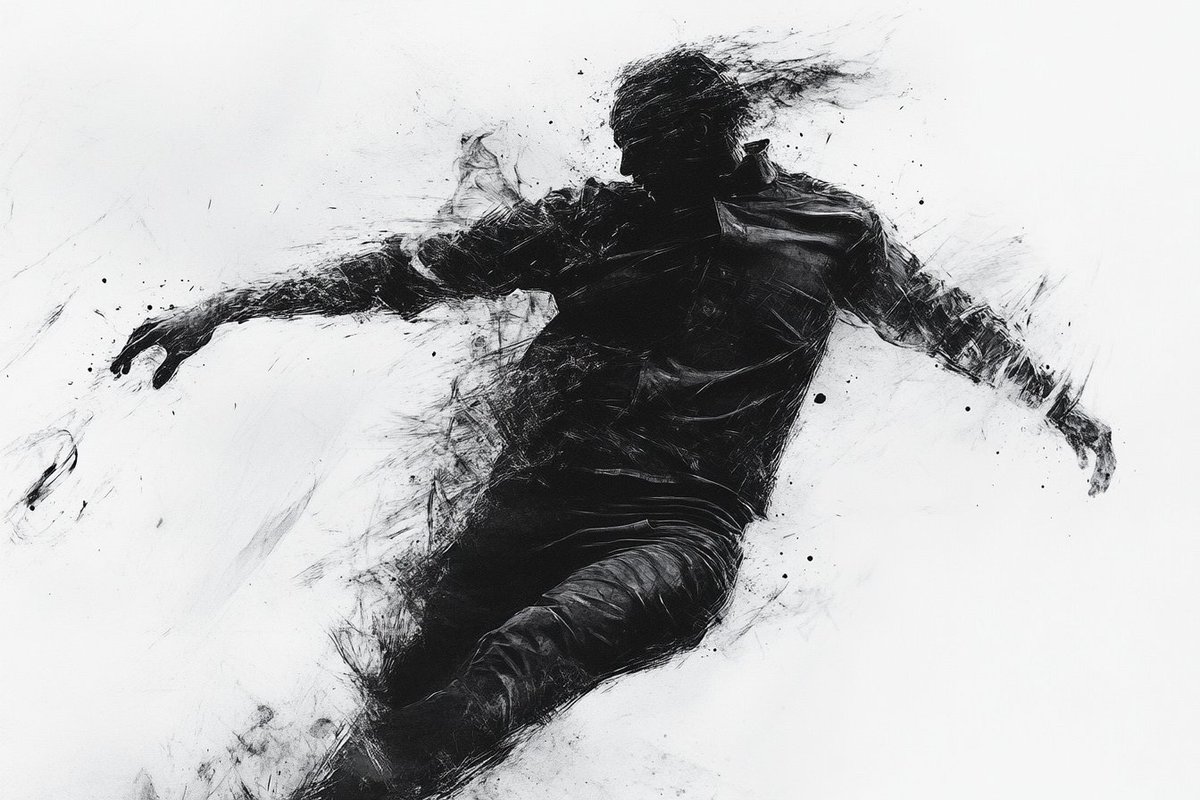
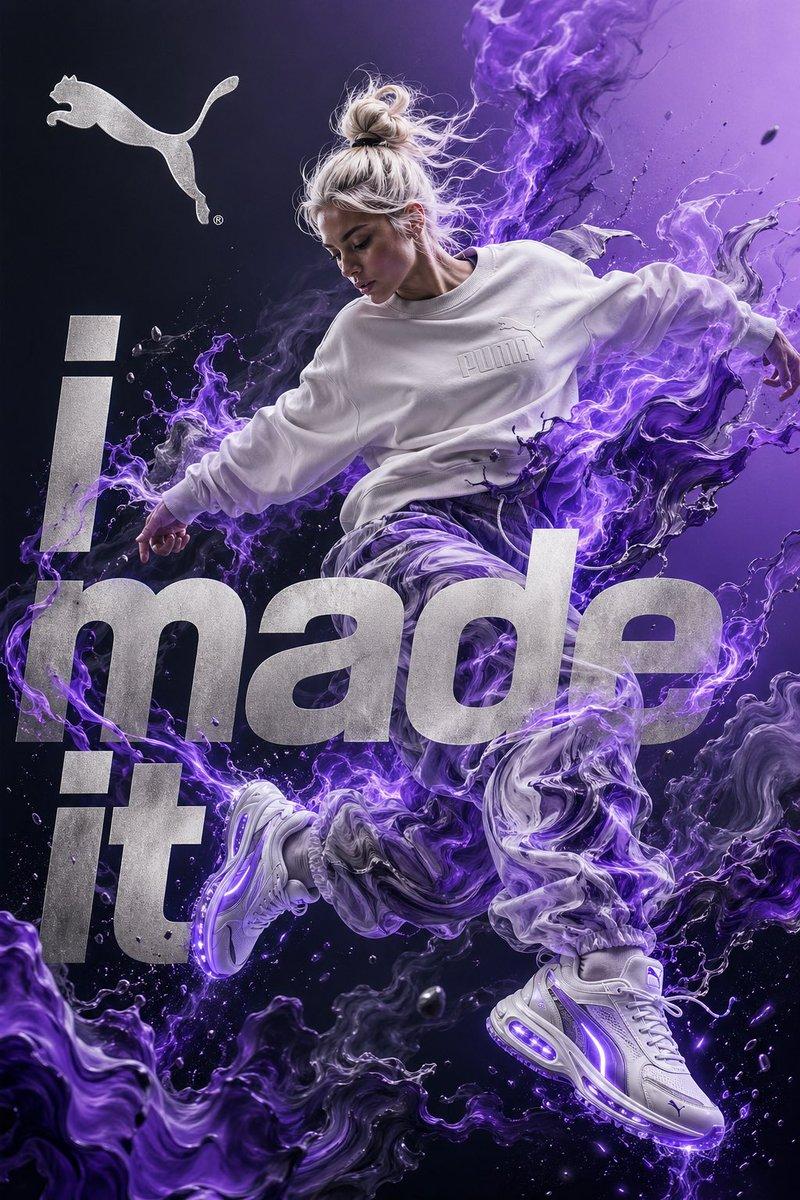
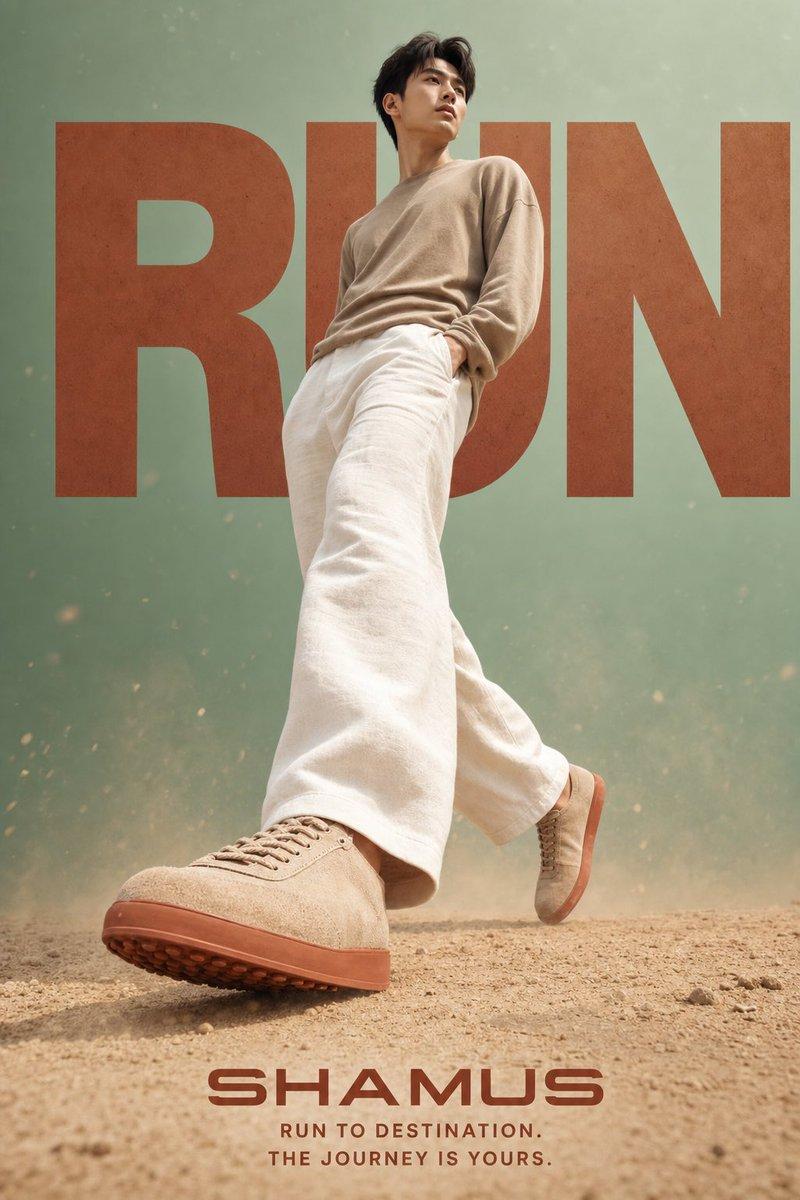
Create a hyper-realistic surreal digital art portrait of a {argument name="subject" default="young adult man"} suspended in mid-air as if floating or leaping forward, full body visible, head tilted back in transcendent calm, face intentionally softened/blurred for privacy. He wears a {argument name="jacket color" default="mustard yellow"} outdoor rain jacket over a dark forest-green hoodie, camouflage cargo pants, rugged brown hiking sneakers, and a black backpack strap over one shoulder. His pose is weightless and dynamic: one knee bent upward, the other leg trailing down, one arm relaxed behind him, torso leaning back. The right half of his body is dissolving into a dramatic cloud of black-gray ash, dust, soil fragments, dry leaves, and small debris, as if he is disintegrating into the air. Include exactly 9 visible birds in flight around the explosion of particles, varying in size and distance, with a few close silhouettes and several smaller distant birds. Use a cinematic vertical composition with the figure slightly left of center, a split atmospheric background: smoky teal-gray mist on the left blending into vivid golden-orange on the right. Lighting is moody and high contrast, with warm rim light from the orange side and soft shadow on the teal side. Render with ultra-detailed fabric textures, realistic folds, dust particles, motion blur in the debris, volumetric smoke, shallow depth of field, and a polished hyper-realistic fantasy photography style. No text, no watermark, no frame.
Category
Charts & Infographics
Model
GPT Image 2
Creator
Mr. Tariq
Views2
Source ID
22207
Published
May 23, 2026

Guide

About "超现实漂浮男子化为灰烬"

What is this prompt for?

"超现实漂浮男子化为灰烬" AI image prompt for GPT Image 2 (Charts & Infographics). 一个电影级超写实提示词,用于创作一个在青橙色背景下,化作烟雾、碎片、落叶和飞鸟的失重男性形象。 Copy it on Picva and recreate the look i…

The full copyable prompt and example visuals above are ready for AI image generation or one-click recreate in Picva.

How to use this prompt

  1. Step 1

    Open the prompt detail

    Review the example visuals, category, and full prompt text for "超现实漂浮男子化为灰烬".

  2. Step 2

    Copy the prompt

    Copy the prompt body from this page, or load it directly in Studio.

  3. Step 3

    Pick a model (GPT Image 2)

    Prefer GPT Image 2. If you switch models, keep subject and composition and tweak style terms.

  4. Step 4

    Generate and export

    Recreate the look in Picva, or export into your workflow for editing and publishing.

FAQ

What is the "超现实漂浮男子化为灰烬" prompt?
It is an AI image-generation prompt for GPT Image 2 in the Charts & Infographics category. This page includes the full prompt text, example visuals, and a one-click recreate path in Picva.
How do I use this prompt to generate an image?
Copy the prompt from this page, or use Generate / Studio. Paste it into a compatible image model, or recreate the look in Picva with optional reference images.
Which model is this prompt for?
This page lists GPT Image 2. Most descriptive prompts also transfer to nearby image models such as GPT Image, Flux, or Midjourney with light style tweaks.
Can I use the result commercially?
You can usually copy the prompt for creation, but commercial use of the final image depends on the model terms, reference-image rights, and the generated content. Follow the source author and platform rules.