18

时尚编辑风格信息图提示词
Enlarge

时尚编辑风格信息图提示词

Prompt
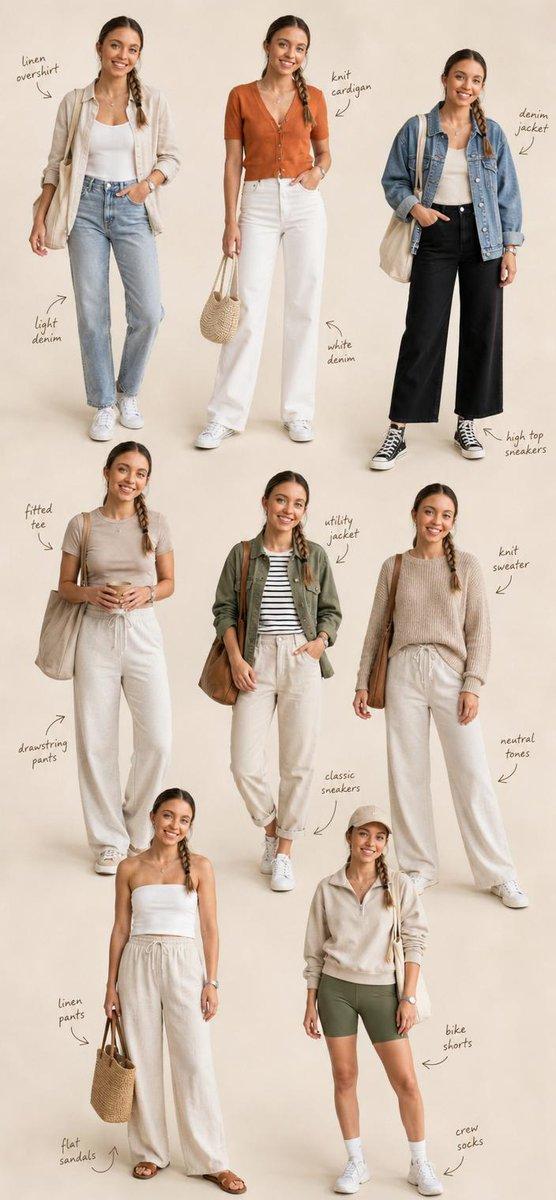
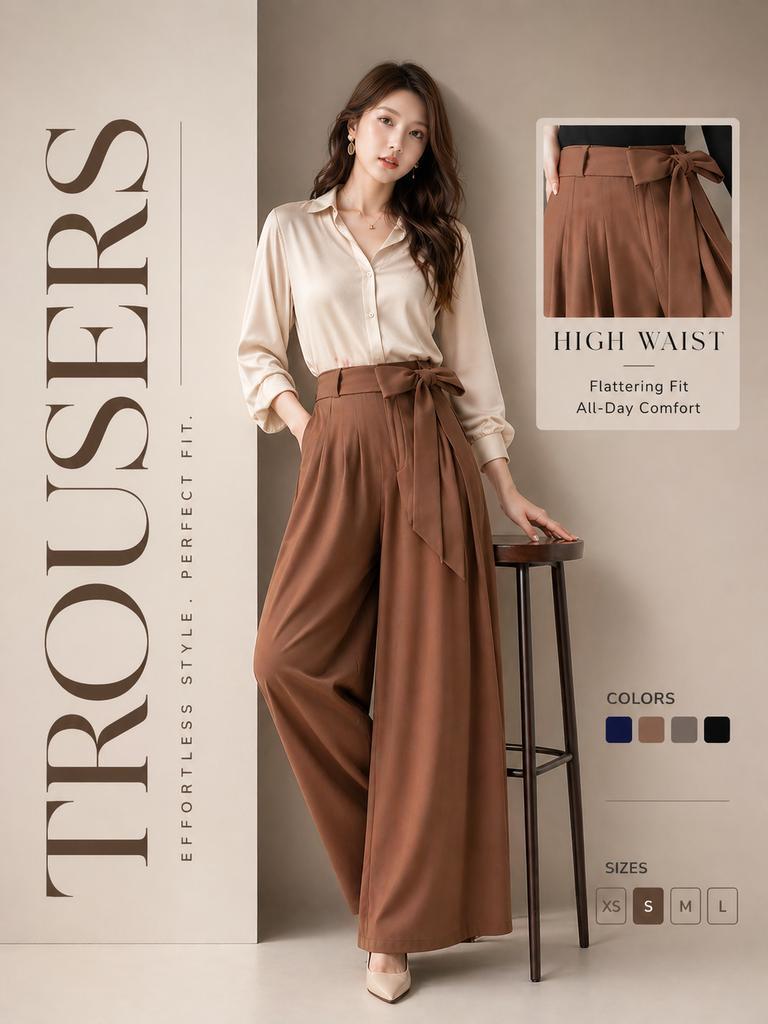
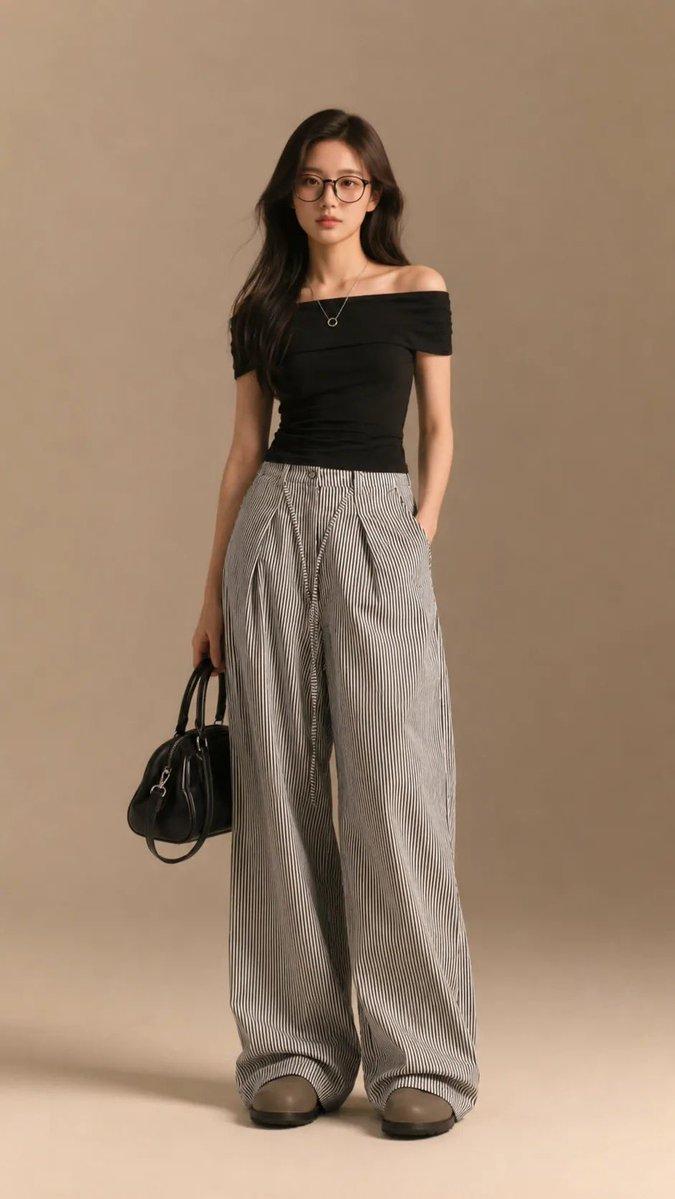
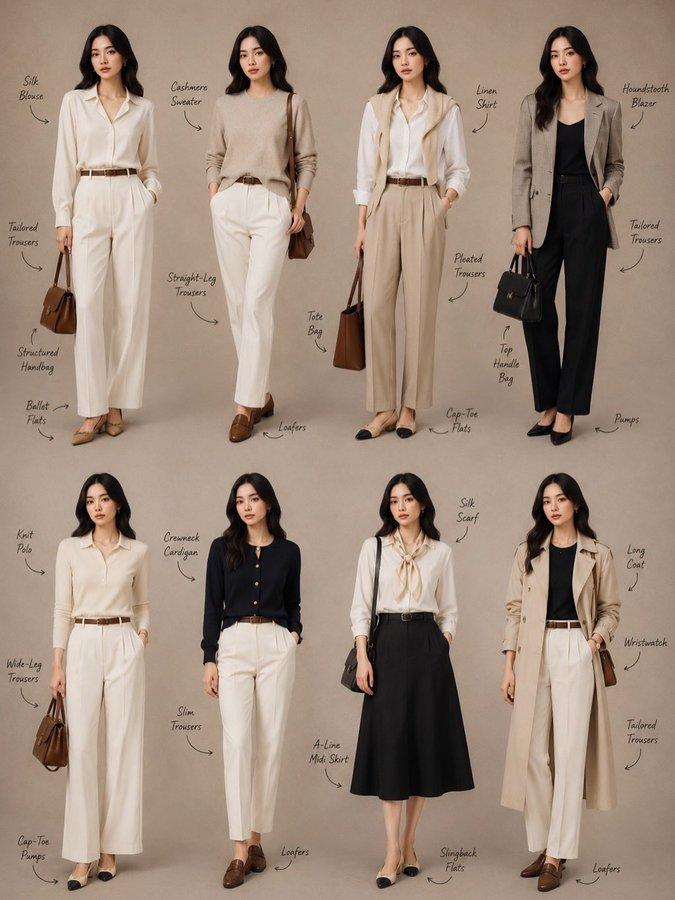
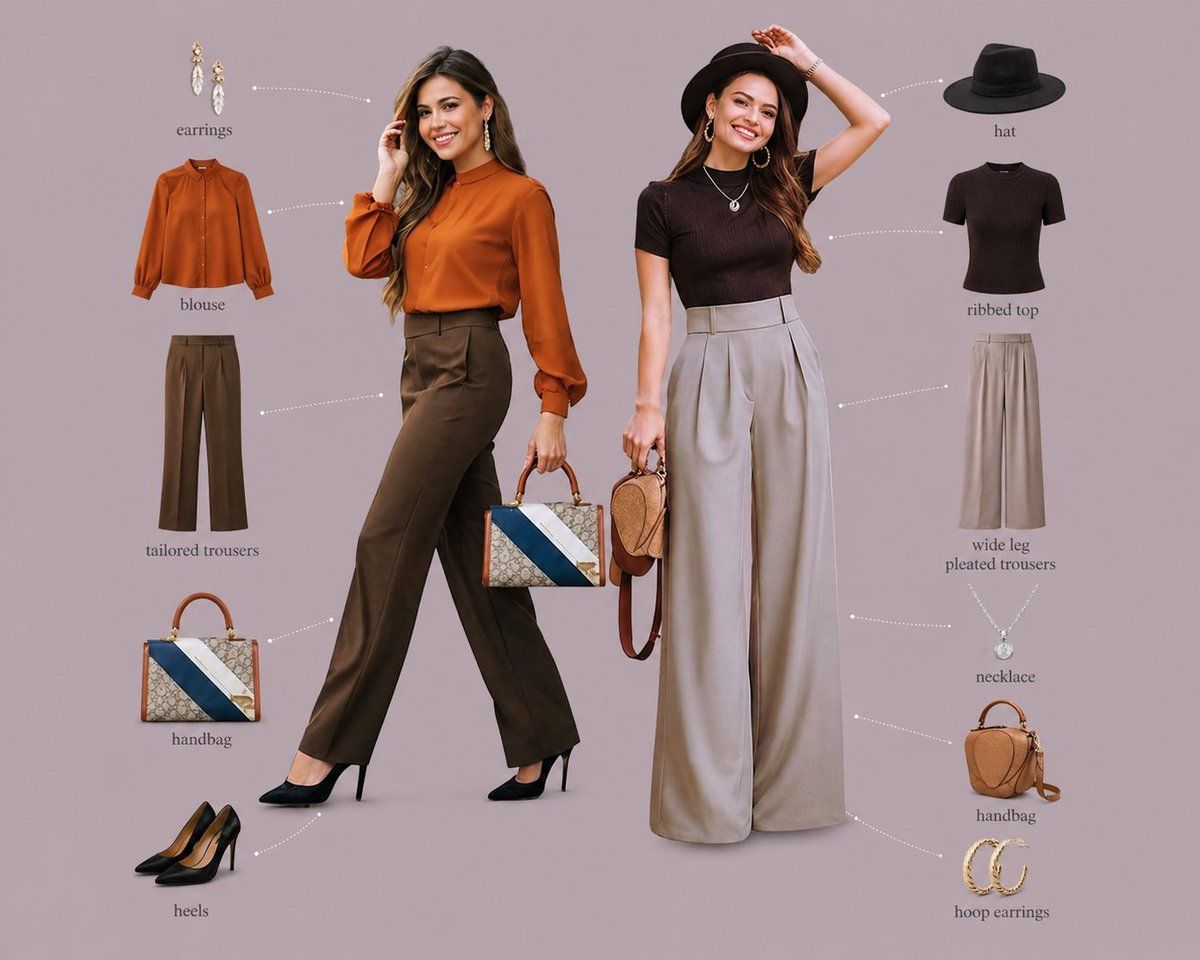
Minimalist fashion editorial infographic, soft muted mauve/grey background, two stylish female models standing side by side centered, full body, confident poses, studio lighting, clean shadows, high-end fashion campaign look.
Left model: wearing a {argument name="left model outfit" default="rust orange blouse with long sleeves tucked into dark brown tailored trousers"}, black pointed high heels, holding a structured handbag, minimal jewelry (earrings).
Right model: wearing a {argument name="right model outfit" default="dark ribbed fitted top tucked into beige wide-leg pleated trousers"}, black wide-brim hat, hoop earrings, necklace, carrying a small handbag.
Around each model, neatly arranged outfit breakdown elements (floating items) with thin dotted connector lines pointing to the model:
Left side items: blouse, tailored trousers, handbag, heels, earrings
Right side items: hat, ribbed top, wide-leg pleated trousers, necklace, handbag, hoop earrings
Each item displayed as clean cut-out product shot, evenly spaced, symmetrical layout.
Typography: small elegant serif labels under each item (e.g., “blouse”, “tailored trousers”, “heels”), subtle and minimal.
Composition: balanced editorial layout, lots of negative space, premium magazine/catalog aesthetic, soft neutral tones, cohesive color palette.
Ultra-realistic, sharp focus, high resolution, fashion lookbook style, Pinterest/Instagram luxury brand vibe
Category
Charts & Infographics
Model
GPT Image 2
Creator
auqib
Views3
Source ID
16820
Published
Apr 28, 2026

Guide

About "时尚编辑风格信息图提示词"

What is this prompt for?

"时尚编辑风格信息图提示词" AI image prompt for GPT Image 2 (Charts & Infographics). 生成专业时尚 Lookbook 信息图,展示模特并排站立,配以悬浮的产品拆解元素和优雅的标签。 Copy it on Picva and recreate the look…

The full copyable prompt and example visuals above are ready for AI image generation or one-click recreate in Picva.

How to use this prompt

  1. Step 1

    Open the prompt detail

    Review the example visuals, category, and full prompt text for "时尚编辑风格信息图提示词".

  2. Step 2

    Copy the prompt

    Copy the prompt body from this page, or load it directly in Studio.

  3. Step 3

    Pick a model (GPT Image 2)

    Prefer GPT Image 2. If you switch models, keep subject and composition and tweak style terms.

  4. Step 4

    Generate and export

    Recreate the look in Picva, or export into your workflow for editing and publishing.

FAQ

What is the "时尚编辑风格信息图提示词" prompt?
It is an AI image-generation prompt for GPT Image 2 in the Charts & Infographics category. This page includes the full prompt text, example visuals, and a one-click recreate path in Picva.
How do I use this prompt to generate an image?
Copy the prompt from this page, or use Generate / Studio. Paste it into a compatible image model, or recreate the look in Picva with optional reference images.
Which model is this prompt for?
This page lists GPT Image 2. Most descriptive prompts also transfer to nearby image models such as GPT Image, Flux, or Midjourney with light style tweaks.
Can I use the result commercially?
You can usually copy the prompt for creation, but commercial use of the final image depends on the model terms, reference-image rights, and the generated content. Follow the source author and platform rules.