16

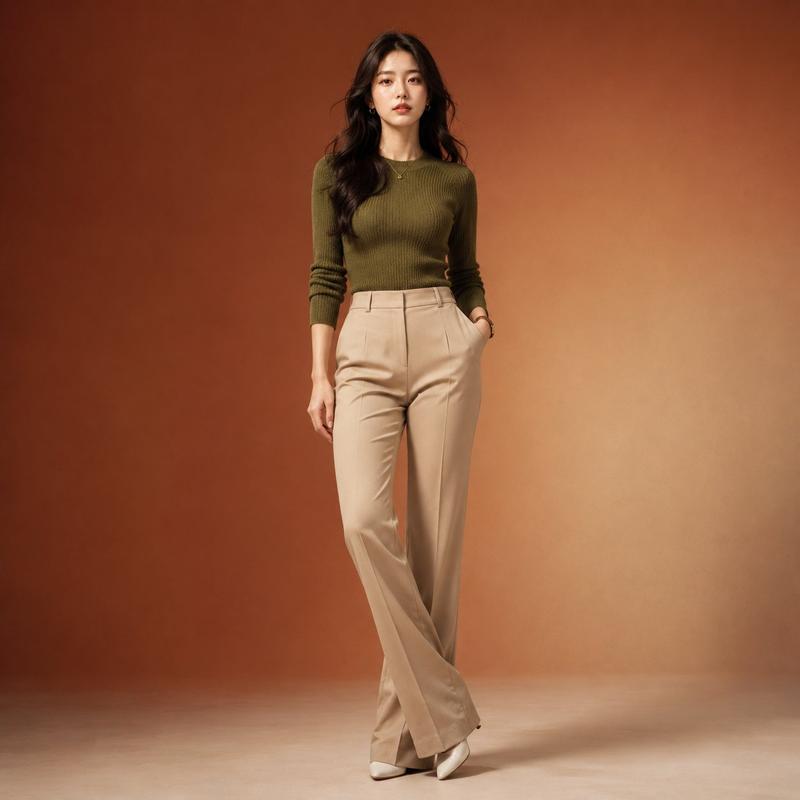
极简风女性时尚穿搭手册拼贴
Enlarge

极简风女性时尚穿搭手册拼贴

Prompt
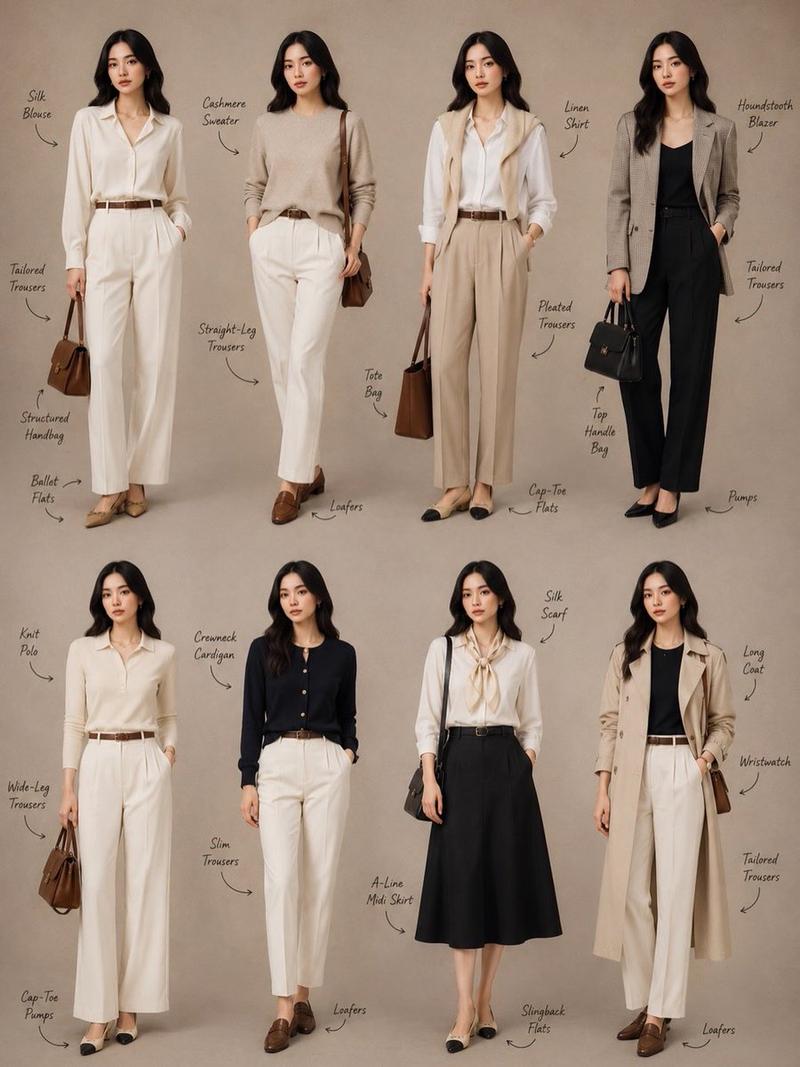
Minimalist fashion lookbook collage featuring 8 full-body female models standing against a warm beige studio background. Each model wears elegant, neutral-toned outfits styled in a modern classic aesthetic. Clothing includes silk blouses, cashmere sweaters, linen shirts, knit polos, cardigans, tailored trousers, pleated trousers, wide-leg pants, slim trousers, and an A-line midi skirt. Outerwear includes a houndstooth blazer and a long trench coat. Accessories include structured handbags, tote bags, top-handle bags, belts, wristwatch, and silk scarf. Footwear includes ballet flats, loafers, cap-toe flats, slingback flats, and pumps. Soft lighting, editorial style, clean composition, subtle shadows. Handwritten-style labels pointing to each clothing item. Neutral color palette (cream, beige, black, brown). High detail, fashion magazine aesthetic, 4k resolution.
Category
Posters & Typography
Model
ChatGPT
Creator
@Sairah_0
Views135
Source ID
14044
Published
May 9, 2026

Guide

About "极简风女性时尚穿搭手册拼贴"

What is this prompt for?

"极简风女性时尚穿搭手册拼贴" AI image prompt for ChatGPT (Posters & Typography). 极简时尚造型手册拼贴画,包含 8 位全身女性模特站在温暖米色工作室背景前。每位模特身着优雅的中性色调服装,以现代经典美学风格搭配。服装包括丝绸衬衫、羊绒毛衣、亚麻衬衫、针织马球衫、开…

The full copyable prompt and example visuals above are ready for AI image generation or one-click recreate in Picva.

How to use this prompt

  1. Step 1

    Open the prompt detail

    Review the example visuals, category, and full prompt text for "极简风女性时尚穿搭手册拼贴".

  2. Step 2

    Copy the prompt

    Copy the prompt body from this page, or load it directly in Studio.

  3. Step 3

    Pick a model (ChatGPT)

    Prefer ChatGPT. If you switch models, keep subject and composition and tweak style terms.

  4. Step 4

    Generate and export

    Recreate the look in Picva, or export into your workflow for editing and publishing.

FAQ

What is the "极简风女性时尚穿搭手册拼贴" prompt?
It is an AI image-generation prompt for ChatGPT in the Posters & Typography category. This page includes the full prompt text, example visuals, and a one-click recreate path in Picva.
How do I use this prompt to generate an image?
Copy the prompt from this page, or use Generate / Studio. Paste it into a compatible image model, or recreate the look in Picva with optional reference images.
Which model is this prompt for?
This page lists ChatGPT. Most descriptive prompts also transfer to nearby image models such as GPT Image, Flux, or Midjourney with light style tweaks.
Can I use the result commercially?
You can usually copy the prompt for creation, but commercial use of the final image depends on the model terms, reference-image rights, and the generated content. Follow the source author and platform rules.