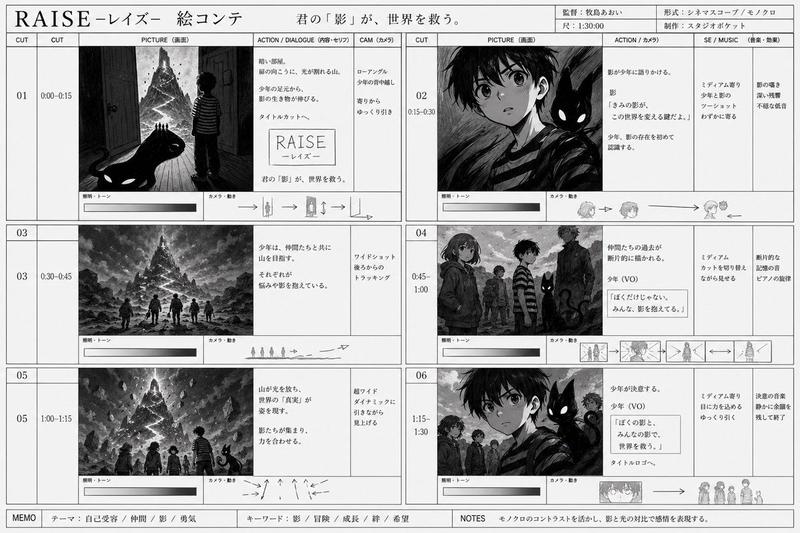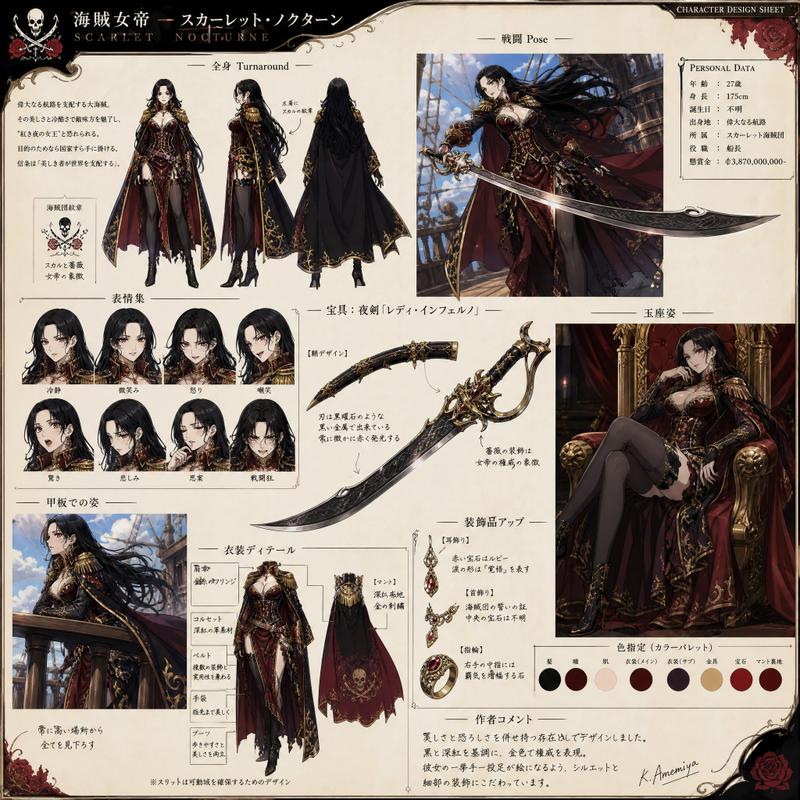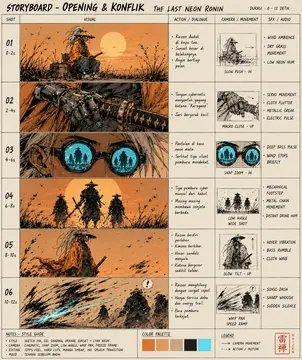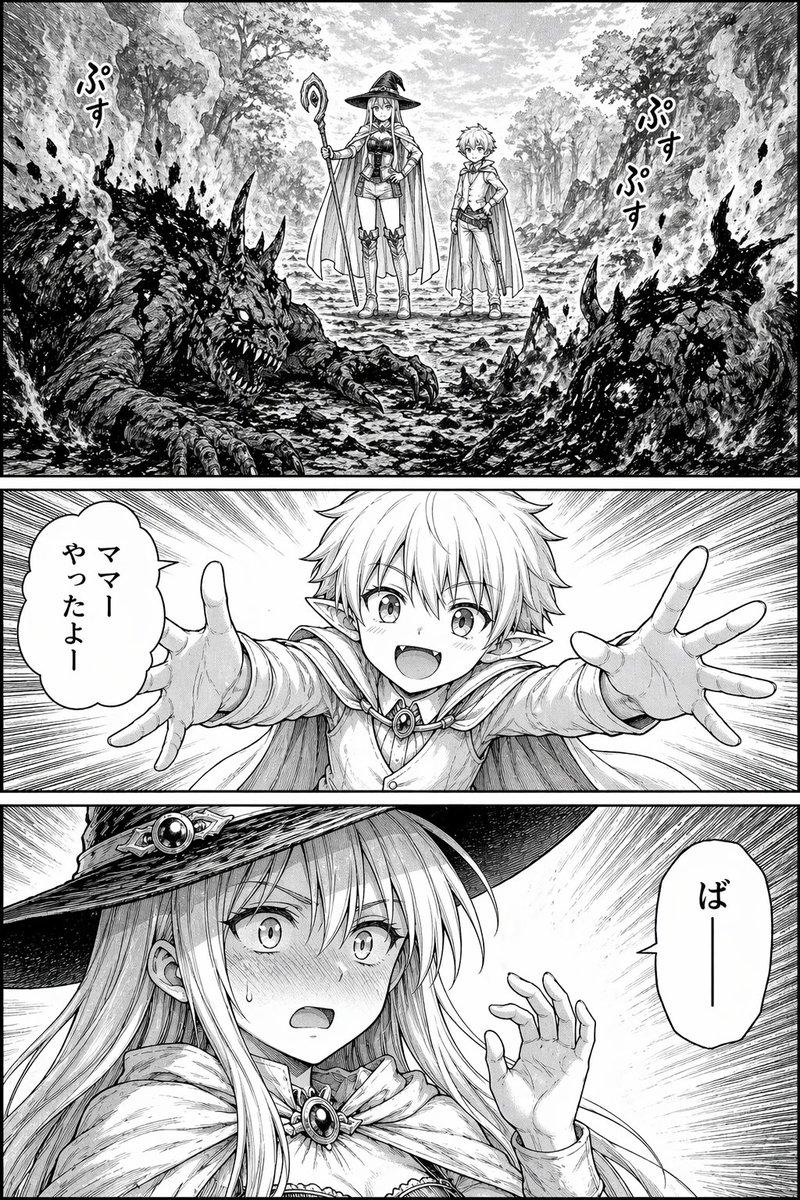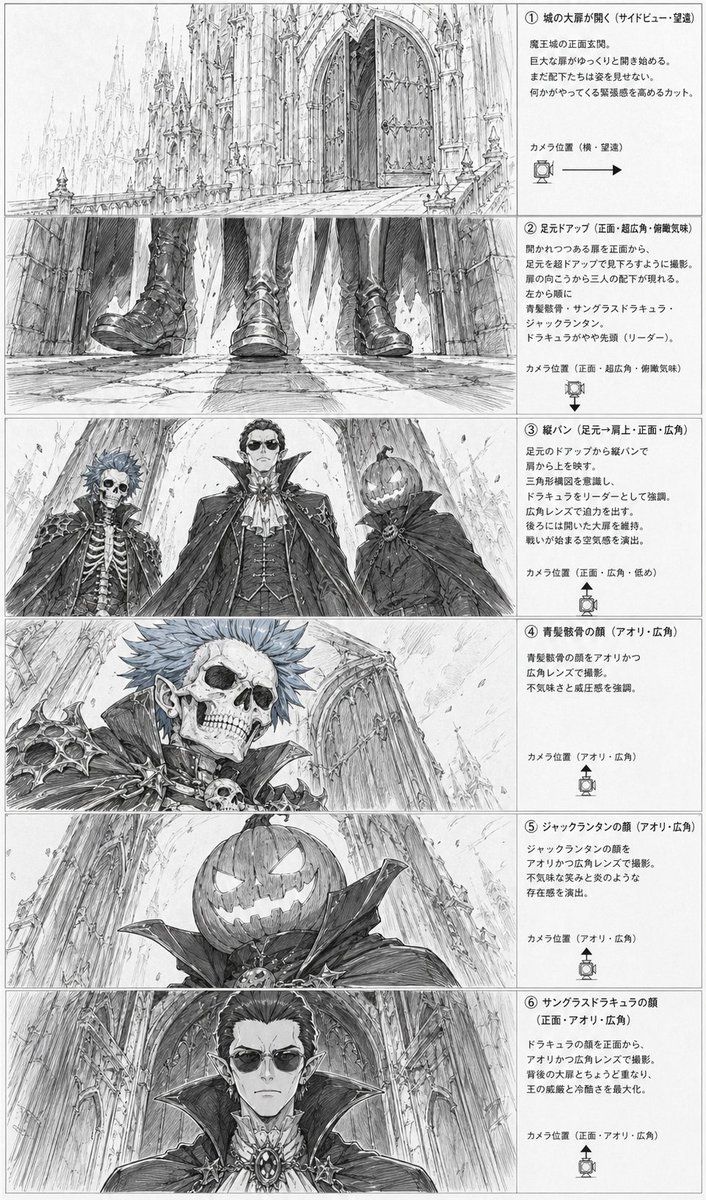
哥特式反派分镜表
Prompt
{"type":"anime storyboard layout sheet","style":"monochrome pencil sketch, detailed line art, grayscale concept art, dramatic gothic fantasy atmosphere, manga storyboard presentation","subject":{"setting":"the front entrance of a massive gothic demon castle with towering cathedral-like spires, pointed arches, carved stone, huge double doors, long stone approach, and a cavernous sense of scale","theme":"ominous villain introduction before a battle","characters":[{"id":"character 1","description":"undead noble with a skeletal face, spiky short hair, pointed ears, ornate dark armor with bone and skull motifs, high collar, aristocratic vampire-like styling"},{"id":"character 2","description":"tall central vampire lord in an elaborate formal outfit with layered cape, high standing collar, cravat, vest, jewelry and medallion, regal and intimidating presence"},{"id":"character 3","description":"jack-o'-lantern headed figure wearing a dark cloak with a huge collar, carved glowing-smile pumpkin face, eerie and theatrical"}],"faces partially censored with soft gray rectangular blurs on 3 close-up panels":"true"},"layout":{"orientation":"vertical page","columns":"2","left column":"6 storyboard image panels stacked vertically","right column":"6 explanatory text boxes stacked vertically","sections":[{"title":"① 城の大扉が開く(サイドビュー・望遠)","position":"top row","count":1,"labels":["opening castle gate wide shot"],"image":"a long telephoto side view of the gigantic castle entrance, with the monumental front doors beginning to open and the architecture dwarfing everything around it"},{"title":"② 足元アップ(正面・超広角・俯瞰気味)","position":"second row","count":1,"labels":["feet close-up"],"image":"an ultra-wide low frontal close-up of 3 pairs of boots and the hems of capes as the villains approach over cracked stone pavement, emphasizing footsteps and menace"},{"title":"③ 縦パン(足元→肩上・正面・広角)","position":"third row","count":3,"labels":["skeleton noble","vampire lord","jack-o'-lantern figure"],"image":"a dramatic low-angle three-character lineup framed from below, showing the 3 antagonists towering above the viewer against the cathedral facade"},{"title":"④ 青髪骸骨の顔(アオリ・広角)","position":"fourth row","count":1,"labels":["skeletal face close-up"],"image":"close-up low-angle portrait of the skeletal blue-haired noble, with sharp shoulder armor, skull ornament, and the castle wall receding behind"},{"title":"⑤ ジャックランタンの顔(アオリ・広角)","position":"fifth row","count":1,"labels":["pumpkin head close-up"],"image":"close-up low-angle portrait of the jack-o'-lantern headed figure, showing the carved sinister grin and oversized collar against the towering architecture"},{"title":"⑥ サングラスドラキュラの顔(正面・アオリ・広角)","position":"bottom row","count":1,"labels":["vampire lord face close-up"],"image":"frontal low-angle close-up of the central vampire lord with elegant hair, pointed ears, ornate brooch, and enormous collar filling the frame"}],"ui components":{"count":6,"items":["6 numbered section headers","6 camera position notes","6 camera direction icons with arrows or angle markers","6 bordered explanatory text areas","6 storyboard image frames","1 full page border"]}},"composition":"clean production sheet layout with thin panel borders, dense Japanese annotations on the right, each illustration on the left corresponding to one text explanation, highly readable storyboard design","text":"all annotation text is in Japanese, printed in neat storyboard document formatting","quality":"highly detailed architectural draftsmanship, expressive perspective exaggeration, cinematic villain reveal, professional anime pre-production board"}- Category
- UI & Interfaces
- Model
- GPT Image 2
- Creator
- KanahiRO/かなひろ(AI-ART)
- Source ID
- 17156
- Published
- Apr 29, 2026
Views8