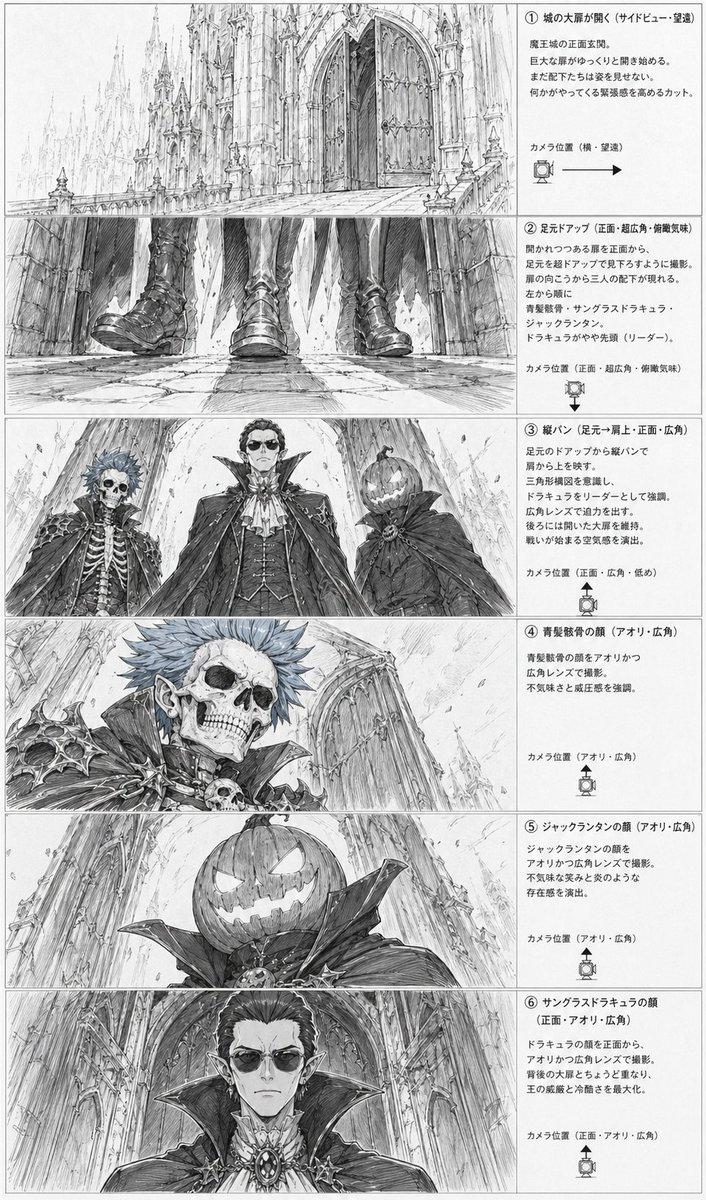
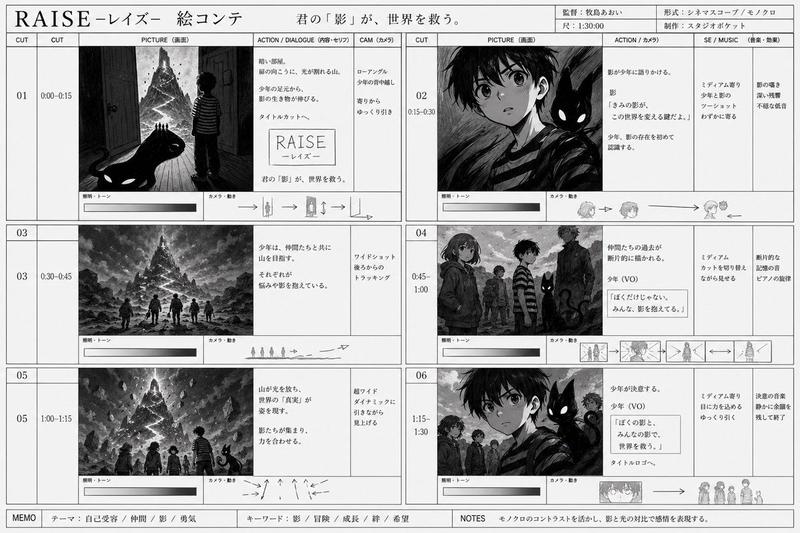
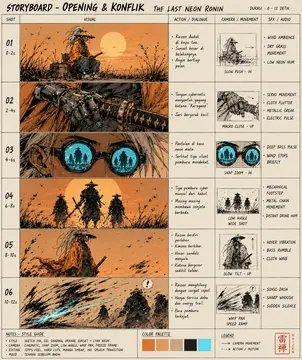
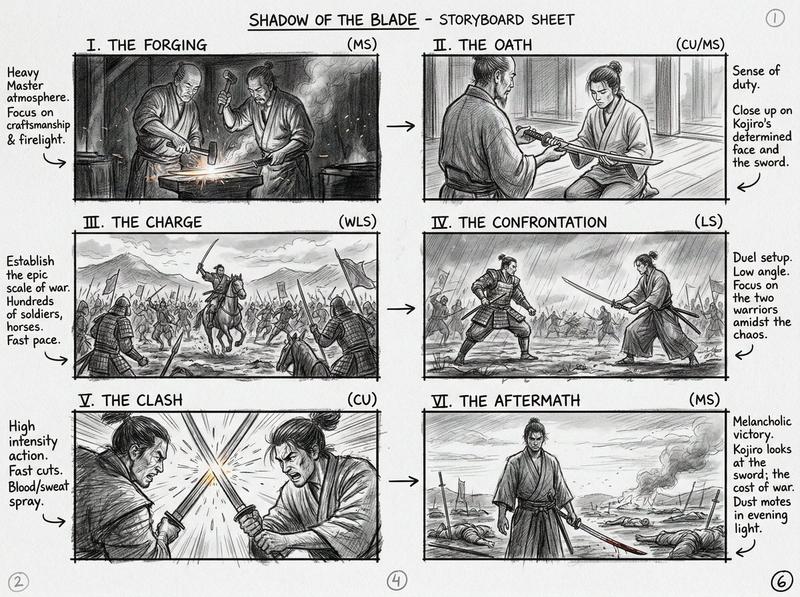
奇幻动漫分镜表
Prompt
{"type":"anime storyboard layout sheet","style":"monochrome pencil sketch, manga storyboard roughs, highly detailed line art, white paper background, editorial page design, cinematic composition studies, fantasy adventure tone","subject":{"setting":"a long stone bridge leading to a grand royal castle with tall spires and ornate railings","characters":{"count":4,"group_description":"a fantasy party walking together toward the castle","members":[{"role":"paladin knight","traits":"male, heavy armor, cape, shield, short spiky hair"},{"role":"hero","traits":"male, central figure, ornate armor, cape, sword, determined expression"},{"role":"elf attendant","traits":"female elf, long hair, pointed ears, staff or spear-like weapon, elegant armor"},{"role":"witch","traits":"female, long flowing hair, large pointed hat, layered robes, magical presence"}]},"page":{"aspect_ratio":"tall manga manuscript page","left_column":"Japanese explanatory text with camera notes and small camera-position icons","right_column":"7 storyboard panels stacked vertically with borders"},"layout":{"sections":[{"title":"① 俯瞰ロングショット(望遠レンズ)","position":"top","count":1,"labels":["high-angle long shot of the four characters on the bridge, viewed from above, approaching the castle entrance"]},{"title":"② 正面・俯瞰→縦パン(広角レンズ)","position":"upper middle","count":1,"labels":["frontal group shot of all four characters walking forward on the bridge, medium-wide framing"]},{"title":"③ 勇者の突撃(広角レンズ)","position":"middle","count":1,"labels":["the hero lunges forward toward the camera with sword thrust out, dramatic perspective, the other three behind"]},{"title":"④ 魔女の顔アップ","position":"middle lower","count":1,"labels":["close-up of the witch's face from a slight low angle, wide-brim hat dominating the frame, long hair streaming outward"]},{"title":"⑤ エルフの槍使いの顔アップ","position":"lower middle","count":1,"labels":["close-up of the elf woman's face, pointed ears visible, intense eyes, weapon shaft near the side of the frame"]},{"title":"⑥ パラディンの騎士の顔アップ","position":"lower","count":1,"labels":["close-up of the paladin knight's face and shoulder armor, shield edge visible, stern expression"]},{"title":"⑦ 4人を後ろからのカット(ロングショット)","position":"bottom","count":1,"labels":["rear view of the four characters standing on the bridge facing the enormous castle in the distance"]}],"total_sections":7},"composition":{"panel_borders":"clean rectangular storyboard frames","text_area":"narrow left-side annotation column","camera_icons_count":7,"camera_icons":"one small simple camera-position diagram per numbered section","reading_flow":"top to bottom"},"rendering":{"line_quality":"fine graphite lines with cross-hatching and speed lines","shading":"light grayscale pencil shading only","finish":"rough but readable previsualization sheet for animation or cinematic planning"}}- Category
- Charts & Infographics
- Model
- GPT Image 2
- Creator
- KanahiRO/かなひろ(AI-ART)
- Source ID
- 17189
- Published
- Apr 29, 2026
Views2