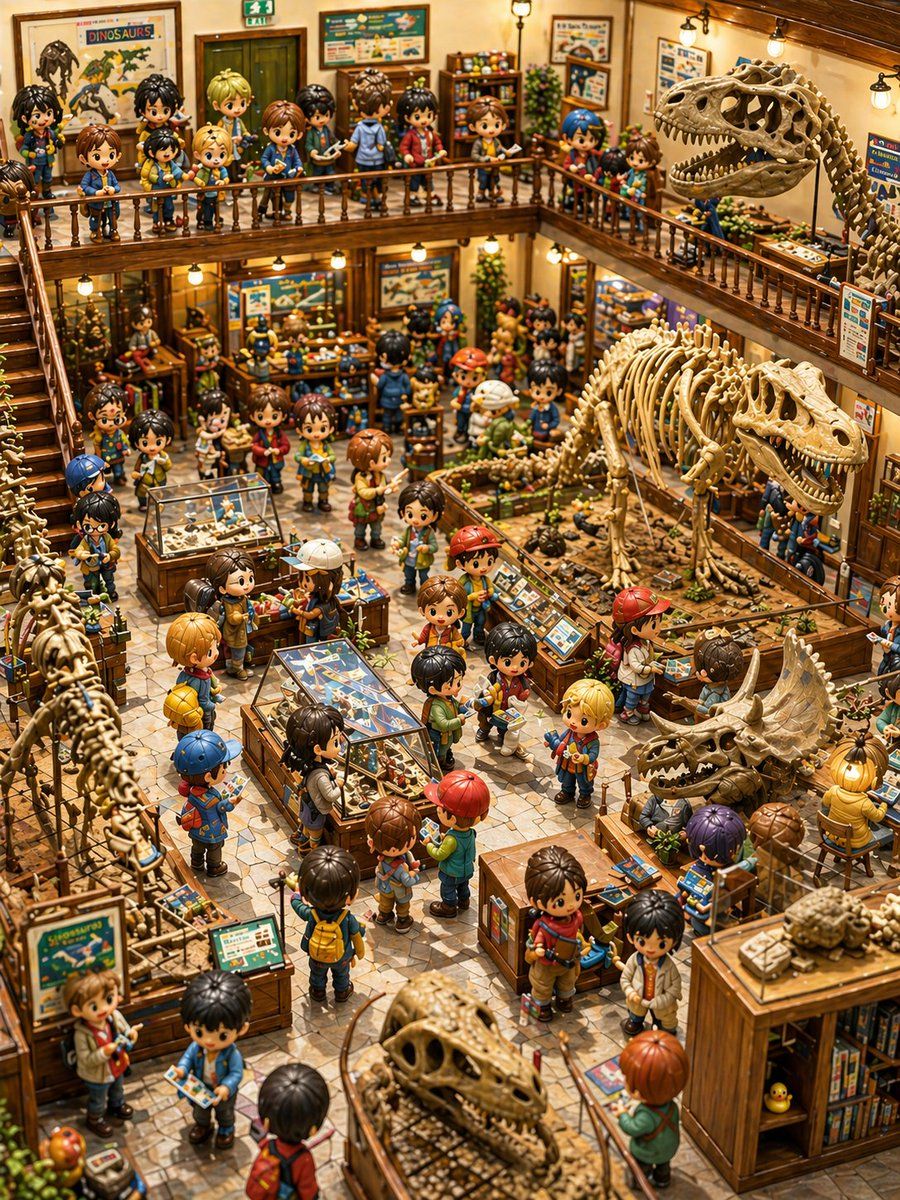
Q 版恐龙博物馆立体模型
Prompt
A highly detailed, warm, whimsical isometric interior of a two-story dinosaur museum packed with chibi anime children and fossil exhibits, rendered like a handcrafted miniature diorama with toy-like figures, glossy eyes, soft rounded faces, and intricate wood-and-brass museum furniture. The scene is viewed from an elevated corner angle looking down into a bustling central hall with exactingly arranged displays and visitors everywhere. Include approximately 52 chibi children scattered throughout the museum, with a crowded upper balcony and busy ground floor, each dressed like young explorers in colorful casual clothes, backpacks, caps, jackets, shorts, and sneakers, many holding guidebooks or pamphlets. The setting should feel cheerful and adventurous, with golden ambient lighting from small hanging lamps, polished wooden railings, staircases on the left, tiled stone flooring, framed dinosaur posters on the walls, educational signs, specimen cases, bookshelves, plants, and gift-shop-like display tables.

Feature 6 major dinosaur skeleton exhibits clearly visible: 1 large Tyrannosaurus rex skeleton dominating the right side upper floor with open jaws, 1 medium theropod skeleton in the center-right ground floor exhibit pit, 1 triceratops skull and partial skeleton display on the lower right, 1 long-necked partial skeleton running vertically along the lower left edge, 1 large fossilized skull display in the lower center foreground, and 1 small fossil or turtle-like specimen on top of a wooden cabinet at the far lower right. Also include 5 glass display cases or tabletop specimen exhibits: 1 central rectangular butterfly or insect specimen table in the lower middle, 1 glass-topped fossil case left of center, 1 smaller blue-topped specimen counter near the middle left, 1 angled educational control panel or fossil information stand beside the central dinosaur pit, and 1 additional exhibit table integrated into the lower-right work area. Add many smaller fossil trays, bones, rocks, and excavation samples across counters and floor exhibits.

The architecture should include 2 visible levels: 1 upper mezzanine balcony wrapping around the back and right sides, and 1 open ground floor exhibition space below. Show 1 staircase ascending along the left side to the balcony. On the upper walls, place several framed dinosaur posters and museum boards, including one prominent poster reading {argument name="poster title" default="DINOSAURS"}. Add an emergency exit sign above a back doorway. Use a rich palette of honey-brown wood, beige fossils, teal and blue exhibit graphics, and pops of red, yellow, and green in the children’s outfits. The overall mood is playful discovery, like a children’s science museum mixed with a collector’s model world, with extreme scene density, crisp focus, high detail, cinematic depth, and premium storybook miniature realism. No adults, no empty space, no modern minimalism; every part of the image should be filled with charming museum activity.- Category
- Charts & Infographics
- Model
- GPT Image 2
- Creator
- 藍澤 ミライ
- Source ID
- 17217
- Published
- Apr 29, 2026
Views7