玩具马戏团 JRPG 战斗
Prompt
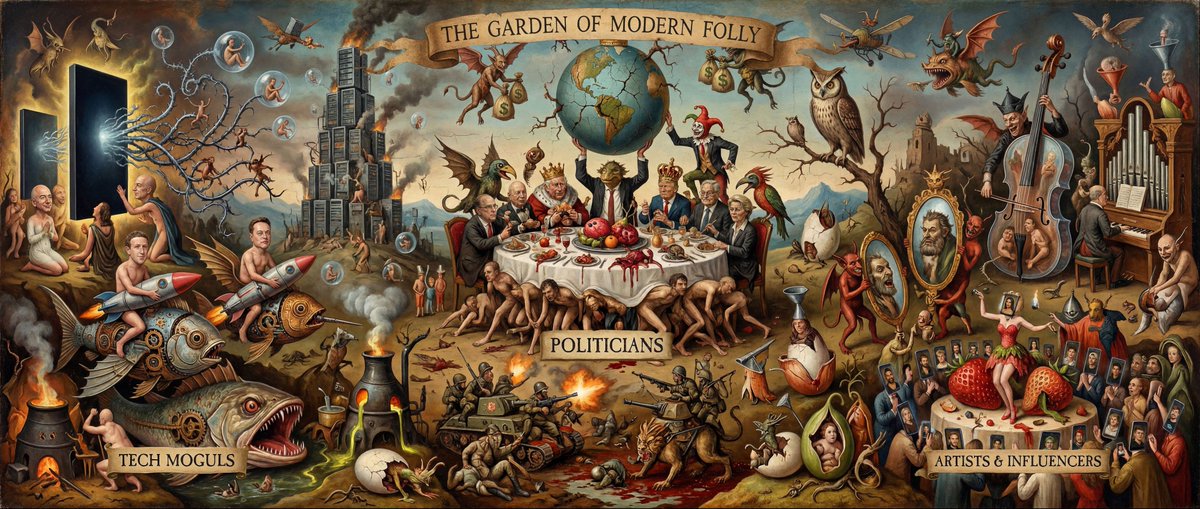
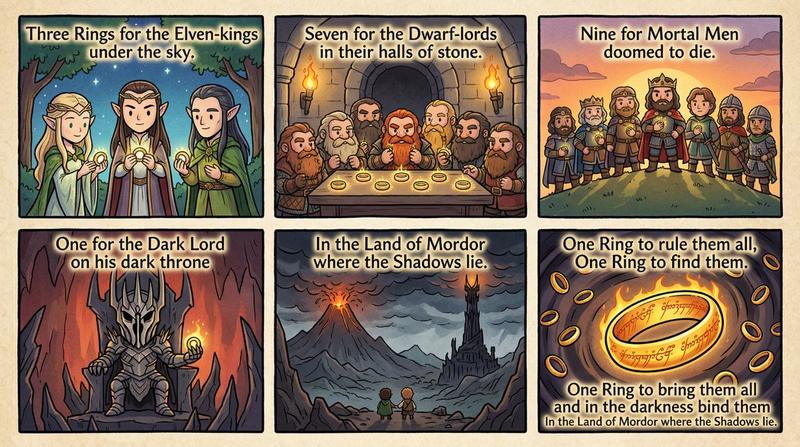
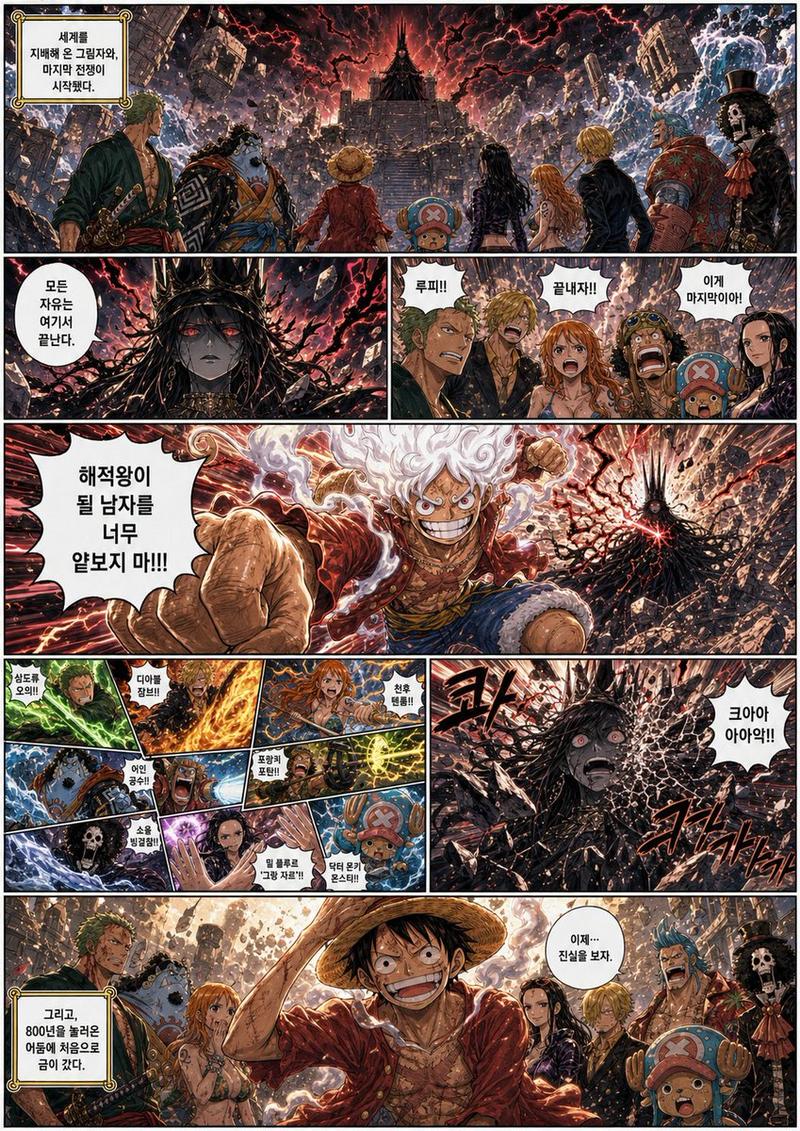
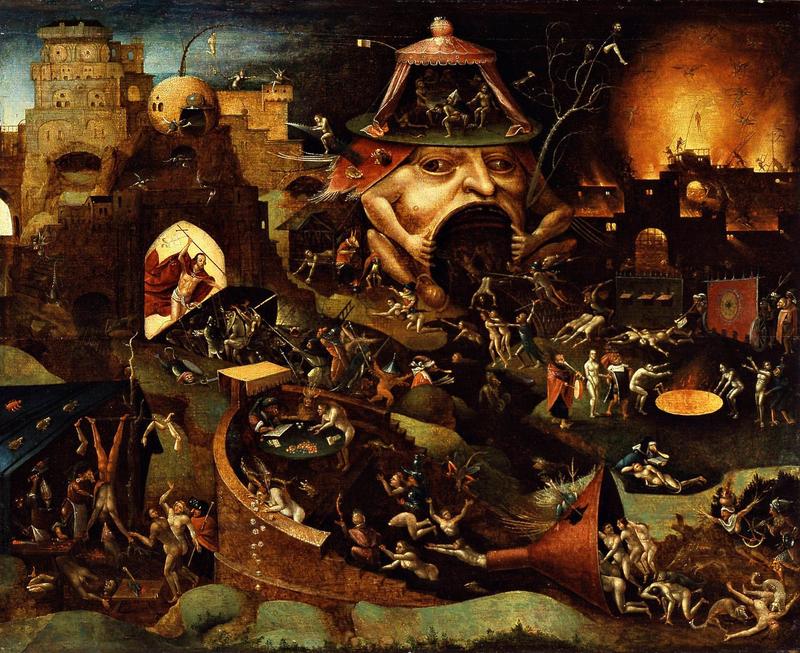
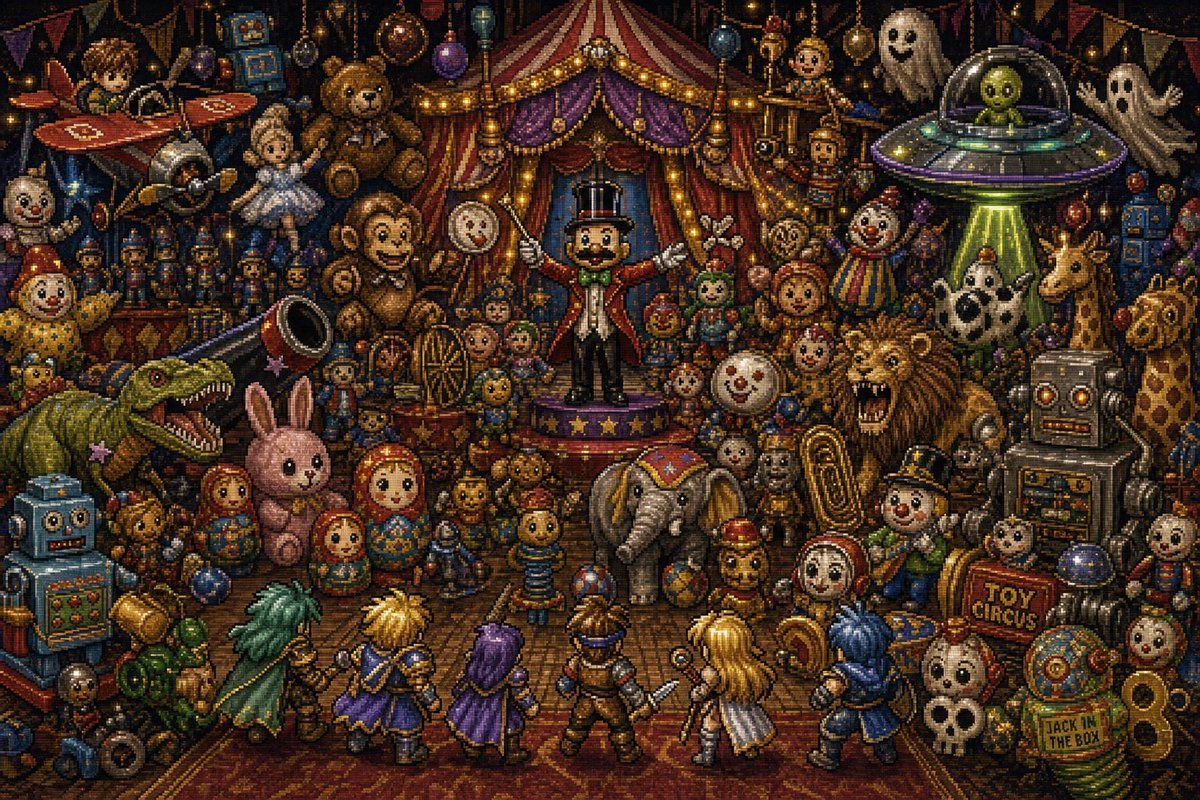
{"type":"dense 16-bit JRPG pixel-art battle scene","style":"Romancing SaGa-inspired fantasy battle screen, ornate retro pixel art, high-detail sprite work, dark whimsical toy-box atmosphere, dramatic stage lighting, no modern UI, no text boxes, wide 3:2 composition","setting":"a chaotic indoor toy circus packed from edge to edge with antique toys, carnival props, ghosts, robots, monsters, and circus decorations; the background is a red-and-gold striped circus tent stage with purple curtains, warm string lights, bunting, hanging baubles, and shelves overflowing with toys","theme":"{argument name=\"scene theme\" default=\"chaos, toys, circus\"}","centerpiece":"a ringmaster toy stands on a small star-trimmed stage at the center, wearing a black top hat, red tailcoat, white gloves, green bow tie, and holding both arms open as if commanding the battle","player_party":{"position":"bottom foreground, backs facing the viewer in classic JRPG battle formation","count":6,"members":["green-caped swordsman with long teal hair on the far left","blond spiky-haired warrior in blue and gold","purple-haired robed mage in a violet cloak","brown-armored central adventurer holding a short sword","long-blond-haired white-and-gold fighter","blue-haired warrior in a dark blue coat on the far right"]},"enemy_and_toy_crowd":{"position":"middle and background facing the party","count_key_visible_elements":34,"elements":["top-left red toy airplane","small silver rocket or space capsule","large brown teddy bear near upper left","white ballerina doll","striped big-top circus tent","central ringmaster toy","round clock-face toy","clown doll in rainbow outfit","UFO with green tractor beam","two white sheet ghosts","small wooden puppet figures on platforms","large green dinosaur with open jaws wearing a tiny party hat","blue boxy robot at lower left","pink plush rabbit","three nested matryoshka dolls","gray toy elephant with circus blanket","roaring lion","large silver robot on the right","giraffe toy on the far right","white-and-black spotted horse or cow toy","gold brass tuba","small skull mask or skull toy near lower right","red sign reading TOY CIRCUS","green jack-in-the-box sign reading JACK IN THE BOX","springs and gears","clockwork dolls","toy soldiers","balloons and ornaments","small drum","stacked toy blocks","cymbals and brass instruments","small stuffed bears","rag dolls","scattered balls and marbles"]},"occlusion_patches":{"count":8,"description":"eight soft brown square censor-like patches obscure selected toy faces: upper-left airplane rider, upper-left ballerina, left clown, center teddy bear, alien inside the UFO, mid-right doll, lower-right small character, and lower-center red-hooded doll"},"lighting":"warm golden carnival bulbs mixed with eerie blue shadows and a green UFO beam, high contrast, sparkling highlights on metal toys","color_palette":"deep browns, burgundy, gold, purple, teal, clown primary colors, aged brass and toy-paint patina","mood":"playful but ominous, overcrowded, magical, chaotic battle about to begin","rendering":"crisp pixel-art mosaic texture, tiny detailed sprites, dense object placement, nostalgic Super Famicom RPG aesthetics, cinematic wide shot","text_to_include":["TOY CIRCUS","JACK IN THE BOX"],"negative_prompt":"photorealism, smooth vector art, modern 3D render, empty background, minimal composition, UI menus, dialogue boxes, realistic humans, low detail"}- Category
- Charts & Infographics
- Model
- GPT Image 2
- Creator
- フグリーナ
- Source ID
- 18946
- Published
- May 7, 2026
Views1