18

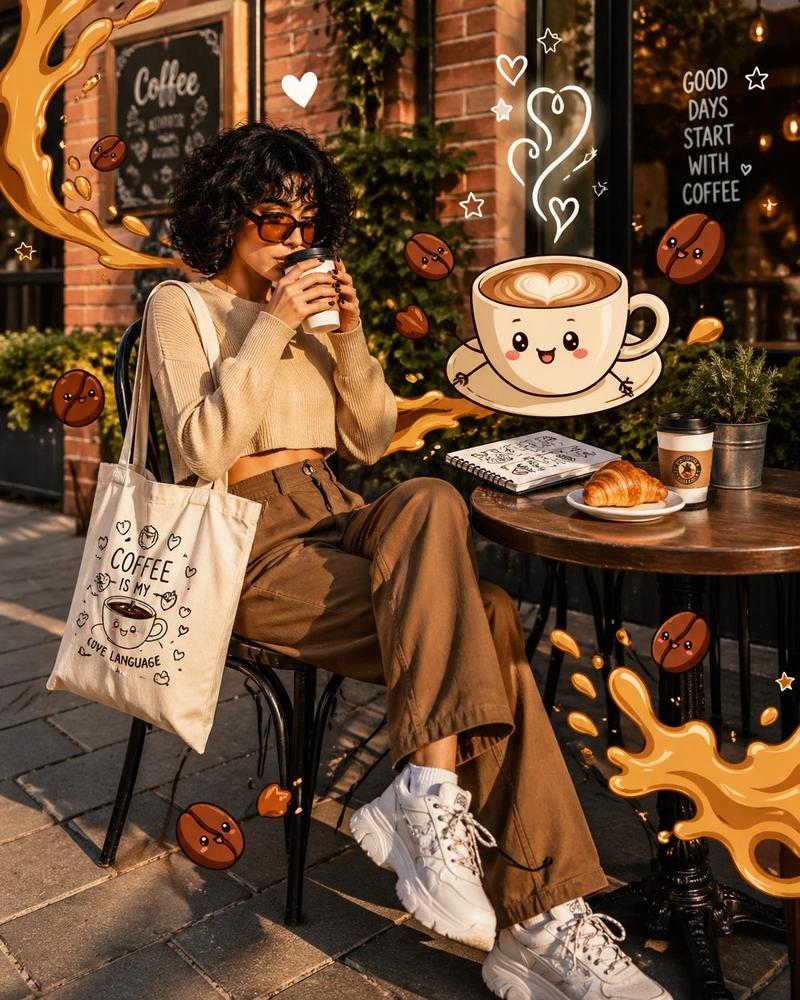
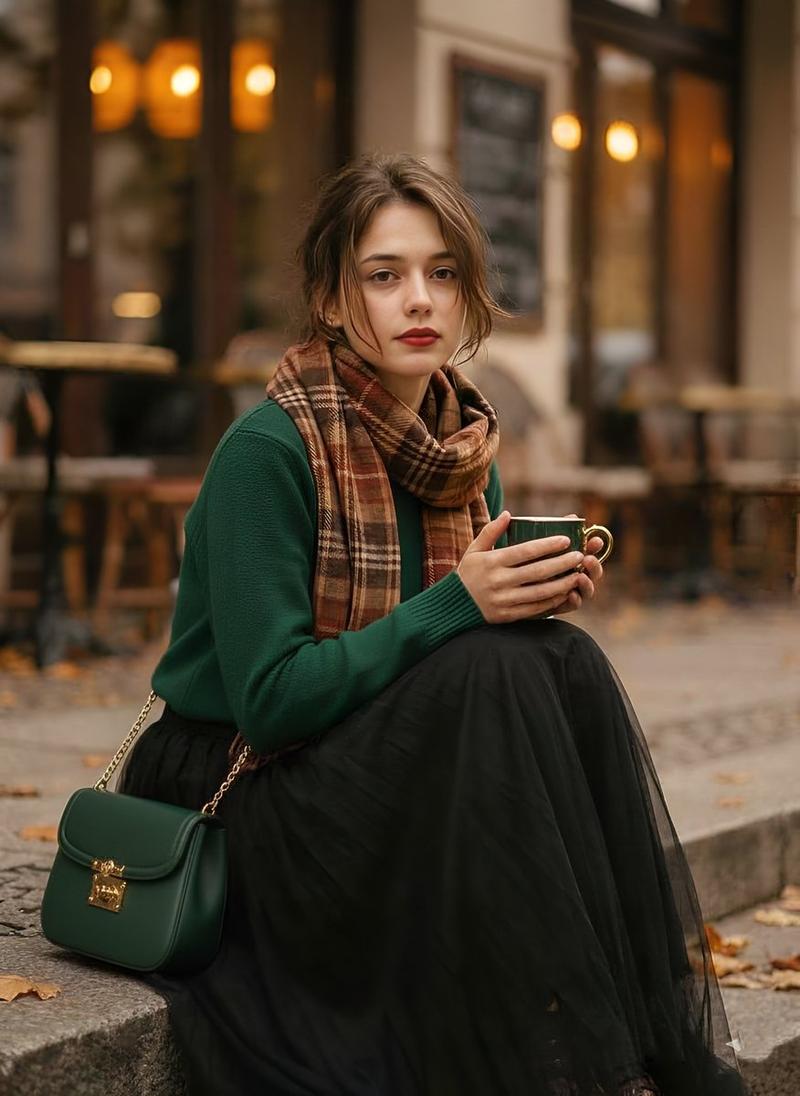
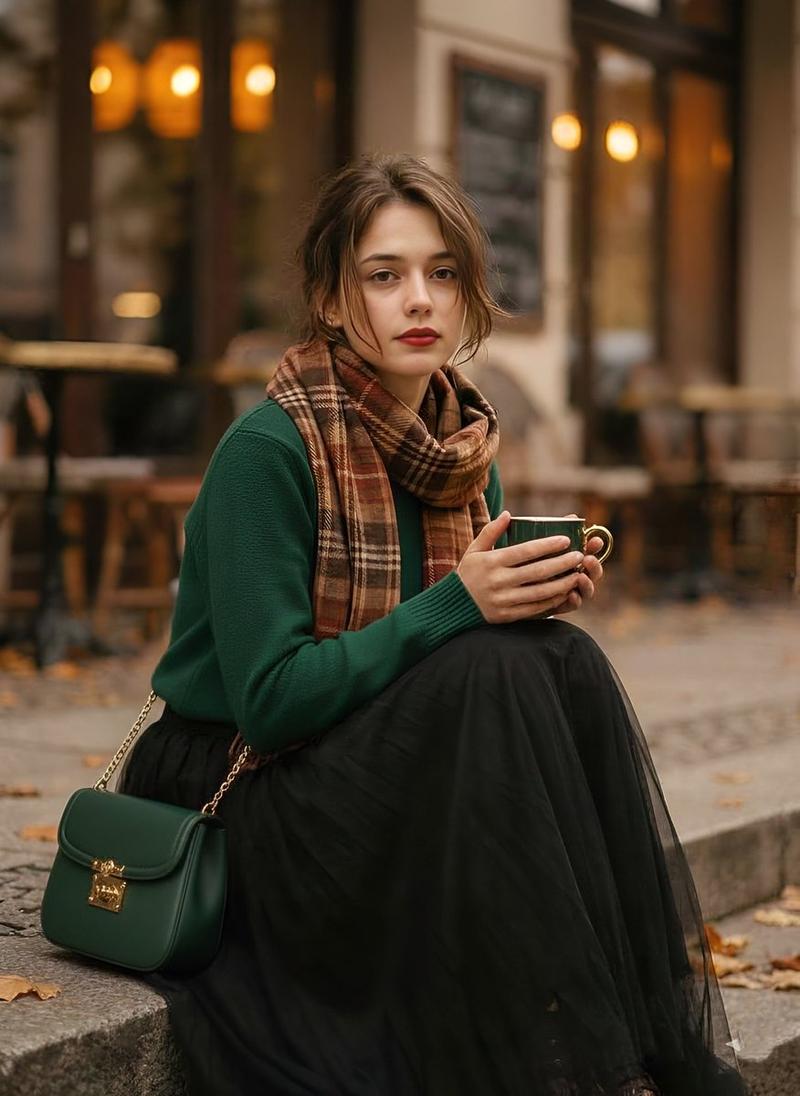
混合现实咖啡馆插画
Enlarge

混合现实咖啡馆插画

Prompt
{argument name="subject" default="A trendy young woman"} sitting at an outdoor café table, holding a hot coffee cup near her lips. She has short curly black hair and wears {argument name="accessory" default="oversized tinted sunglasses"}, a cropped beige sweater, loose brown high-waisted pants, and chunky white sneakers. A tote bag with minimal coffee-themed illustrations hangs on her shoulder.

The scene blends realistic photography with {argument name="overlay style" default="playful 2D cartoon overlays"}. Floating around her are animated coffee elements: a smiling cappuccino cup with heart-shaped latte art, cute coffee beans with tiny faces, and stylized splashes of caramel forming comic-style shapes. Soft doodle steam rises into hearts and stars.

On the table: a croissant, a notebook with sketch drawings, and a second coffee cup.

Background: a realistic cozy café street with brick walls, plants, warm golden hour lighting, and soft shadows. Slight depth of field, subject in sharp focus.

Style: mix of photorealism and vibrant cartoon illustration, pop-art aesthetic, high saturation but warm tones, clean composition, Instagram-worthy, soft glow, 4k detail.
Category
Charts & Infographics
Model
GPT Image 2
Views4
Source ID
17267
Published
Apr 30, 2026

Guide

About "混合现实咖啡馆插画"

What is this prompt for?

"混合现实咖啡馆插画" AI image prompt for GPT Image 2 (Charts & Infographics). 一个创意提示词,用于生成将写实摄影与趣味 2D 卡通叠加及涂鸦元素相结合的高质量时尚人像。 Copy it on Picva and recreate the look in on…

The full copyable prompt and example visuals above are ready for AI image generation or one-click recreate in Picva.

How to use this prompt

  1. Step 1

    Open the prompt detail

    Review the example visuals, category, and full prompt text for "混合现实咖啡馆插画".

  2. Step 2

    Copy the prompt

    Copy the prompt body from this page, or load it directly in Studio.

  3. Step 3

    Pick a model (GPT Image 2)

    Prefer GPT Image 2. If you switch models, keep subject and composition and tweak style terms.

  4. Step 4

    Generate and export

    Recreate the look in Picva, or export into your workflow for editing and publishing.

FAQ

What is the "混合现实咖啡馆插画" prompt?
It is an AI image-generation prompt for GPT Image 2 in the Charts & Infographics category. This page includes the full prompt text, example visuals, and a one-click recreate path in Picva.
How do I use this prompt to generate an image?
Copy the prompt from this page, or use Generate / Studio. Paste it into a compatible image model, or recreate the look in Picva with optional reference images.
Which model is this prompt for?
This page lists GPT Image 2. Most descriptive prompts also transfer to nearby image models such as GPT Image, Flux, or Midjourney with light style tweaks.
Can I use the result commercially?
You can usually copy the prompt for creation, but commercial use of the final image depends on the model terms, reference-image rights, and the generated content. Follow the source author and platform rules.