15

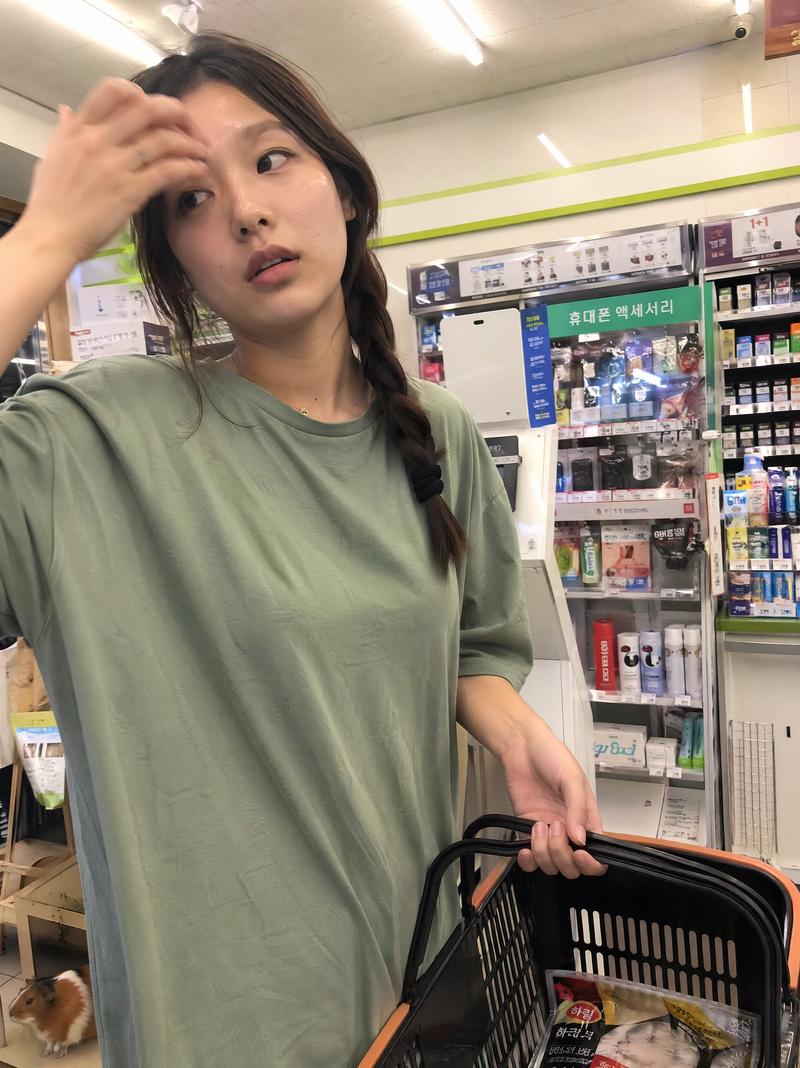
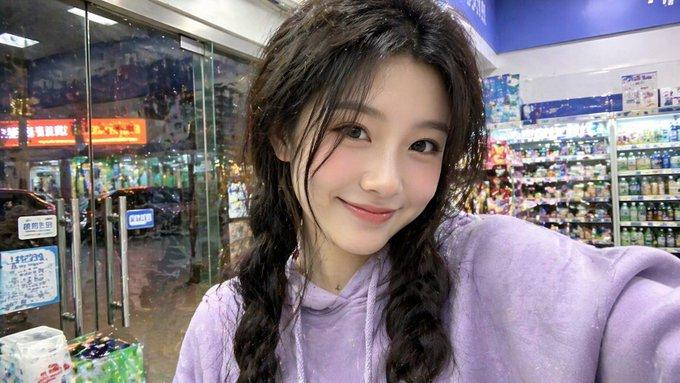
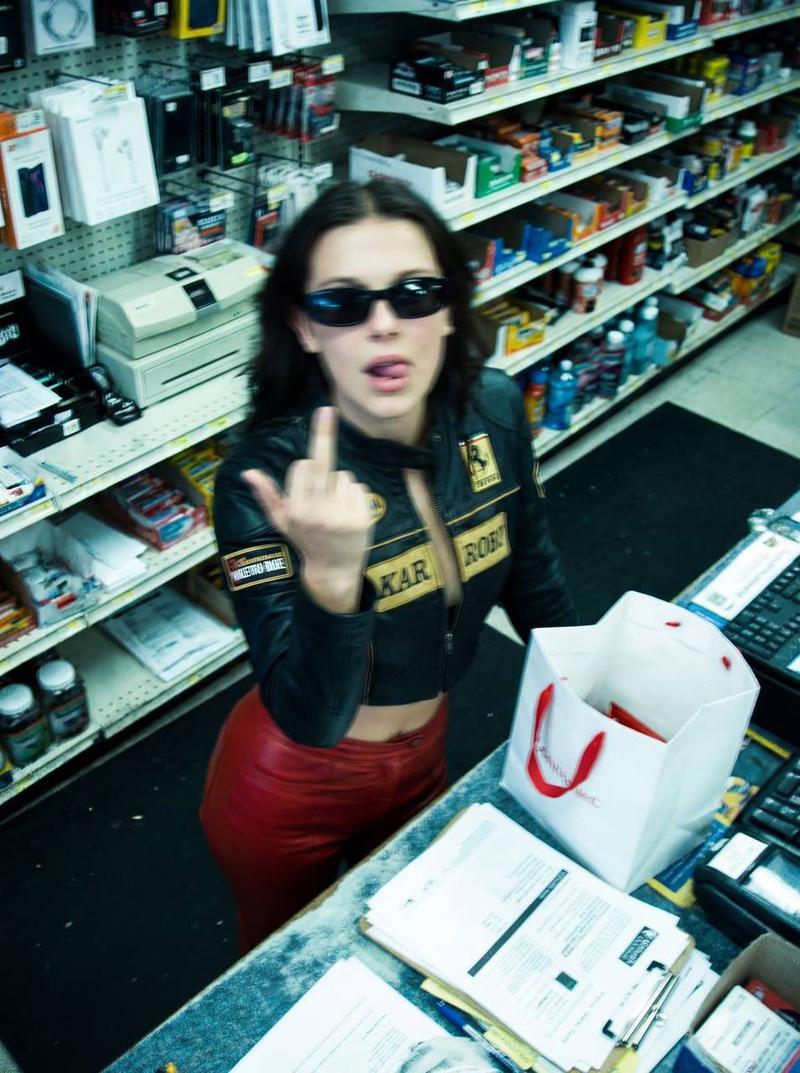
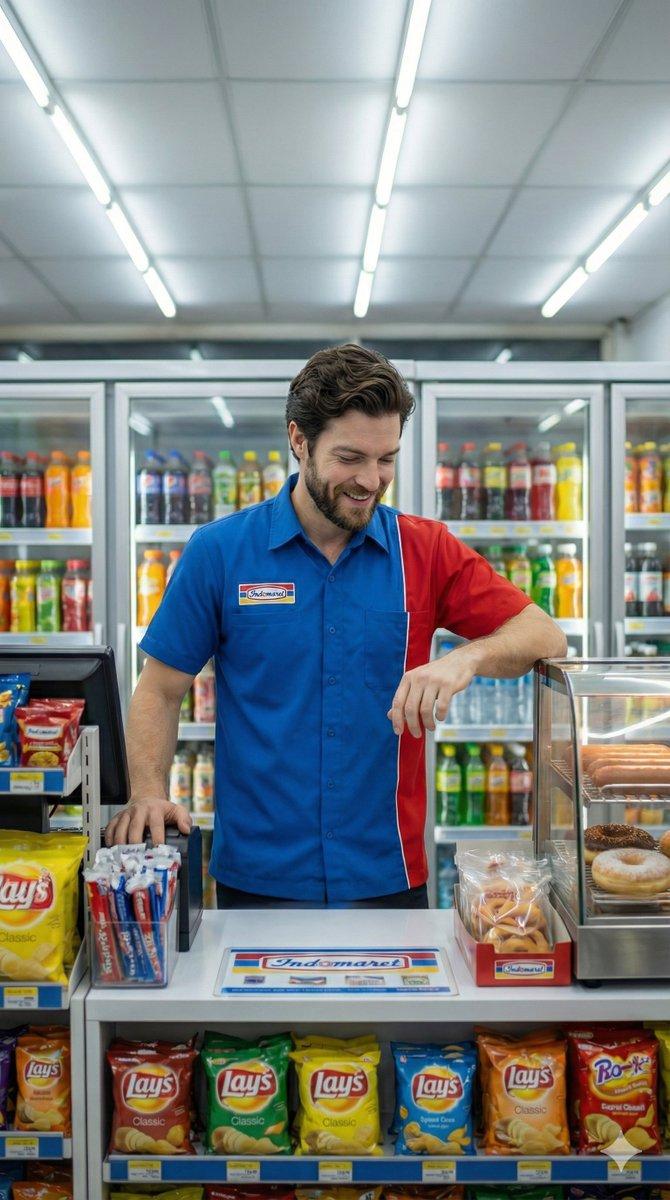
便利店收银员抓拍
Enlarge

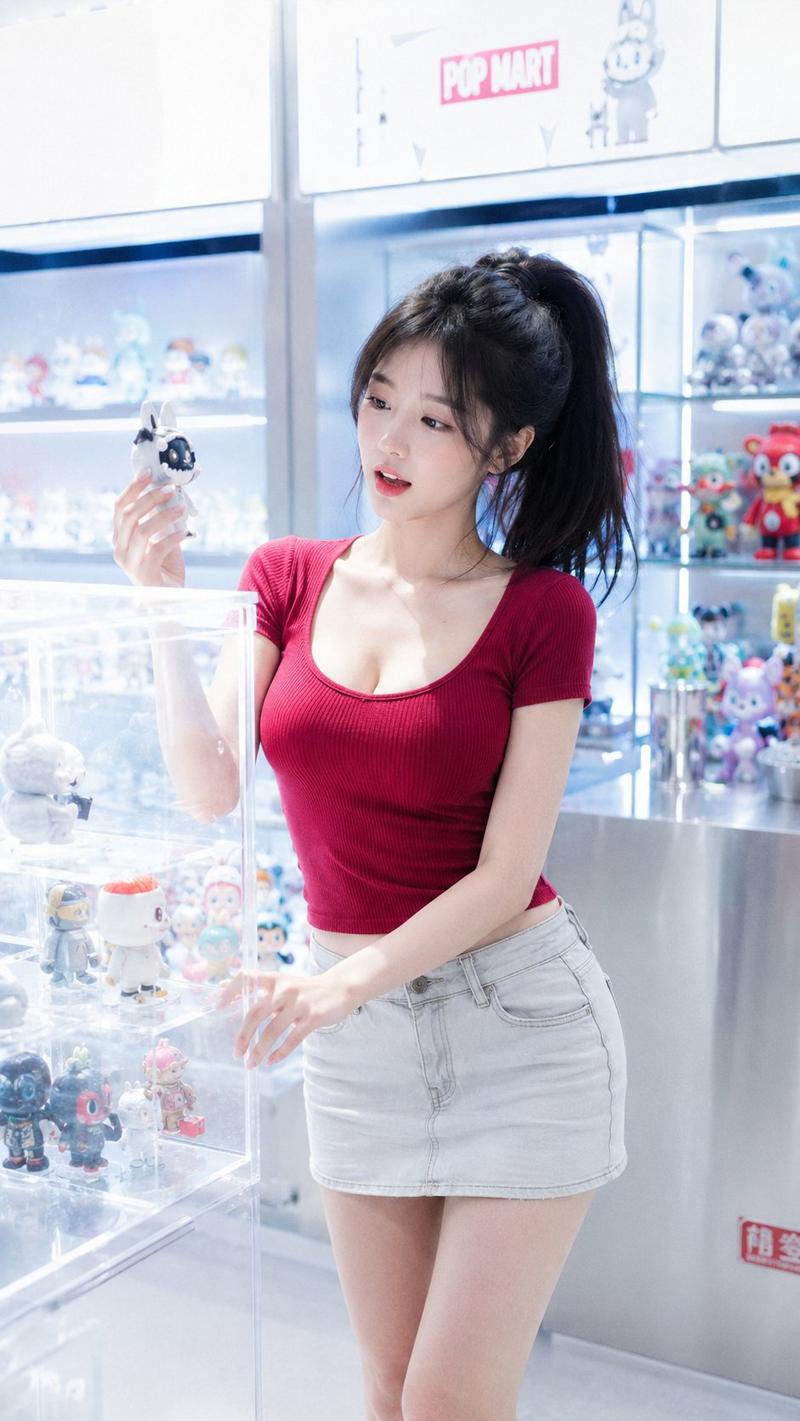
Example images

便利店收银员抓拍

Prompt
A beautiful young {argument name="nationality" default="Korean"} woman in her 20s works as a convenience store cashier, wearing a typical {argument name="store brand" default="Seven Eleven"} uniform (white shirt with green, red, and orange accents, name tag reading “아리,” hair neatly tied back). She stands behind the cashier counter, serving a customer with a friendly and natural expression. On the counter, there is a POS machine, a barcode scanner, and small items such as candy and drinks.

Candid moment: the photo is taken discreetly using a smartphone from a customer’s point of view, with slight foreground blur, imperfect framing, and an unposed, spontaneous feel. Lighting comes from bright and evenly distributed convenience store neon lights.

Environment: a modern convenience store interior, with neatly arranged shelves of products behind the cashier, creating a clean and well-lit atmosphere.

Photography style: photorealistic, candid photography, shallow depth of field, natural skin tones, high detail, slight motion blur for realism, 4K quality.

Optional additions for variation:

slight tilted angle
smartphone camera noise effect
reflections on glass display
the cashier smiling gently while handing a receipt or change
Category
Charts & Infographics
Model
GPT Image 2
Creator
Johnn
Views4
Source ID
17306
Published
Apr 30, 2026

Guide

About "便利店收银员抓拍"

What is this prompt for?

"便利店收银员抓拍" AI image prompt for GPT Image 2 (Charts & Infographics). 一个用于生成便利店收银员抓拍风格照片的写实提示词,旨在呈现出顾客用智能手机随手拍摄的自然感。 Copy it on Picva and recreate the look in on…

The full copyable prompt and example visuals above are ready for AI image generation or one-click recreate in Picva.

How to use this prompt

  1. Step 1

    Open the prompt detail

    Review the example visuals, category, and full prompt text for "便利店收银员抓拍".

  2. Step 2

    Copy the prompt

    Copy the prompt body from this page, or load it directly in Studio.

  3. Step 3

    Pick a model (GPT Image 2)

    Prefer GPT Image 2. If you switch models, keep subject and composition and tweak style terms.

  4. Step 4

    Generate and export

    Recreate the look in Picva, or export into your workflow for editing and publishing.

FAQ

What is the "便利店收银员抓拍" prompt?
It is an AI image-generation prompt for GPT Image 2 in the Charts & Infographics category. This page includes the full prompt text, example visuals, and a one-click recreate path in Picva.
How do I use this prompt to generate an image?
Copy the prompt from this page, or use Generate / Studio. Paste it into a compatible image model, or recreate the look in Picva with optional reference images.
Which model is this prompt for?
This page lists GPT Image 2. Most descriptive prompts also transfer to nearby image models such as GPT Image, Flux, or Midjourney with light style tweaks.
Can I use the result commercially?
You can usually copy the prompt for creation, but commercial use of the final image depends on the model terms, reference-image rights, and the generated content. Follow the source author and platform rules.