13

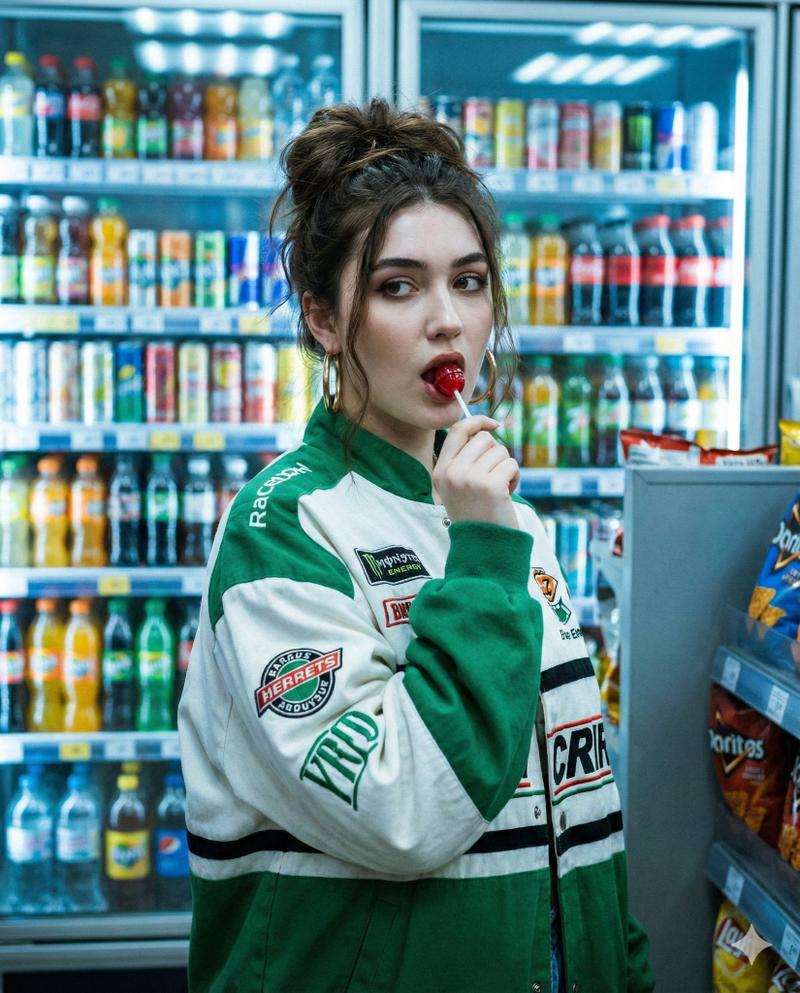
Candid Convenience Store Checkout
Enlarge

Candid Convenience Store Checkout

Prompt
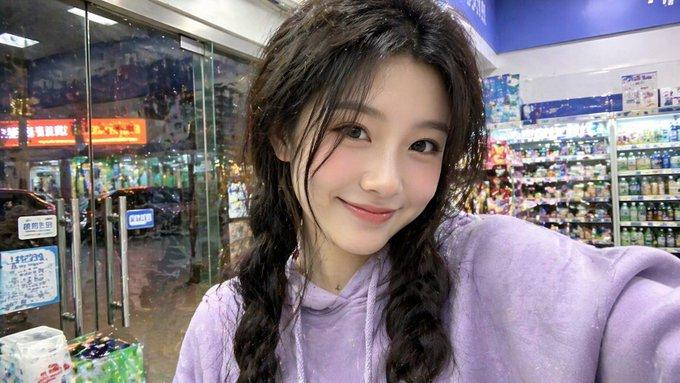
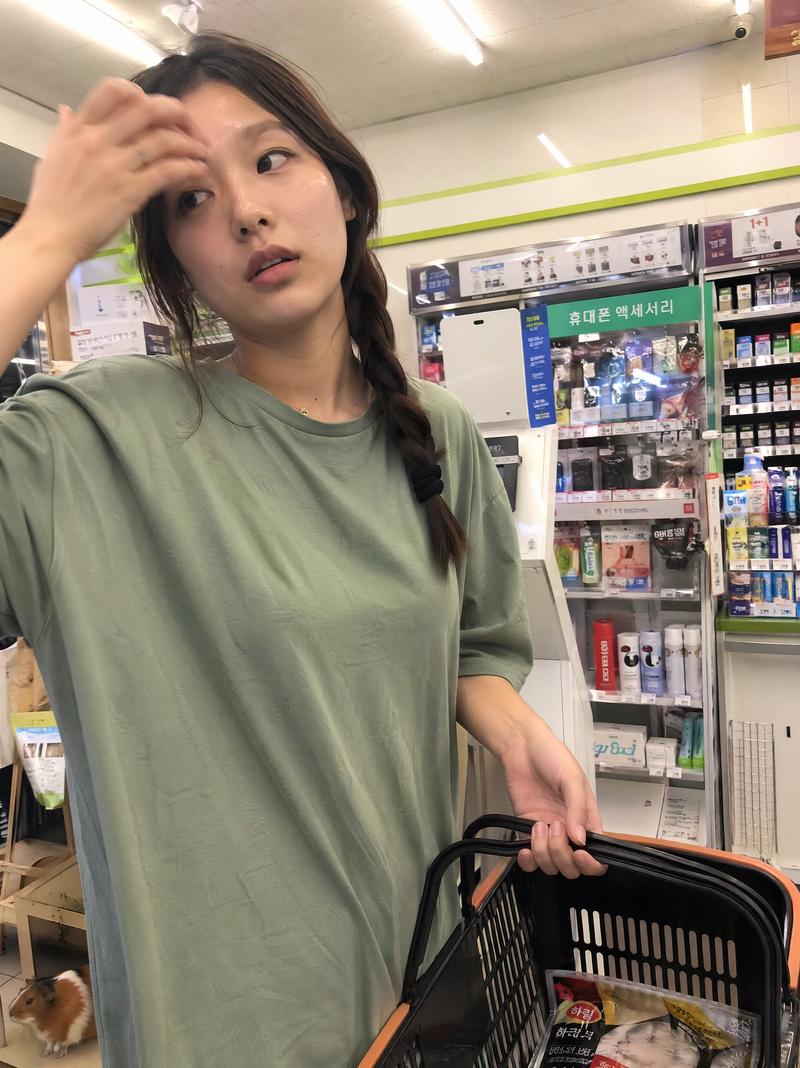
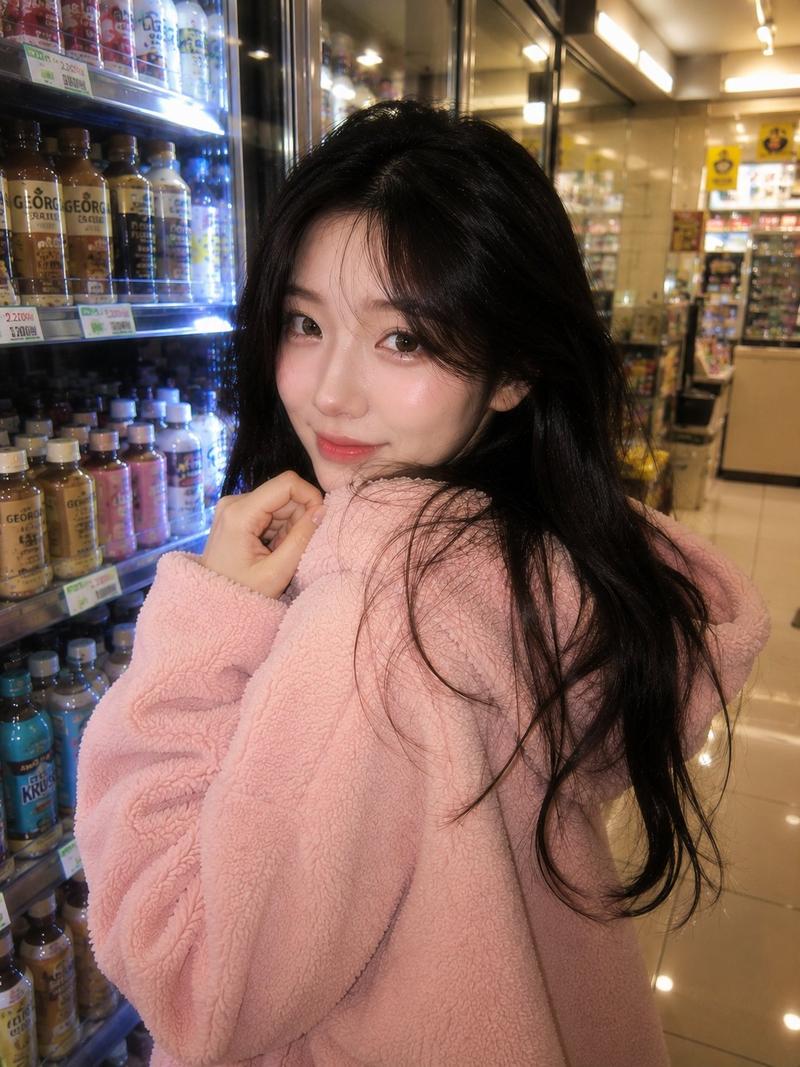
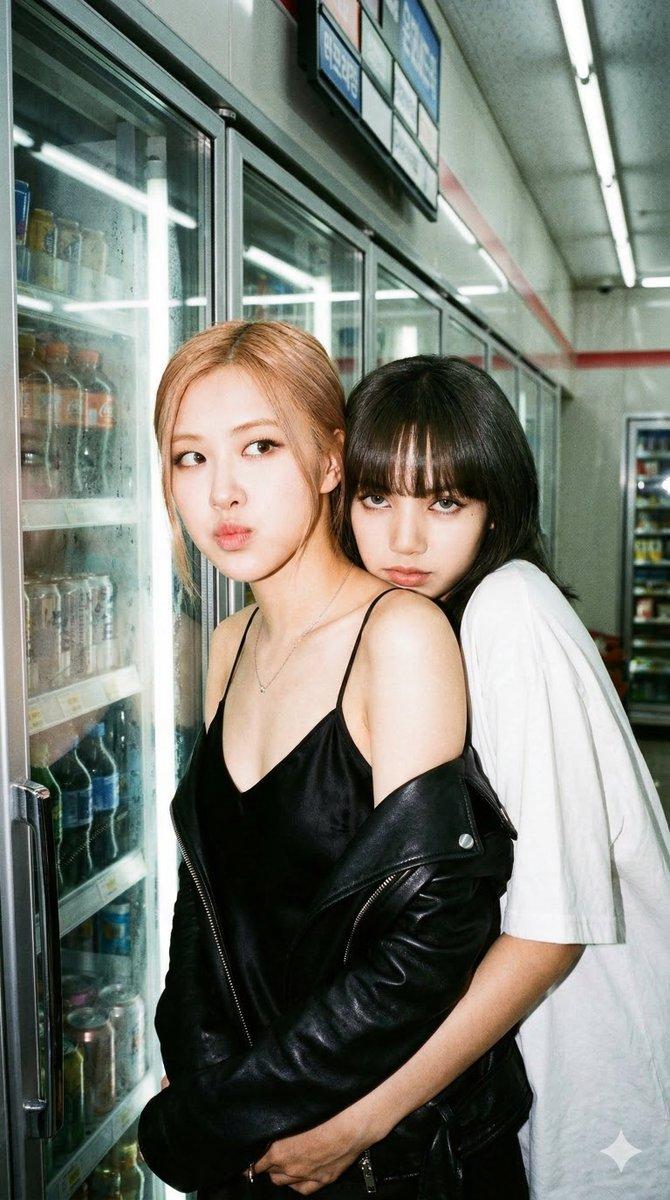
Using the provided reference image as the base, regenerate it as a photorealistic candid convenience-store checkout moment. Keep the same employee, uniform, counter setting, and blurred/anonymized face treatment, but change the action so the employee is facing forward and extending both hands to pass a bottled drink to {argument name="customer type" default="a female customer"}. Add the customer only as an out-of-focus foreground figure on the right, seen from behind/side, partially blocking the frame. Make the composition feel like an unposed smartphone snapshot: imperfect framing, slight handheld motion blur, natural skin tones, camera noise, shallow depth of field, and realistic fluorescent convenience-store lighting. Keep the Korean convenience-store signage and cigarette display atmosphere in the background, with the POS screen and barcode scanner visible near the counter.
Category
Posters & Typography
Model
GPT Image 2
Views3
Source ID
18155
Published
May 3, 2026

Guide

About "Candid Convenience Store Checkout"

What is this prompt for?

"Candid Convenience Store Checkout" AI image prompt for GPT Image 2 (Posters & Typography). Transforms a reference store-worker photo into a realistic candid c…

The full copyable prompt and example visuals above are ready for AI image generation or one-click recreate in Picva.

How to use this prompt

  1. Step 1

    Open the prompt detail

    Review the example visuals, category, and full prompt text for "Candid Convenience Store Checkout".

  2. Step 2

    Copy the prompt

    Copy the prompt body from this page, or load it directly in Studio.

  3. Step 3

    Pick a model (GPT Image 2)

    Prefer GPT Image 2. If you switch models, keep subject and composition and tweak style terms.

  4. Step 4

    Generate and export

    Recreate the look in Picva, or export into your workflow for editing and publishing.

FAQ

What is the "Candid Convenience Store Checkout" prompt?
It is an AI image-generation prompt for GPT Image 2 in the Posters & Typography category. This page includes the full prompt text, example visuals, and a one-click recreate path in Picva.
How do I use this prompt to generate an image?
Copy the prompt from this page, or use Generate / Studio. Paste it into a compatible image model, or recreate the look in Picva with optional reference images.
Which model is this prompt for?
This page lists GPT Image 2. Most descriptive prompts also transfer to nearby image models such as GPT Image, Flux, or Midjourney with light style tweaks.
Can I use the result commercially?
You can usually copy the prompt for creation, but commercial use of the final image depends on the model terms, reference-image rights, and the generated content. Follow the source author and platform rules.