Minute Maid 商业产品广告
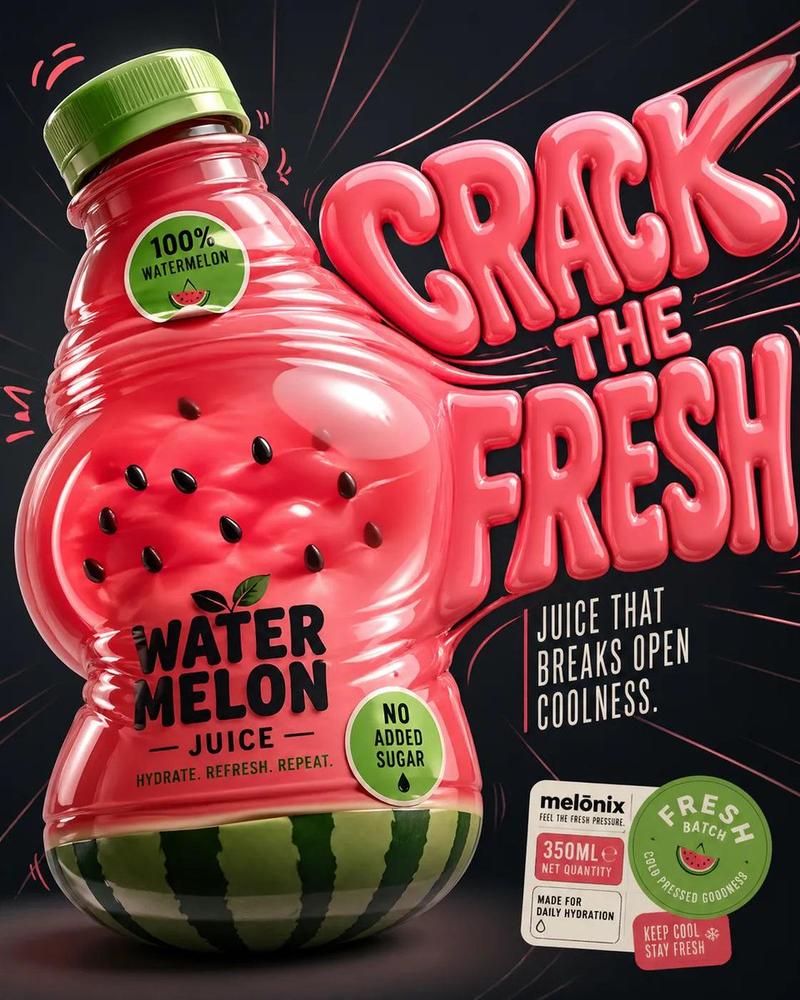
Prompt
{
    "scene": {
      "type": "premium commercial product ad",
      "setting": "dark studio background with subtle gradient (deep navy to black), high contrast",
      "surface": "matte reflective surface with soft orange reflections and faint glow accents"
    },
    "main_subject": {
      "product": "Minute Maid Pulpy Orange Juice bottle",
      "brand_style": "recognizable Minute Maid label with black rectangular logo and white typography, orange pulp visual identity",
      "bottle_design": {
        "shape": "rounded, slightly exaggerated, soft bulging curves for a juicy, pressurized look",
        "material": "semi-transparent glossy plastic",
        "liquid": "rich saturated orange juice with visible pulp particles suspended inside",
        "cap": "black ribbed plastic cap with subtle highlights",
        "label": {
          "primary_text": "Minute Maid",
          "secondary_text": "PULPY ORANGE",
          "subtext": "JUICE — REAL ORANGE BITS. BURST OF REFRESHMENT.",
          "badge": "NO ADDED SUGAR",
          "color_palette": ["black", "white", "orange", "green accent"]
        }
      },
      "orientation": "tilted slightly left, dynamic angle as if under pressure",
      "position": "left side of frame occupying ~60% of composition"
    },
    "typography": {
      "headline": {
        "text": "SQUEEZE THE GOODNESS",
        "style": "bold inflated 3D lettering, glossy, liquid-like surface",
        "color": "vibrant orange with highlights and reflections",
        "placement": "right side, large scale, partially overlapping background space",
        "effects": [
          "soft glow",
          "subtle reflections",
          "depth shadows",
          "gel-like translucency"
        ]
      },
      "support_text": {
        "text": "JUICE THAT BURSTS WITH PULP. MADE FOR REAL MOMENTS.",
        "style": "clean sans-serif, uppercase, minimal spacing",
        "color": "white with slight orange tint",
        "placement": "lower right quadrant"
      }
    },
    "dynamic_elements": {
      "splashes": {
        "type": "orange juice splashes and droplets",
        "behavior": "emanating from behind and around bottle, subtle motion arcs",
        "style": "semi-realistic, glossy, slightly stylized for advertising appeal"
      },
      "pulp_particles": {
        "visibility": "floating within liquid and slightly outside bottle",
        "lighting": "catching highlights for texture realism"
      },
      "energy_lines": {
        "type": "curved motion streaks",
        "color": "orange/yellow",
        "intensity": "subtle, supporting motion without clutter"
      }
    },
    "badges_and_labels": {
      "bottom_right_cluster": {
        "elements": [
          "350ML NET QUANTITY badge",
          "WITH REAL PULP circular seal",
          "KEEP CHILLED STAY REFRESHED tag"
        ],
        "style": "clean, flat design with slight drop shadows"
      }
    }
}- Category
- Charts & Infographics
- Model
- GPT Image 2
- Creator
- Maercih
- Source ID
- 17321
- Published
- Apr 30, 2026
Views5