13

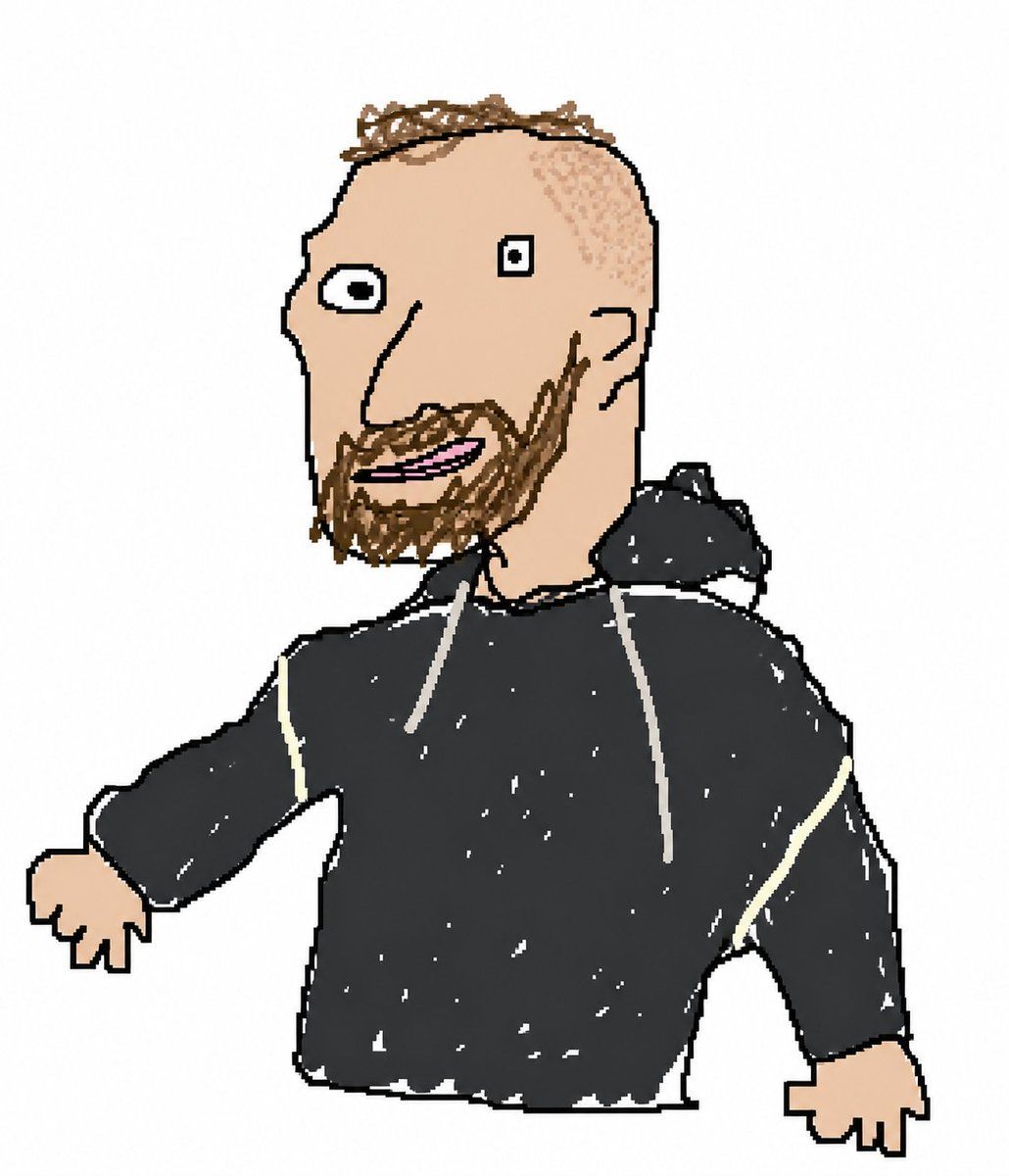
笨拙的 MS Paint 风格重绘
Enlarge

笨拙的 MS Paint 风格重绘

Prompt
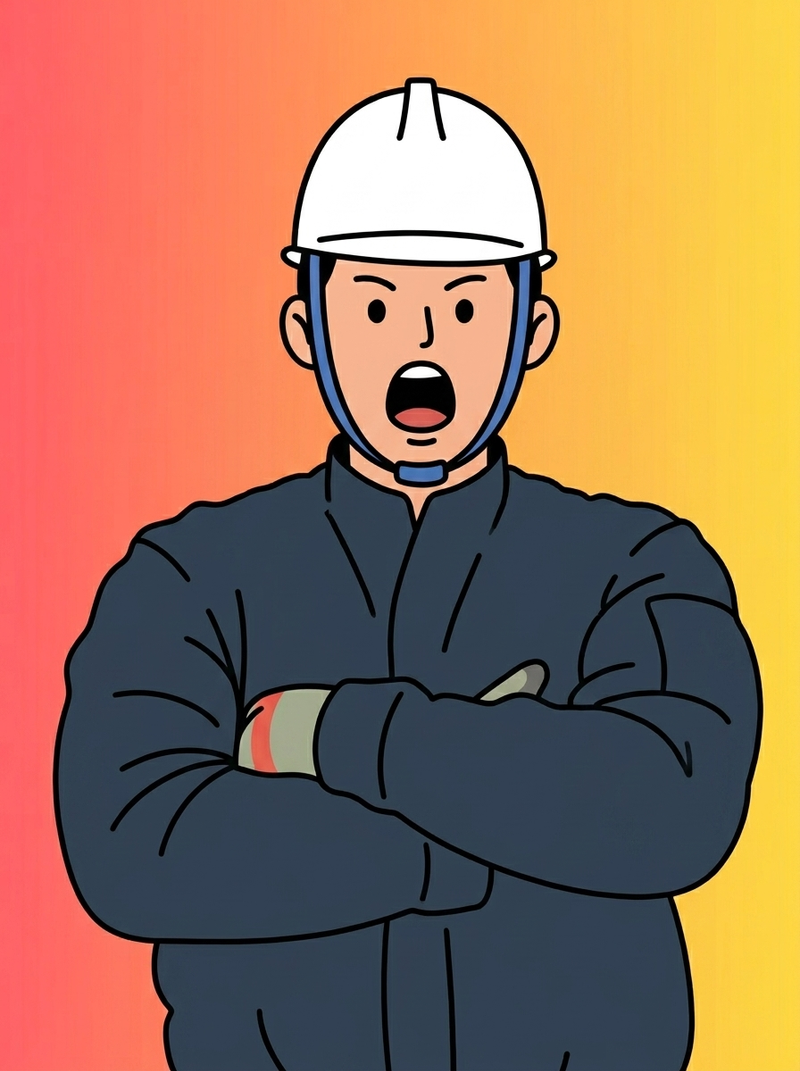
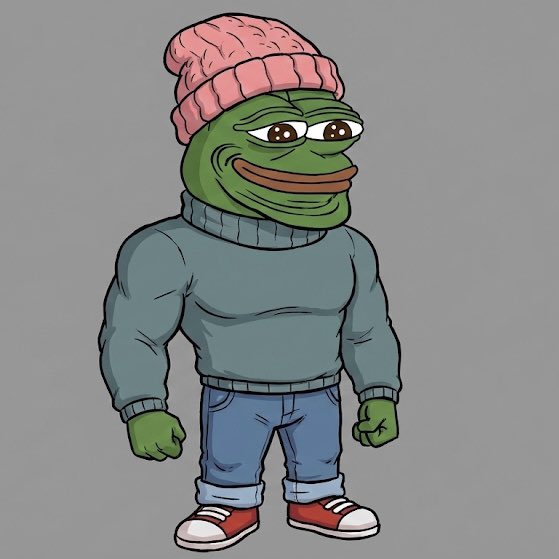
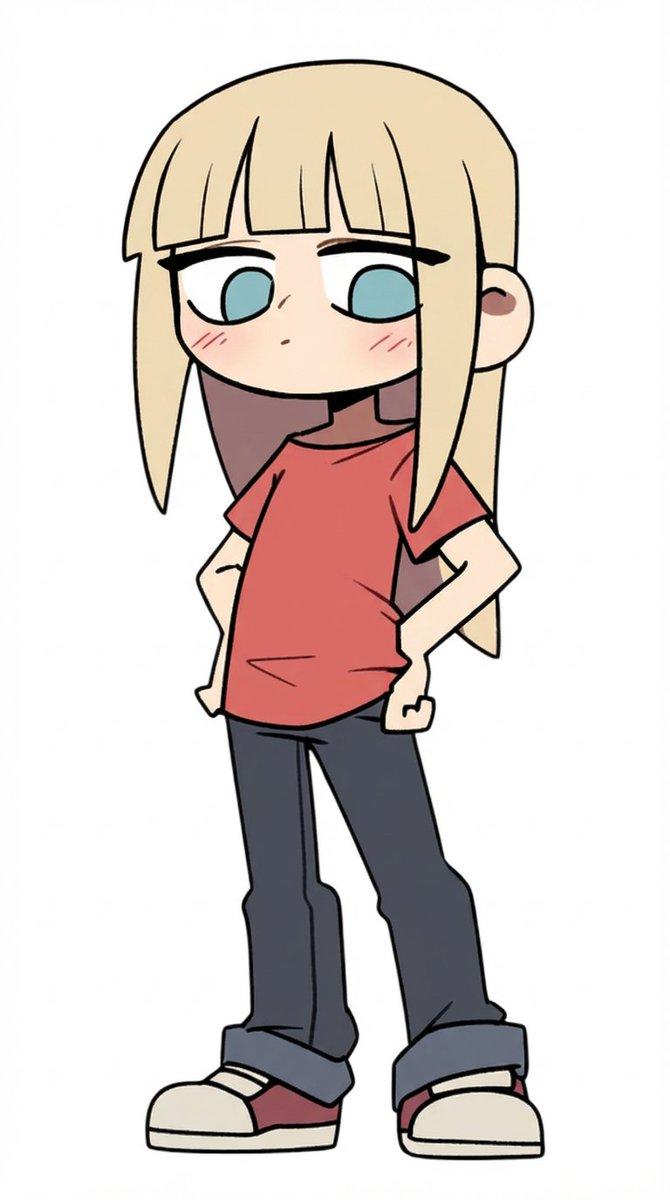
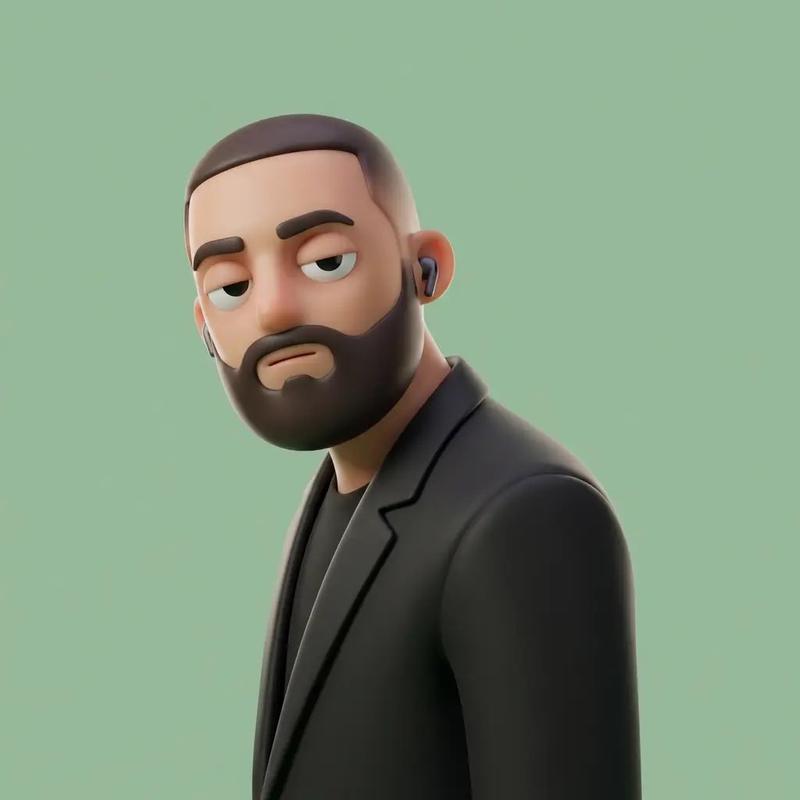
Redibuja la imagen adjunta de manera torpe, garabateada y lo más absolutamente patética posible. Usa un fondo {argument name="color de fondo" default="blanco"}, y haz que parezca que fue dibujada en MS Paint con un ratón. Debería ser similar pero también distinta, algo así como coincidente pero desfasado de una manera confusa y torpe, con esa sensación de baja calidad píxel por píxel que realmente enfatiza lo ridículamente malo que es. En realidad, sabes qué, da igual, solo dibújalo como quieras.
Category
Posters & Typography
Model
GPT Image 2
Views3
Source ID
17595
Published
May 1, 2026

Guide

About "笨拙的 MS Paint 风格重绘"

What is this prompt for?

"笨拙的 MS Paint 风格重绘" AI image prompt for GPT Image 2 (Posters & Typography). 一个创意提示词,旨在将现有图像重绘为刻意低质量、笨拙的 MS Paint 风格,以达到幽默效果。 Copy it on Picva and recreate the…

The full copyable prompt and example visuals above are ready for AI image generation or one-click recreate in Picva.

How to use this prompt

  1. Step 1

    Open the prompt detail

    Review the example visuals, category, and full prompt text for "笨拙的 MS Paint 风格重绘".

  2. Step 2

    Copy the prompt

    Copy the prompt body from this page, or load it directly in Studio.

  3. Step 3

    Pick a model (GPT Image 2)

    Prefer GPT Image 2. If you switch models, keep subject and composition and tweak style terms.

  4. Step 4

    Generate and export

    Recreate the look in Picva, or export into your workflow for editing and publishing.

FAQ

What is the "笨拙的 MS Paint 风格重绘" prompt?
It is an AI image-generation prompt for GPT Image 2 in the Posters & Typography category. This page includes the full prompt text, example visuals, and a one-click recreate path in Picva.
How do I use this prompt to generate an image?
Copy the prompt from this page, or use Generate / Studio. Paste it into a compatible image model, or recreate the look in Picva with optional reference images.
Which model is this prompt for?
This page lists GPT Image 2. Most descriptive prompts also transfer to nearby image models such as GPT Image, Flux, or Midjourney with light style tweaks.
Can I use the result commercially?
You can usually copy the prompt for creation, but commercial use of the final image depends on the model terms, reference-image rights, and the generated content. Follow the source author and platform rules.