17

冰爽可乐飞溅广告
Enlarge

冰爽可乐飞溅广告

Prompt
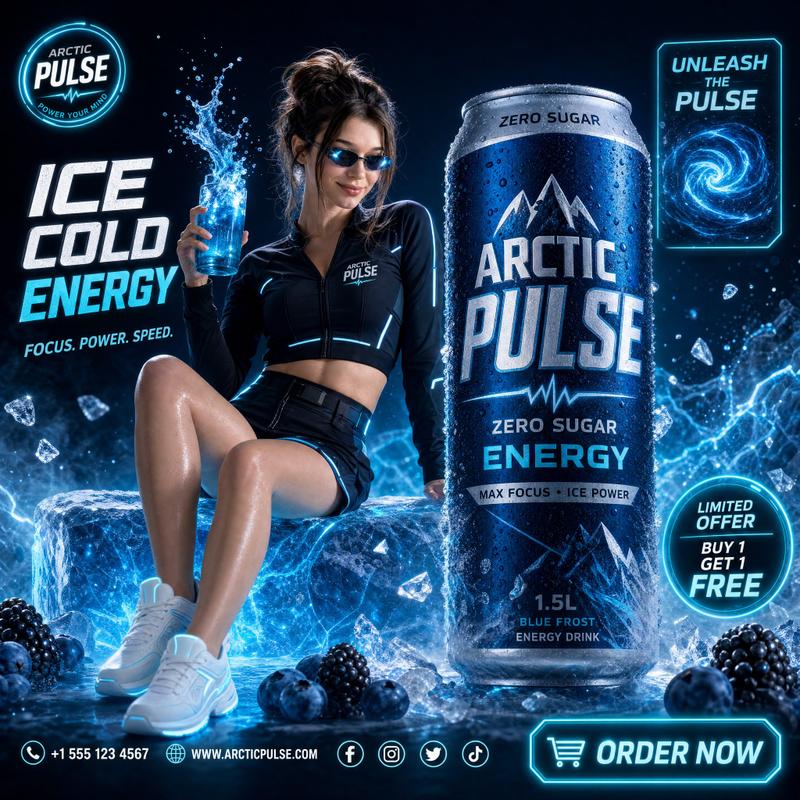
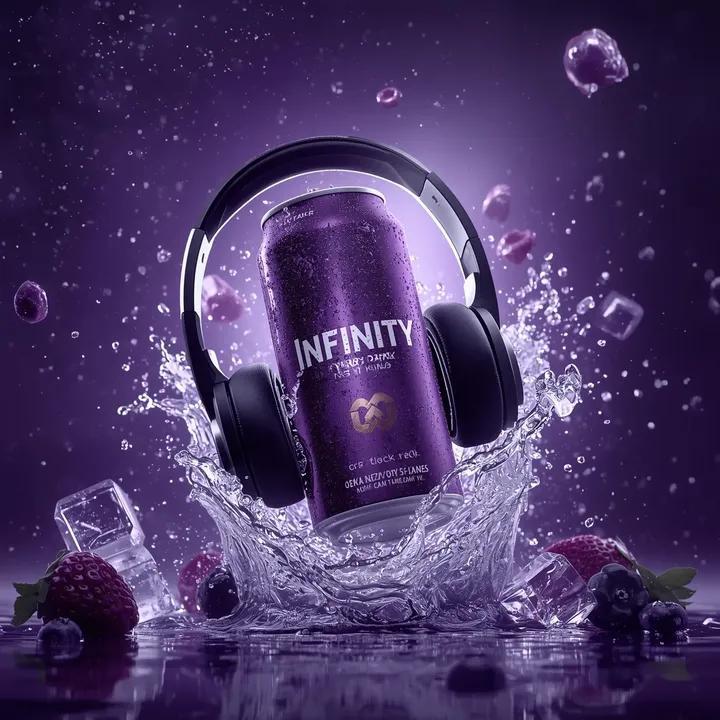
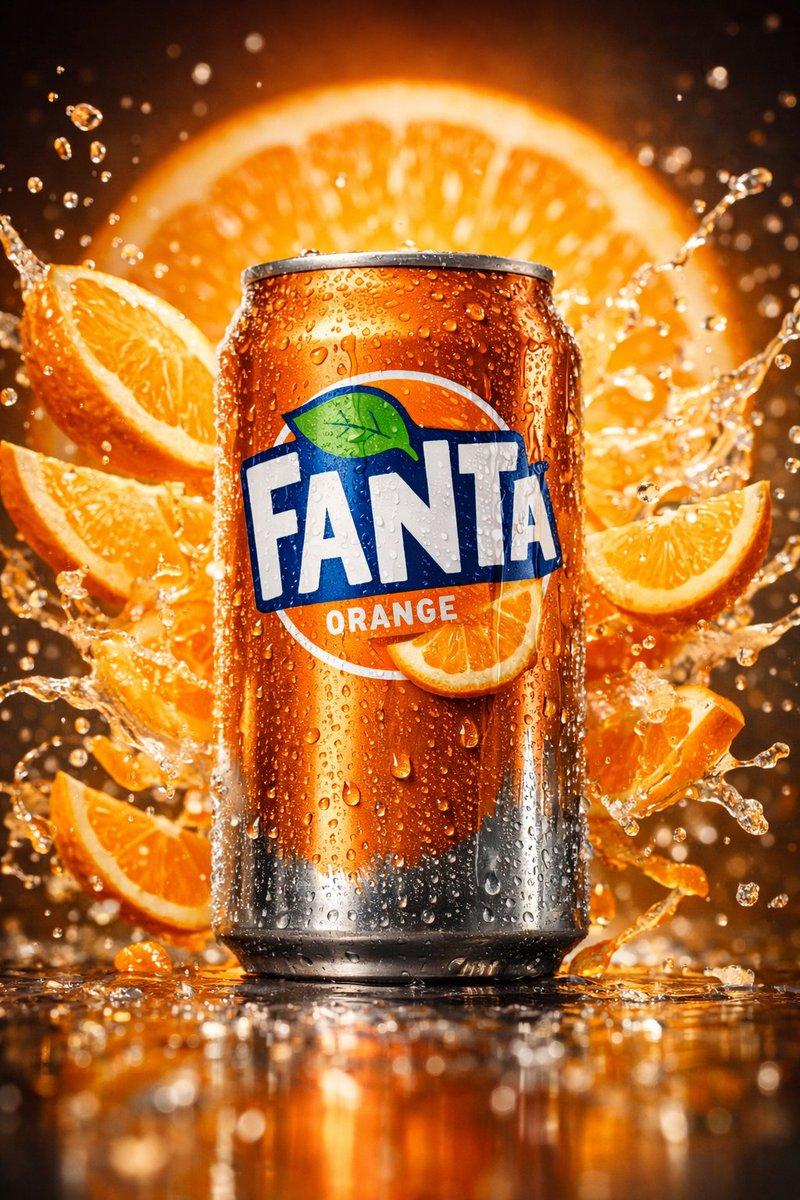
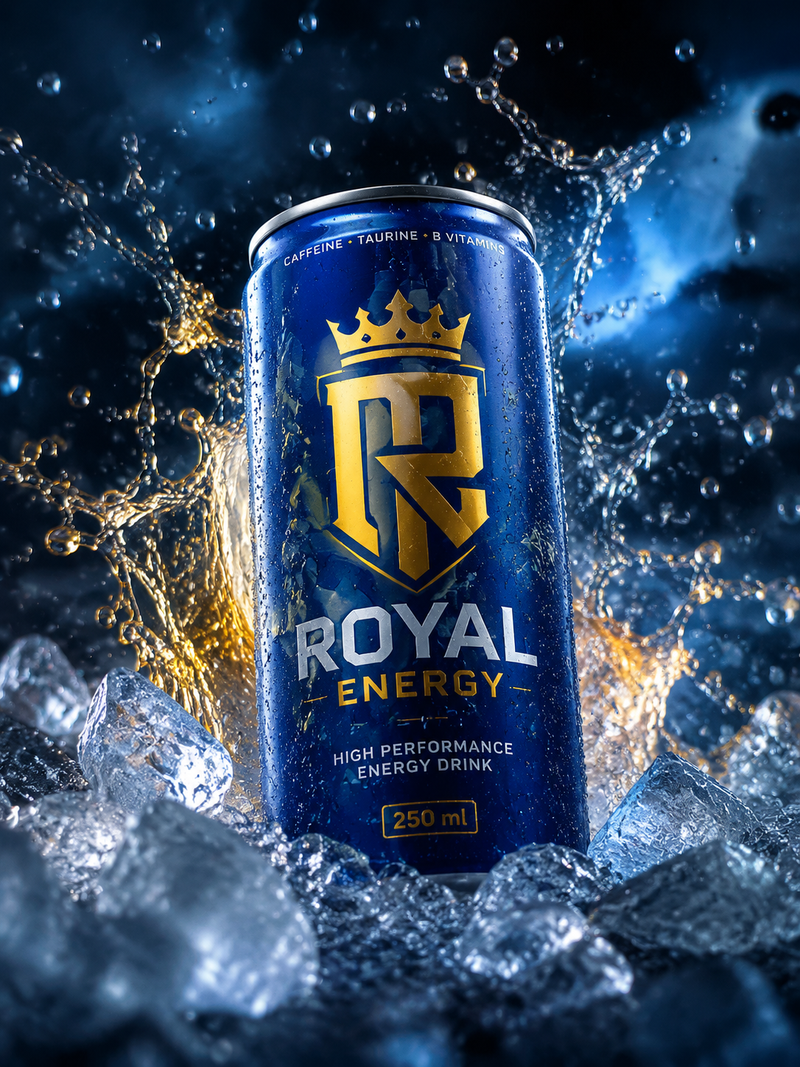
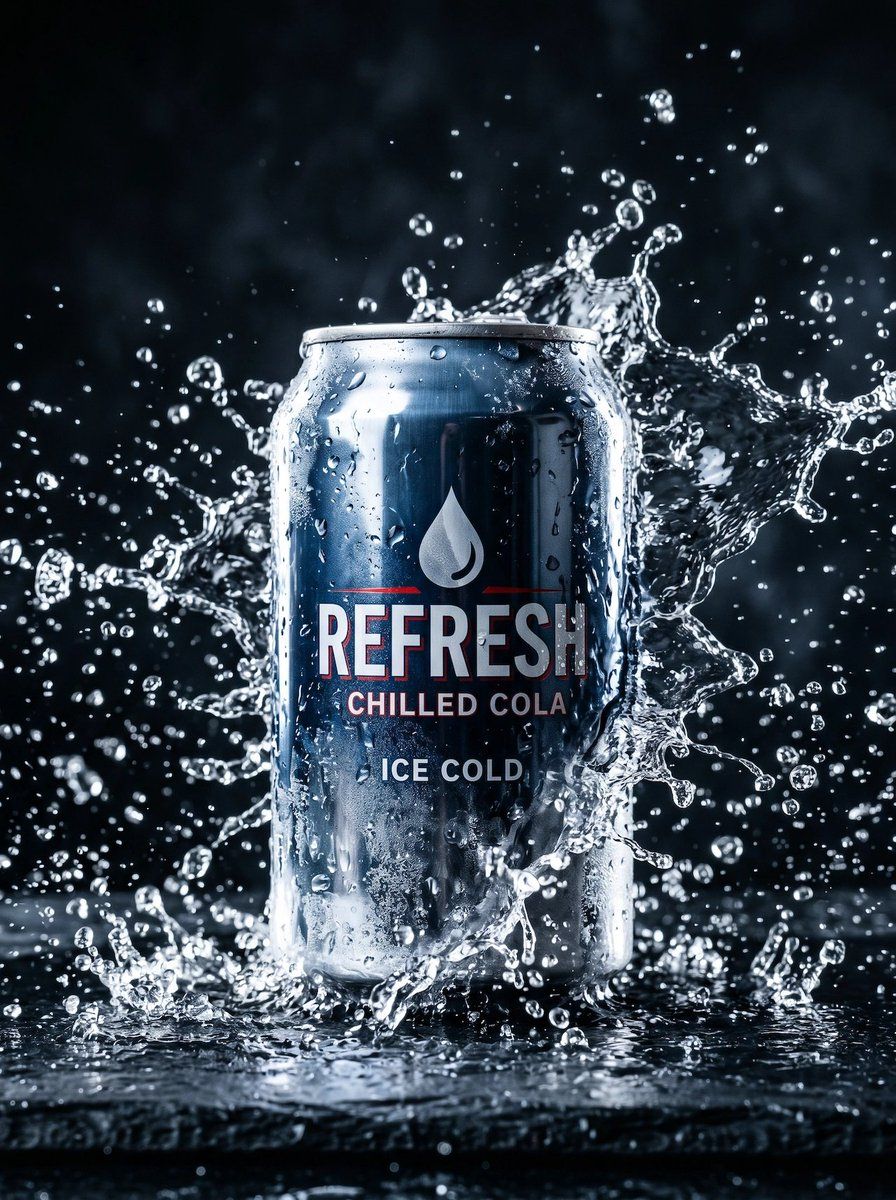
A high-end studio advertising photo of a single aluminum soda can standing upright at the exact center of the frame on a wet reflective black surface, shot straight-on at product height. The can is dark navy to black metallic with heavy cold condensation droplets and a sleek modern label. The visible label has 4 text elements: a white water-drop icon near the top, the large word {argument name="brand name" default="REFRESH"} in bold condensed uppercase with a subtle red outline, the smaller line {argument name="product subtitle" default="CHILLED COLA"} beneath it, and the lower line {argument name="tagline text" default="ICE COLD"}. A dramatic crown-like water splash explodes around the can from both sides and behind it, with dozens of frozen droplets suspended in midair, crisp high-speed photography style, dynamic arcs and scattered beads of water, plus smaller splashes at the base. Lighting is cinematic and commercial: strong cool white rim lights from both sides, glossy specular highlights on the aluminum, deep shadows, bright reflections in the splash, and a dark moody background fading to near-black. Emphasize ultra-sharp detail on the can and splash, premium beverage advertising, refreshing icy mood, photorealistic macro product photography, vertical composition, shallow depth of field but with the main splash sharply frozen, luxury e-commerce hero image quality.
Category
Charts & Infographics
Model
GPT Image 2
Views6
Source ID
17716
Published
May 1, 2026

Guide

About "冰爽可乐飞溅广告"

What is this prompt for?

"冰爽可乐飞溅广告" AI image prompt for GPT Image 2 (Charts & Infographics). 一张极具视觉冲击力的商业饮料产品照,展示了带有冰冻水花飞溅效果的冷藏汽水罐,非常适合电商或广告视觉展示。 Copy it on Picva and recreate the look…

The full copyable prompt and example visuals above are ready for AI image generation or one-click recreate in Picva.

How to use this prompt

  1. Step 1

    Open the prompt detail

    Review the example visuals, category, and full prompt text for "冰爽可乐飞溅广告".

  2. Step 2

    Copy the prompt

    Copy the prompt body from this page, or load it directly in Studio.

  3. Step 3

    Pick a model (GPT Image 2)

    Prefer GPT Image 2. If you switch models, keep subject and composition and tweak style terms.

  4. Step 4

    Generate and export

    Recreate the look in Picva, or export into your workflow for editing and publishing.

FAQ

What is the "冰爽可乐飞溅广告" prompt?
It is an AI image-generation prompt for GPT Image 2 in the Charts & Infographics category. This page includes the full prompt text, example visuals, and a one-click recreate path in Picva.
How do I use this prompt to generate an image?
Copy the prompt from this page, or use Generate / Studio. Paste it into a compatible image model, or recreate the look in Picva with optional reference images.
Which model is this prompt for?
This page lists GPT Image 2. Most descriptive prompts also transfer to nearby image models such as GPT Image, Flux, or Midjourney with light style tweaks.
Can I use the result commercially?
You can usually copy the prompt for creation, but commercial use of the final image depends on the model terms, reference-image rights, and the generated content. Follow the source author and platform rules.