17

暗黑风街头穿搭时尚摄影
Enlarge

Example images

暗黑风街头穿搭时尚摄影

Prompt
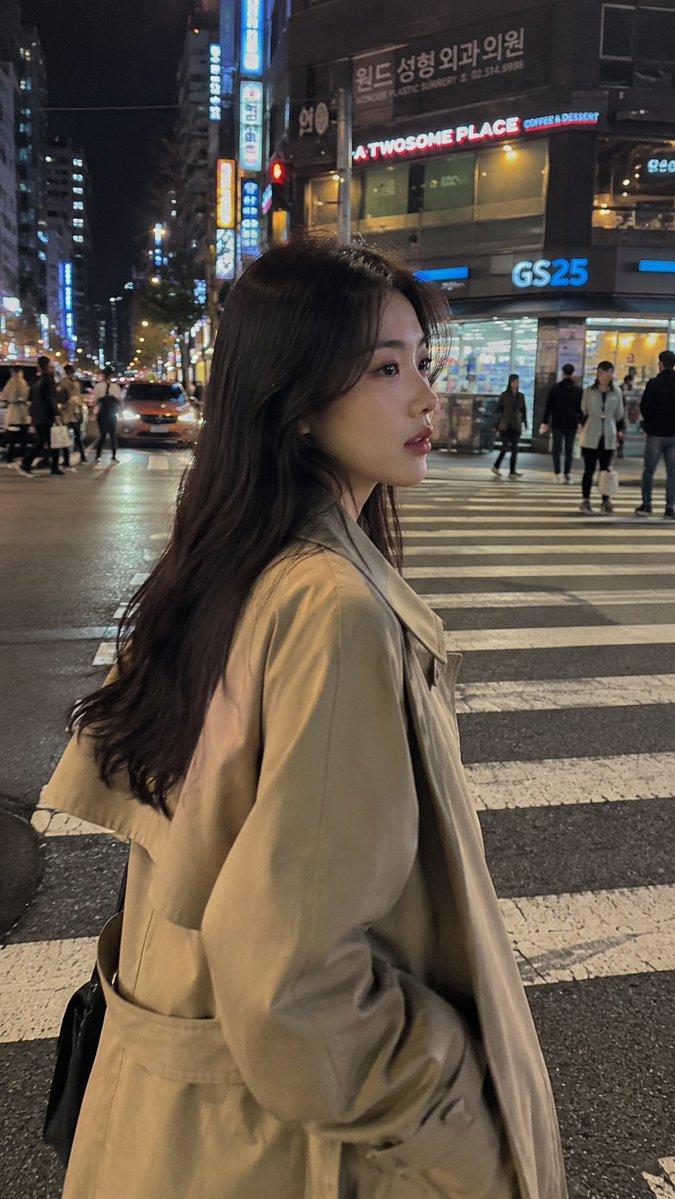
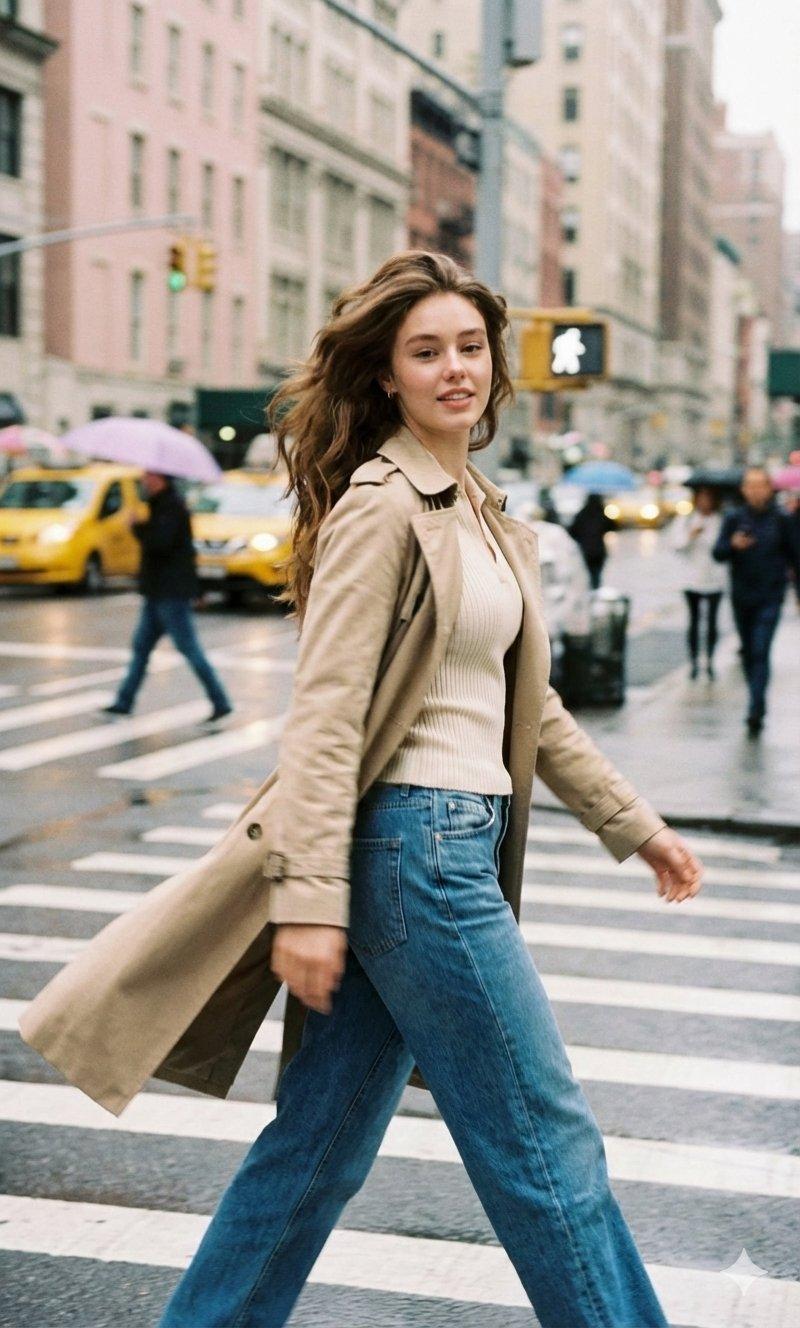
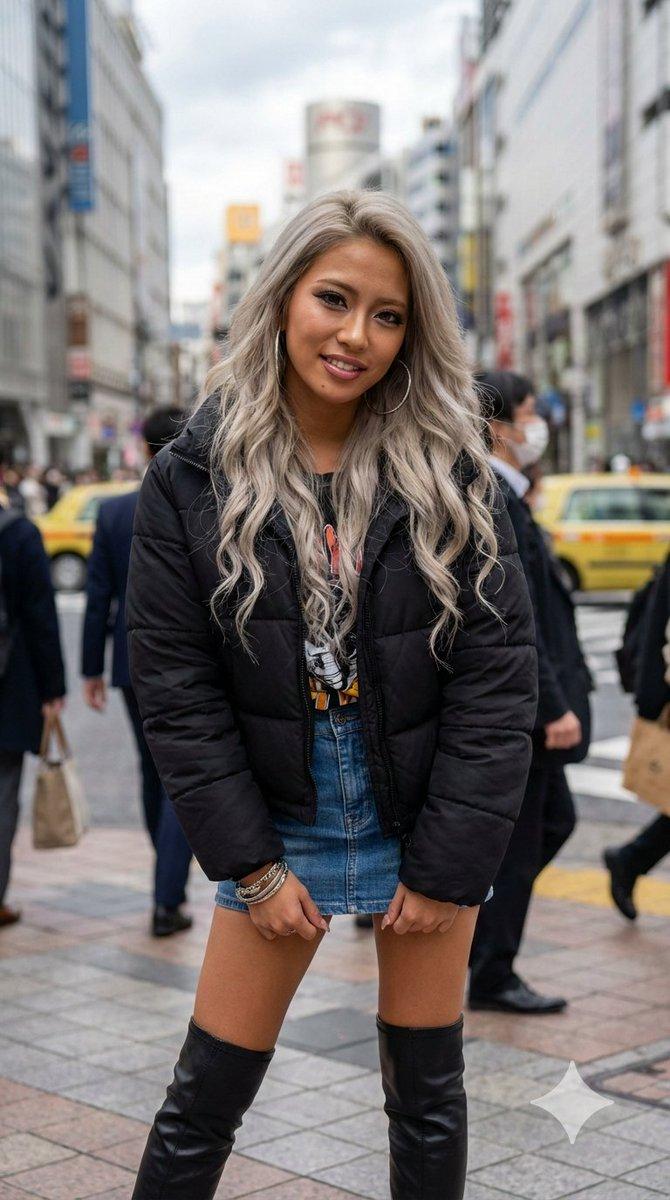
A candid street-style fashion photo of a slim young woman walking across a city crosswalk at dusk, captured with a slightly tilted handheld camera for an editorial paparazzi feel. She has {argument name="hair color" default="jet black"} medium-long straight hair blowing dramatically to one side in the wind, and wears a dark oversized double-breasted blazer over a {argument name="dress style" default="black sparkly mini dress"}. She pairs it with {argument name="boots style" default="black over-the-knee boots"}, a silver chain-strap shoulder bag, and 2 layered silver necklaces, including 1 chunky chain and 1 heart pendant necklace. Her hands are tucked into the blazer pockets, and her stride feels natural and confident. The setting is an urban downtown street with blurred traffic, headlights, tall buildings, and pedestrians in the background, including 3 visible background people out of focus. Include 1 red circular no-entry road sign in the upper left background and white zebra-crossing stripes underfoot. Use moody blue-hour lighting, shallow depth of field, soft motion blur, realistic skin and fabric texture, luxury fashion campaign styling, cinematic cool tones, and a slightly grainy high-end editorial photograph look.
Category
Charts & Infographics
Model
GPT Image 2
Creator
Dgv Fhc
Views7
Source ID
17726
Published
May 1, 2026

Guide

About "暗黑风街头穿搭时尚摄影"

What is this prompt for?

"暗黑风街头穿搭时尚摄影" AI image prompt for GPT Image 2 (Charts & Infographics). 一款电影质感的街头时尚摄影提示词,旨在生成高端都市编辑风格的视觉效果,包含黑色西装外套、迷你裙和过膝长靴。 Copy it on Picva and recreate the…

The full copyable prompt and example visuals above are ready for AI image generation or one-click recreate in Picva.

How to use this prompt

  1. Step 1

    Open the prompt detail

    Review the example visuals, category, and full prompt text for "暗黑风街头穿搭时尚摄影".

  2. Step 2

    Copy the prompt

    Copy the prompt body from this page, or load it directly in Studio.

  3. Step 3

    Pick a model (GPT Image 2)

    Prefer GPT Image 2. If you switch models, keep subject and composition and tweak style terms.

  4. Step 4

    Generate and export

    Recreate the look in Picva, or export into your workflow for editing and publishing.

FAQ

What is the "暗黑风街头穿搭时尚摄影" prompt?
It is an AI image-generation prompt for GPT Image 2 in the Charts & Infographics category. This page includes the full prompt text, example visuals, and a one-click recreate path in Picva.
How do I use this prompt to generate an image?
Copy the prompt from this page, or use Generate / Studio. Paste it into a compatible image model, or recreate the look in Picva with optional reference images.
Which model is this prompt for?
This page lists GPT Image 2. Most descriptive prompts also transfer to nearby image models such as GPT Image, Flux, or Midjourney with light style tweaks.
Can I use the result commercially?
You can usually copy the prompt for creation, but commercial use of the final image depends on the model terms, reference-image rights, and the generated content. Follow the source author and platform rules.