笨拙涂鸦猫咪简笔画
Prompt
A deliberately clumsy, childlike digital doodle of a happy cat named {argument name="character name" default="Shiro"}, drawn in a chaotic scribbly meme style on a plain white background. The cat is centered and shown in a playful mid-leap stretch, facing right, with a simple rounded white body, short legs, oversized paws, a curved upright tail, triangular ears with pale pink inner ear coloring, closed smiling eyes, a tiny pink nose, black whiskers, and a simple cartoon mouth. Give the cat a bright red collar with a round yellow name tag that reads {argument name="tag text" default="SHIRO"} in hand-drawn black letters. Use intentionally imperfect black outlines, uneven proportions, and a naive hand-drawn look as if made quickly in a paint app. Behind the cat, add a large circular tornado of messy scribbles made of many overlapping strokes in {argument name="main swirl color" default="bright green"} and {argument name="secondary swirl color" default="lime green"}, with scattered white oval gaps and exactly 6 short curved red accent strokes embedded around the swirl. The overall feeling is cute, goofy, chaotic, and playful, like a viral clumsy redraw trend, with flat color fills, no shading, and rough freehand brush lines.- Category
- UI & Interfaces
- Model
- GPT Image 2
- Creator
- Vanessa
- Source ID
- 17735
- Published
- May 1, 2026
Views15





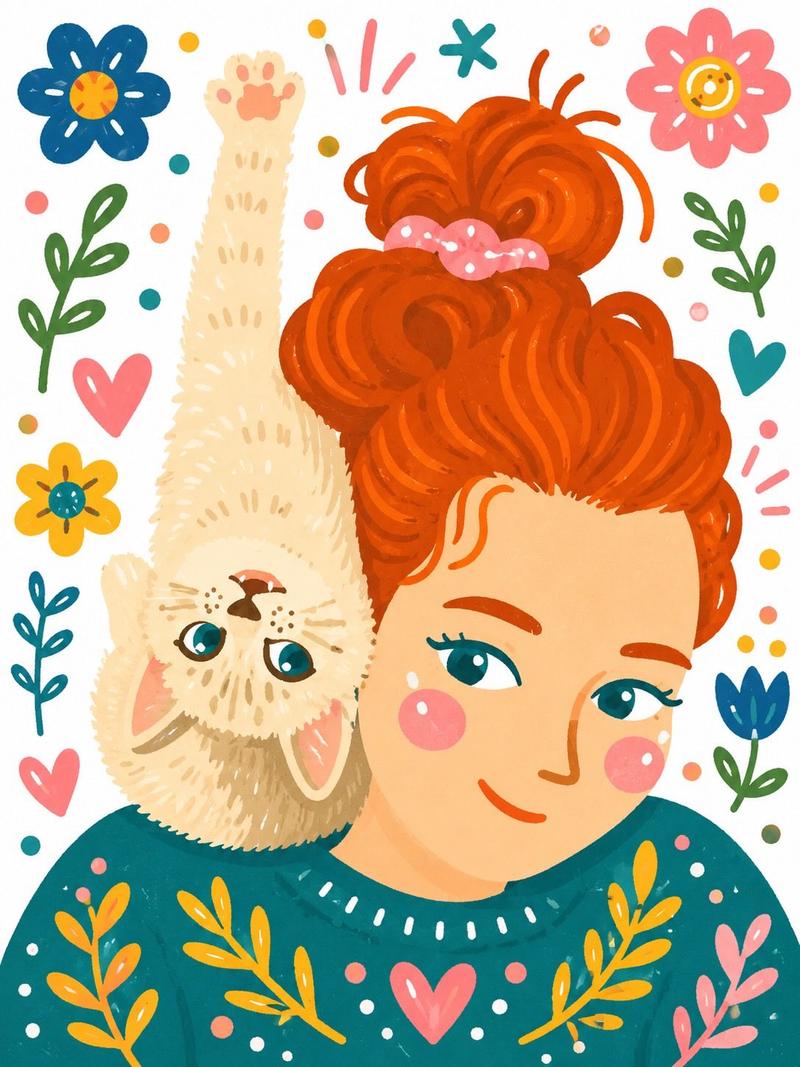
![Playful flat-vector poster illustration of [HUMAN] posing with [ANIMAL] in [POSE](https://i.pixshop.app/storage/v1/render/image/public/prompt-source-media/promptsref/work-31602/image-1-5f24dce7bcb4de77.png?width=800&quality=75&resize=contain)