18

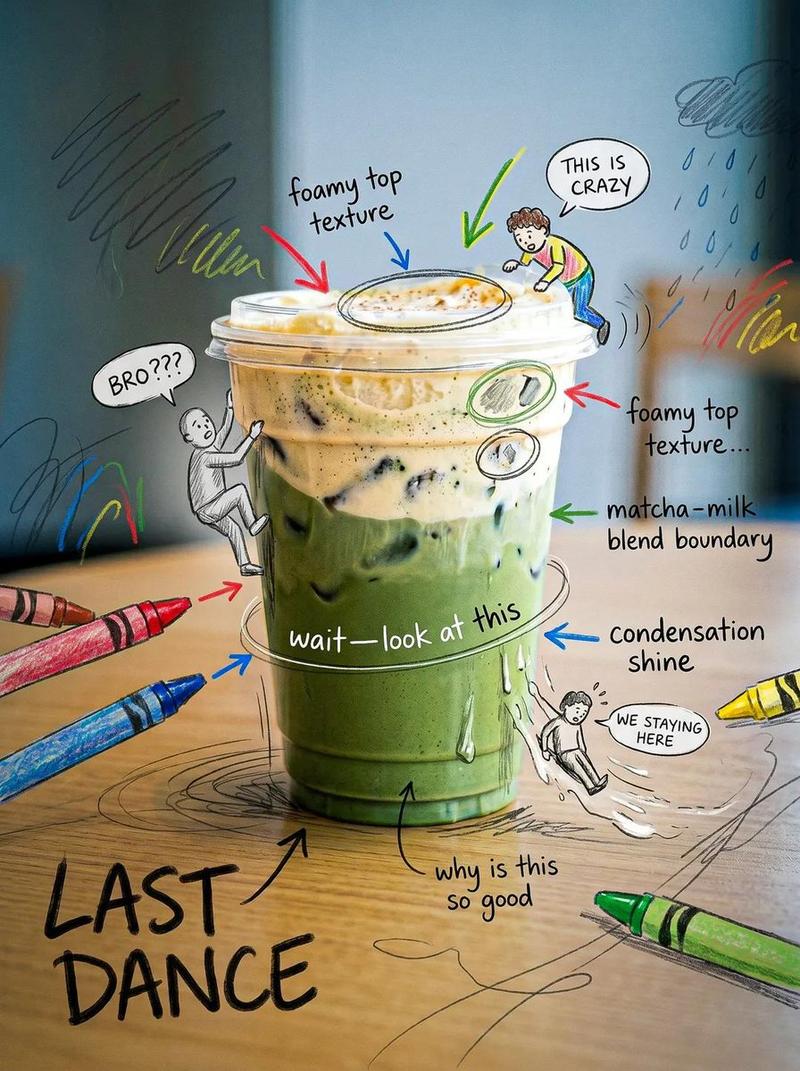
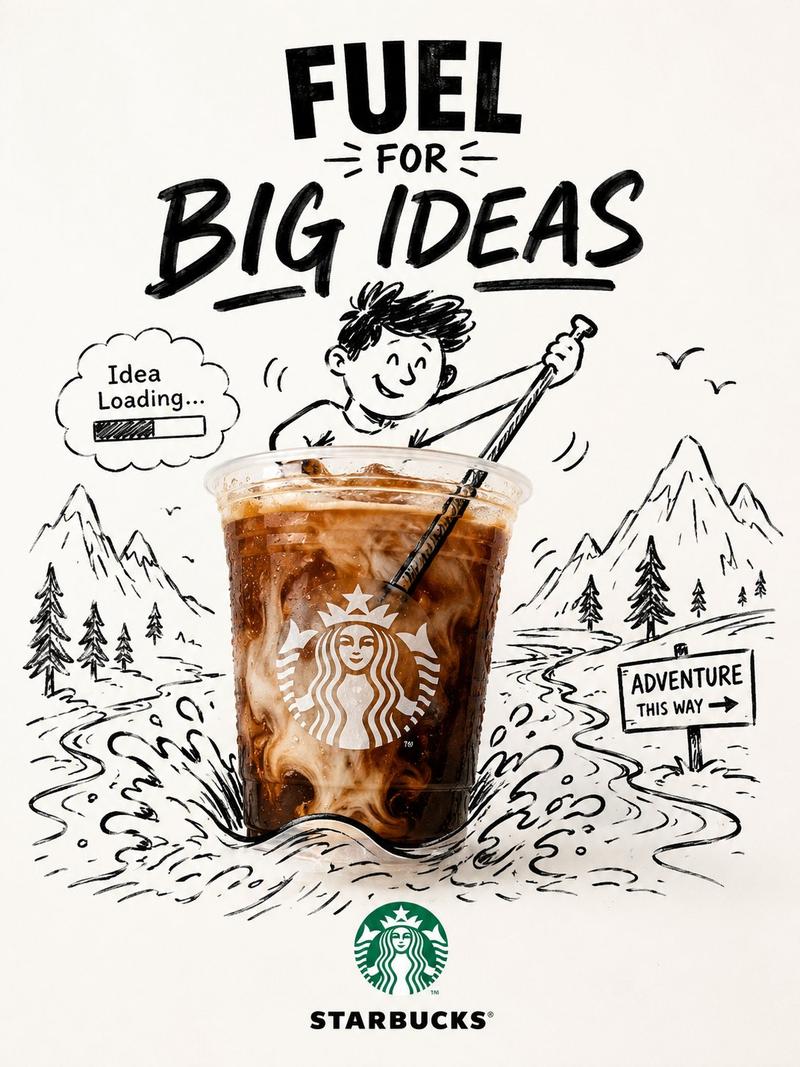
手绘风格照片涂鸦
Enlarge

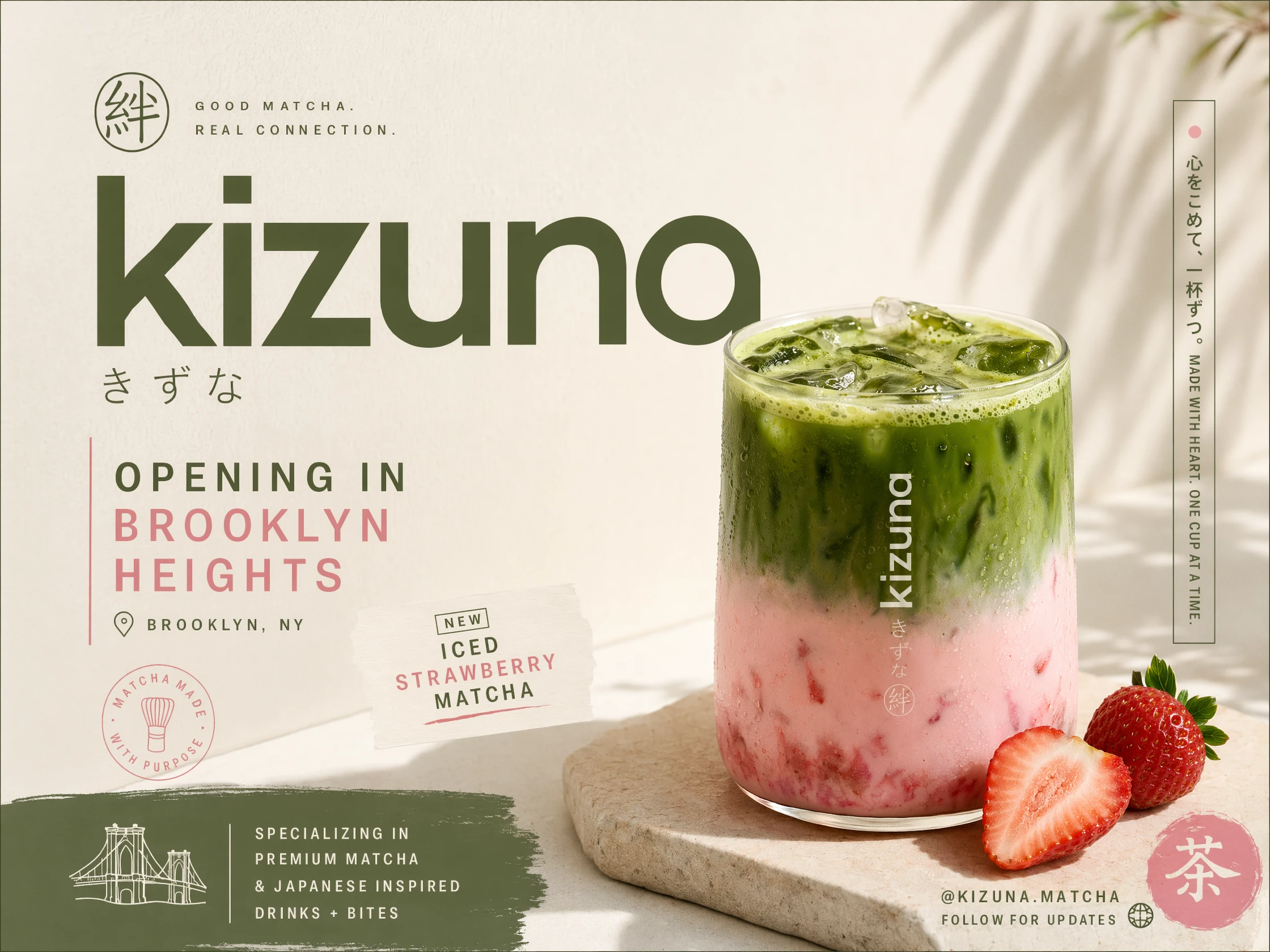
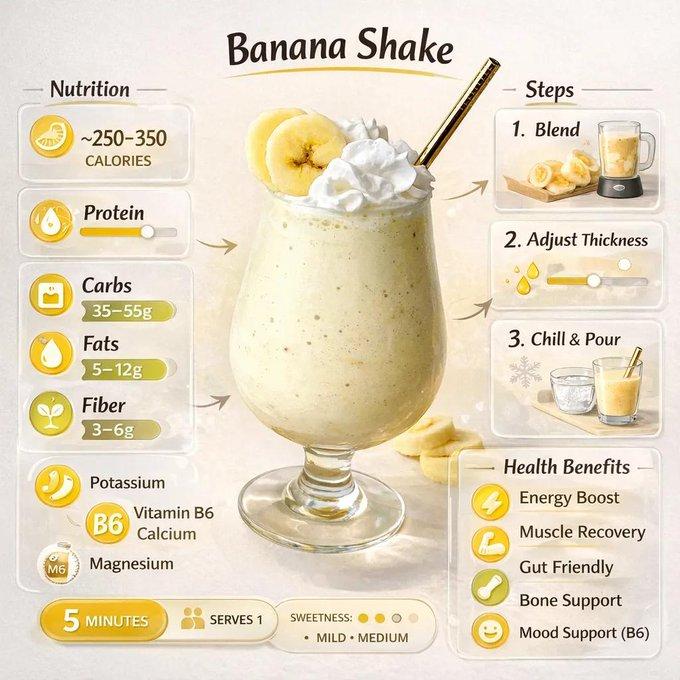
Example images

手绘风格照片涂鸦

Prompt
analyze the uploaded image and preserve the original subject, composition, and lighting exactly as is, do not alter the identity, proportions, or structure of the main subject, add {argument name="element" default="playful hand-drawn doodles"} that interact naturally with the subject such as {argument name="character types" default="small characters, smiley faces, or tiny companions"} sitting, hugging, or reacting to the subject, doodles should follow the shape and perspective of the subject, {argument name="style" default="clean thin line style"}, slightly imperfect hand-drawn look, minimal but expressive, keep background untouched, overall mood fun, lighthearted, and aesthetic.
Category
Posters & Typography
Model
GPT Image 2
Creator
Ciri
Views3
Source ID
17814
Published
May 2, 2026

Guide

About "手绘风格照片涂鸦"

What is this prompt for?

"手绘风格照片涂鸦" AI image prompt for GPT Image 2 (Posters & Typography). 通过添加趣味十足的手绘涂鸦和角色来增强照片效果,这些元素能与原始主体自然互动,同时完整保留原有背景。 Copy it on Picva and recreate the look in…

The full copyable prompt and example visuals above are ready for AI image generation or one-click recreate in Picva.

How to use this prompt

  1. Step 1

    Open the prompt detail

    Review the example visuals, category, and full prompt text for "手绘风格照片涂鸦".

  2. Step 2

    Copy the prompt

    Copy the prompt body from this page, or load it directly in Studio.

  3. Step 3

    Pick a model (GPT Image 2)

    Prefer GPT Image 2. If you switch models, keep subject and composition and tweak style terms.

  4. Step 4

    Generate and export

    Recreate the look in Picva, or export into your workflow for editing and publishing.

FAQ

What is the "手绘风格照片涂鸦" prompt?
It is an AI image-generation prompt for GPT Image 2 in the Posters & Typography category. This page includes the full prompt text, example visuals, and a one-click recreate path in Picva.
How do I use this prompt to generate an image?
Copy the prompt from this page, or use Generate / Studio. Paste it into a compatible image model, or recreate the look in Picva with optional reference images.
Which model is this prompt for?
This page lists GPT Image 2. Most descriptive prompts also transfer to nearby image models such as GPT Image, Flux, or Midjourney with light style tweaks.
Can I use the result commercially?
You can usually copy the prompt for creation, but commercial use of the final image depends on the model terms, reference-image rights, and the generated content. Follow the source author and platform rules.