18

复古剪贴簿美学拼贴
Enlarge

复古剪贴簿美学拼贴

Prompt
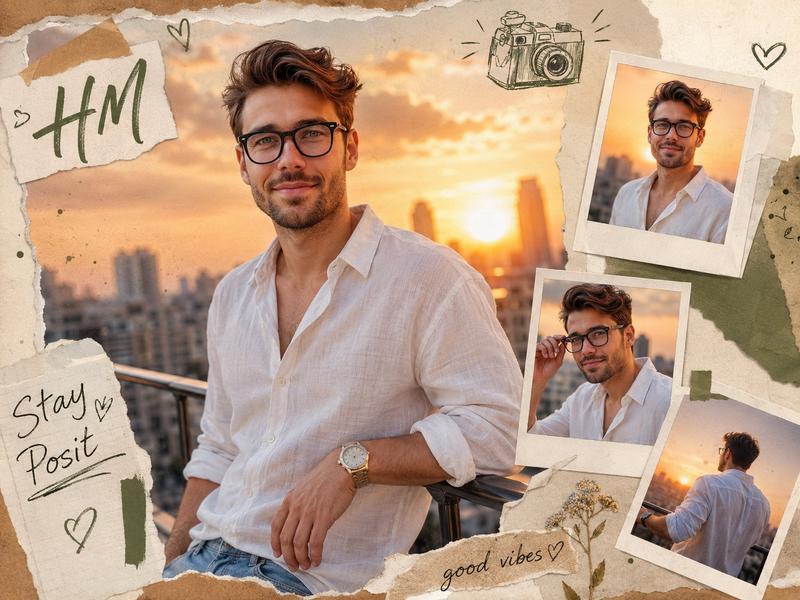
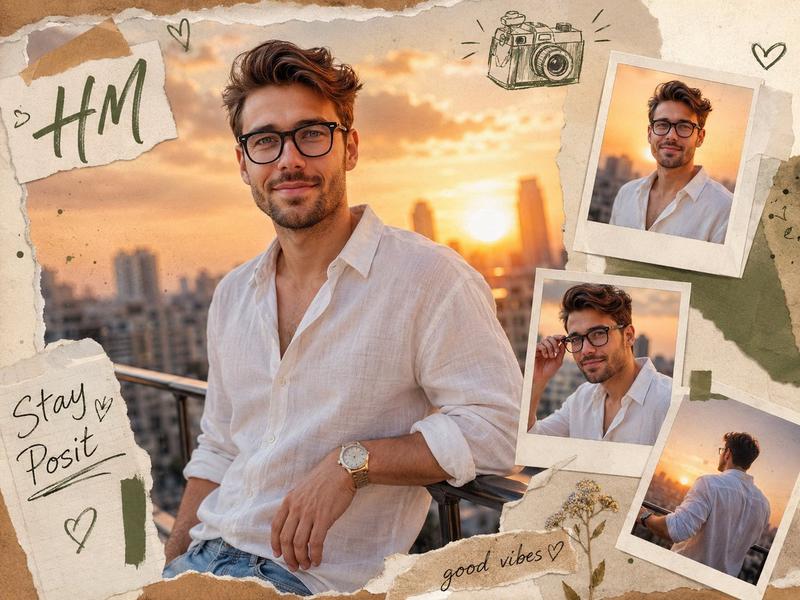
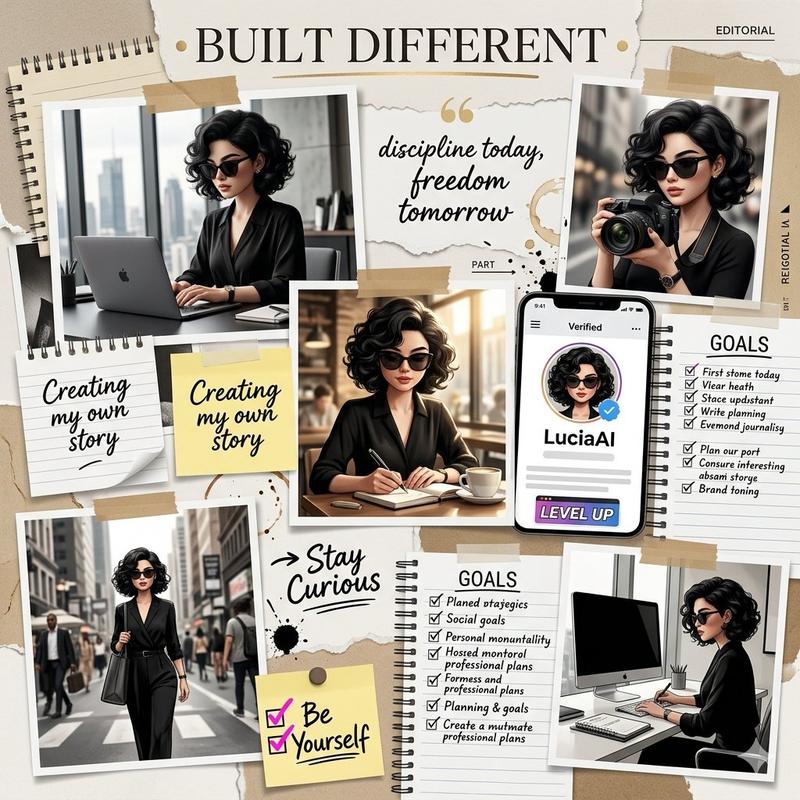
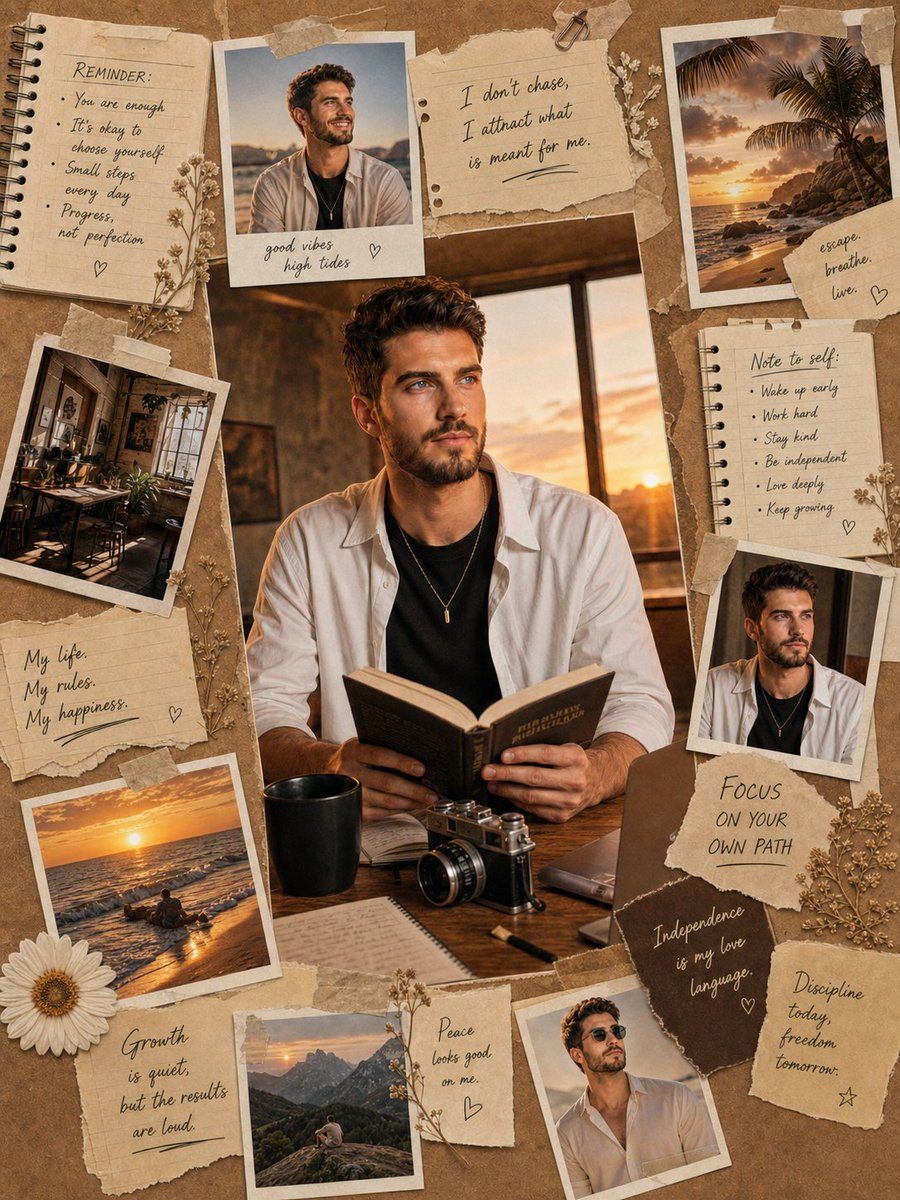
Vintage scrapbook-style aesthetic collage featuring the attached photo of an {argument name="subject description" default="attractive man with wavy brown hair, glowing skin, and soft features"}. He appears thoughtful by a sunset window, wearing a black top, open white shirt, and a minimal necklace. Main scene: sitting at a desk reading a book, surrounded by a coffee cup, retro camera, notebook, and laptop. Vertical composition filled with {argument name="media types" default="Polaroid-style photos"} (travel, beach, studio, smiling portraits). Include torn paper, sticky notes, beige tape, notebook pages, and botanical sketches arranged artistically. Add {argument name="text content" default="handwritten motivational English quotes about growth, inner peace, independence, and self-love"}. Warm beige, brown, and golden palette with soft cinematic lighting, cozy Pinterest moodboard style, ultra-detailed, realistic paper textures, natural shadows, 4K quality. Keep facial features unchanged.
Category
Posters & Typography
Model
GPT Image 2
Views2
Source ID
17827
Published
May 2, 2026

Guide

About "复古剪贴簿美学拼贴"

What is this prompt for?

"复古剪贴簿美学拼贴" AI image prompt for GPT Image 2 (Posters & Typography). 以中心主体为核心,创作一张融合宝丽来照片、植物素描和励志引言的怀旧剪贴簿风格拼贴画。 Copy it on Picva and recreate the look in one cl…

The full copyable prompt and example visuals above are ready for AI image generation or one-click recreate in Picva.

How to use this prompt

  1. Step 1

    Open the prompt detail

    Review the example visuals, category, and full prompt text for "复古剪贴簿美学拼贴".

  2. Step 2

    Copy the prompt

    Copy the prompt body from this page, or load it directly in Studio.

  3. Step 3

    Pick a model (GPT Image 2)

    Prefer GPT Image 2. If you switch models, keep subject and composition and tweak style terms.

  4. Step 4

    Generate and export

    Recreate the look in Picva, or export into your workflow for editing and publishing.

FAQ

What is the "复古剪贴簿美学拼贴" prompt?
It is an AI image-generation prompt for GPT Image 2 in the Posters & Typography category. This page includes the full prompt text, example visuals, and a one-click recreate path in Picva.
How do I use this prompt to generate an image?
Copy the prompt from this page, or use Generate / Studio. Paste it into a compatible image model, or recreate the look in Picva with optional reference images.
Which model is this prompt for?
This page lists GPT Image 2. Most descriptive prompts also transfer to nearby image models such as GPT Image, Flux, or Midjourney with light style tweaks.
Can I use the result commercially?
You can usually copy the prompt for creation, but commercial use of the final image depends on the model terms, reference-image rights, and the generated content. Follow the source author and platform rules.