11

旅行照片月历卡
Enlarge

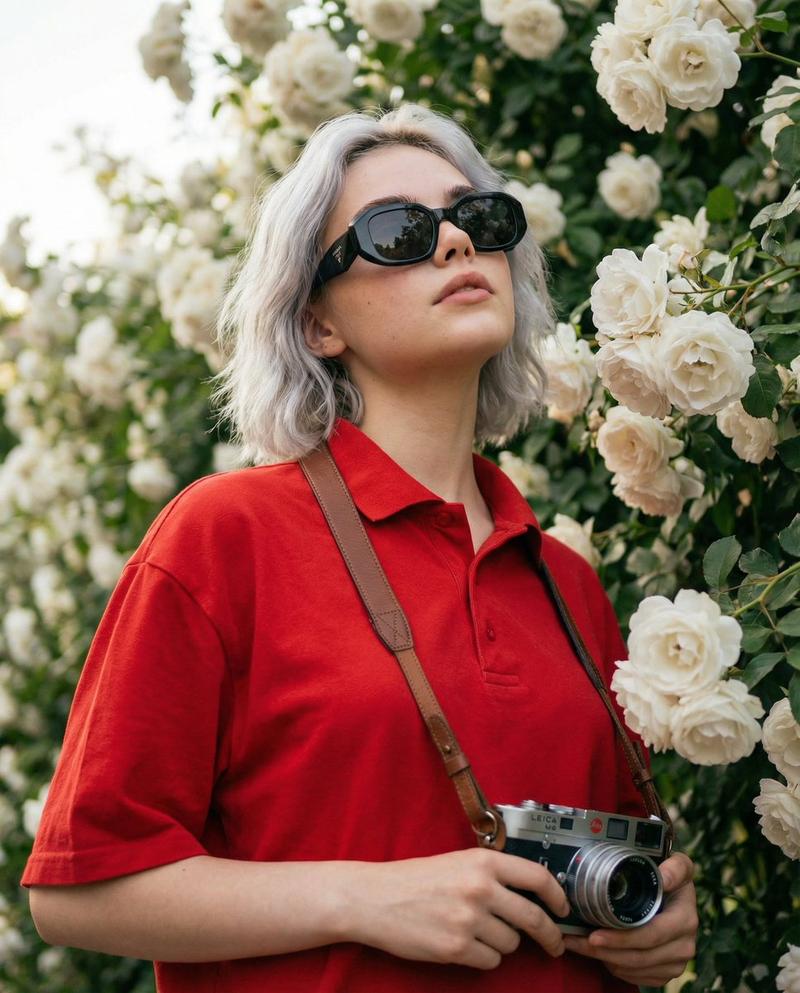
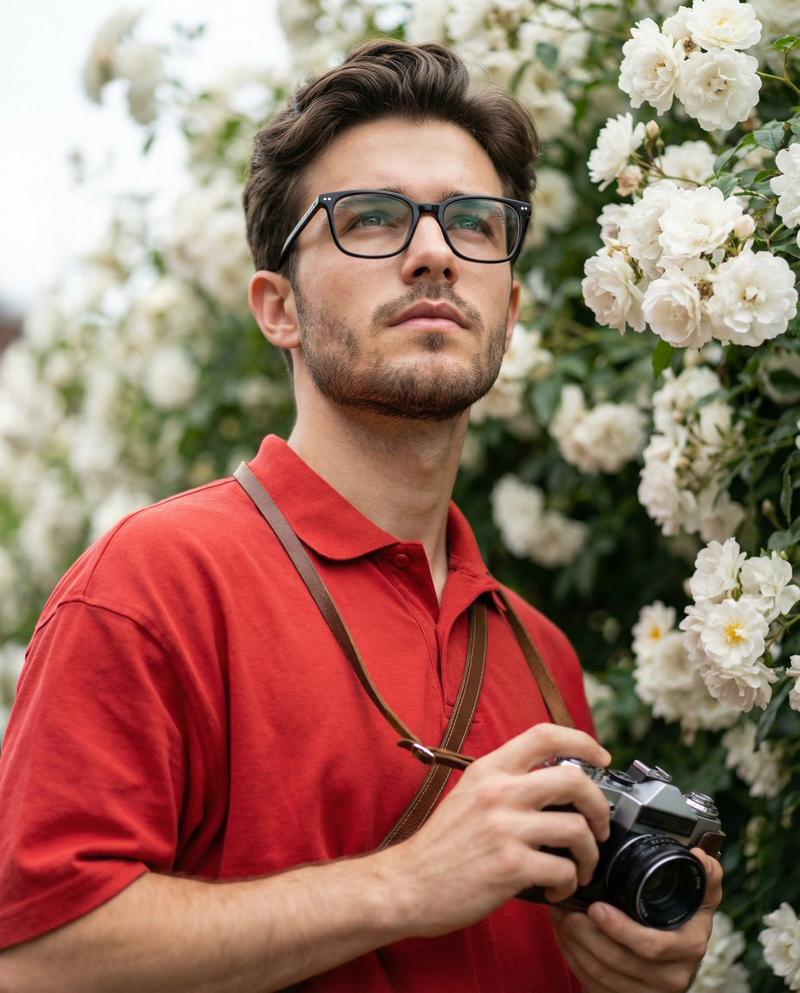
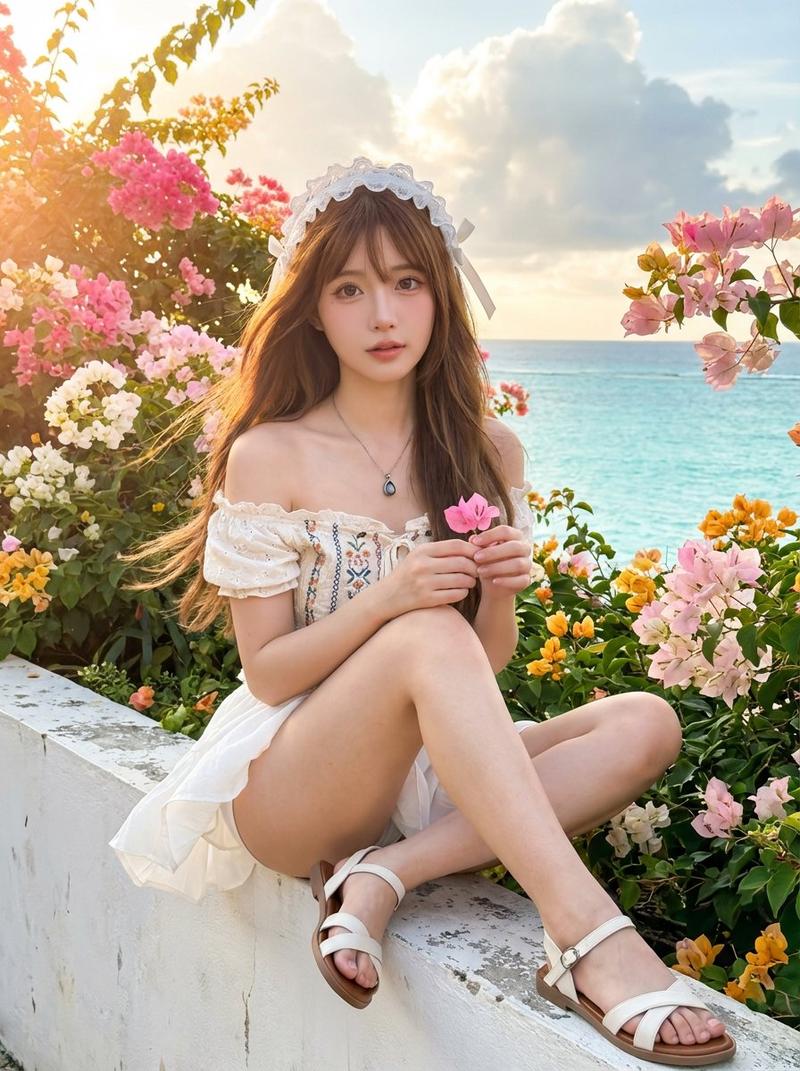
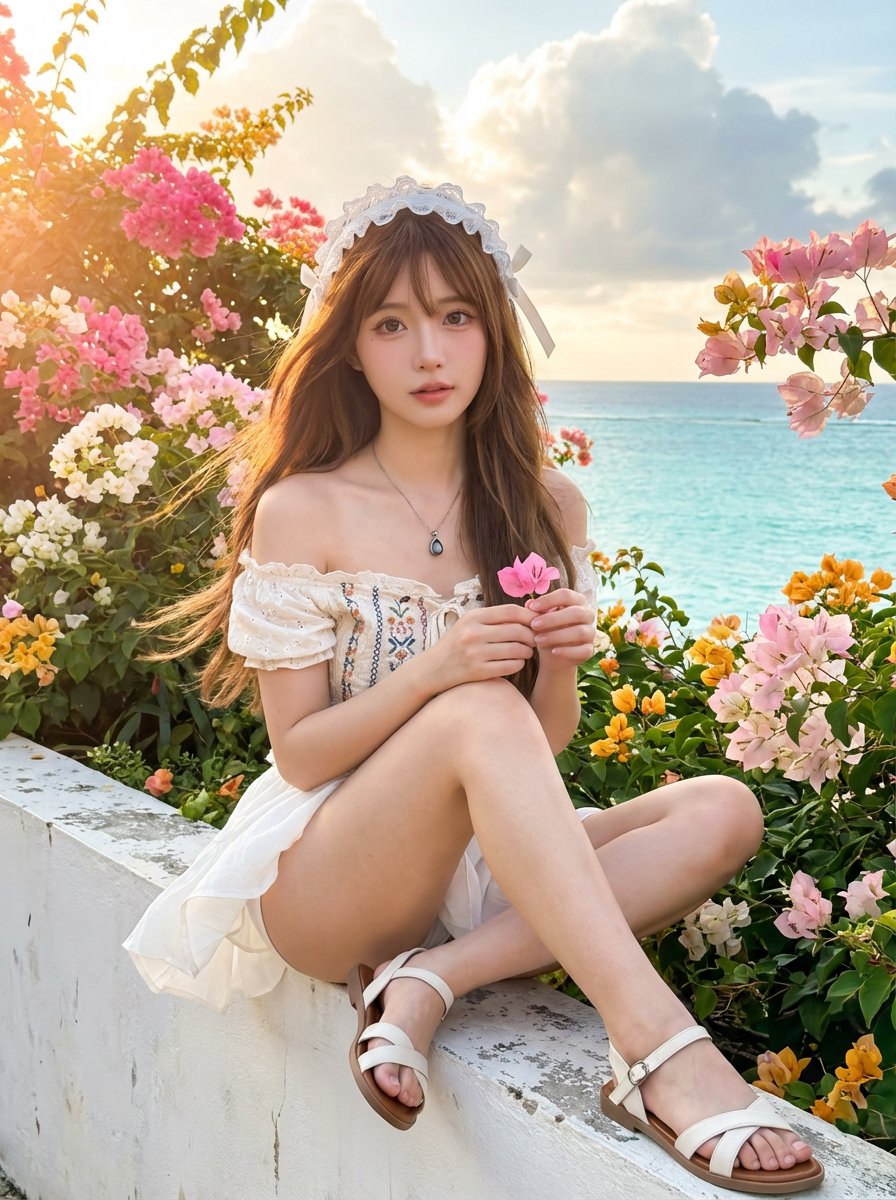
Example images

旅行照片月历卡

Prompt
根据我上传的真实旅行照片,生成一张9:16比例的「月历卡片」。

【一、执行方式(最重要)】

这是图片编辑任务,不是重新生成图片
必须使用原图作为底图:

* 保留人物五官、表情、发型、体态完全不变
* 保留原始光线、色温、阴影关系
* 不进行磨皮、提亮、重绘、风格化
* 不改变环境、构图、颜色氛围

👉 原图必须看起来“像没被动过”

⸻

【二、允许操作(只做叠加)】

只允许在原图基础上增加设计层:

* 底部30%做渐变延展(用于放日历)
* 轻柔半透明蒙版(保证文字可读)
* 日历排版 + 月份标题 + 文案

禁止:

* 重绘人物或背景
* 改变整体色调风格
* 统一调色成“设计滤镜”

⸻

【三、色彩规则】

颜色必须来源于当前图片:

* 提取主色 / 辅助色 / 点缀色
* 仅做轻微降饱和和明度统一
* 保持原图真实色感,不强行高级化

👉 原则:尊重原图,而不是改造原图

⸻

【四、版式结构】

上70%:原图(不动)
下30%:渐变+日历区(自然过渡)

* 渐变必须柔和,无硬切
* 留白充足,不堆元素
* 整体像杂志内页,而不是模板日历

⸻

【五、日历内容(必须准确)】

自动生成对应年月:

* 标题:{argument name="日期标题" default="July 2026 / 2026.07"}
* 星期:Mon Tue Wed Thu Fri Sat Sun
* 日期:按真实日历排布,严格对齐

⸻

【六、文案规则(重点)】

长度:8–16字

要求:

* 不超过两行
* 不使用感叹号
* 不讲大道理,不鸡汤
* 不解释情绪,只留一点感觉

优先写法:

* 情绪片段
* 场景感句子
* 不完整但有余味

👉 原则:让人停一下,而不是读完

⸻

【七、选图建议(非常关键)】

优先选择:

* 侧脸 / 低头 / 遮挡(帽子、手、光)
* 动态画面(走路、转身)
* 情绪 > 五官

避免:

* 正脸大特写
* 证件感、强识别图

👉 原则:减少AI改脸风险

⸻

【最终核心一句话】

👉 不是让AI生成一张更好看的照片,而是在你的照片上,轻轻放一层设计
Category
Posters & Typography
Model
GPT Image 2
Views2
Source ID
17859
Published
May 2, 2026

Guide

About "旅行照片月历卡"

What is this prompt for?

"旅行照片月历卡" AI image prompt for GPT Image 2 (Posters & Typography). 一份详细的布局提示词,用于将个人旅行照片转化为美观的月历卡,强调无损编辑与专业排版。 Copy it on Picva and recreate the look in one clic…

The full copyable prompt and example visuals above are ready for AI image generation or one-click recreate in Picva.

How to use this prompt

  1. Step 1

    Open the prompt detail

    Review the example visuals, category, and full prompt text for "旅行照片月历卡".

  2. Step 2

    Copy the prompt

    Copy the prompt body from this page, or load it directly in Studio.

  3. Step 3

    Pick a model (GPT Image 2)

    Prefer GPT Image 2. If you switch models, keep subject and composition and tweak style terms.

  4. Step 4

    Generate and export

    Recreate the look in Picva, or export into your workflow for editing and publishing.

FAQ

What is the "旅行照片月历卡" prompt?
It is an AI image-generation prompt for GPT Image 2 in the Posters & Typography category. This page includes the full prompt text, example visuals, and a one-click recreate path in Picva.
How do I use this prompt to generate an image?
Copy the prompt from this page, or use Generate / Studio. Paste it into a compatible image model, or recreate the look in Picva with optional reference images.
Which model is this prompt for?
This page lists GPT Image 2. Most descriptive prompts also transfer to nearby image models such as GPT Image, Flux, or Midjourney with light style tweaks.
Can I use the result commercially?
You can usually copy the prompt for creation, but commercial use of the final image depends on the model terms, reference-image rights, and the generated content. Follow the source author and platform rules.