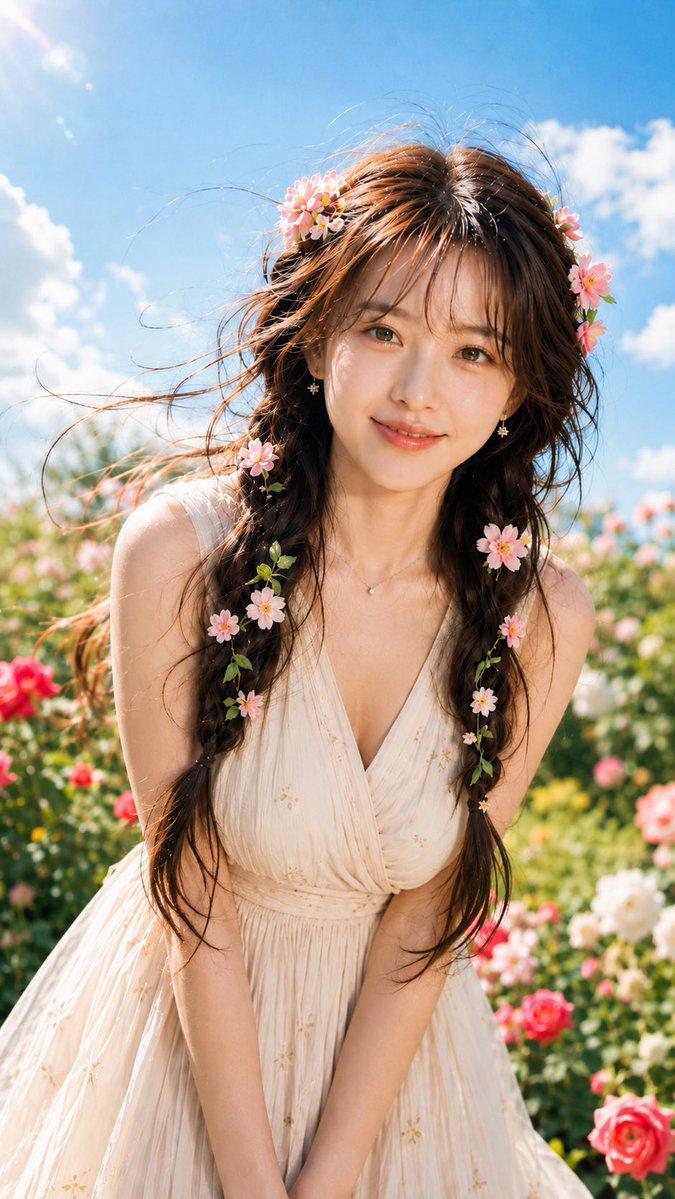
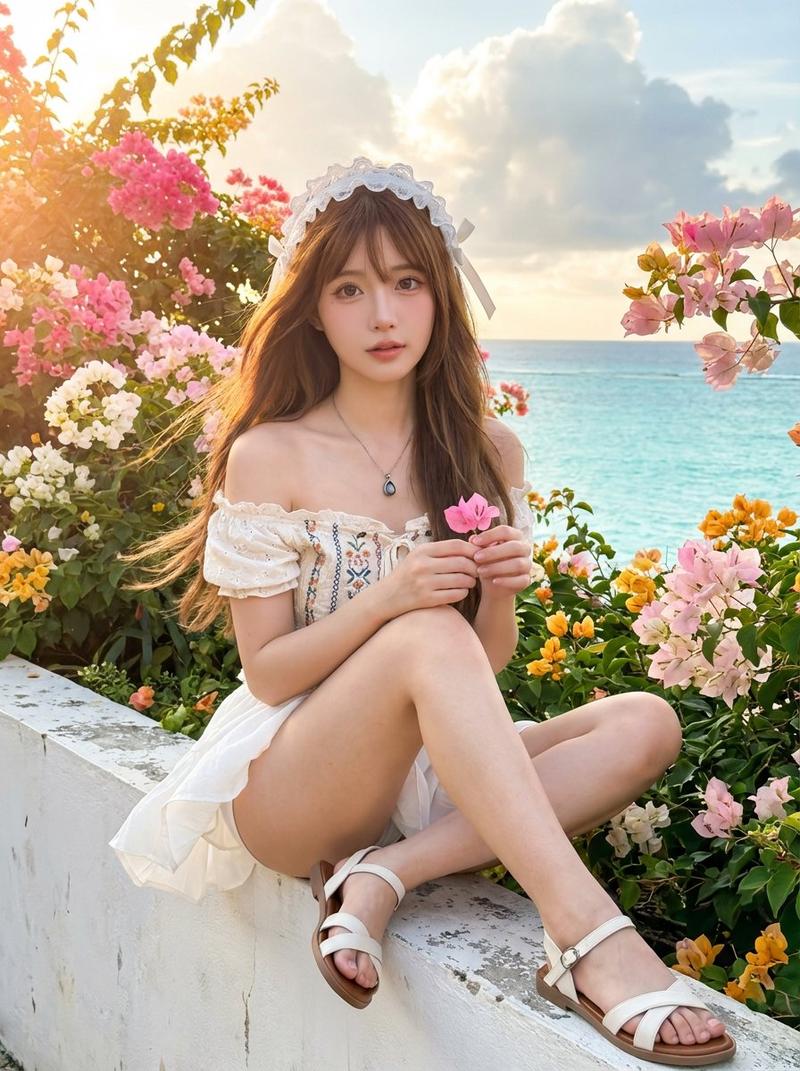
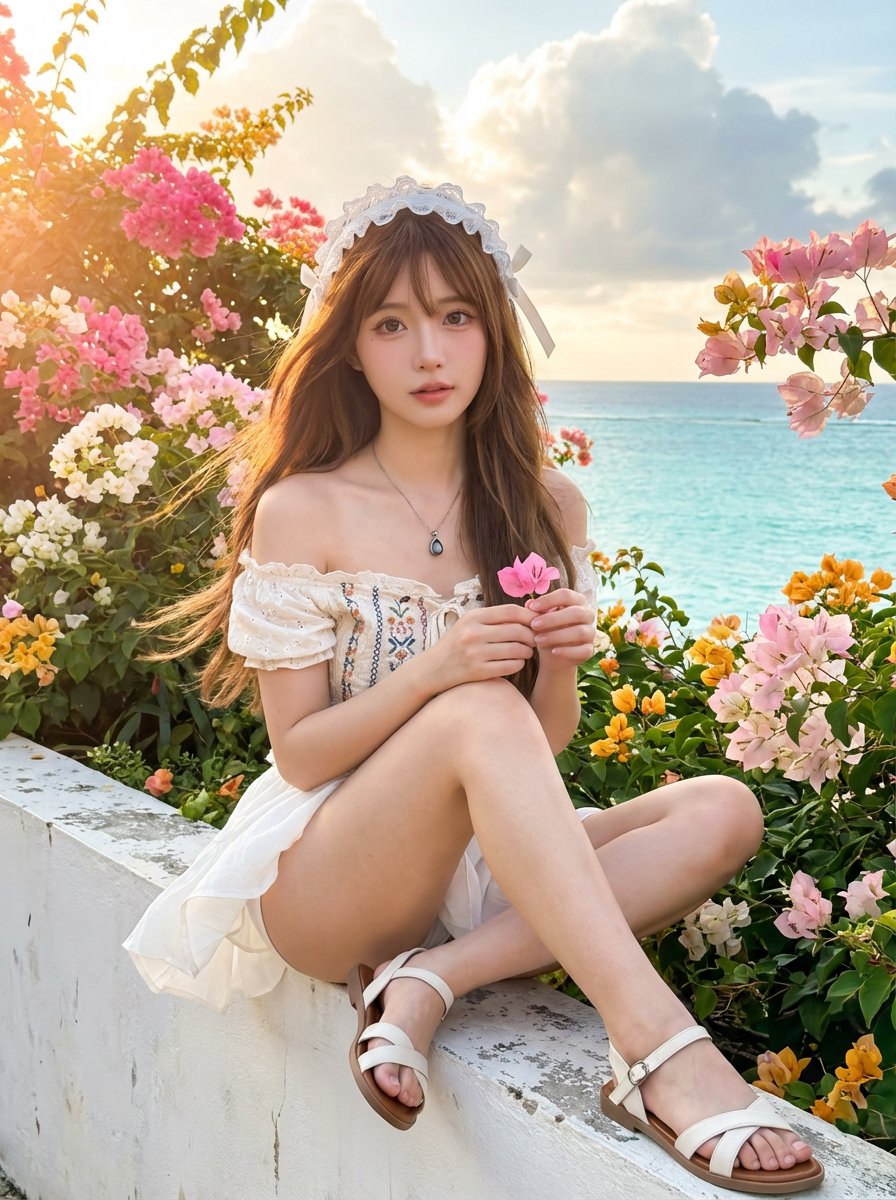
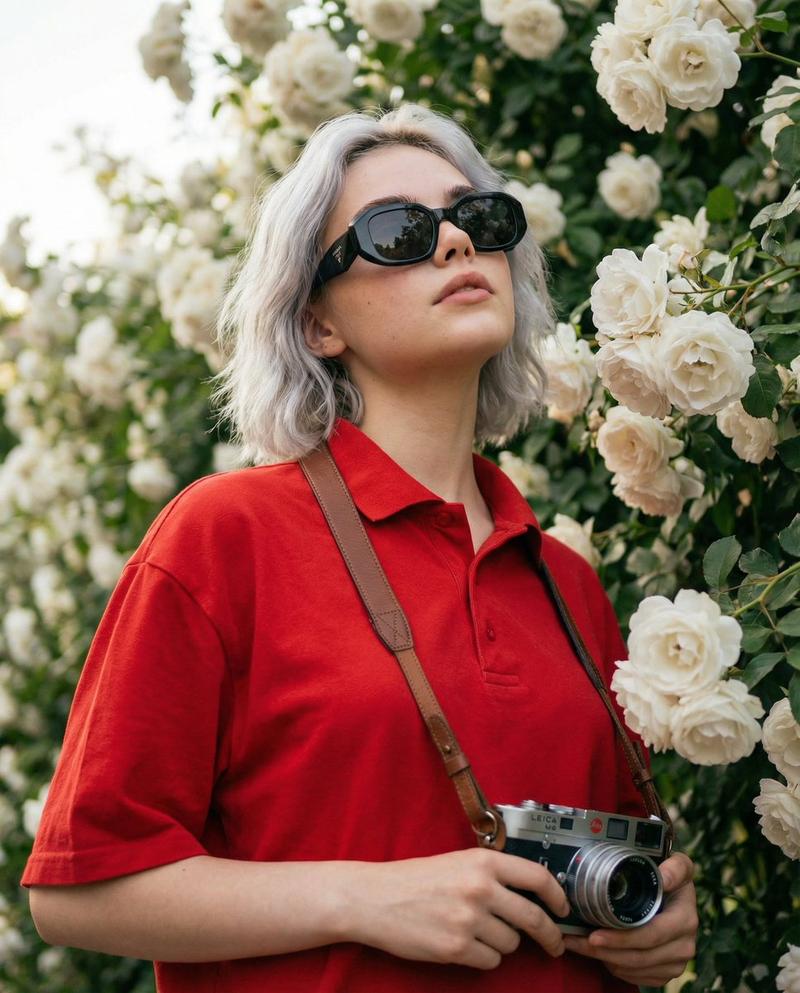
夏日花园玫瑰自拍
Prompt
Use my uploaded portrait only as the identity reference. Only reference the person’s real facial features, face shape, proportions, skin tone, hairstyle, hair texture, and overall natural appearance. Do not copy the original clothing, background, lighting, expression, or image quality from the uploaded portrait. The generated person must still look like the same real person. Do not change the person into someone else. Do not over-beautify. Do not make the skin look plastic. Do not make it anime-like or doll-like.

Create a highly realistic outdoor summer garden selfie in a vertical composition. The framing should be farther away than a close-up selfie, showing more of the upper body and part of the outfit, with a natural arm-extended selfie perspective. The subject is looking directly at the camera with a soft, gentle, relaxed expression and a slight smile. The head can be slightly tilted, and both arms should be visible extending toward the camera in a natural selfie pose. The perspective should feel like a real handheld phone selfie, with mild wide-angle distortion, but not exaggerated.

The setting is a bright outdoor flower garden filled with blooming purple roses, lush green leaves, and a clear blue sky in the background. The floral wall should feel dense, vivid, fresh, and summery. The subject is wearing a woven straw sun hat with a wide brim and delicate white lace trim around the edge. The hat may include subtle summer decorations such as small white-yellow plumeria flowers and small starfish accessories, keeping the styling elegant and playful, not cartoonish.

Generate suitable summer clothing automatically based on the uploaded person’s appearance and temperament. Do not lock the clothing to one exact design, but make it stylish, natural, feminine, and suitable for a sunny flower garden selfie. The outfit should harmonize with the purple rose environment, and light purple or other soft summer tones are preferred. Clothing fabric should look real, with natural texture and folds.

Use strong but realistic natural summer sunlight. Let the sunlight pass through the hat and create delicate dappled light and shadow patterns on the face, shoulders, and arms. Keep the lighting bright, warm, and fresh, but do not overexpose the face. Preserve natural skin texture, subtle pores, realistic highlights, natural lip tone, and authentic eye catchlights. Hair should have realistic strands and a few loose flyaway hairs, with soft sunlit rim light around the edges.

The overall image should look like a real high-quality smartphone selfie or digital camera selfie, with authentic photographic realism, natural depth of field, vivid floral colors, and a clean, dreamy summer atmosphere. No text, no watermark, no logo, no AI label, and no border.

Negative Prompt

watermark, text, logo, AI label, signature, border, low resolution, blurry face, wrong identity, face not ma
- Category
- Charts & Infographics
- Model
- GPT Image 2
- Creator
- Shinning
- Source ID
- 21059
- Published
- May 17, 2026
Views2