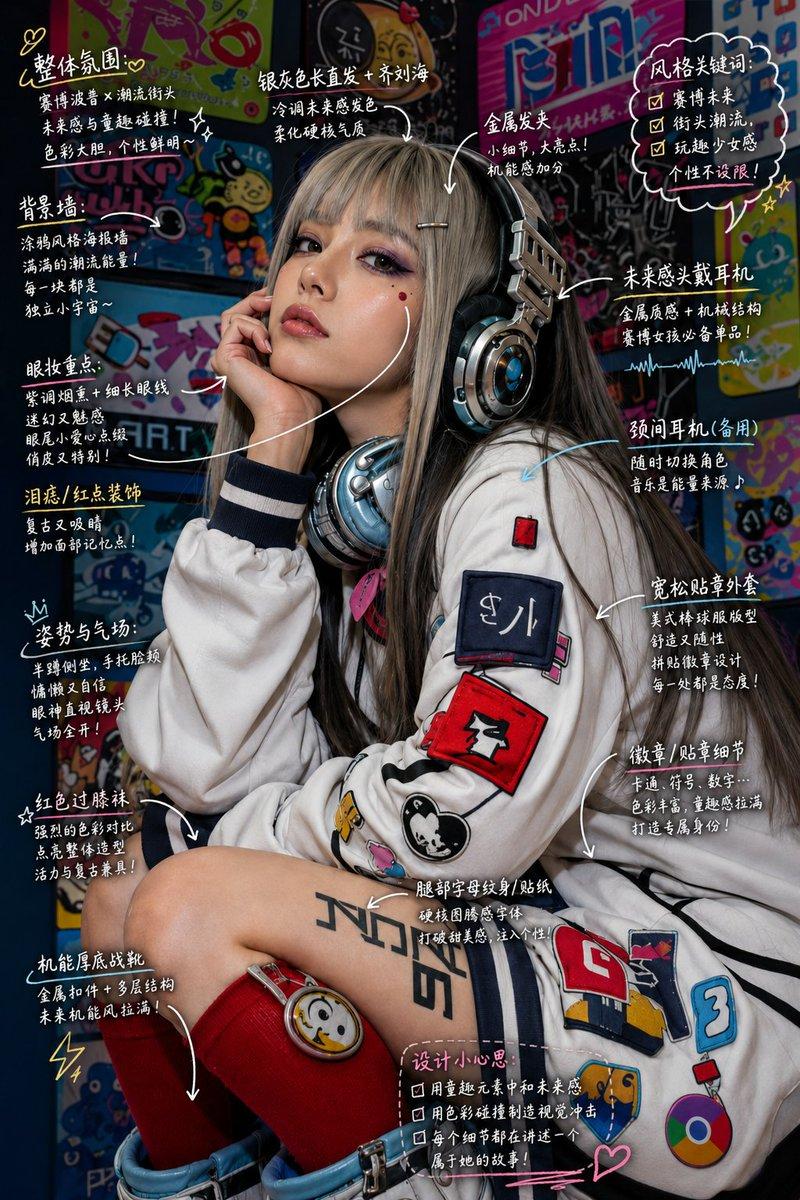
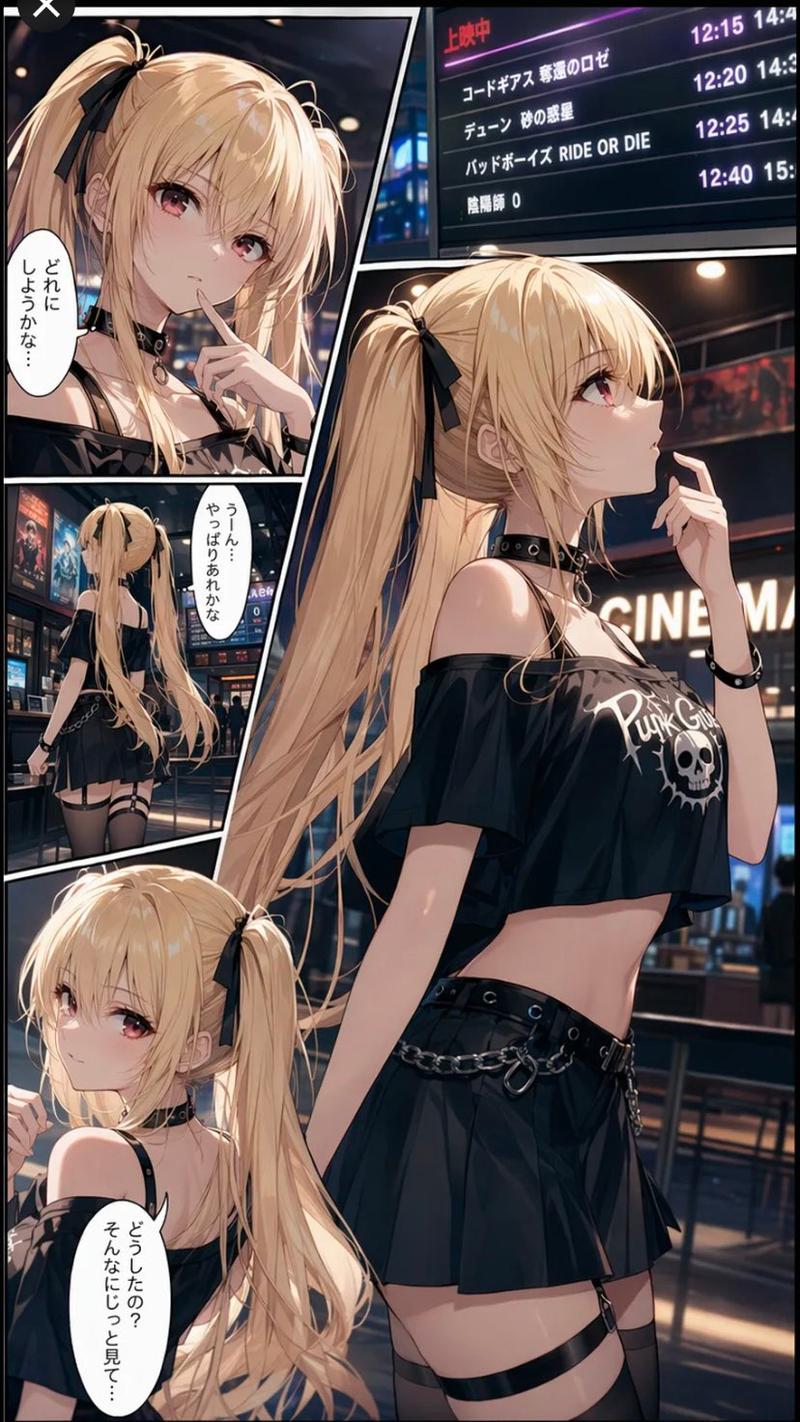
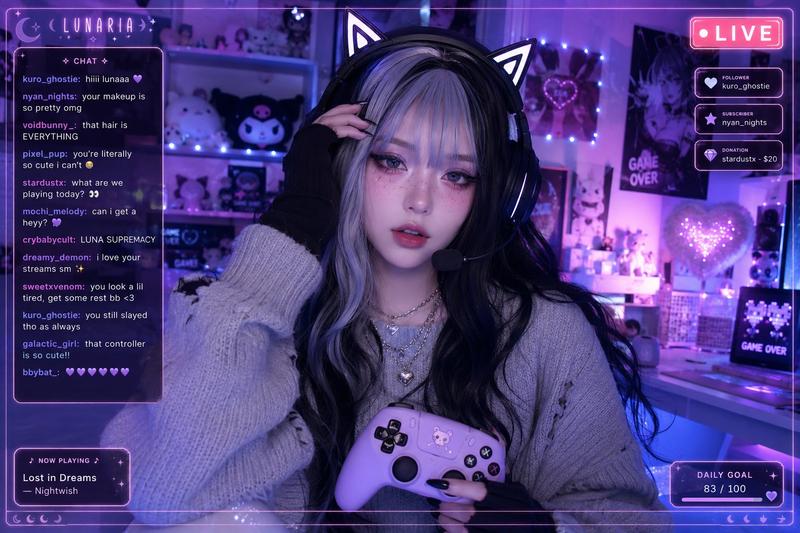
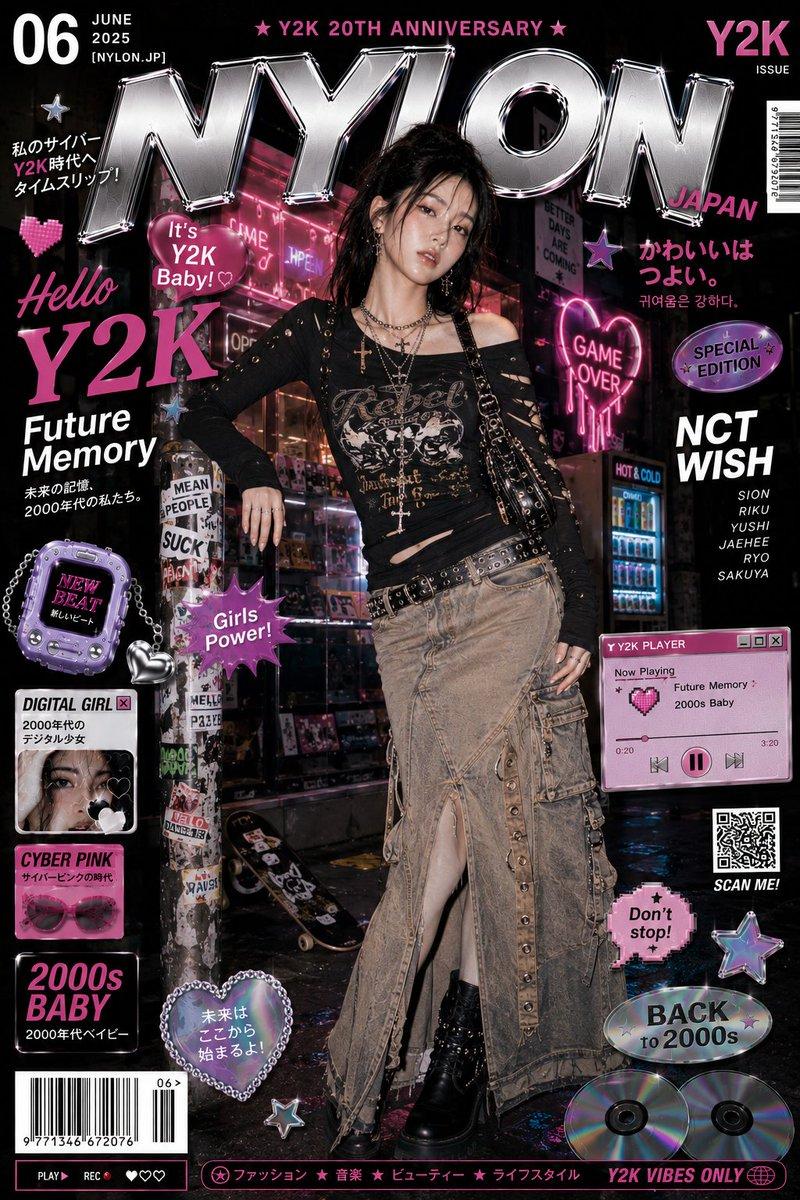
四格 AI 风格转换拼图
Prompt
{"type":"four-panel comparison collage showing AI style transformation","purpose":"create a social-media comparison image of the same cyberpunk girl pose rendered in four styles, from anime to realistic","canvas":{"orientation":"portrait","aspect_ratio":"3:4","resolution":"768x1024","background":"single collage with diagonal and rectangular panel divisions, no outer border"},"main_subject":{"description":"a stylish young woman seated in a crouched gamer pose, one knee raised close to camera, one hand near her mouth, other arm resting on her leg, long pastel pink-blonde hair with cyan highlights, black bucket hat, oversized black graphic T-shirt, black denim short shorts with frayed hem, black bracelets, earrings and punk accessories","face_treatment":"face intentionally covered by a soft rectangular censor block in each panel","customizable_identity":"{argument name=\"character name\" default=\"anonymous cyberpunk gamer girl\"}","hair_color":"{argument name=\"hair color\" default=\"pastel pink blonde with cyan highlights\"}","outfit":"{argument name=\"outfit style\" default=\"black bucket hat, oversized black graphic tee, black frayed denim shorts, punk bracelets\"}"},"setting":{"description":"neon gamer bedroom or cyber cafe with monitors, posters, glowing bunny signs, pink and purple LED lighting, anime wall art, cyberpunk ambience","signage_count":3,"visible_signage":["pink neon bunny icon","GAME OVER poster or neon sign","black and pink skull smiley poster"]},"layout":{"panel_count":4,"panels":[{"position":"top-left","style":"Niji-style anime illustration, darker and moodier, painterly anime shading, detailed line art","label":"{argument name=\"top left label\" default=\"Niji\"}","notes":"same seated pose, black bucket hat, long flowing hair, blurred face block, muted cool background"},{"position":"top-right","style":"Gpt image 2.0 anime, brighter polished anime rendering, clean outlines, vivid pink and teal highlights, glossy character art","label":"Gpt image2.0 anime","notes":"same pose, closer crop on thigh and upper body, colorful pop-art wall behind"},{"position":"bottom-left","style":"Gpt image 2.0 semi-real anime, slightly realistic anime look with softer skin and lighting but still illustrated","label":"Gpt image2.0 ちょいリアル","notes":"same pose, neon bunny sign and monitors behind, strong magenta lighting"},{"position":"bottom-right","style":"Gpt image 2.0 photorealistic version, realistic camera photo look, darker exposure, natural skin texture, real fabric and hair texture","label":"Gpt image2.0 実写","notes":"same pose, gaming chair and neon background, face covered by rectangular blur"}]},"annotations":{"arrow_count":3,"arrows":"thick hand-drawn white curved arrows showing progression from top-left to top-right, top-right to bottom-left, and bottom-left to bottom-right","text_style":"white handwritten brush script, slightly tilted, casual social-media markup","comparison_flow":"Niji anime source style gradually transforms through GPT image 2.0 anime, semi-real anime, and photorealistic output"},"composition":{"camera":"low-angle close perspective emphasizing raised knee and seated pose, fashion-photo framing","lighting":"high contrast neon pink, purple, cyan, and blue reflections","mood":"edgy, stylish, cyberpunk, gamer-girl aesthetic","quality":"high-detail, sharp, glossy, social-media comparison collage"},"negative_prompt":"avoid extra panels, avoid unreadable labels, avoid changing the seated pose between panels, avoid uncovered face, avoid distorted limbs, avoid extra fingers, avoid messy collage alignment"}- Category
- Charts & Infographics
- Model
- GPT Image 2
- Creator
- mogu×mogu
- Source ID
- 17904
- Published
- May 2, 2026
Views8