17

霓虹氛围感电竞少女直播间写实
Enlarge

霓虹氛围感电竞少女直播间写实

Prompt
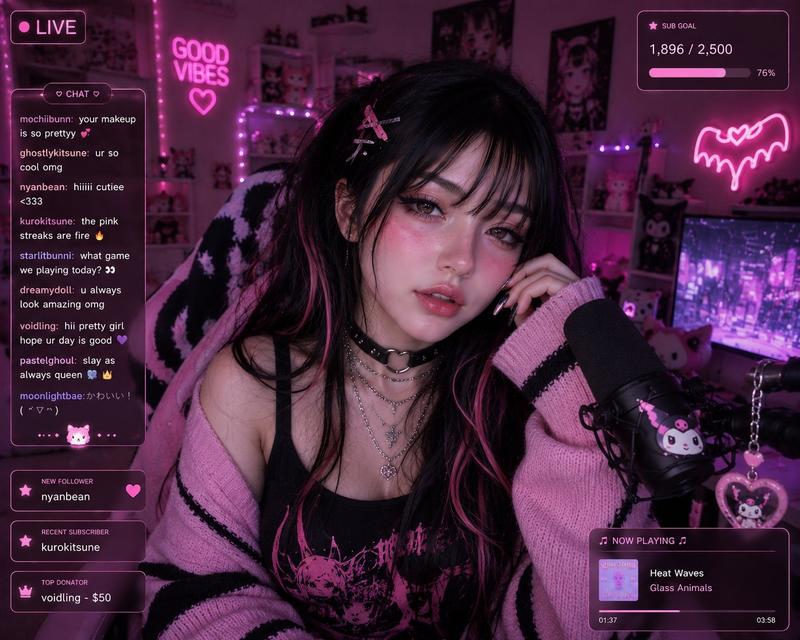
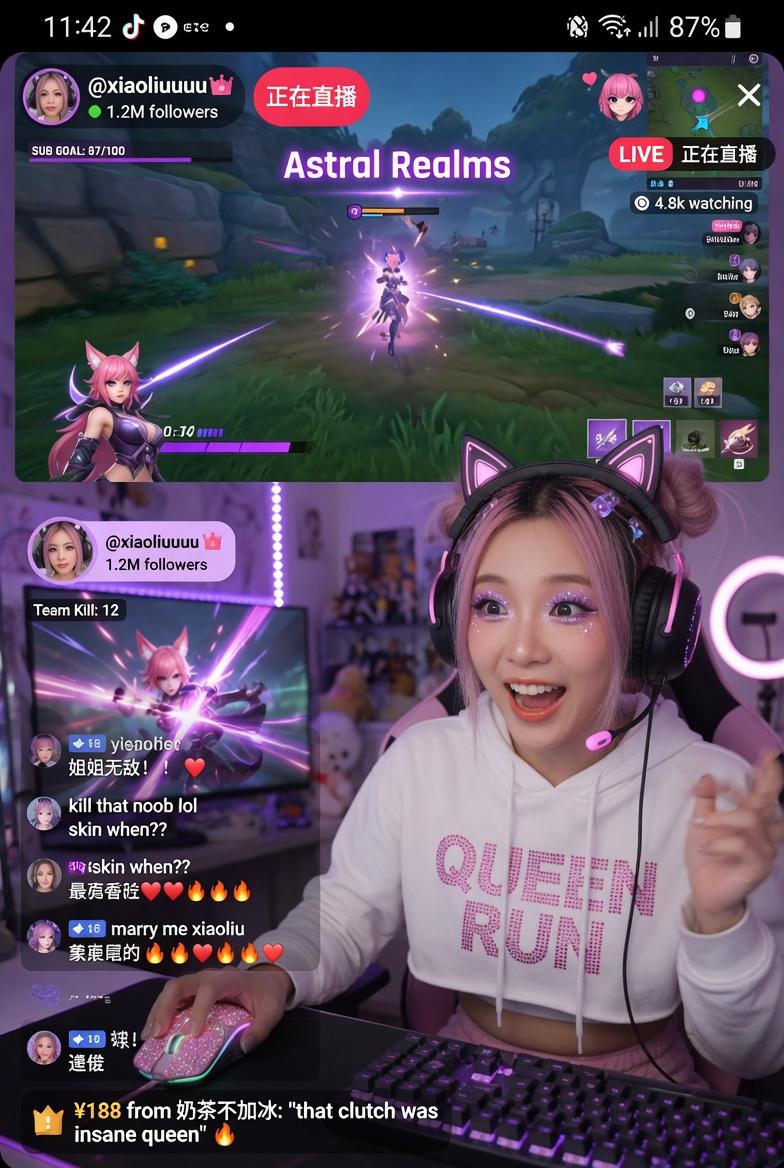
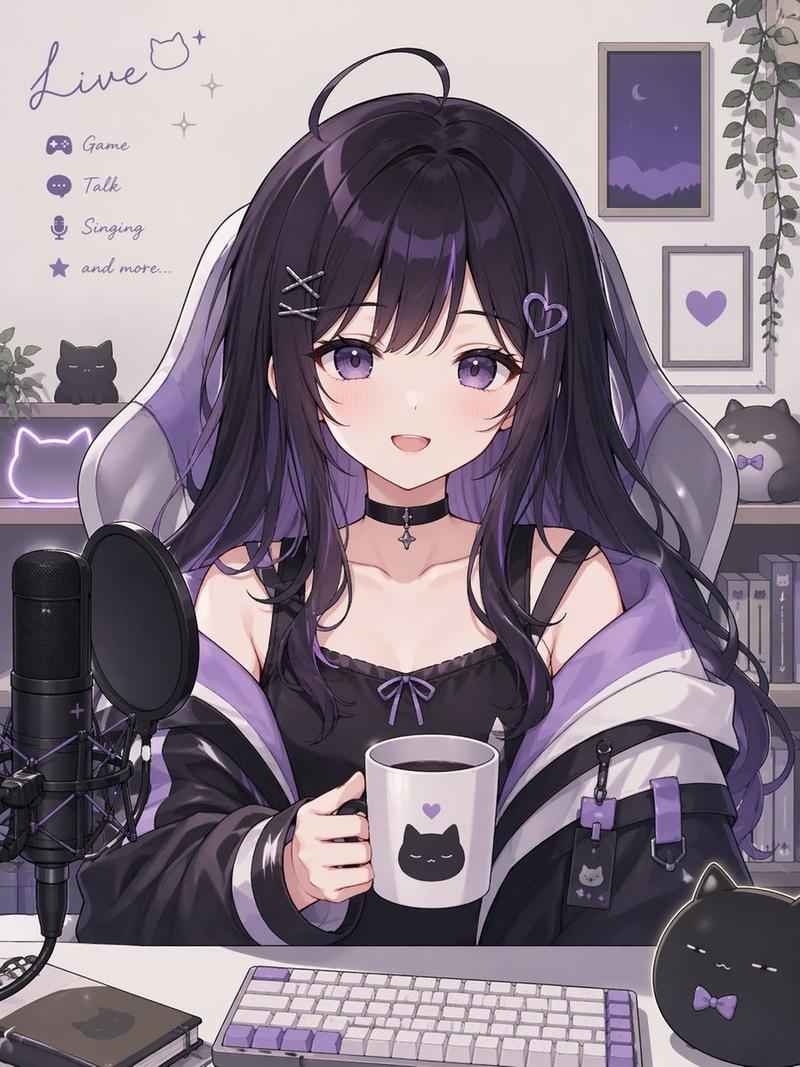
A front-facing medium close-up webcam/live-streaming shot of a gamer girl seated at a cozy bedroom desk, bathed in soft purple and blue neon lighting. The scene carries a dreamy, cool-toned ambiance with blended lavender and deep navy hues, while a gentle glow from the screen subtly illuminates her face.
She has long, wavy black hair with striking silver/white streaked bangs, softly framing her face with light, wispy strands. She wears a stylish cat-ear gaming headset with an attached microphone.
Her makeup is soft yet eye-catching: large, glossy eyes, a delicate pink blush, faint freckles across her cheeks, sharp eyeliner, and smooth gradient lips. She’s dressed in an oversized light gray sweater layered with a subtle silver necklace, paired with black knit gloves and long, glossy black nails.
She holds a pastel purple game controller, while her other hand lightly touches her headset or brushes through her hair. Her lips are slightly parted, and she gazes directly into the camera with a calm, dreamy, slightly tired expression. The background enhances the cozy cyber aesthetic with soft LED lights, neatly arranged cute shelf decor, posters, glowing heart-shaped accents, and pastel gaming elements. A subtle live-stream overlay with chat comments and a glowing “LIVE” indicator adds realism, creating an intimate, aesthetic streaming atmosphere.
Category
UI & Interfaces
Model
ChatGPT
Views112
Source ID
14159
Published
May 11, 2026

Guide

About "霓虹氛围感电竞少女直播间写实"

What is this prompt for?

"霓虹氛围感电竞少女直播间写实" AI image prompt for ChatGPT (UI & Interfaces). 一张正面中景的网络摄像头/直播镜头,一位电竞少女坐在舒适的卧室书桌前,沐浴在柔和的紫色和蓝色霓虹灯光中。场景带有梦幻、冷色调的氛围,融合了淡紫色和深蓝色调,屏幕发出的柔和光芒微妙地照亮了她的…

The full copyable prompt and example visuals above are ready for AI image generation or one-click recreate in Picva.

How to use this prompt

  1. Step 1

    Open the prompt detail

    Review the example visuals, category, and full prompt text for "霓虹氛围感电竞少女直播间写实".

  2. Step 2

    Copy the prompt

    Copy the prompt body from this page, or load it directly in Studio.

  3. Step 3

    Pick a model (ChatGPT)

    Prefer ChatGPT. If you switch models, keep subject and composition and tweak style terms.

  4. Step 4

    Generate and export

    Recreate the look in Picva, or export into your workflow for editing and publishing.

FAQ

What is the "霓虹氛围感电竞少女直播间写实" prompt?
It is an AI image-generation prompt for ChatGPT in the UI & Interfaces category. This page includes the full prompt text, example visuals, and a one-click recreate path in Picva.
How do I use this prompt to generate an image?
Copy the prompt from this page, or use Generate / Studio. Paste it into a compatible image model, or recreate the look in Picva with optional reference images.
Which model is this prompt for?
This page lists ChatGPT. Most descriptive prompts also transfer to nearby image models such as GPT Image, Flux, or Midjourney with light style tweaks.
Can I use the result commercially?
You can usually copy the prompt for creation, but commercial use of the final image depends on the model terms, reference-image rights, and the generated content. Follow the source author and platform rules.