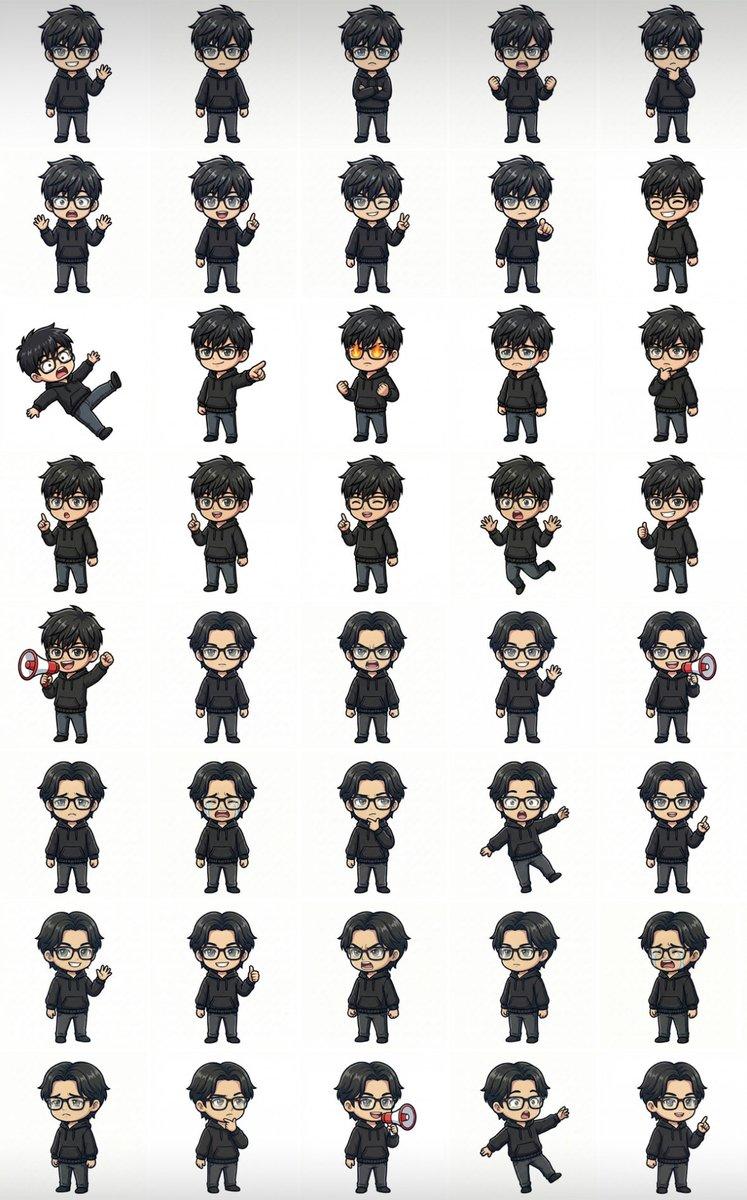
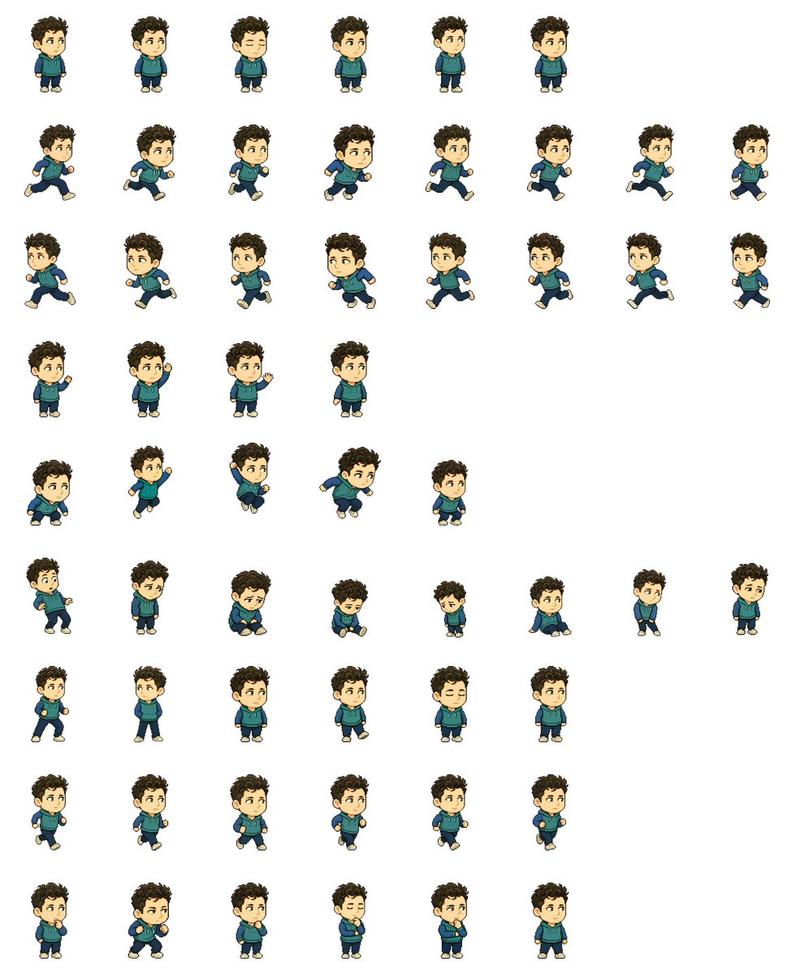
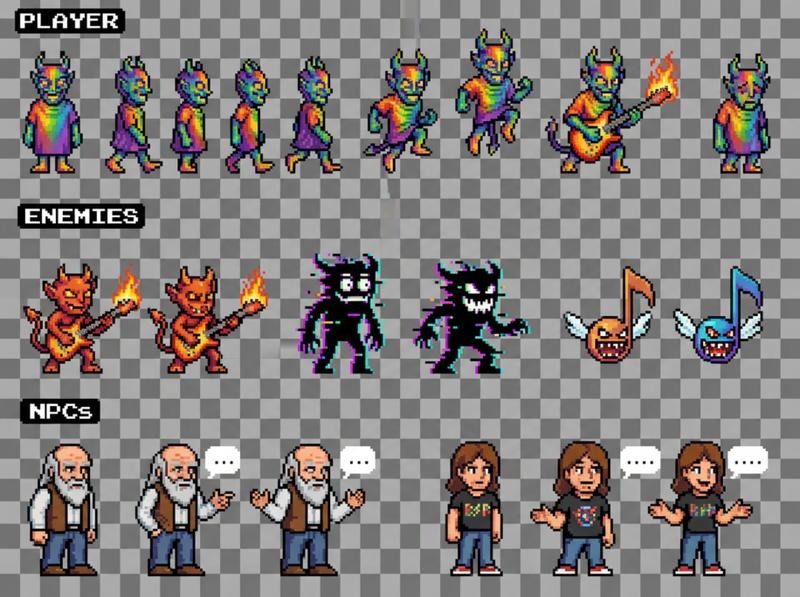
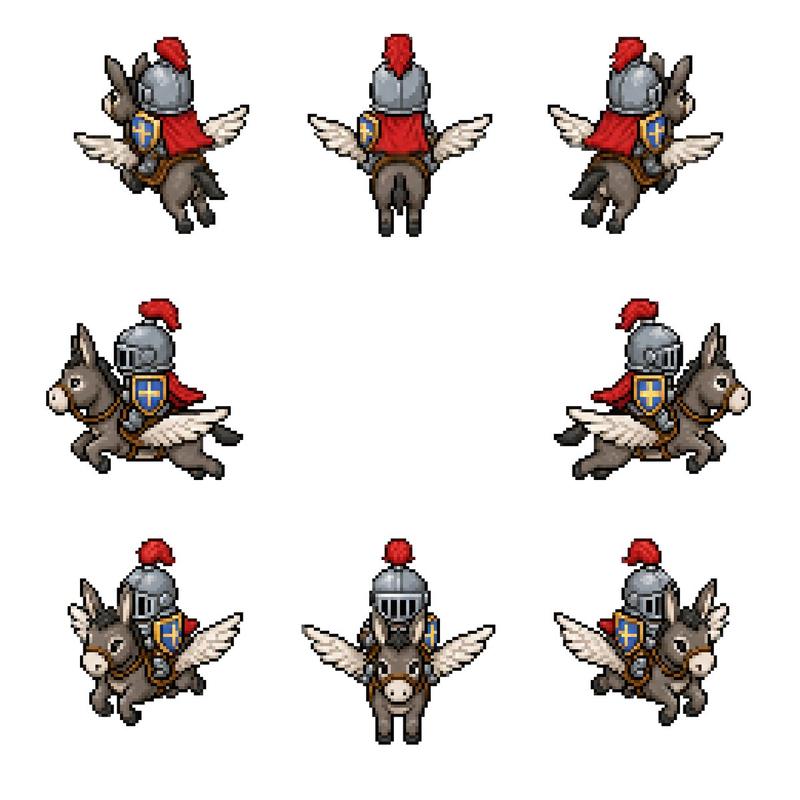
Chibi Miner Game Sprite Sheet
Prompt
{"type":"2D game sprite sheet for a chibi miner character","style":"cartoon pixel-art-inspired digital illustration, thick dark outlines, cel shaded, compact proportions, game-ready animation frames, transparent-feeling dark workspace with bright chroma green export panels","character":{"role":"{argument name=\"character role\" default=\"dwarf miner\"}","body":"short stocky chibi build, oversized head, small legs and arms","face":"large nose, angry determined eyebrows, full dark brown beard and mustache","outfit":"dark miner helmet with glowing yellow headlamp, brown backpack, belt with gold buckle, dark boots, work gloves","tool":"{argument name=\"held tool\" default=\"pickaxe\"}","main colors":"{argument name=\"main color palette\" default=\"black helmet, brown clothing, dark brown beard, gold lamp and buckle\"}"},"canvas":{"aspect":"wide horizontal sprite-sheet canvas","background":"nearly black editor-like background with subtle vertical divider lines","left area":"four rounded rectangular bright green chroma-key panels stacked vertically","right area":"open black workspace with five larger isolated animation poses along the top"},"layout":{"sections":[{"title":"small back-facing walk cycle strip","position":"upper left green panel","count":6,"labels":["frame 1 back walk","frame 2 back walk","frame 3 back walk","frame 4 back walk","frame 5 back walk","frame 6 back walk"],"description":"six tiny rear-view frames of the miner walking, backpack centered, helmet lamp barely visible, pickaxe and arms shifting subtly"},{"title":"small turn / rear-to-front strip","position":"second left green panel","count":8,"labels":["frame 1 rear view","frame 2 rear view","frame 3 rear view","frame 4 rear view","frame 5 rear view","frame 6 rear view","frame 7 rear view","frame 8 front-facing idle"],"description":"eight tiny frames on green, mostly back views with the final frame turned to a front-facing miner"},{"title":"small mixed direction strip","position":"third left green panel","count":8,"labels":["frame 1 front-left miner","frame 2 back view","frame 3 back view","frame 4 front view","frame 5 back view","frame 6 front-left crouch","frame 7 back view","frame 8 back view"],"description":"eight tiny frames alternating between rear-facing backpack views and front/three-quarter miner views"},{"title":"small action strip","position":"bottom left green panel","count":5,"labels":["frame 1 crouched front-left","frame 2 rear with raised pickaxe","frame 3 running rear three-quarter","frame 4 rear running","frame 5 crouched side"],"description":"five tiny action poses, including crouching and running, with the pickaxe raised or trailing"},{"title":"large running poses","position":"top right on black background","count":5,"labels":["large frame 1 side run with pickaxe behind","large frame 2 side run holding pickaxe upright","large frame 3 side run holding pickaxe upright","large frame 4 side run holding pickaxe upright","large frame 5 side run with backpack and pickaxe behind"],"description":"five larger clean character sprites arranged horizontally, all facing right, showing a running cycle with swinging arms, stomping boots, backpack bounce, and pickaxe movement"}],"composition":"leave large empty black space below the top-right large sprites, keep sprite frames evenly spaced, preserve consistent scale within each strip, use crisp outlines and readable silhouettes for game animation extraction"},"rendering":"high contrast, no text labels visible in the image, no UI buttons, no watermark, clean sprite-sheet presentation, bright green panels suitable for chroma keying"}- Category
- Charts & Infographics
- Model
- GPT Image 2
- Creator
- Scott (Human)
- Source ID
- 18118
- Published
- May 3, 2026
Views2