17

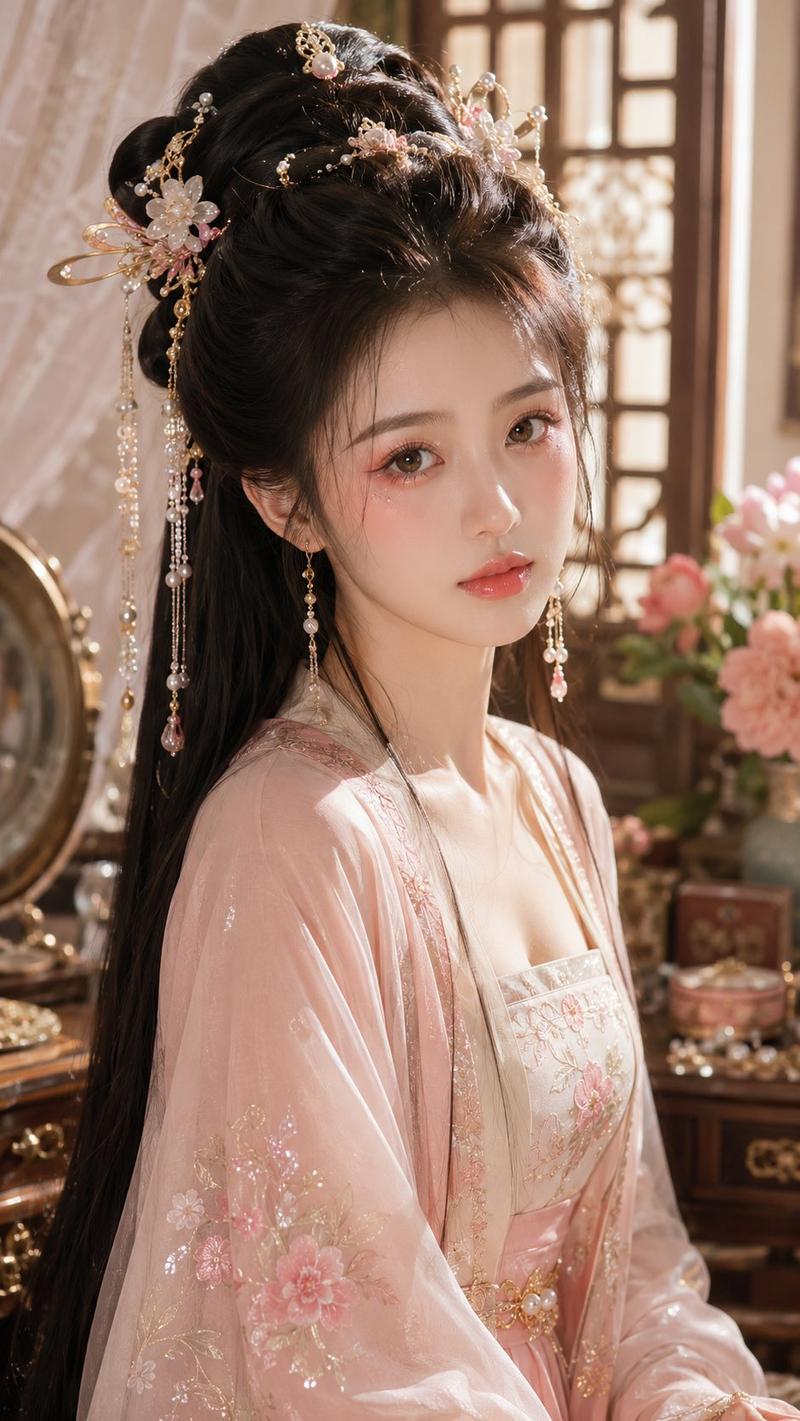
Elegant Wuxia Noblewoman Portrait
Enlarge

Elegant Wuxia Noblewoman Portrait

Prompt
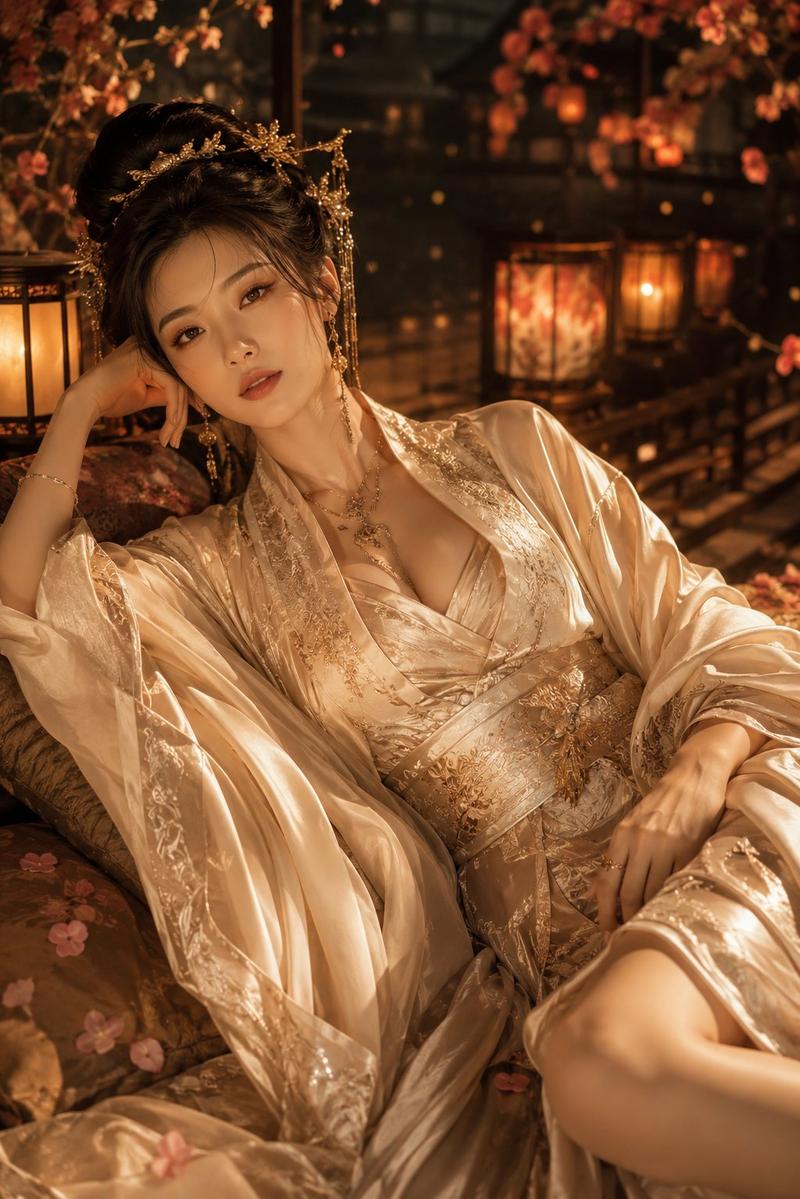
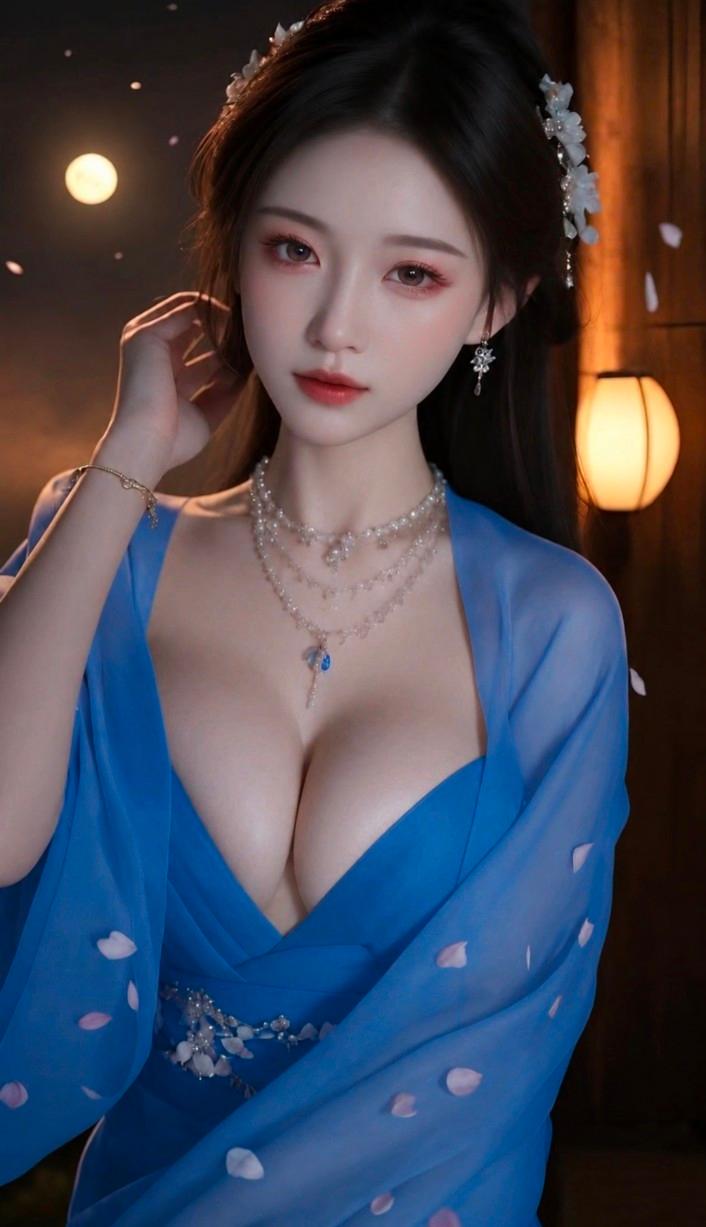
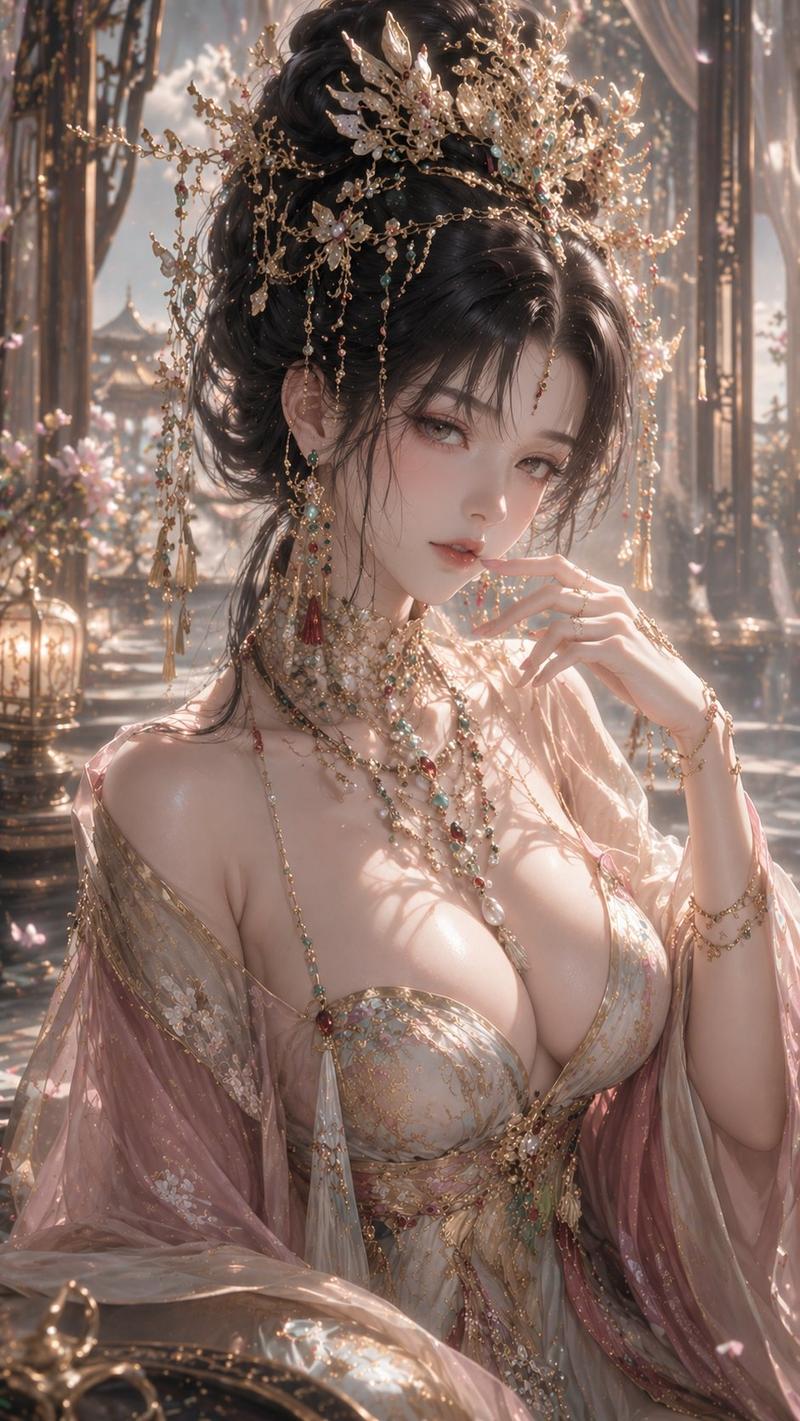
Create a vertical semi-realistic digital illustration of {argument name="character type" default="an elegant adult East Asian fantasy noblewoman"} seated indoors in a dim, luxurious ancient Chinese-inspired study or palace room. She wears a deep {argument name="main robe color" default="burgundy red"} low-cut silk dress with ornate gold embroidery, layered under a sheer glossy black outer robe with flowing translucent sleeves and black sash, giving a refined wuxia/xianxia courtesan or noble consort aesthetic. Her long {argument name="hair color" default="black"} hair is styled half-up with elaborate gold hairpins, delicate chains, small red tassels, and long dangling earrings. Compose her from mid-thigh to head in a relaxed seated pose, one arm resting on a wooden armrest and the other hand draped gracefully over her lap, with soft skin highlights, detailed fabric folds, and polished hands. The face should be completely obscured by a centered opaque {argument name="face cover color" default="muted brown"} square censor block, while the hair, ears, neck, collarbones, and clothing remain visible. Use warm cinematic lantern lighting, shallow depth of field, dark wooden furniture, blurred shelves and glowing lamps in the background, rich shadows, high-detail painterly realism, glossy silk texture, gold accents, sensual but elegant mood, portrait orientation, 2:3 aspect ratio.
Category
Charts & Infographics
Model
GPT Image 2
Views6
Source ID
18165
Published
May 3, 2026

Guide

About "Elegant Wuxia Noblewoman Portrait"

What is this prompt for?

"Elegant Wuxia Noblewoman Portrait" AI image prompt for GPT Image 2 (Charts & Infographics). Generates a cinematic semi-realistic fantasy portrait of a richly…

The full copyable prompt and example visuals above are ready for AI image generation or one-click recreate in Picva.

How to use this prompt

  1. Step 1

    Open the prompt detail

    Review the example visuals, category, and full prompt text for "Elegant Wuxia Noblewoman Portrait".

  2. Step 2

    Copy the prompt

    Copy the prompt body from this page, or load it directly in Studio.

  3. Step 3

    Pick a model (GPT Image 2)

    Prefer GPT Image 2. If you switch models, keep subject and composition and tweak style terms.

  4. Step 4

    Generate and export

    Recreate the look in Picva, or export into your workflow for editing and publishing.

FAQ

What is the "Elegant Wuxia Noblewoman Portrait" prompt?
It is an AI image-generation prompt for GPT Image 2 in the Charts & Infographics category. This page includes the full prompt text, example visuals, and a one-click recreate path in Picva.
How do I use this prompt to generate an image?
Copy the prompt from this page, or use Generate / Studio. Paste it into a compatible image model, or recreate the look in Picva with optional reference images.
Which model is this prompt for?
This page lists GPT Image 2. Most descriptive prompts also transfer to nearby image models such as GPT Image, Flux, or Midjourney with light style tweaks.
Can I use the result commercially?
You can usually copy the prompt for creation, but commercial use of the final image depends on the model terms, reference-image rights, and the generated content. Follow the source author and platform rules.