15

春日仙侠粉色汉服人像
Enlarge

春日仙侠粉色汉服人像

Prompt
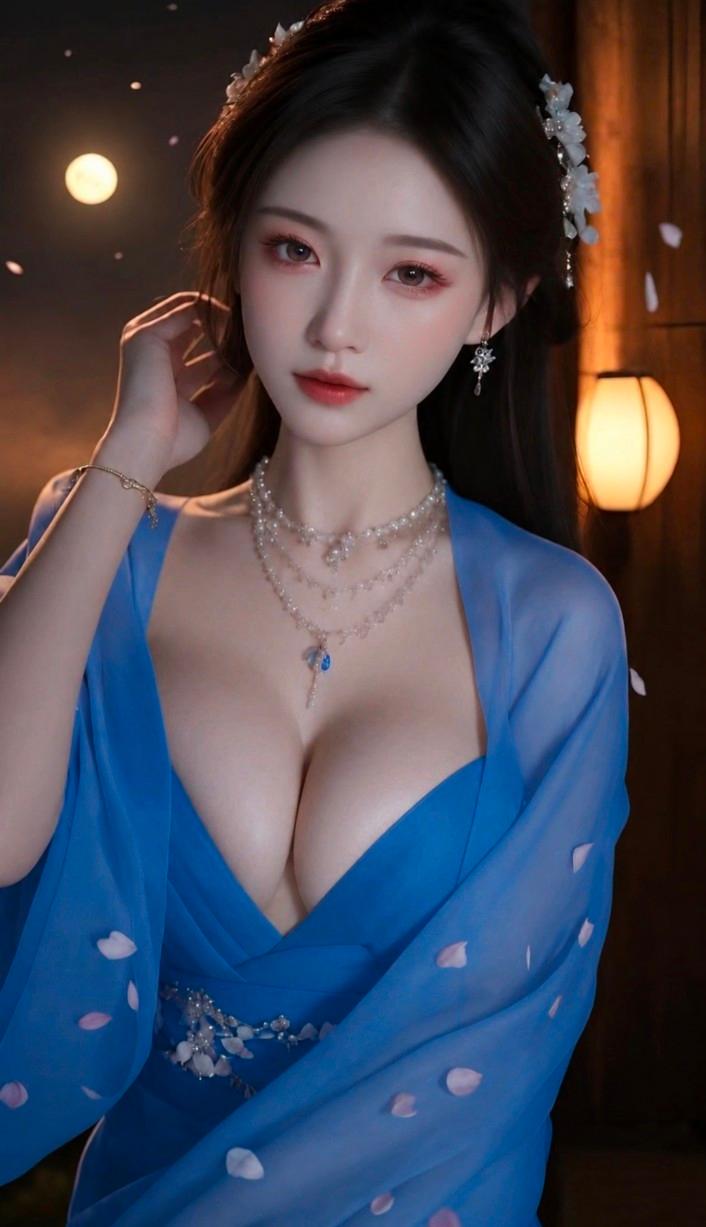
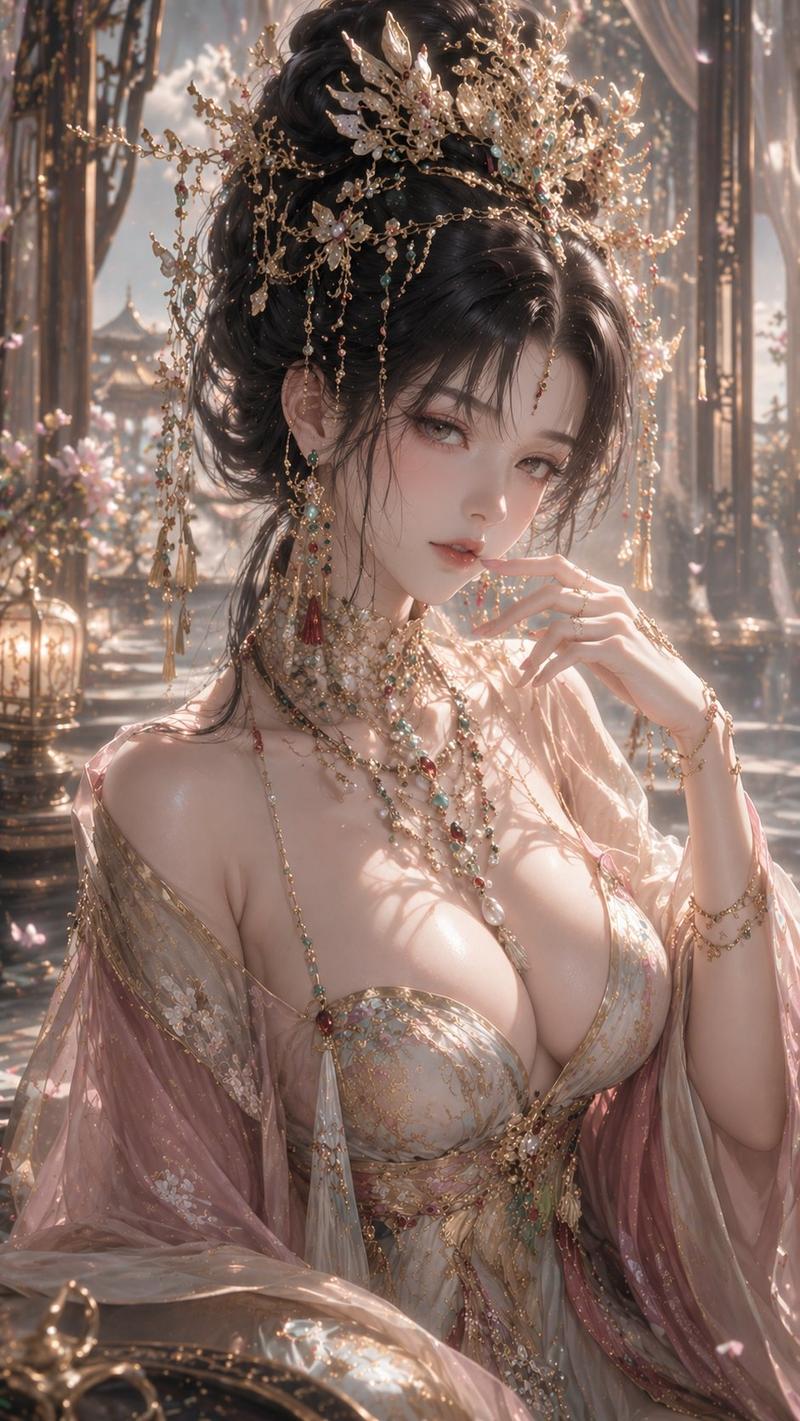
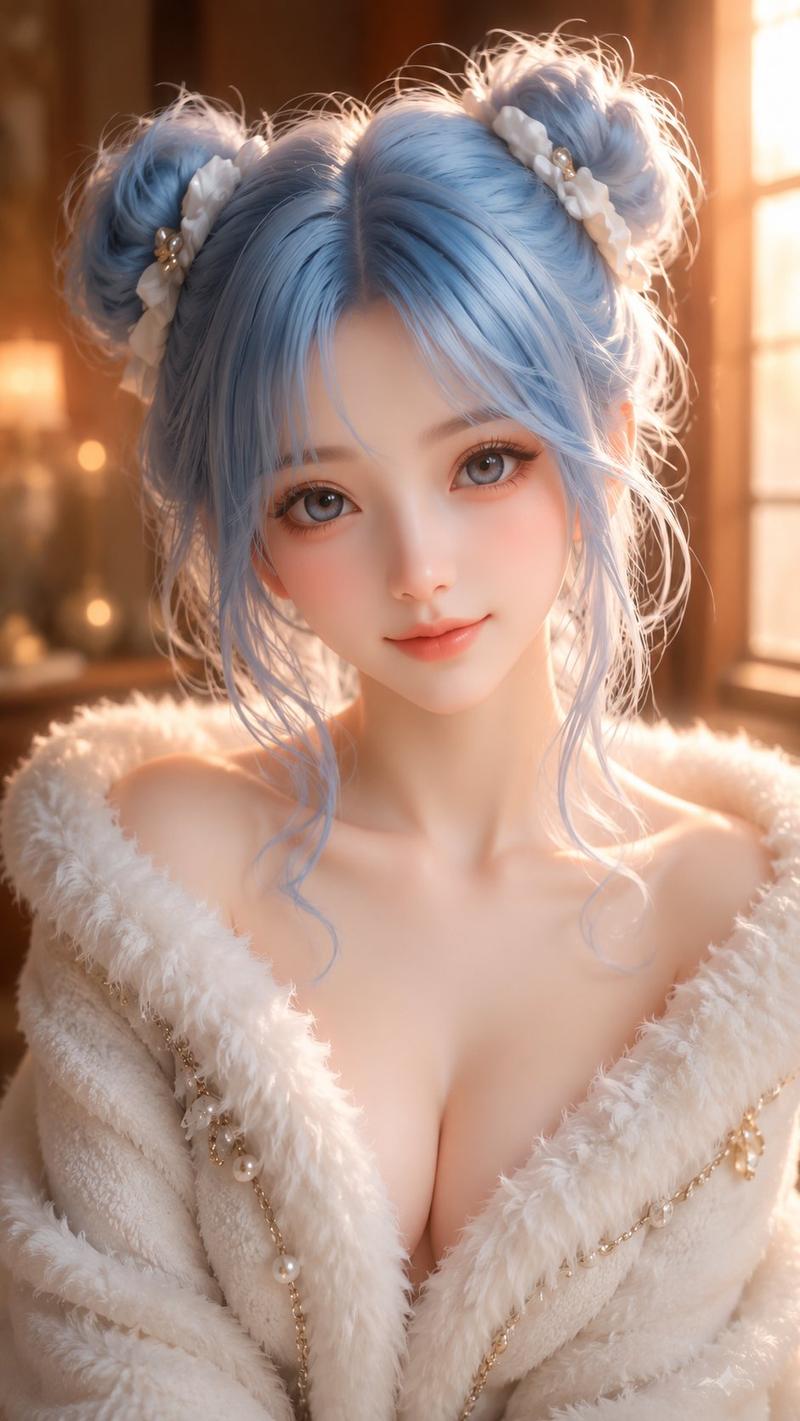
Using the provided reference image as the character and styling base, regenerate the portrait as a high-resolution ancient Chinese xianxia fashion photo in a new setting and outfit.

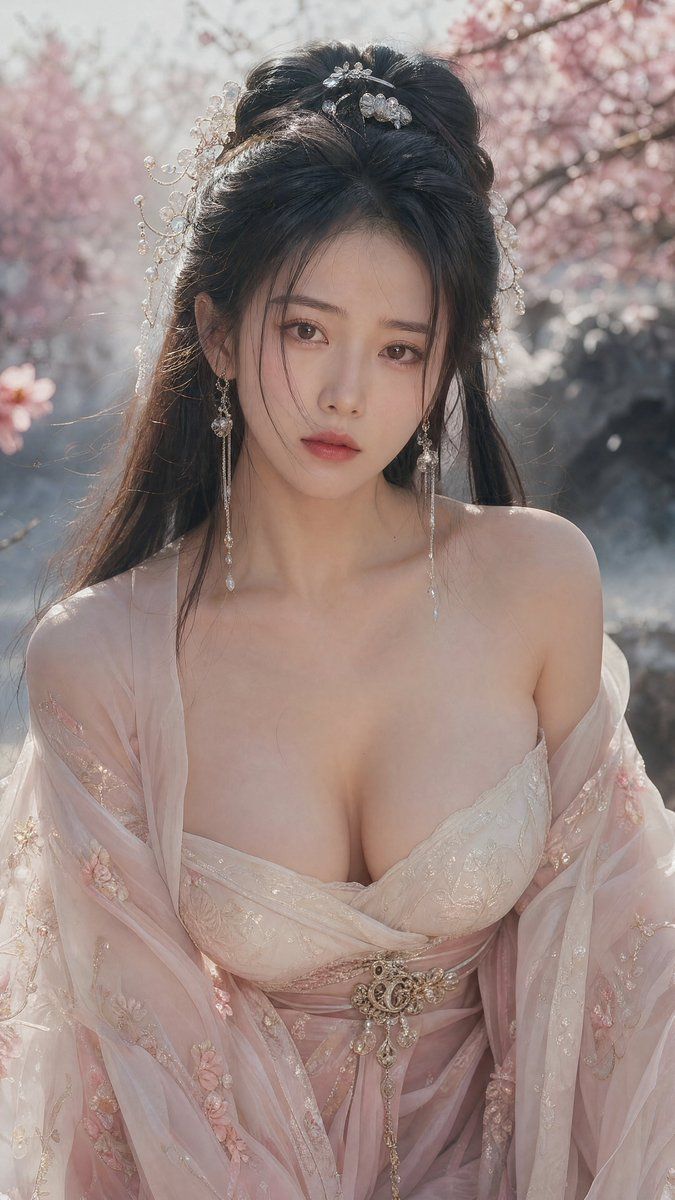
Transformation: Change the scene from moonlit bamboo night to a soft daylight spring garden with pink cherry blossoms, pale mist, and blurred rocks/water in the background. Keep the same vertical close-up portrait framing and elegant fantasy-romance mood, but make the lighting warm, bright, and backlit with soft bokeh.

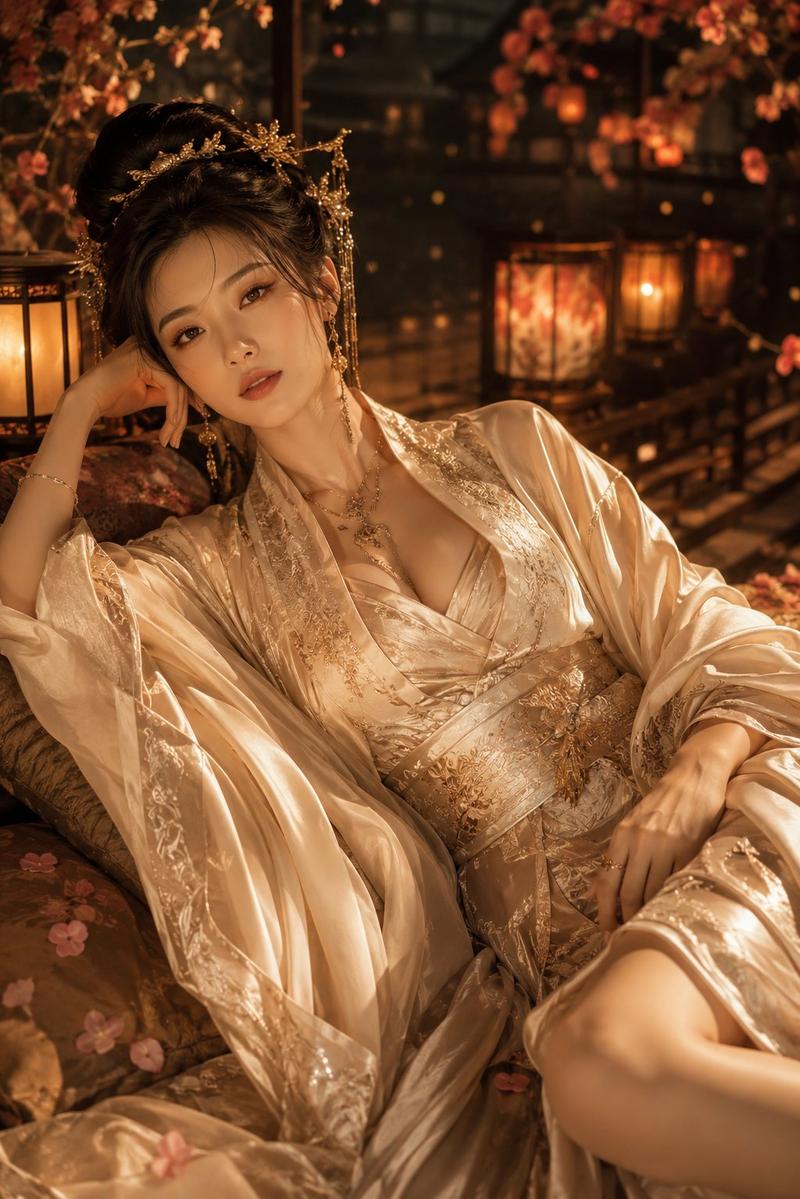
Wardrobe: Replace the white robe with a delicate {argument name="dress color" default="pale pink and ivory"} hanfu-style gown. Make it an off-shoulder, sheer gauze look with embroidered floral details, layered translucent sleeves, a wrapped bodice, and an ornate jeweled belt at the waist. The styling should feel graceful and sensual but still refined.

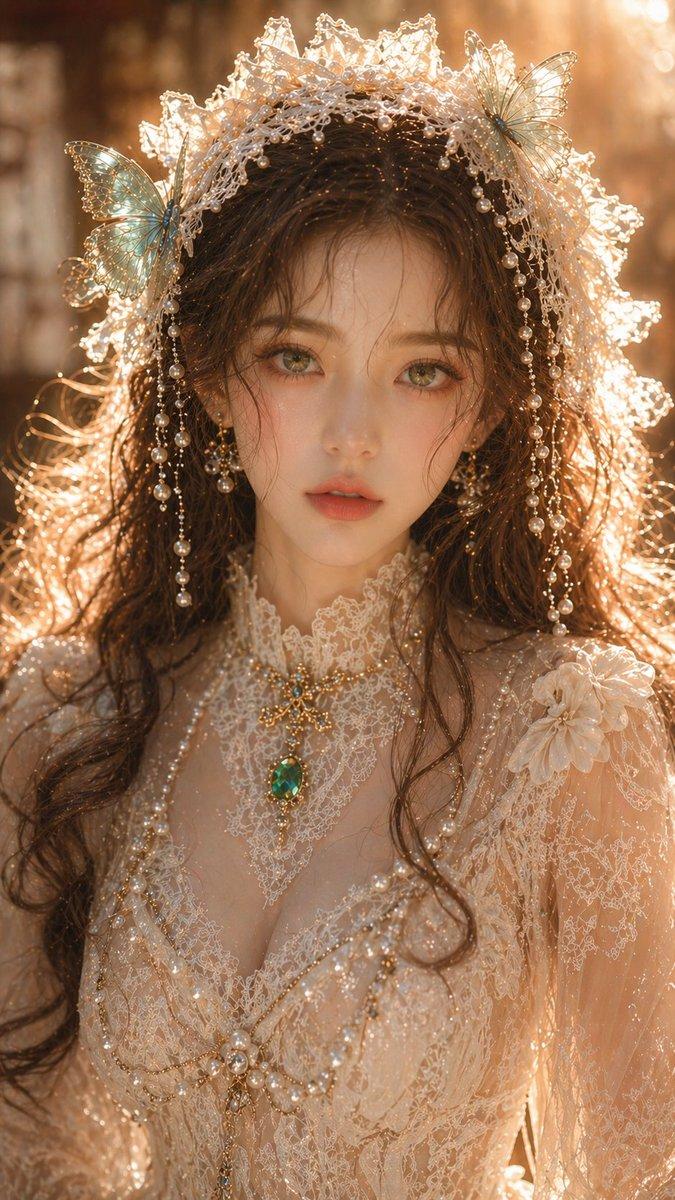
Hair and accessories: Keep the elaborate half-up ancient hairstyle concept, but adapt it with pearl-and-silver floral hairpins, dangling bead ornaments, and long delicate earrings that catch the sunlight.

Composition: Create a chest-up portrait, centered, with the subject facing forward in a calm romantic pose. Use shallow depth of field, detailed fabric texture, visible embroidery, luminous skin tones, sparkling jewelry, and cinematic 4K realism.

Quality constraints: Photorealistic, ultra-detailed, natural skin and hair detail, no text, no watermark, no extra people, no modern objects.
Category
Posters & Typography
Model
GPT Image 2
Views11
Source ID
22654
Published
May 24, 2026

Guide

About "春日仙侠粉色汉服人像"

What is this prompt for?

"春日仙侠粉色汉服人像" AI image prompt for GPT Image 2 (Posters & Typography). 将一张月下仙侠参考人像转换为明亮的樱花庭院时尚人像,身着淡粉色露肩汉服。 Copy it on Picva and recreate the look in one click.

The full copyable prompt and example visuals above are ready for AI image generation or one-click recreate in Picva.

How to use this prompt

  1. Step 1

    Open the prompt detail

    Review the example visuals, category, and full prompt text for "春日仙侠粉色汉服人像".

  2. Step 2

    Copy the prompt

    Copy the prompt body from this page, or load it directly in Studio.

  3. Step 3

    Pick a model (GPT Image 2)

    Prefer GPT Image 2. If you switch models, keep subject and composition and tweak style terms.

  4. Step 4

    Generate and export

    Recreate the look in Picva, or export into your workflow for editing and publishing.

FAQ

What is the "春日仙侠粉色汉服人像" prompt?
It is an AI image-generation prompt for GPT Image 2 in the Posters & Typography category. This page includes the full prompt text, example visuals, and a one-click recreate path in Picva.
How do I use this prompt to generate an image?
Copy the prompt from this page, or use Generate / Studio. Paste it into a compatible image model, or recreate the look in Picva with optional reference images.
Which model is this prompt for?
This page lists GPT Image 2. Most descriptive prompts also transfer to nearby image models such as GPT Image, Flux, or Midjourney with light style tweaks.
Can I use the result commercially?
You can usually copy the prompt for creation, but commercial use of the final image depends on the model terms, reference-image rights, and the generated content. Follow the source author and platform rules.