20

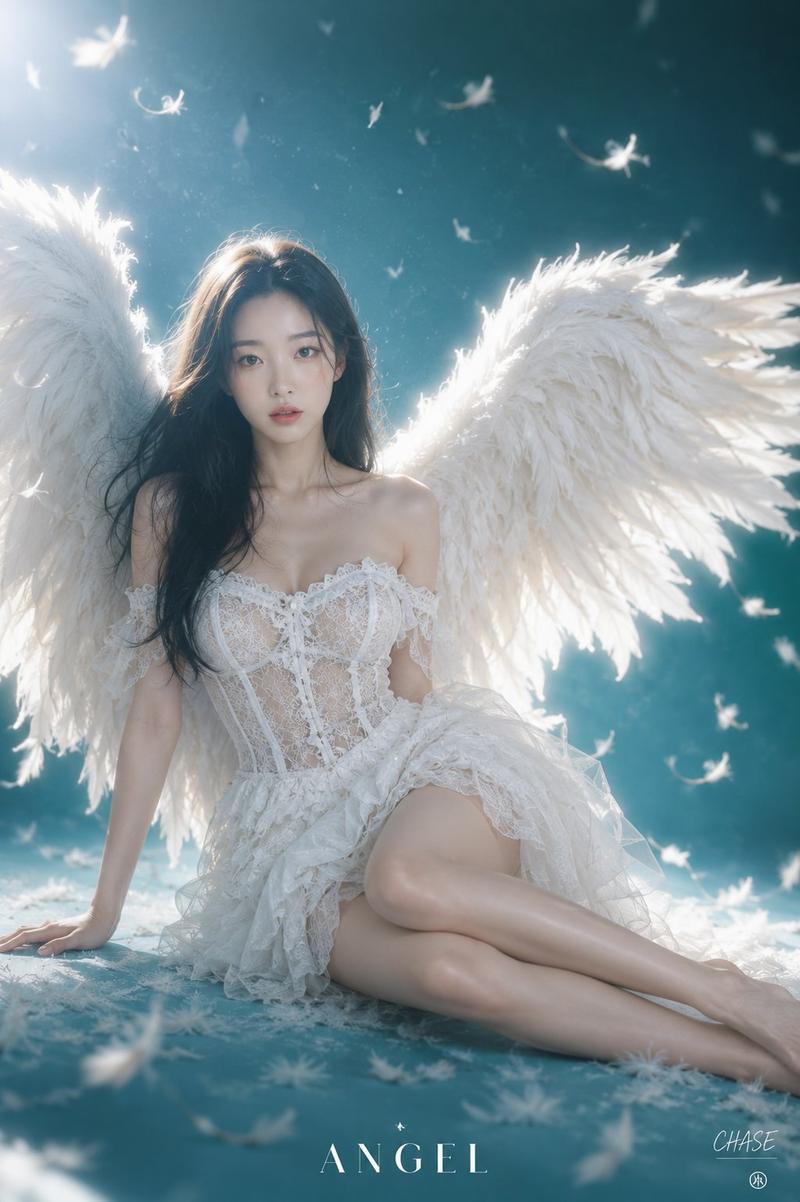
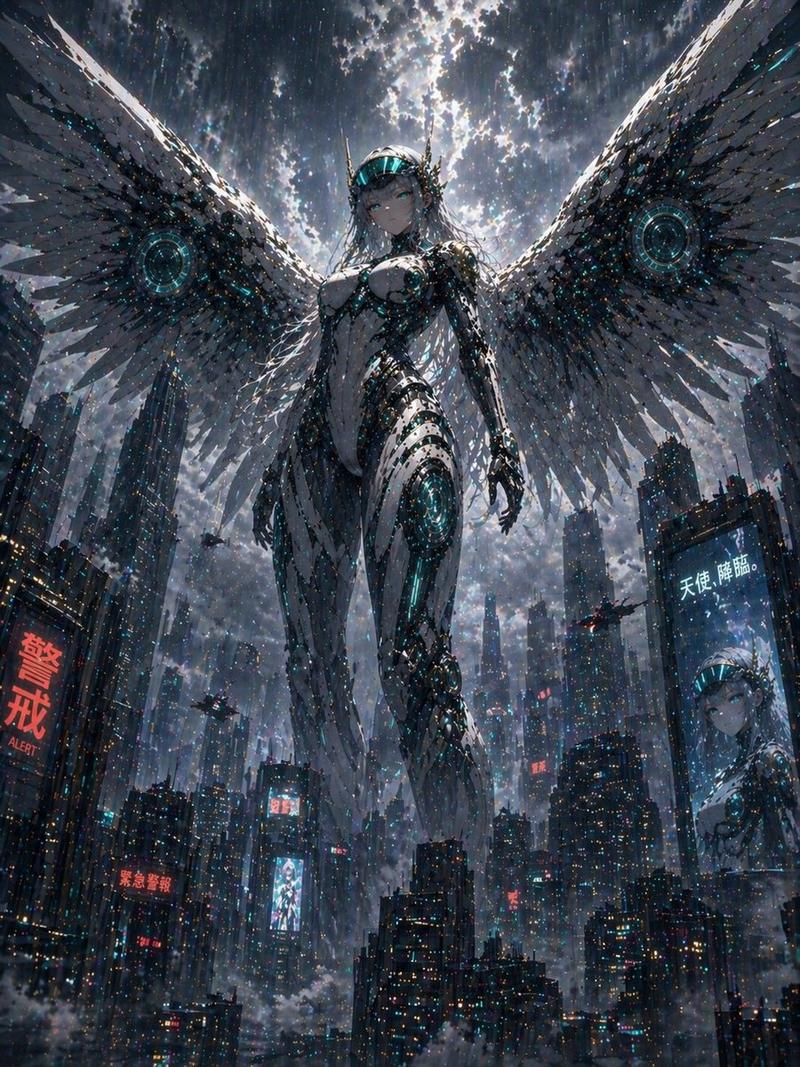
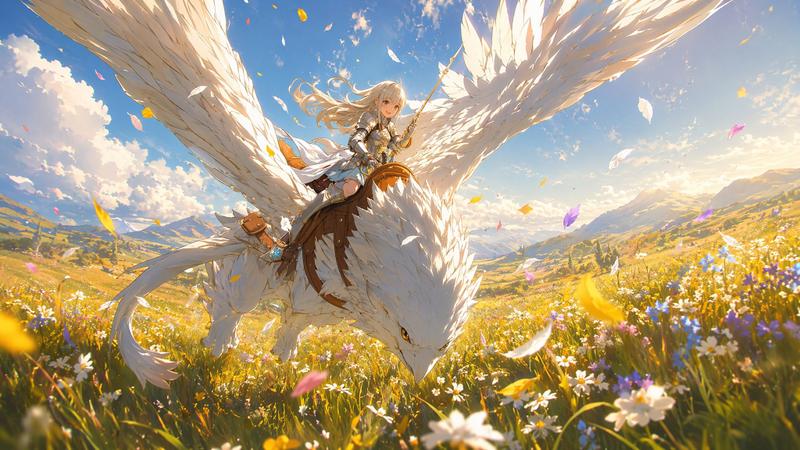
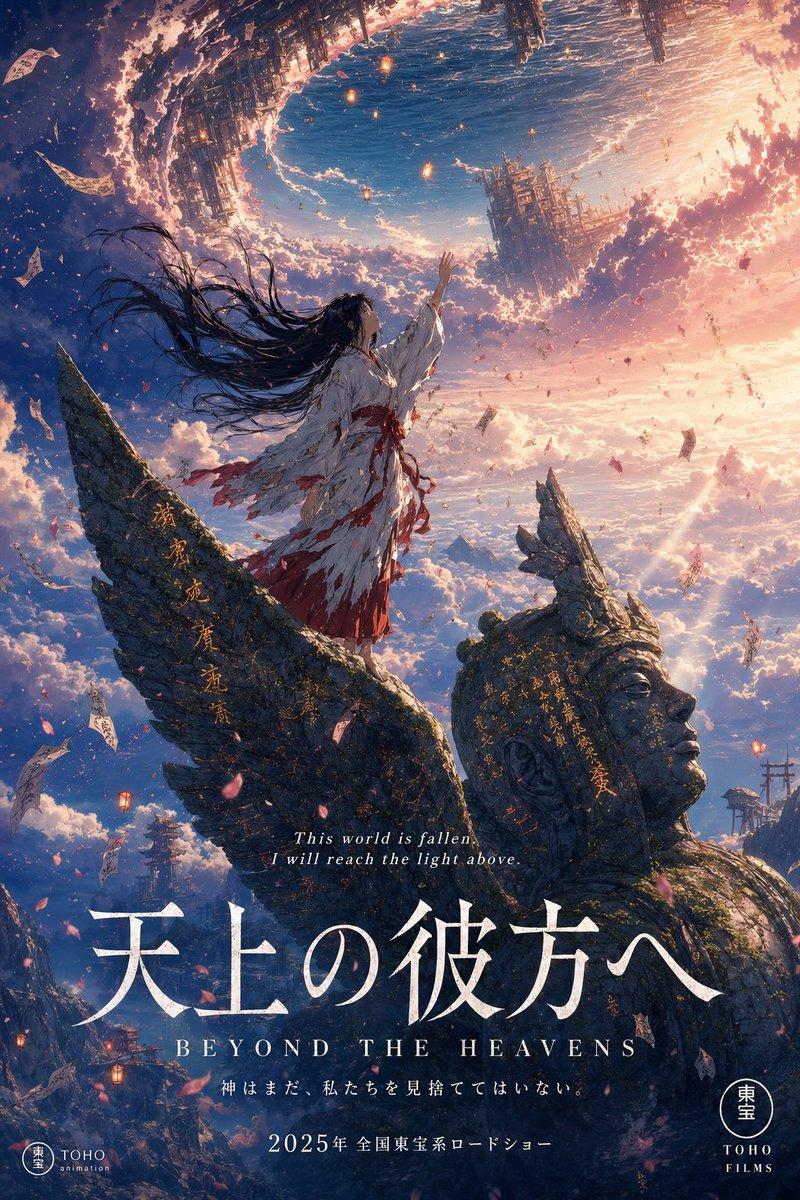
Radiant Angel in Golden Clouds
Enlarge

Radiant Angel in Golden Clouds

Prompt
Create a cinematic fantasy image of a radiant {argument name="angel gender" default="androgynous male"} angel descending through a sea of glowing clouds at sunrise, centered in a wide panoramic composition. The angel has an idealized athletic body, long flowing {argument name="hair color" default="golden blond"} hair blowing in the light, a softly obscured or faceless face overwhelmed by divine radiance, bare chest, bare feet, and a wind-tossed white linen wrap draped around the waist and across one shoulder with long translucent fabric ribbons trailing downward. Show exactly two enormous feathered wings, one extending left and one extending right, spanning almost the full width of the frame; the feathers are layered, detailed, ivory and gold, backlit so their edges glow. The angel floats with legs together, arms open outward in a welcoming blessing pose, palms relaxed. Behind the head is an intense sunburst halo of {argument name="divine light color" default="warm golden white"} light, with dramatic volumetric rays streaming through towering cumulus clouds. The atmosphere is heavenly, serene, awe-inspiring and majestic, filled with tiny sparkling dust motes, soft lens flare, radiant mist, and high-contrast golden illumination. Use hyperrealistic digital painting / epic concept art style, ultra-detailed feathers, luminous skin, ethereal fabric motion, symmetrical composition, wide 21:9 aspect ratio, no text, no border, no modern objects.
Category
Charts & Infographics
Model
GPT Image 2
Creator
NoPuppet
Views0
Source ID
18238
Published
May 3, 2026

Guide

About "Radiant Angel in Golden Clouds"

What is this prompt for?

"Radiant Angel in Golden Clouds" AI image prompt for GPT Image 2 (Charts & Infographics). Generates an epic cinematic heavenly angel scene with vast glowing wi…

The full copyable prompt and example visuals above are ready for AI image generation or one-click recreate in Picva.

How to use this prompt

  1. Step 1

    Open the prompt detail

    Review the example visuals, category, and full prompt text for "Radiant Angel in Golden Clouds".

  2. Step 2

    Copy the prompt

    Copy the prompt body from this page, or load it directly in Studio.

  3. Step 3

    Pick a model (GPT Image 2)

    Prefer GPT Image 2. If you switch models, keep subject and composition and tweak style terms.

  4. Step 4

    Generate and export

    Recreate the look in Picva, or export into your workflow for editing and publishing.

FAQ

What is the "Radiant Angel in Golden Clouds" prompt?
It is an AI image-generation prompt for GPT Image 2 in the Charts & Infographics category. This page includes the full prompt text, example visuals, and a one-click recreate path in Picva.
How do I use this prompt to generate an image?
Copy the prompt from this page, or use Generate / Studio. Paste it into a compatible image model, or recreate the look in Picva with optional reference images.
Which model is this prompt for?
This page lists GPT Image 2. Most descriptive prompts also transfer to nearby image models such as GPT Image, Flux, or Midjourney with light style tweaks.
Can I use the result commercially?
You can usually copy the prompt for creation, but commercial use of the final image depends on the model terms, reference-image rights, and the generated content. Follow the source author and platform rules.