19

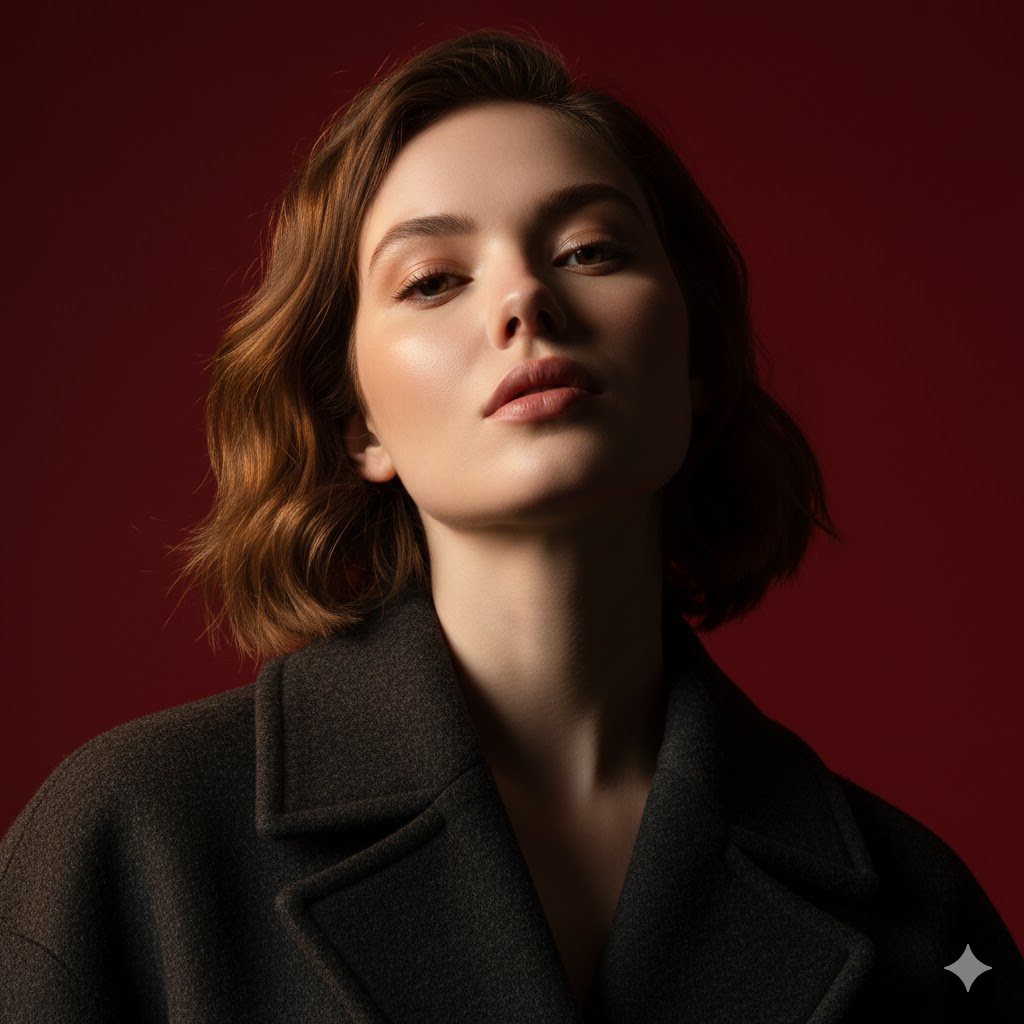
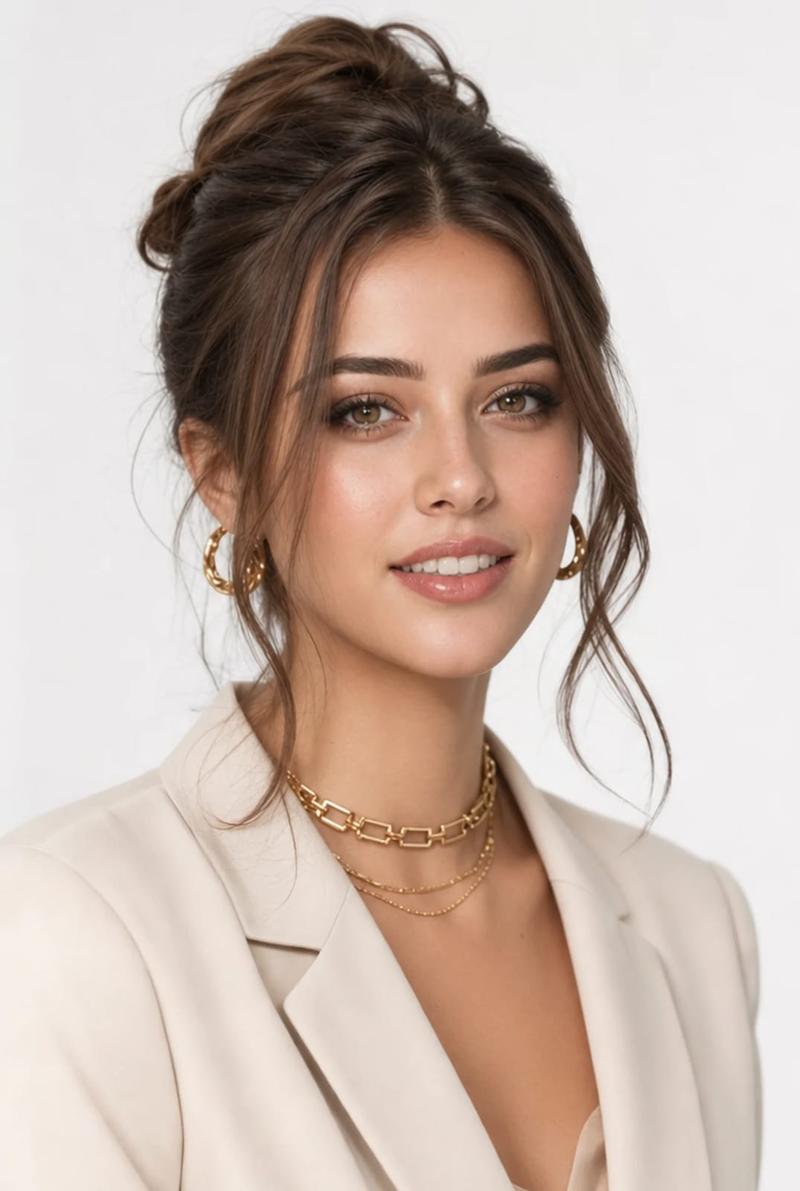
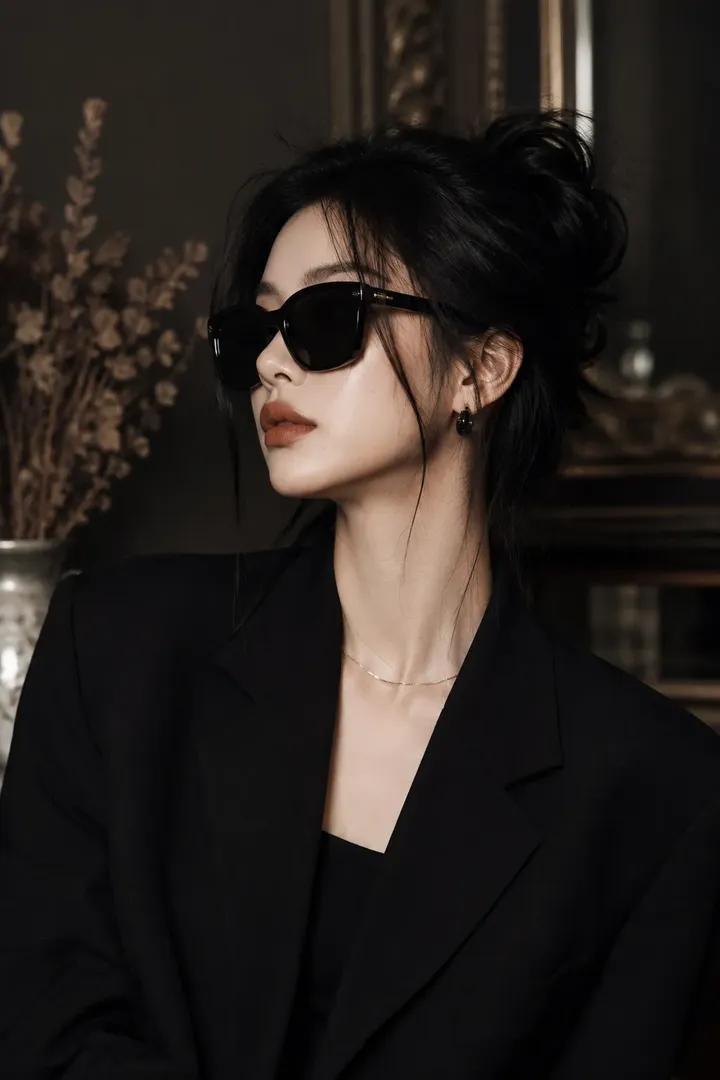
高级时尚雪茄肖像
Enlarge

高级时尚雪茄肖像

Prompt
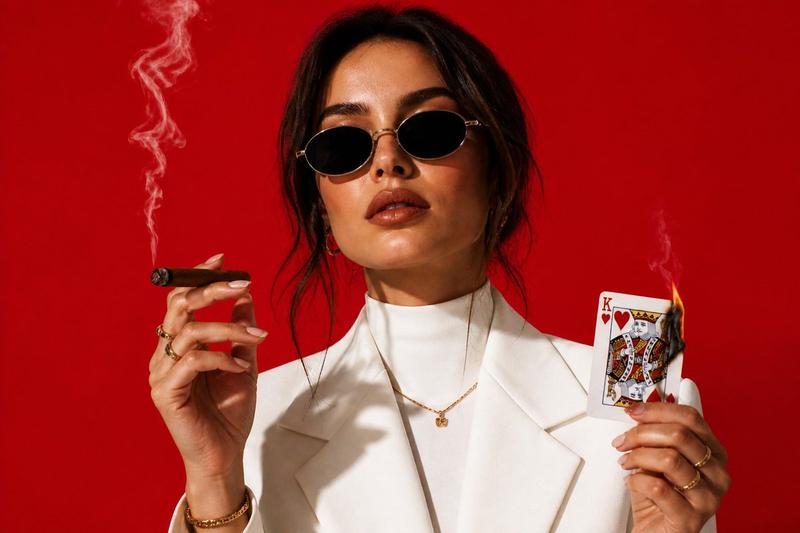
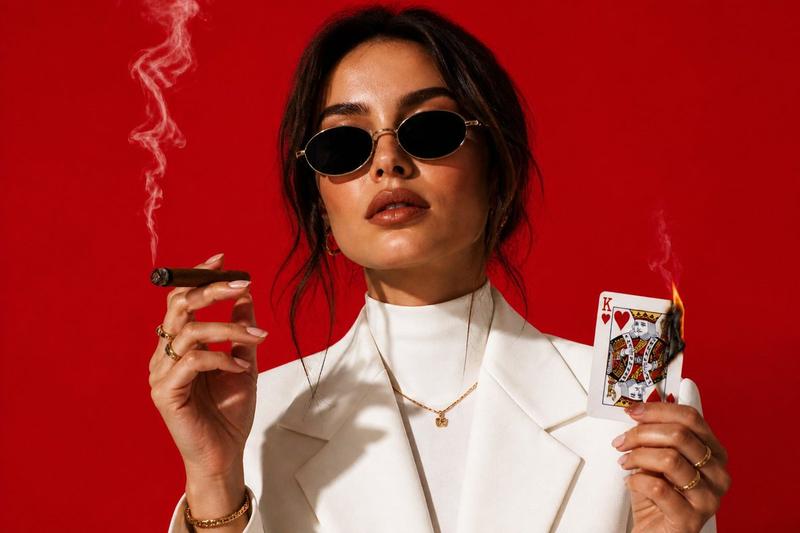
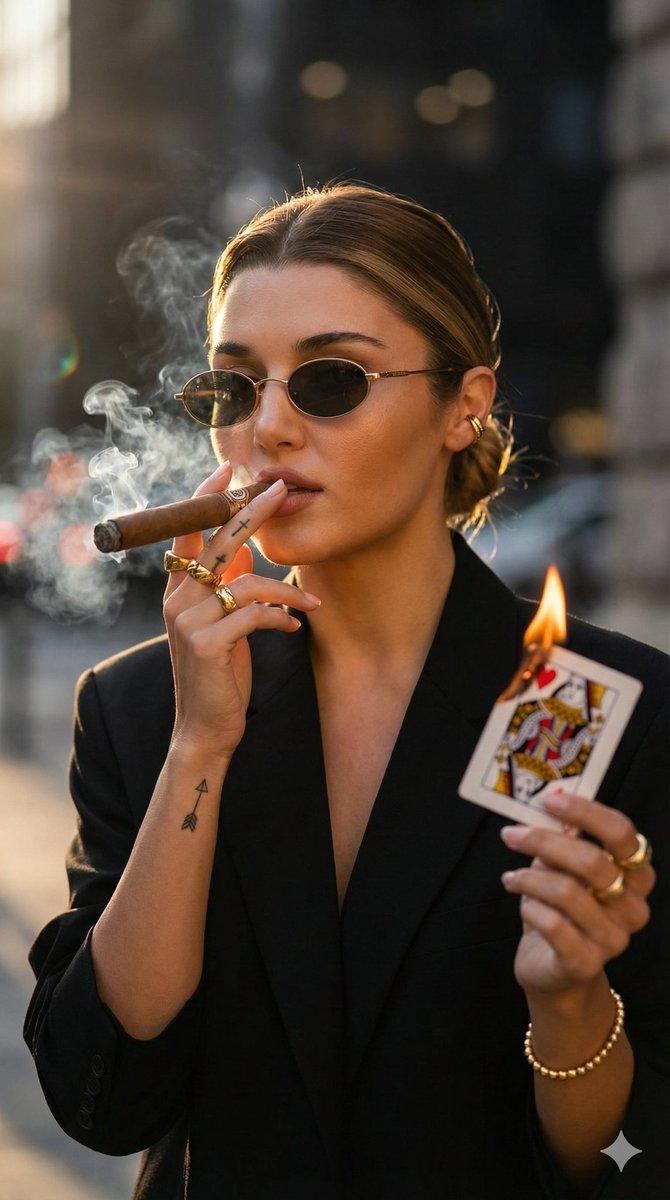
A cinematic, high-fashion portrait of a confident stylish woman wearing an elegant tailored {argument name="outfit" default="white suit"} with a high-neck design and sleek {argument name="accessory" default="oval sunglasses"}. She is holding a thin medium cigar with soft smoke rising, and a slightly burning {argument name="prop" default="King of Hearts playing card"} with minimal flame detail. Soft wisps of smoke drift upward. The background is a bold, vibrant solid red seamless backdrop. High-key professional studio lighting with soft shadows and gentle warm highlights reflecting on her face. Ultra-realistic skin texture, sharp focus on facial features, shallow depth of field, soft bokeh, 35mm lens look. Crisp contrast, modern editorial fashion photography, clean luxury aesthetic, refined, powerful, and slightly rebellious mood.
Category
Charts & Infographics
Model
GPT Image 2
Creator
Aijaz
Views5
Source ID
18315
Published
May 4, 2026

Guide

About "高级时尚雪茄肖像"

What is this prompt for?

"高级时尚雪茄肖像" AI image prompt for GPT Image 2 (Charts & Infographics). 一个电影级的高级时尚肖像提示词,展现了一位手持雪茄并伴有燃烧的红桃 K 扑克牌的时尚女性。 Copy it on Picva and recreate the look in one…

The full copyable prompt and example visuals above are ready for AI image generation or one-click recreate in Picva.

How to use this prompt

  1. Step 1

    Open the prompt detail

    Review the example visuals, category, and full prompt text for "高级时尚雪茄肖像".

  2. Step 2

    Copy the prompt

    Copy the prompt body from this page, or load it directly in Studio.

  3. Step 3

    Pick a model (GPT Image 2)

    Prefer GPT Image 2. If you switch models, keep subject and composition and tweak style terms.

  4. Step 4

    Generate and export

    Recreate the look in Picva, or export into your workflow for editing and publishing.

FAQ

What is the "高级时尚雪茄肖像" prompt?
It is an AI image-generation prompt for GPT Image 2 in the Charts & Infographics category. This page includes the full prompt text, example visuals, and a one-click recreate path in Picva.
How do I use this prompt to generate an image?
Copy the prompt from this page, or use Generate / Studio. Paste it into a compatible image model, or recreate the look in Picva with optional reference images.
Which model is this prompt for?
This page lists GPT Image 2. Most descriptive prompts also transfer to nearby image models such as GPT Image, Flux, or Midjourney with light style tweaks.
Can I use the result commercially?
You can usually copy the prompt for creation, but commercial use of the final image depends on the model terms, reference-image rights, and the generated content. Follow the source author and platform rules.