18

3D Q 版美食广告场景
Enlarge

Example images

3D Q 版美食广告场景

Prompt
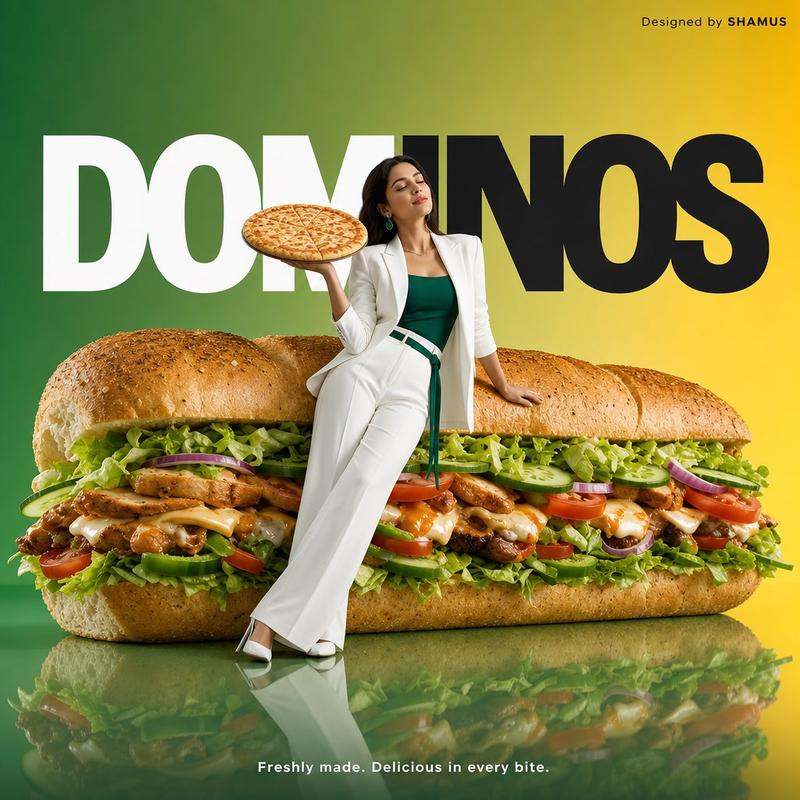
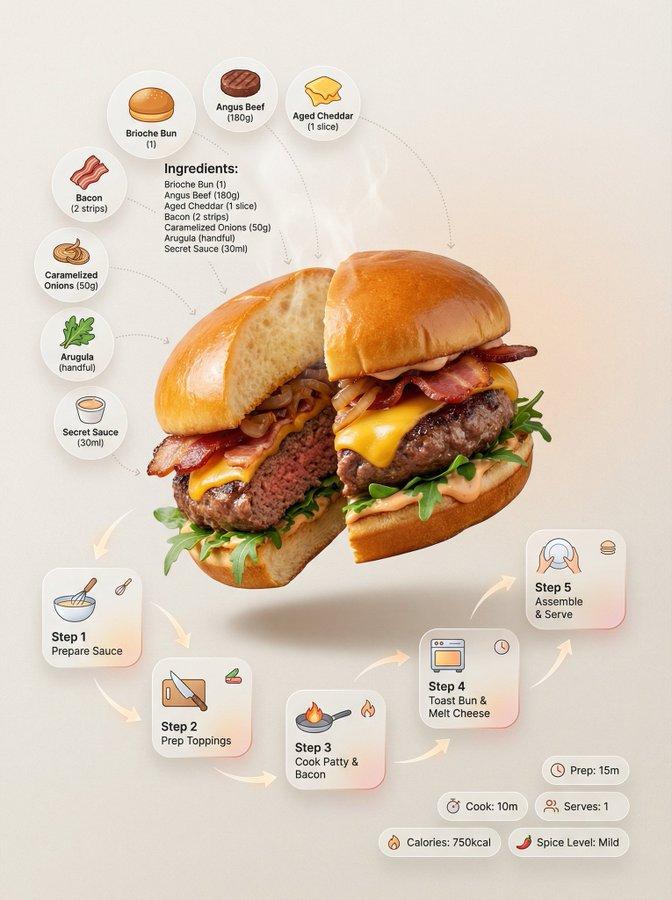
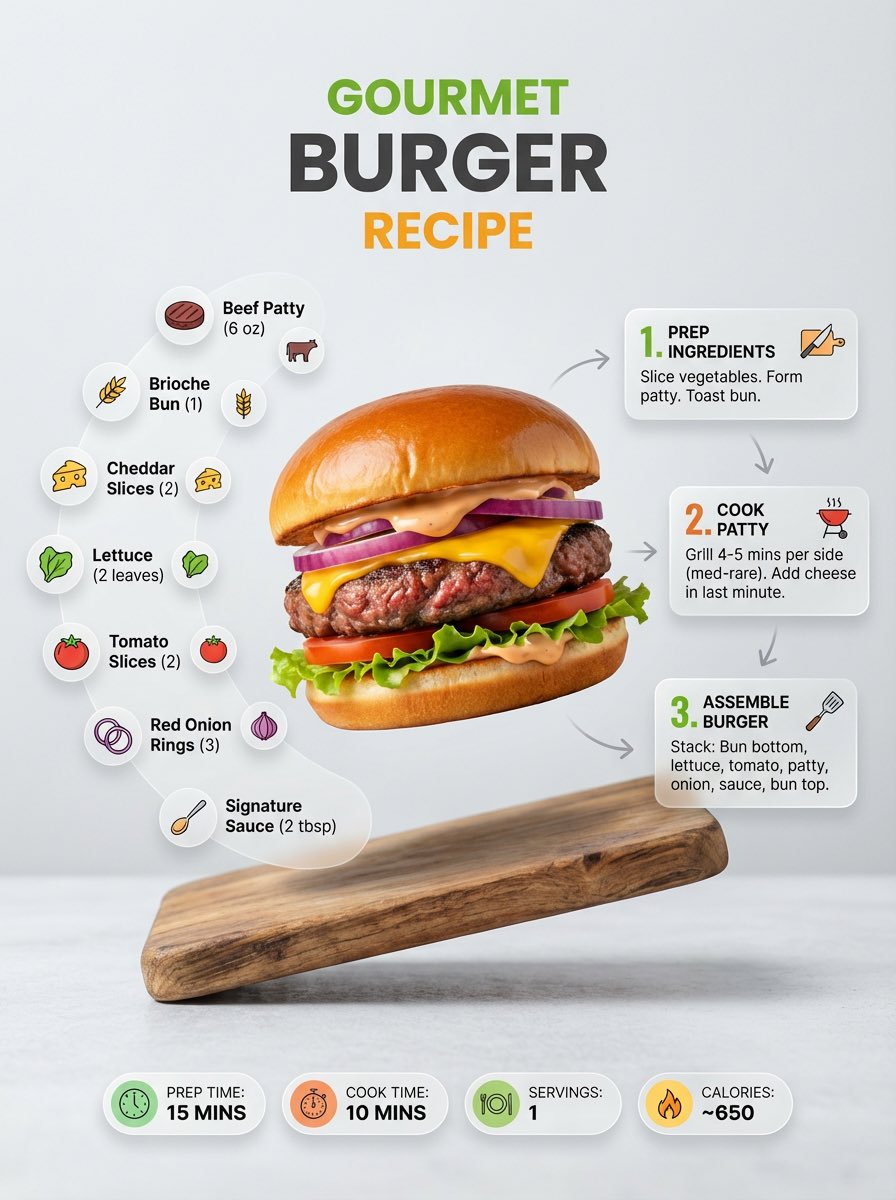
Adorable 3D food advertisement scene featuring a delicious {argument name="food item" default="oversized sandwich / cheesy snack"} placed on a clean pastel platform, surrounded by tiny chibi-style children interacting with the food (climbing ladders, sitting on top, eating, celebrating). Soft rounded design, playful storytelling composition. Creamy melted cheese, fresh ingredients, glossy textures, ultra-detailed food realism. Mini characters with Pixar-style proportions, expressive faces, soft 3D rendering. {argument name="background colors" default="Pastel green and warm beige"} background with smooth gradients, minimal aesthetic props (balls, shapes). Floating speech bubbles with cute text. Big soft 3D typography headline at the top in a rounded, inflated style. Soft studio lighting, subtle shadows, cozy and cheerful mood, high-end commercial food poster, ultra-clean, 4K.
Category
Charts & Infographics
Model
GPT Image 2
Creator
Taaruk
Views5
Source ID
18324
Published
May 4, 2026

Guide

About "3D Q 版美食广告场景"

What is this prompt for?

"3D Q 版美食广告场景" AI image prompt for GPT Image 2 (Charts & Infographics). 一个令人愉悦的提示词,用于创作 3D 美食广告,包含超大号零食和皮克斯风格的可爱 Q 版角色,非常适合高端商业海报。 Copy it on Picva and recreat…

The full copyable prompt and example visuals above are ready for AI image generation or one-click recreate in Picva.

How to use this prompt

  1. Step 1

    Open the prompt detail

    Review the example visuals, category, and full prompt text for "3D Q 版美食广告场景".

  2. Step 2

    Copy the prompt

    Copy the prompt body from this page, or load it directly in Studio.

  3. Step 3

    Pick a model (GPT Image 2)

    Prefer GPT Image 2. If you switch models, keep subject and composition and tweak style terms.

  4. Step 4

    Generate and export

    Recreate the look in Picva, or export into your workflow for editing and publishing.

FAQ

What is the "3D Q 版美食广告场景" prompt?
It is an AI image-generation prompt for GPT Image 2 in the Charts & Infographics category. This page includes the full prompt text, example visuals, and a one-click recreate path in Picva.
How do I use this prompt to generate an image?
Copy the prompt from this page, or use Generate / Studio. Paste it into a compatible image model, or recreate the look in Picva with optional reference images.
Which model is this prompt for?
This page lists GPT Image 2. Most descriptive prompts also transfer to nearby image models such as GPT Image, Flux, or Midjourney with light style tweaks.
Can I use the result commercially?
You can usually copy the prompt for creation, but commercial use of the final image depends on the model terms, reference-image rights, and the generated content. Follow the source author and platform rules.