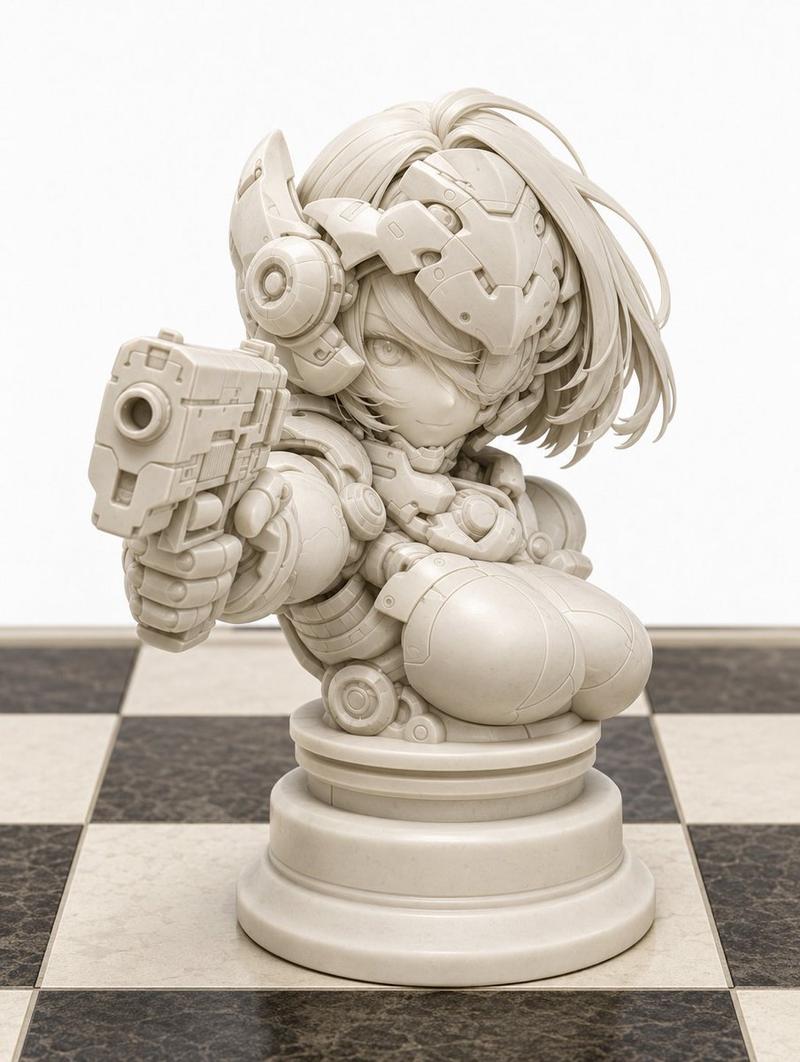
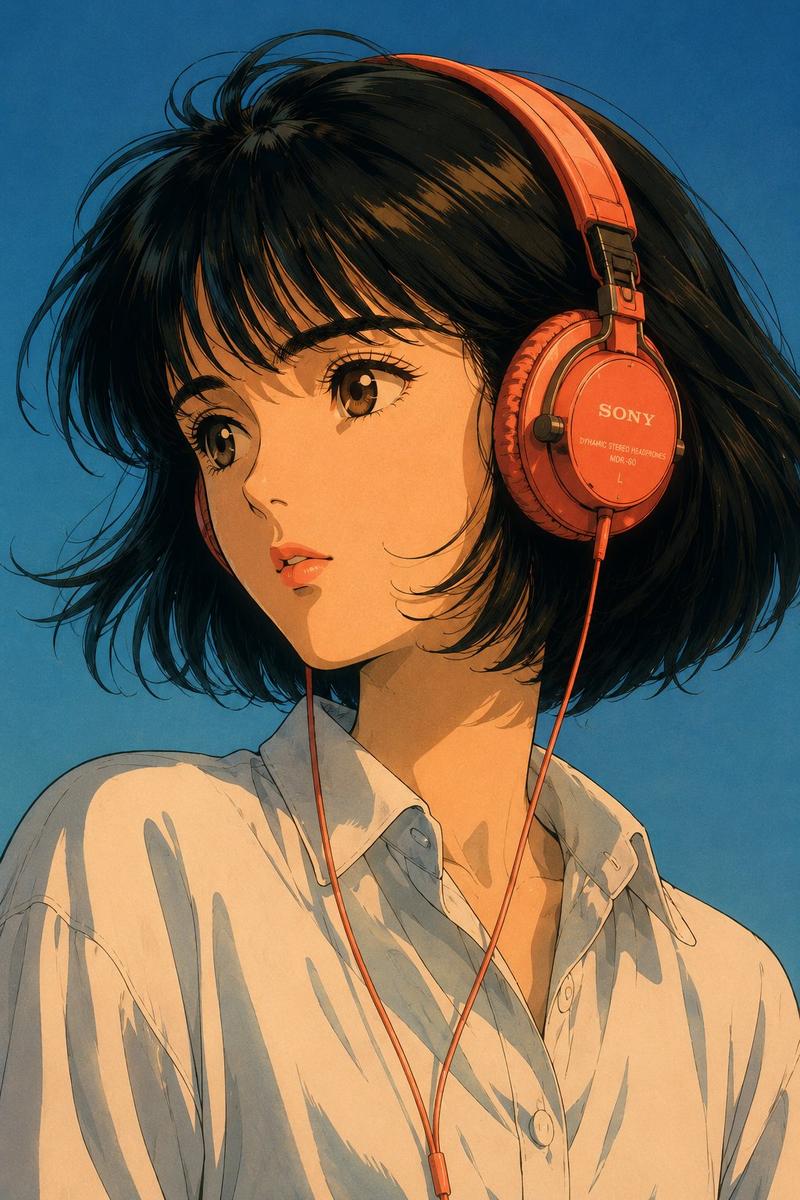
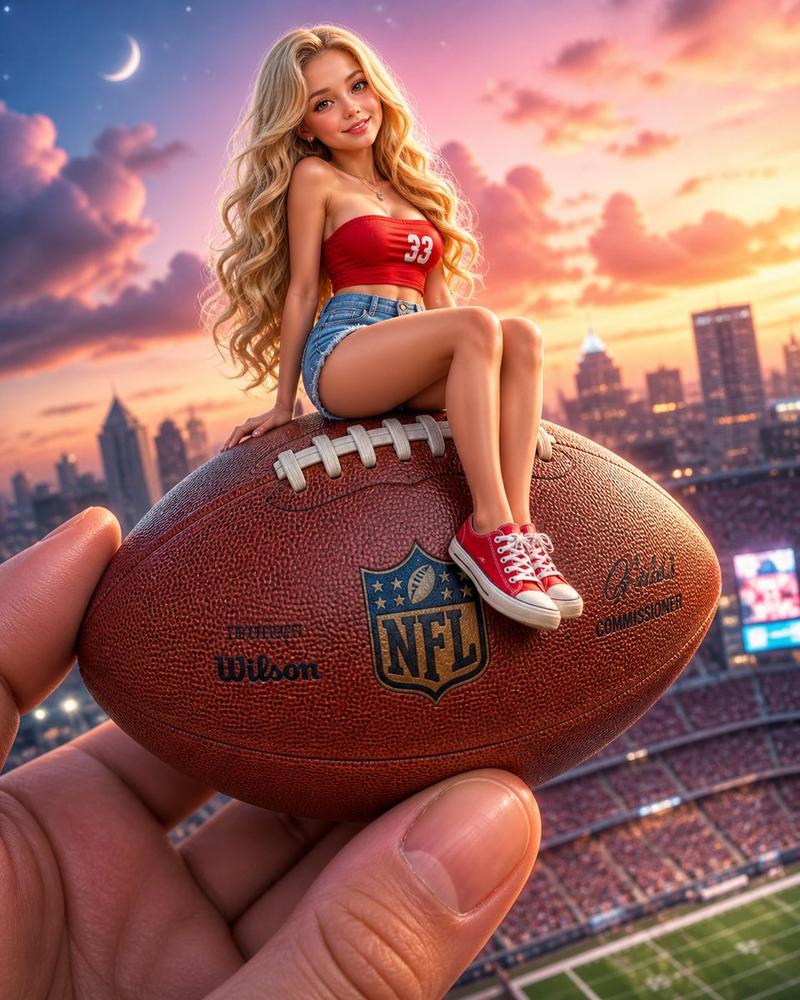
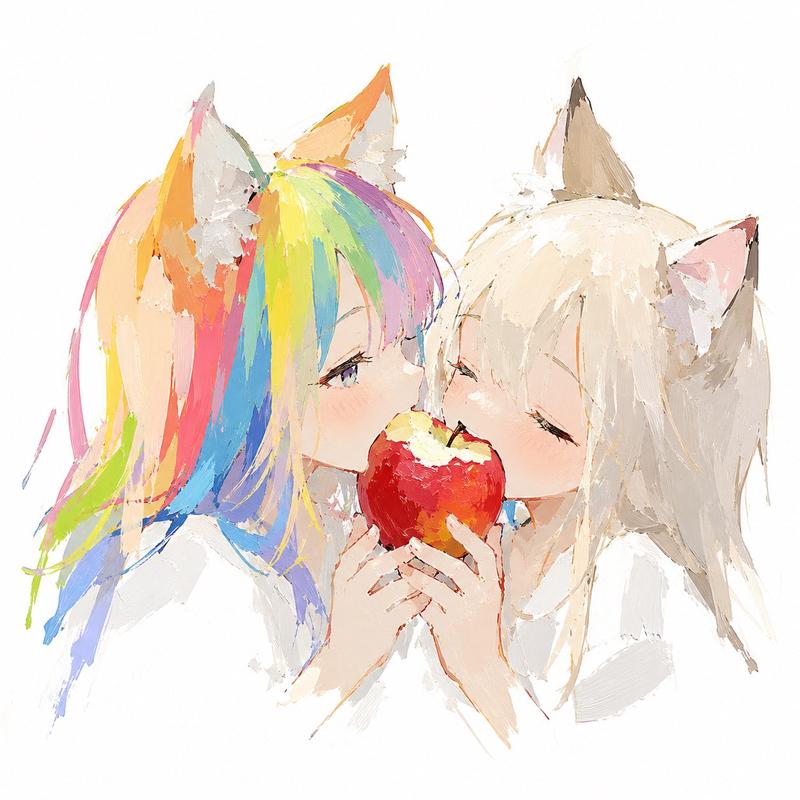
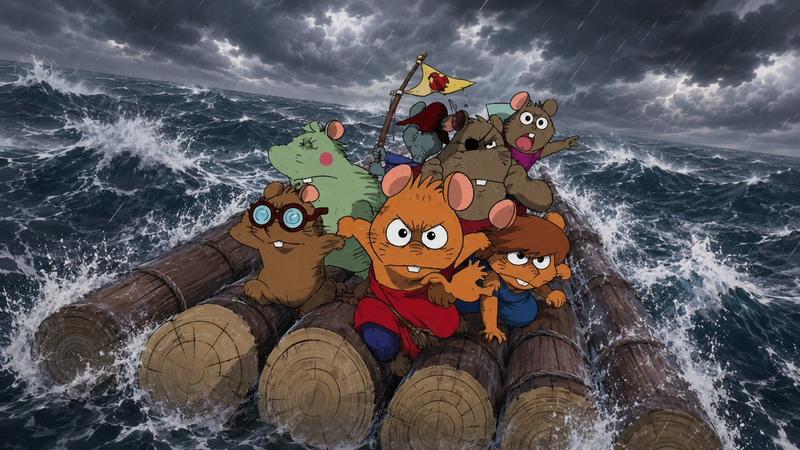
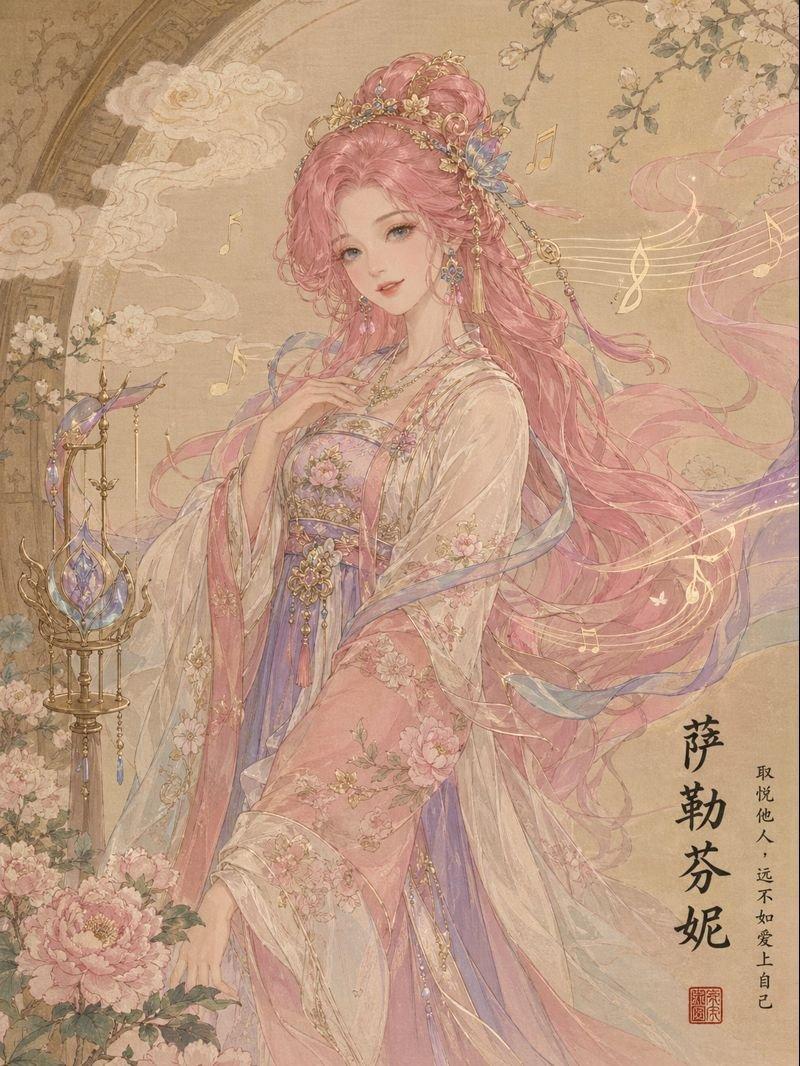
故障艺术风格角色转换
Prompt
基于这张角色图像,请创作一张 {argument name="style" default="故障艺术与疯狂无线电波"} 风格的图像,并确保在创作过程中尊重该角色外观所呈现出的原始特征。- Category
- Characters & People
- Model
- GPT Image 2
- Creator
- バロメッツ 🐏 barometz
- Source ID
- 18353
- Published
- May 4, 2026
Views1
20

基于这张角色图像,请创作一张 {argument name="style" default="故障艺术与疯狂无线电波"} 风格的图像,并确保在创作过程中尊重该角色外观所呈现出的原始特征。Guide
"故障艺术风格角色转换" AI image prompt for GPT Image 2 (Characters & People). 一个可以将现有角色图像转换为故障艺术(Glitch)和疯狂美学风格的提示词,同时保留原角色的特征。 Copy it on Picva and recreate the look in…
The full copyable prompt and example visuals above are ready for AI image generation or one-click recreate in Picva.
Step 1
Review the example visuals, category, and full prompt text for "故障艺术风格角色转换".
Step 2
Copy the prompt body from this page, or load it directly in Studio.
Step 3
Prefer GPT Image 2. If you switch models, keep subject and composition and tweak style terms.
Step 4
Recreate the look in Picva, or export into your workflow for editing and publishing.