19

通灵之术 i2i 漫画提示词
Enlarge

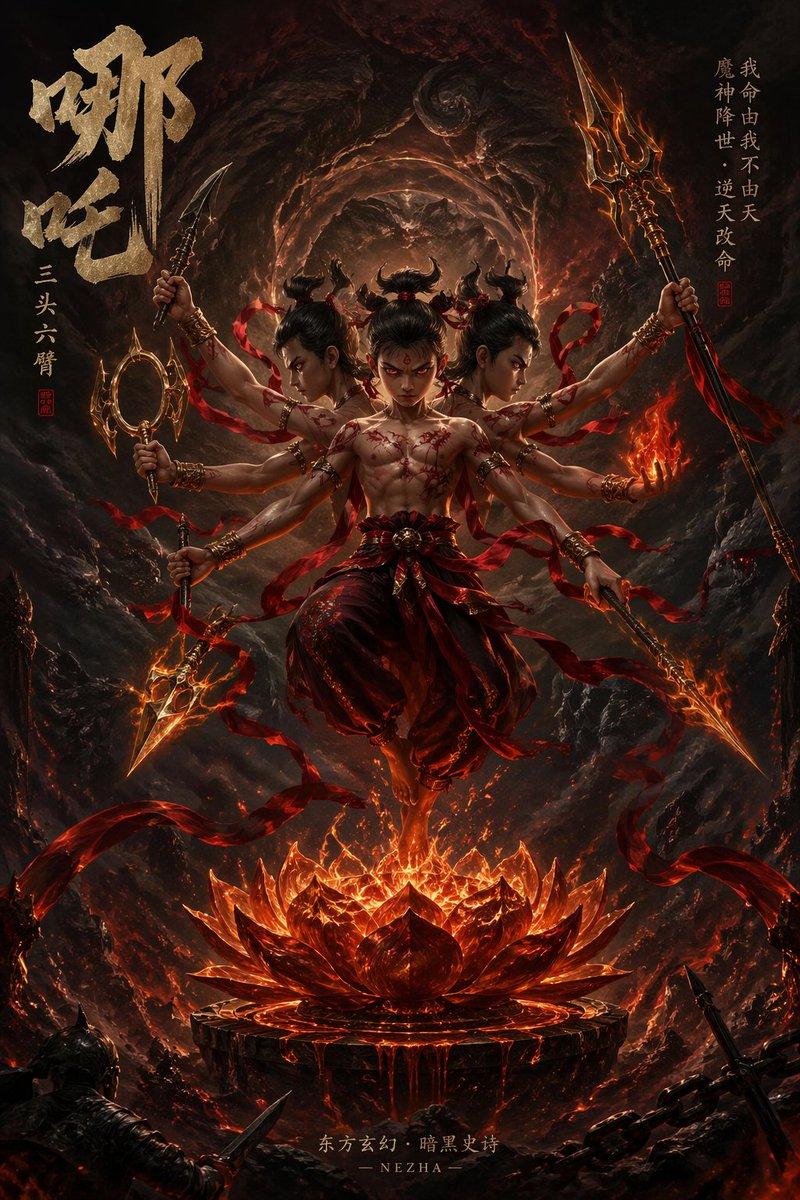
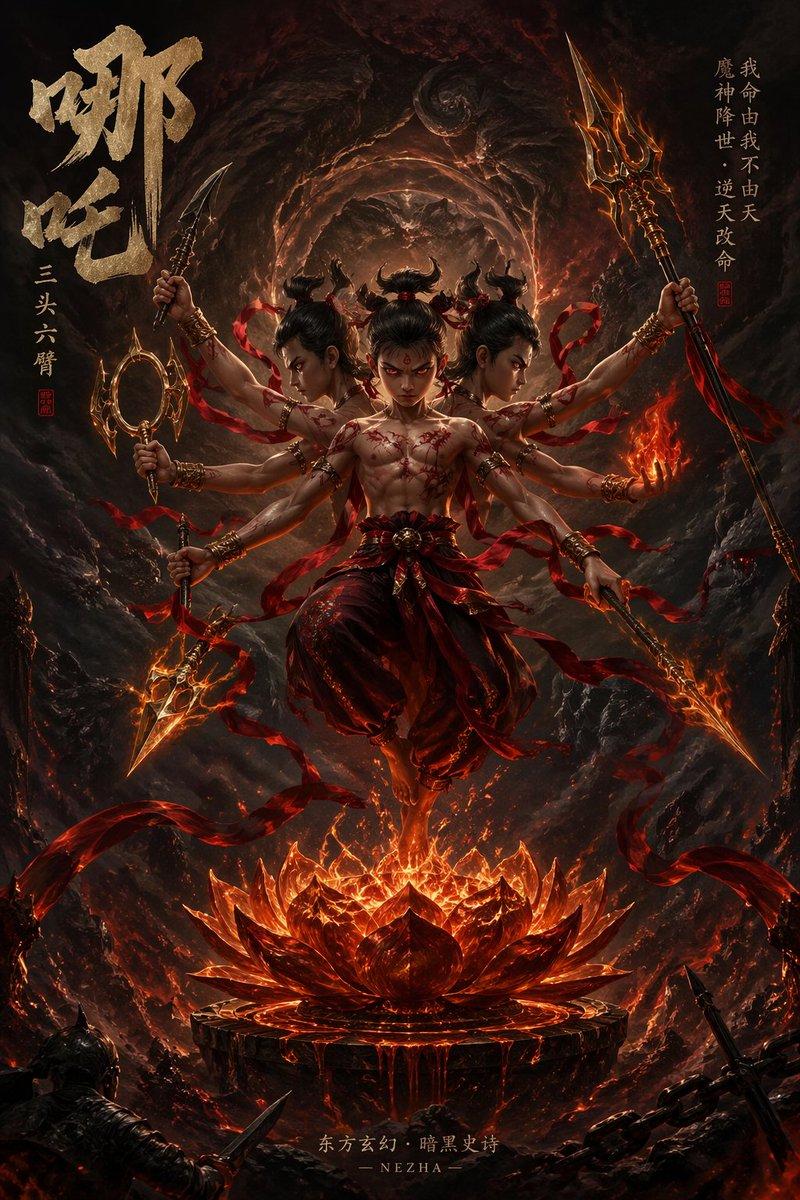
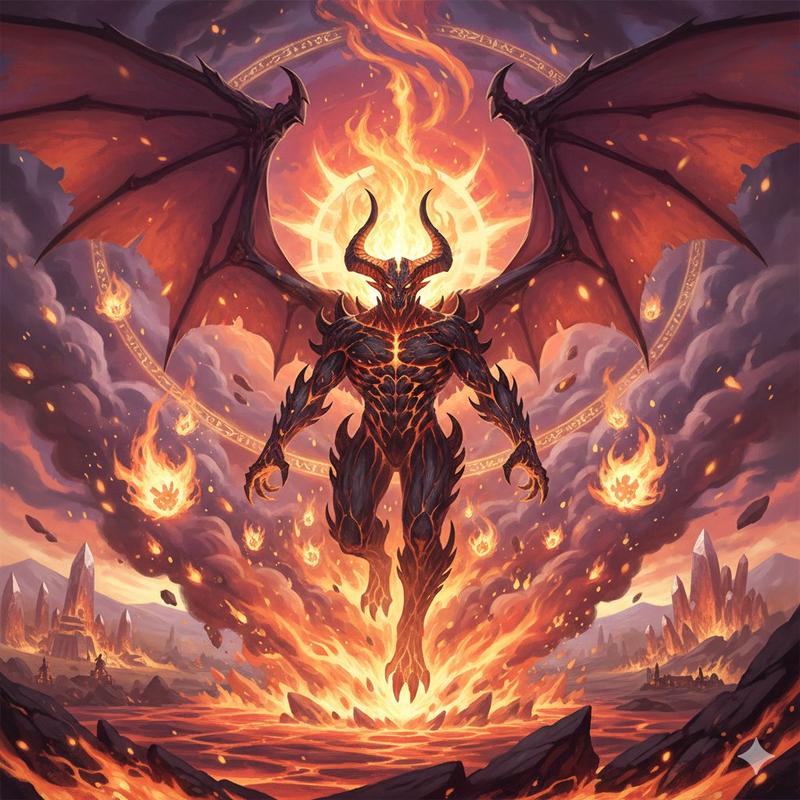
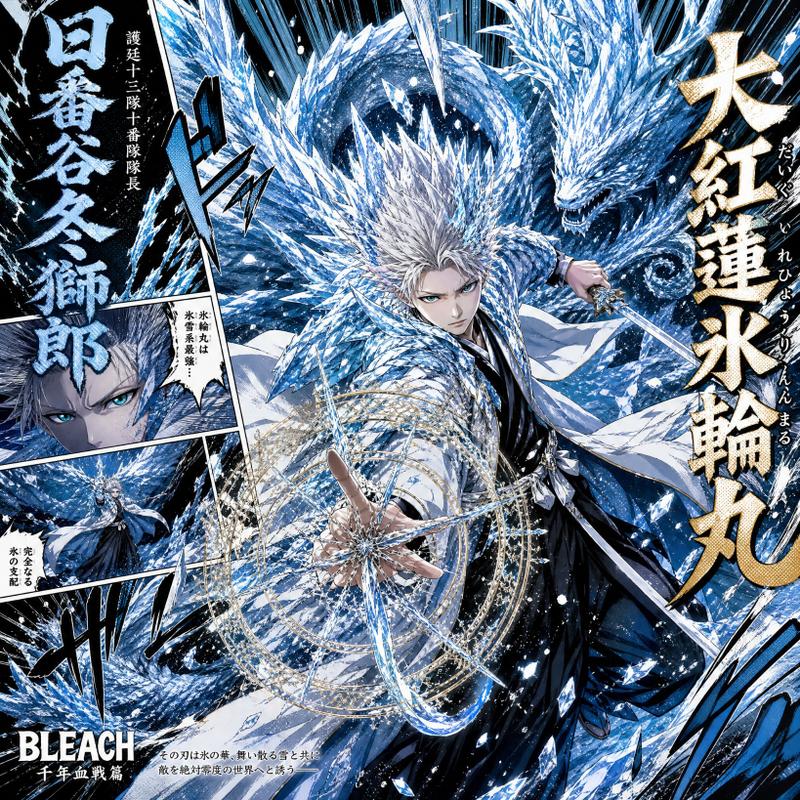
Example images

通灵之术 i2i 漫画提示词

Prompt
使用参考图像中的角色,描绘“通灵之术”启动的瞬间。准确保持角色的面部、发型、发色、眼睛、耳朵、服装、轮廓、身体比例和氛围。不要破坏角色的特征。不要直接使用参考图像,而是根据情境和构图自然地重新绘制。角色正在执行可识别为启动通灵之术的动作,例如手掌拍击地面、展开卷轴或结印。每张图像的姿势和动作都要有所不同。同时,一个巨大的仪式圆阵正在地面上蔓延,带有黑色咒文、圆形阵列和墨迹效果。大量白烟爆炸般涌现。从烟雾中,与角色缔结契约的巨大实体完全显现。被召唤的生物应被描绘为与角色的世界观、个性和设计紧密相连。它不应仅仅是一只动物,而应具有神话、怪兽、机械或奇幻的存在感。它的体型要远大于角色。将角色置于前景,被召唤的生物以巨大的姿态置于背景。使用低机位拍摄。营造出少年漫画跨页般的冲击力。添加集中线、地面破坏、飞溅的碎片和烟雾流。添加“砰!!”、“通灵之术!!”或“轰隆隆……”等漫画风格的拟声词。在屏幕边缘添加一个古卷轴风格的信息框,包含被召唤生物的名字、别名和简短描述。文字保持简洁。呈现效果应像漫画跨页中突然出现的危险实体,而不是技术参考表。使用 90 年代至 2000 年代《Jump》漫画般的高能量导向。保持动画插画风格。高密度、高对比度、戏剧性的光影和强烈的轮廓。构图需在社交媒体上瞬间抓住眼球。
Category
Characters & People
Model
GPT Image 2
Views3
Source ID
21905
Published
May 21, 2026

Guide

About "通灵之术 i2i 漫画提示词"

What is this prompt for?

"通灵之术 i2i 漫画提示词" AI image prompt for GPT Image 2 (Characters & People). 一套用于执行图像到图像(i2i)生成的复杂指令集,可将参考角色转化为极具戏剧性的漫画风格通灵场景。 Copy it on Picva and recreate the loo…

The full copyable prompt and example visuals above are ready for AI image generation or one-click recreate in Picva.

How to use this prompt

  1. Step 1

    Open the prompt detail

    Review the example visuals, category, and full prompt text for "通灵之术 i2i 漫画提示词".

  2. Step 2

    Copy the prompt

    Copy the prompt body from this page, or load it directly in Studio.

  3. Step 3

    Pick a model (GPT Image 2)

    Prefer GPT Image 2. If you switch models, keep subject and composition and tweak style terms.

  4. Step 4

    Generate and export

    Recreate the look in Picva, or export into your workflow for editing and publishing.

FAQ

What is the "通灵之术 i2i 漫画提示词" prompt?
It is an AI image-generation prompt for GPT Image 2 in the Characters & People category. This page includes the full prompt text, example visuals, and a one-click recreate path in Picva.
How do I use this prompt to generate an image?
Copy the prompt from this page, or use Generate / Studio. Paste it into a compatible image model, or recreate the look in Picva with optional reference images.
Which model is this prompt for?
This page lists GPT Image 2. Most descriptive prompts also transfer to nearby image models such as GPT Image, Flux, or Midjourney with light style tweaks.
Can I use the result commercially?
You can usually copy the prompt for creation, but commercial use of the final image depends on the model terms, reference-image rights, and the generated content. Follow the source author and platform rules.