19

极简个人品牌肖像
Enlarge

极简个人品牌肖像

Prompt
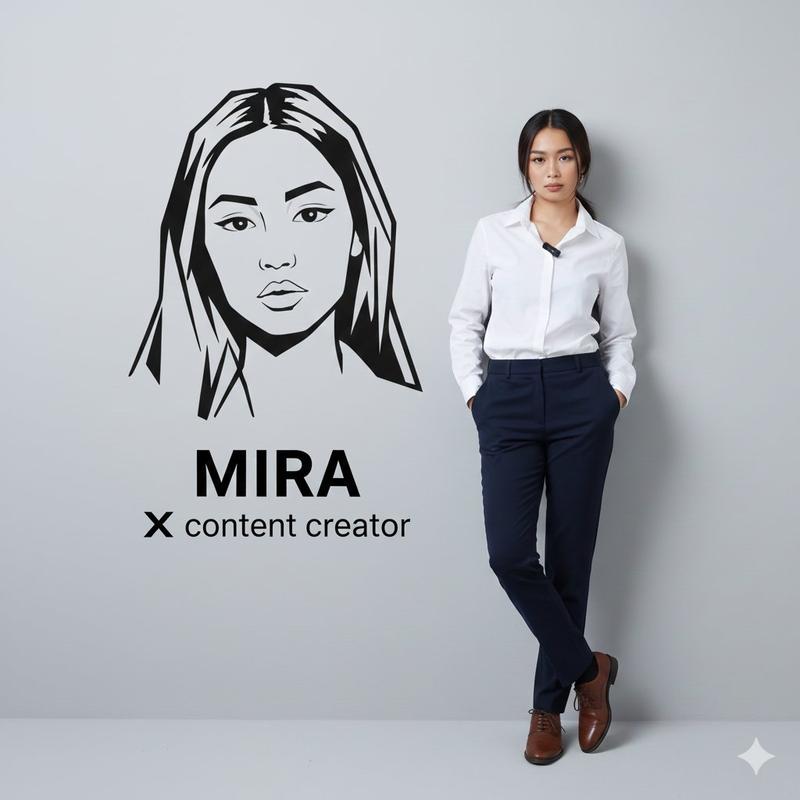
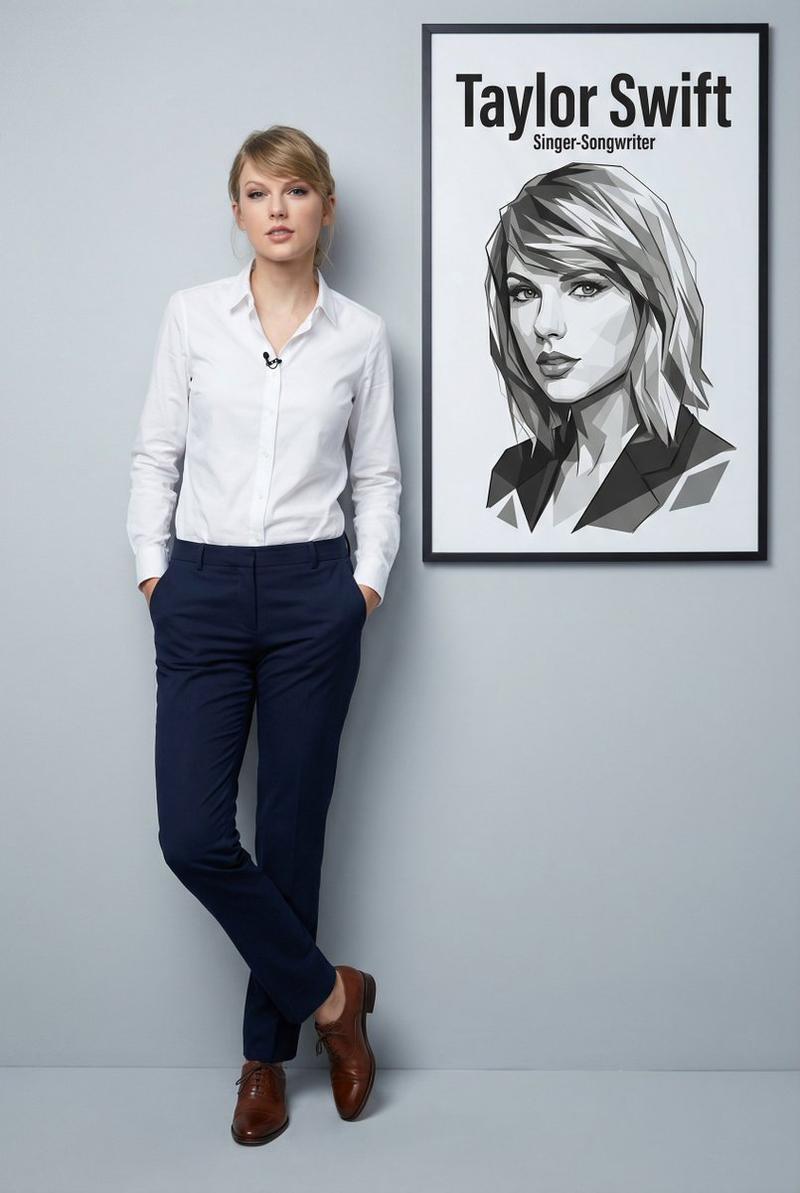
Ultra-realistic 8K full-body portrait of a {argument name="subject description" default="stylish young man leaning casually against a clean light-gray wall"}. He is wearing a {argument name="outfit" default="mustard yellow V-neck sweater with black-and-white striped trim on the neckline and cuffs, slim-fit black trousers, mustard-colored socks, and black sneakers with white soles"}. Hands in pockets, one leg crossed over the other, relaxed confident pose. The man has a well-groomed beard and voluminous styled hair, sharp and natural look. On the wall next to him, create a bold black-and-white stylized vector portrait of the same man with modern geometric elements. Below the graphic, add clean bold text: '{argument name="name" default="Fatima Batool"}' in large letters, and beneath it, 'Twitter: @Fati_092' in smaller letters. Lighting: soft, even, professional studio quality. Mood: modern, minimalistic, premium personal branding aesthetic.
Category
Charts & Infographics
Model
GPT Image 2
Views3
Source ID
18365
Published
May 4, 2026

Guide

About "极简个人品牌肖像"

What is this prompt for?

"极简个人品牌肖像" AI image prompt for GPT Image 2 (Charts & Infographics). 此提示词可生成一张高质量、超写实的 8K 肖像,展示一位时尚人士在极简背景下的姿态,并辅以风格化的矢量图形和个性化排版,打造专业的品牌形象。 Copy it on Picva and…

The full copyable prompt and example visuals above are ready for AI image generation or one-click recreate in Picva.

How to use this prompt

  1. Step 1

    Open the prompt detail

    Review the example visuals, category, and full prompt text for "极简个人品牌肖像".

  2. Step 2

    Copy the prompt

    Copy the prompt body from this page, or load it directly in Studio.

  3. Step 3

    Pick a model (GPT Image 2)

    Prefer GPT Image 2. If you switch models, keep subject and composition and tweak style terms.

  4. Step 4

    Generate and export

    Recreate the look in Picva, or export into your workflow for editing and publishing.

FAQ

What is the "极简个人品牌肖像" prompt?
It is an AI image-generation prompt for GPT Image 2 in the Charts & Infographics category. This page includes the full prompt text, example visuals, and a one-click recreate path in Picva.
How do I use this prompt to generate an image?
Copy the prompt from this page, or use Generate / Studio. Paste it into a compatible image model, or recreate the look in Picva with optional reference images.
Which model is this prompt for?
This page lists GPT Image 2. Most descriptive prompts also transfer to nearby image models such as GPT Image, Flux, or Midjourney with light style tweaks.
Can I use the result commercially?
You can usually copy the prompt for creation, but commercial use of the final image depends on the model terms, reference-image rights, and the generated content. Follow the source author and platform rules.