17

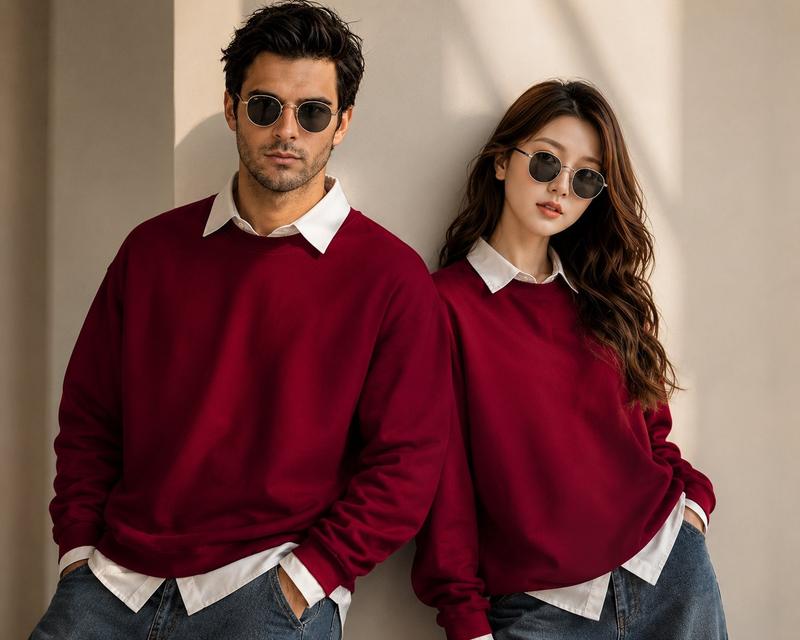
奢华街头风时尚大片
Enlarge

奢华街头风时尚大片

Prompt
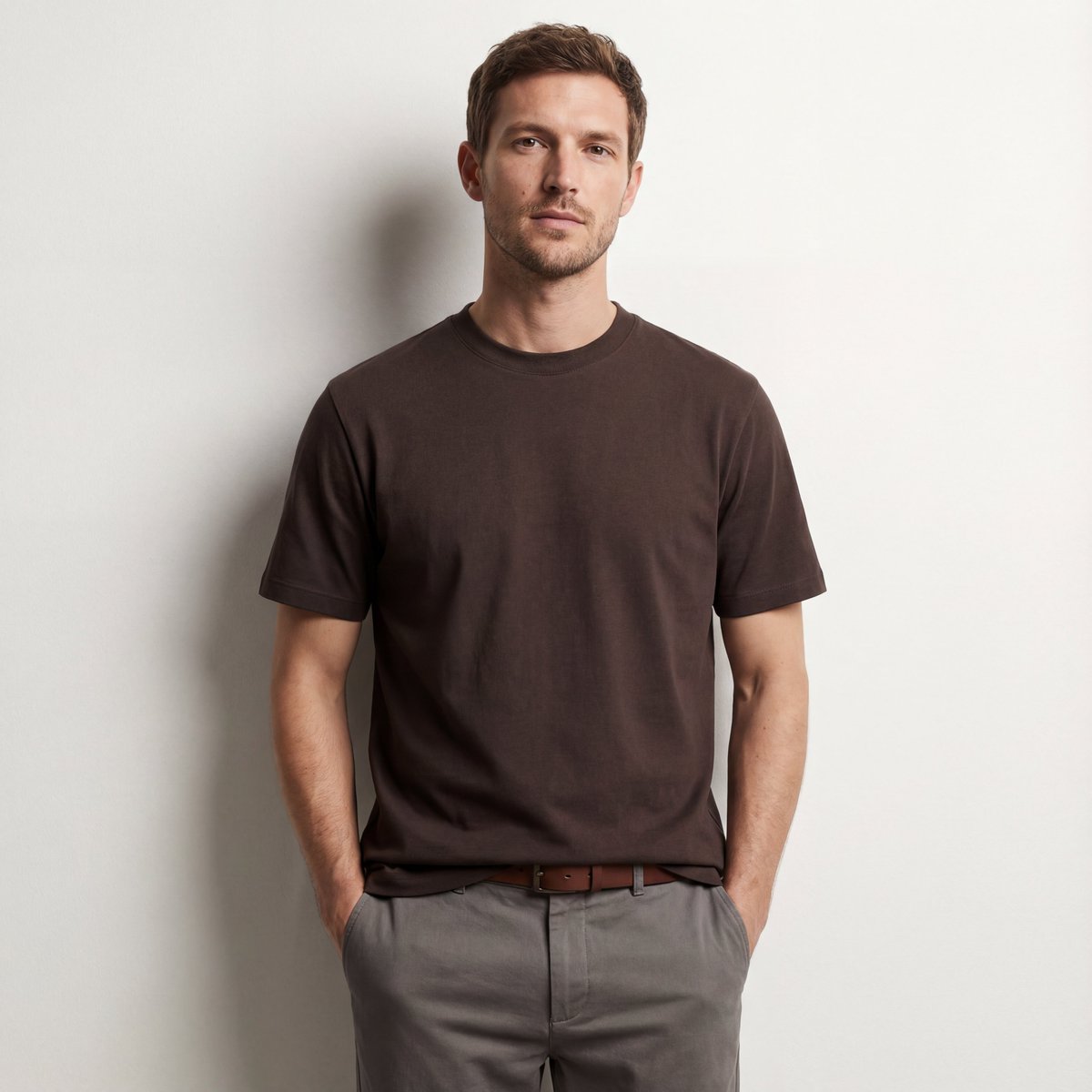
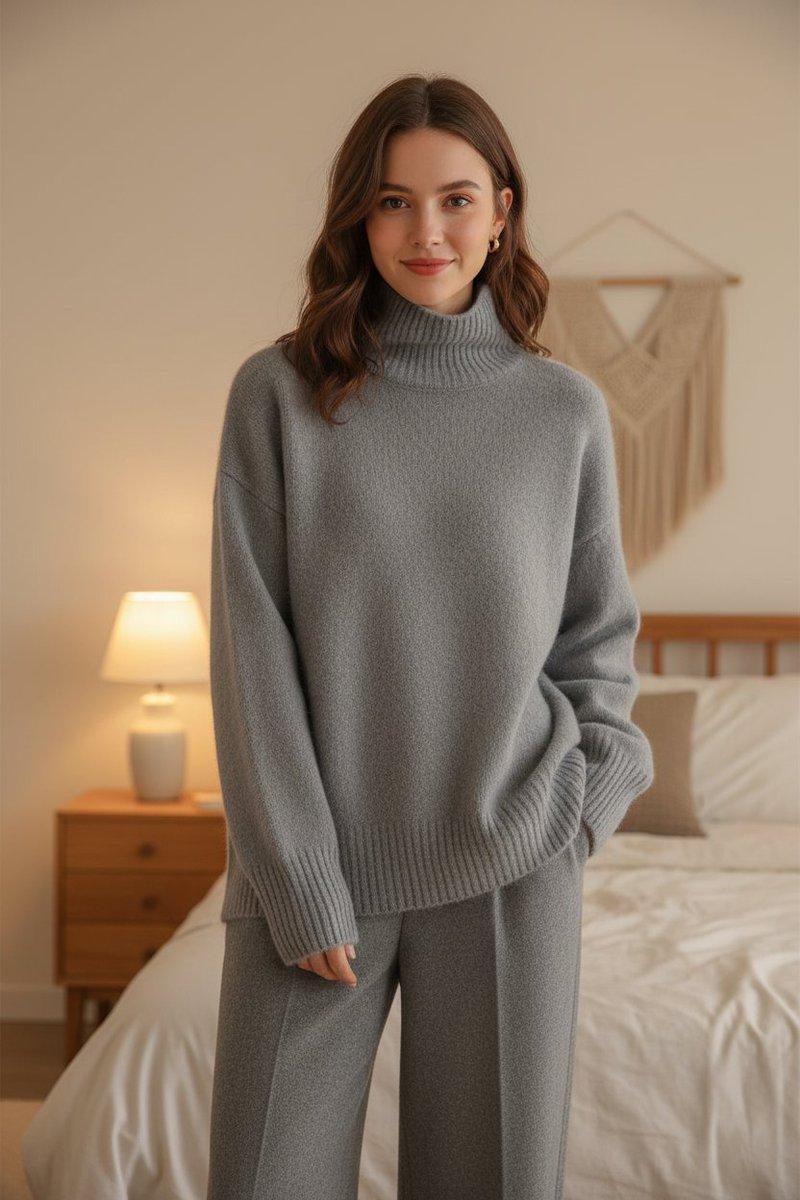
Ultra realistic fashion editorial photoshoot of a {argument name="subjects" default="stylish young man and woman"} standing side by side against a minimal beige luxury interior wall, both wearing {argument name="clothing" default="oversized deep burgundy red sweatshirts layered over crisp white collared shirts, relaxed blue denim jeans"}, modern round black sunglasses, soft natural golden sunlight casting cinematic shadows, confident aesthetic poses, luxury streetwear campaign vibe, clean composition, high-end clothing advertisement, detailed fabric texture, sharp facial features, shallow depth of field, warm neutral tones, editorial fashion photography, shot on Sony A7R IV, 85mm lens, ultra detailed, photorealistic, premium lifestyle branding, Instagram luxury fashion aesthetic, symmetrical framing, relaxed yet confident expressions.
Category
Charts & Infographics
Model
GPT Image 2
Creator
auqib
Views1
Source ID
21648
Published
May 20, 2026

Guide

About "奢华街头风时尚大片"

What is this prompt for?

"奢华街头风时尚大片" AI image prompt for GPT Image 2 (Charts & Infographics). 一份专业的时尚大片拍摄提示词,模特身着超大款酒红色卫衣,旨在营造奢华街头风的广告大片氛围。 Copy it on Picva and recreate the look in on…

The full copyable prompt and example visuals above are ready for AI image generation or one-click recreate in Picva.

How to use this prompt

  1. Step 1

    Open the prompt detail

    Review the example visuals, category, and full prompt text for "奢华街头风时尚大片".

  2. Step 2

    Copy the prompt

    Copy the prompt body from this page, or load it directly in Studio.

  3. Step 3

    Pick a model (GPT Image 2)

    Prefer GPT Image 2. If you switch models, keep subject and composition and tweak style terms.

  4. Step 4

    Generate and export

    Recreate the look in Picva, or export into your workflow for editing and publishing.

FAQ

What is the "奢华街头风时尚大片" prompt?
It is an AI image-generation prompt for GPT Image 2 in the Charts & Infographics category. This page includes the full prompt text, example visuals, and a one-click recreate path in Picva.
How do I use this prompt to generate an image?
Copy the prompt from this page, or use Generate / Studio. Paste it into a compatible image model, or recreate the look in Picva with optional reference images.
Which model is this prompt for?
This page lists GPT Image 2. Most descriptive prompts also transfer to nearby image models such as GPT Image, Flux, or Midjourney with light style tweaks.
Can I use the result commercially?
You can usually copy the prompt for creation, but commercial use of the final image depends on the model terms, reference-image rights, and the generated content. Follow the source author and platform rules.