18

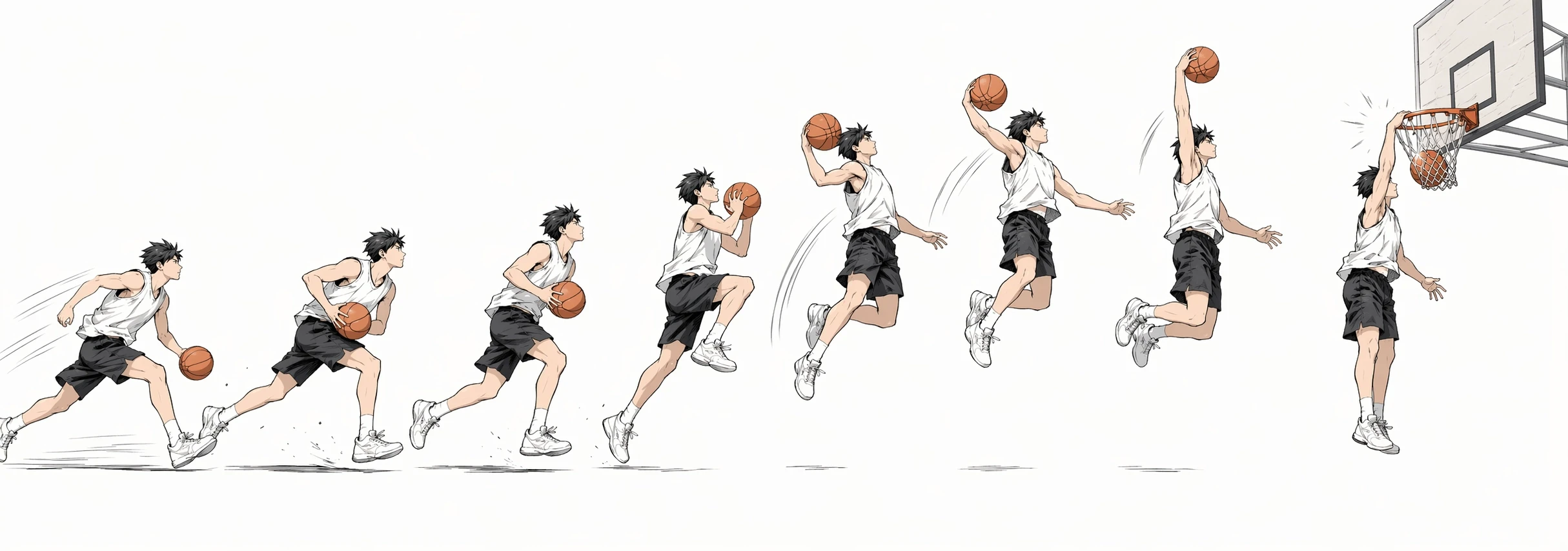
挤压与拉伸跳跃动作表
Enlarge

挤压与拉伸跳跃动作表

Prompt
Using REFERENCE_0 as the character base, create a clean animation movement sheet that turns the character into a full-body jump sequence study while preserving the same outfit, badge, bald head, shoes, stylized ink-and-color illustration look, and the censored/blurred face treatment. Expand the view from the cropped portrait into a wide beige paper-textured layout with a ground line, subtle motion lines, small impact marks, and instructional typography. Add the title text {argument name="title text" default="SQUASH AND STRETCH"} at the upper left with the subtitle {argument name="subtitle text" default="JUMP SEQUENCE — 7 STAGES"}. Show exactly 7 numbered poses arranged left to right across the page: 1 “ANTICIPATION (CROUCHING)” with the character crouched and arms back; 2 “EXTREME SQUASH (COMPRESSED)” with a deeper compact crouch; 3 “EXTREME STRETCH (TAKEOFF)” with the character elongated upward, arms raised, feet leaving the ground; 4 “APEX (MID-AIR ARC)” with the character tucked in midair; 5 “STRETCH (DOWNWARD ACCELERATION)” with the character stretched vertically while descending; 6 “SQUASH (IMPACT LANDING)” with the character compressed on landing, one hand touching the ground; 7 “RECOVERY (RETURN TO STANCE)” with the character standing relaxed with hands in pockets. Use bold black uppercase labels under each numbered stage, keep consistent character proportions across poses except for the intentional squash-and-stretch deformation, and make the sheet read like a professional 2D animation reference chart.
Category
Charts & Infographics
Model
GPT Image 2
Creator
TechHalla
Views7
Source ID
18381
Published
May 4, 2026

Guide

About "挤压与拉伸跳跃动作表"

What is this prompt for?

"挤压与拉伸跳跃动作表" AI image prompt for GPT Image 2 (Charts & Infographics). 基于角色参考生成七阶段动画动作表,用于研究跳跃时机、挤压、拉伸及恢复姿势。 Copy it on Picva and recreate the look in one click.

The full copyable prompt and example visuals above are ready for AI image generation or one-click recreate in Picva.

How to use this prompt

  1. Step 1

    Open the prompt detail

    Review the example visuals, category, and full prompt text for "挤压与拉伸跳跃动作表".

  2. Step 2

    Copy the prompt

    Copy the prompt body from this page, or load it directly in Studio.

  3. Step 3

    Pick a model (GPT Image 2)

    Prefer GPT Image 2. If you switch models, keep subject and composition and tweak style terms.

  4. Step 4

    Generate and export

    Recreate the look in Picva, or export into your workflow for editing and publishing.

FAQ

What is the "挤压与拉伸跳跃动作表" prompt?
It is an AI image-generation prompt for GPT Image 2 in the Charts & Infographics category. This page includes the full prompt text, example visuals, and a one-click recreate path in Picva.
How do I use this prompt to generate an image?
Copy the prompt from this page, or use Generate / Studio. Paste it into a compatible image model, or recreate the look in Picva with optional reference images.
Which model is this prompt for?
This page lists GPT Image 2. Most descriptive prompts also transfer to nearby image models such as GPT Image, Flux, or Midjourney with light style tweaks.
Can I use the result commercially?
You can usually copy the prompt for creation, but commercial use of the final image depends on the model terms, reference-image rights, and the generated content. Follow the source author and platform rules.