18

Mini-Me 3D 自拍变身
Enlarge

Mini-Me 3D 自拍变身

Prompt
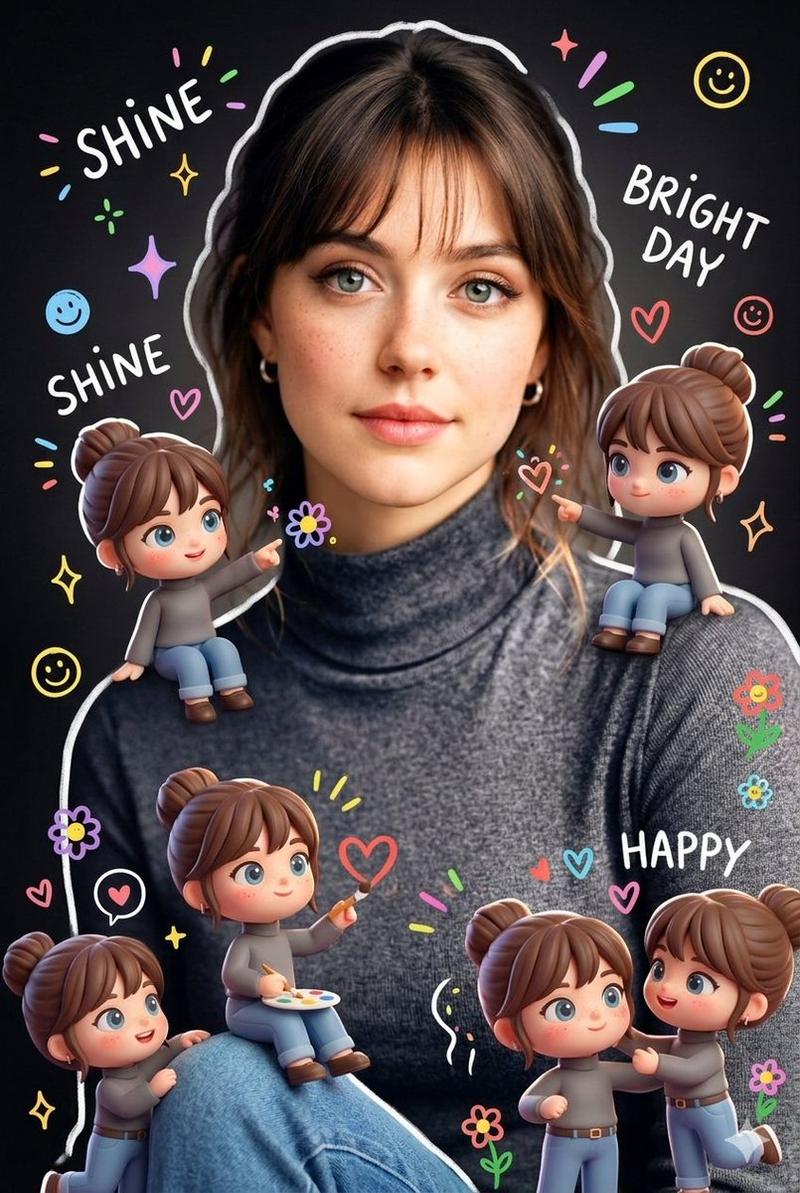
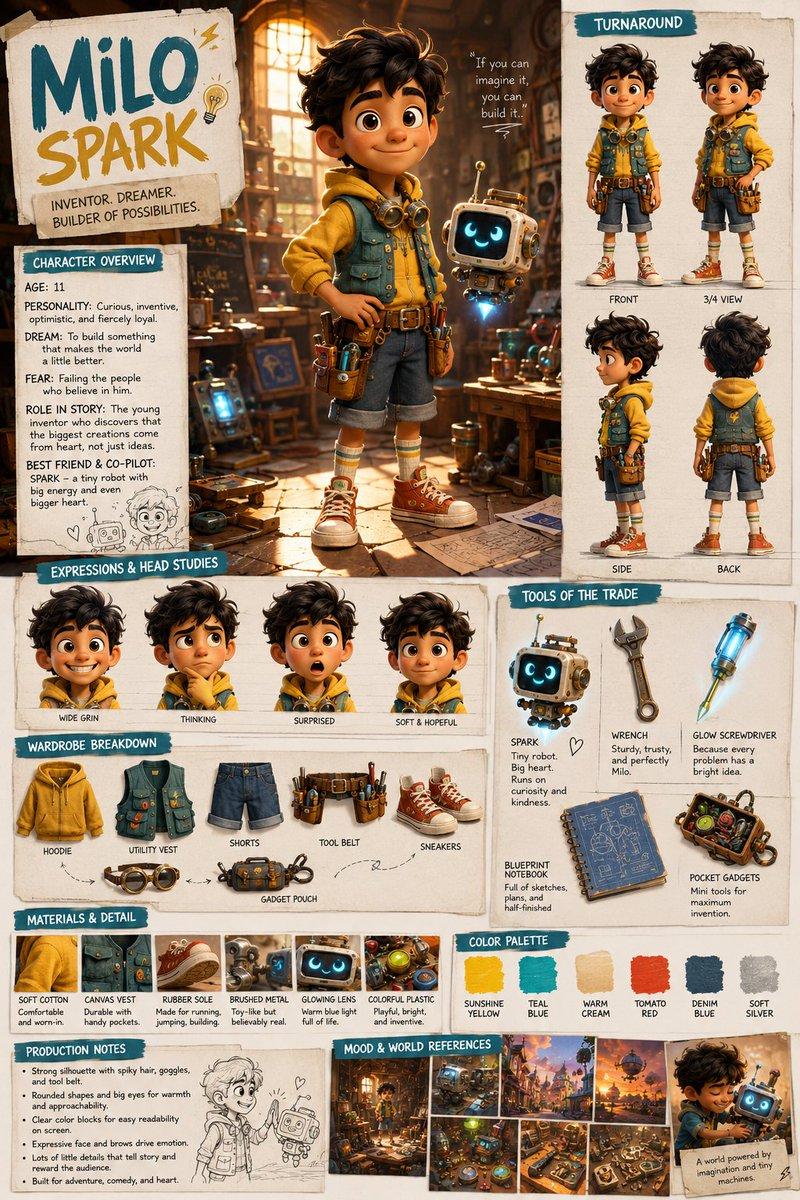
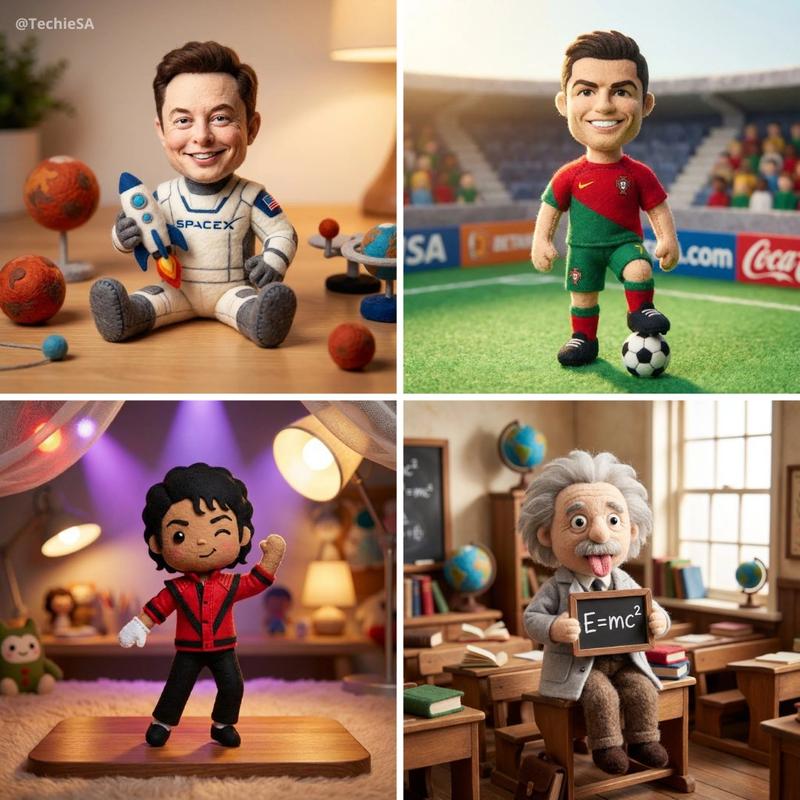
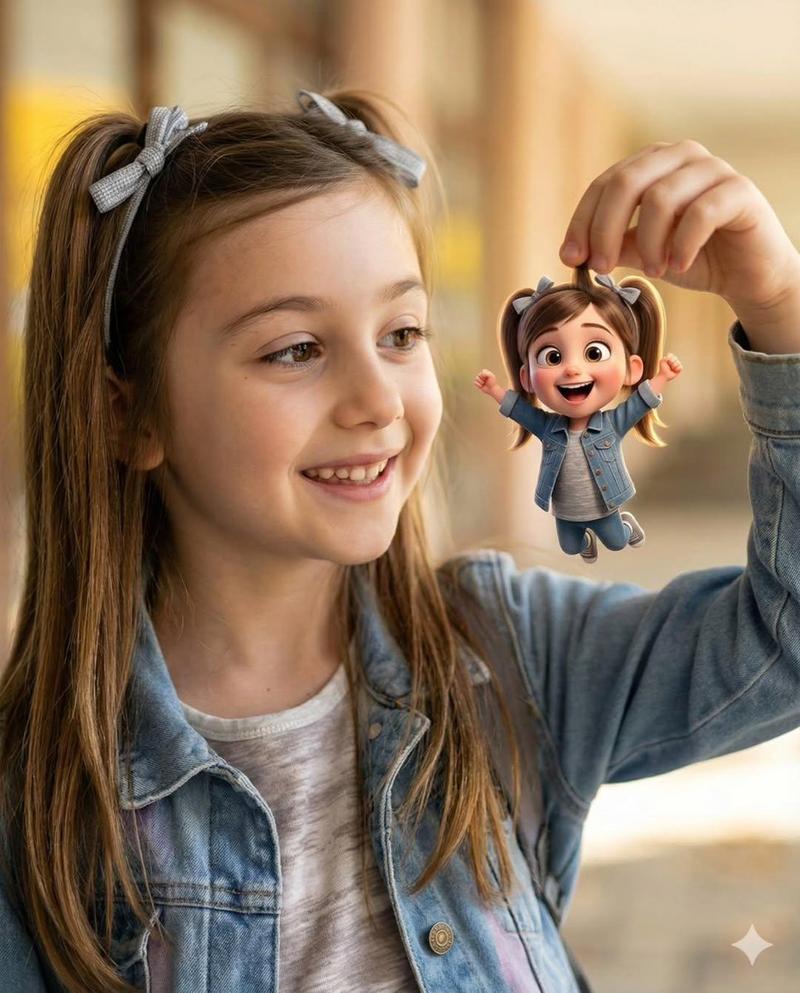
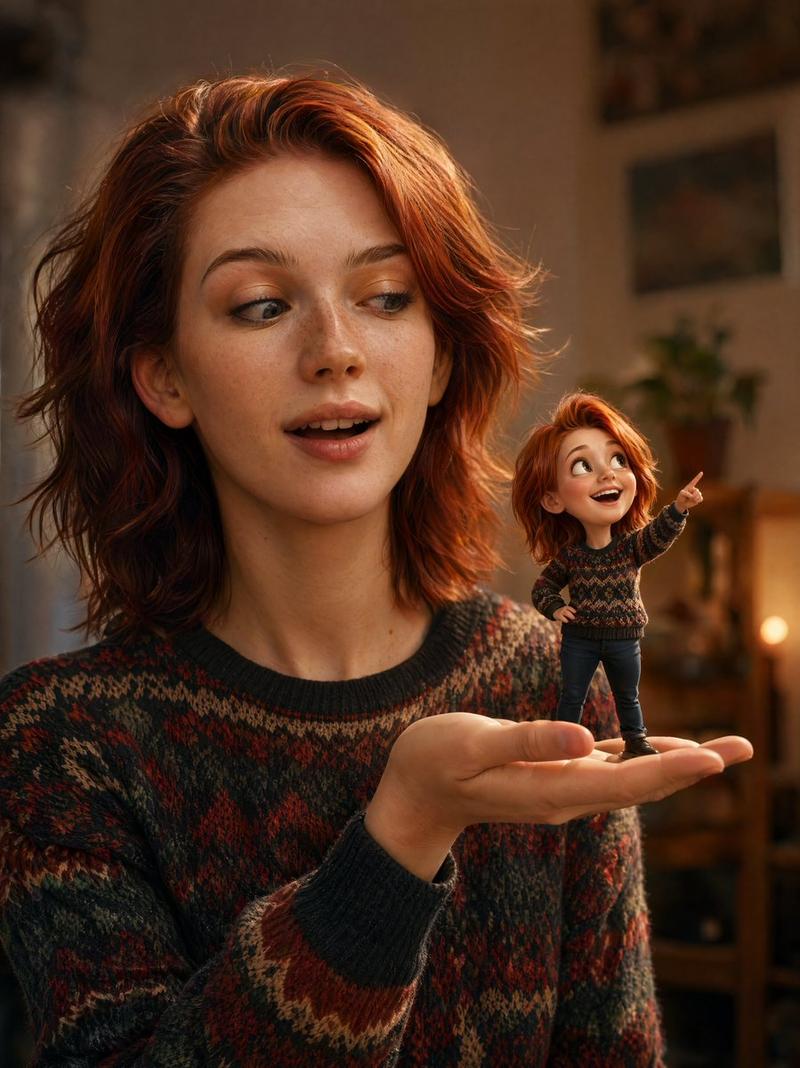
Using the provided reference selfie, keep the original photo composition, outfit, lanyard, badge, hand pose, indoor ceiling background, perspective, and real-world lighting mostly unchanged. Remove the solid face-obscuring square and reconstruct a plausible natural face for the person, matching the hairstyle, head angle, skin tone, and selfie lighting. Add exactly 7 tiny 3D animated “mini-me” versions of the same person in a cute Pixar-like style, integrated into the scene with realistic contact shadows, depth, reflections, and matching warm light: 1 standing on the left shoulder with arms crossed, 1 standing on top of the badge waving, 1 hugging the right edge of the badge with eyes closed, 1 peeking out from the shirt collar, 1 sitting on the lanyard near the badge in a thinking pose, 1 sitting on the front yellow lanyard strap looking upward, and 1 hanging from the lower lanyard strap with both hands. Make the mini characters wear simplified matching dark clothing and tiny lanyards, interacting naturally with the real objects. Add a subtle magical sparkle atmosphere without changing the realistic selfie base. Overall mood: playful, adorable, and convincing as a miniature world inside the original photo.
Category
Posters & Typography
Model
GPT Image 2
Views6
Source ID
18389
Published
May 4, 2026

Guide

About "Mini-Me 3D 自拍变身"

What is this prompt for?

"Mini-Me 3D 自拍变身" AI image prompt for GPT Image 2 (Posters & Typography). 将普通的自拍照片转化为充满趣味的微缩世界,让七个可爱的 3D 动画版“迷你我”与真实场景进行互动。 Copy it on Picva and recreate the l…

The full copyable prompt and example visuals above are ready for AI image generation or one-click recreate in Picva.

How to use this prompt

  1. Step 1

    Open the prompt detail

    Review the example visuals, category, and full prompt text for "Mini-Me 3D 自拍变身".

  2. Step 2

    Copy the prompt

    Copy the prompt body from this page, or load it directly in Studio.

  3. Step 3

    Pick a model (GPT Image 2)

    Prefer GPT Image 2. If you switch models, keep subject and composition and tweak style terms.

  4. Step 4

    Generate and export

    Recreate the look in Picva, or export into your workflow for editing and publishing.

FAQ

What is the "Mini-Me 3D 自拍变身" prompt?
It is an AI image-generation prompt for GPT Image 2 in the Posters & Typography category. This page includes the full prompt text, example visuals, and a one-click recreate path in Picva.
How do I use this prompt to generate an image?
Copy the prompt from this page, or use Generate / Studio. Paste it into a compatible image model, or recreate the look in Picva with optional reference images.
Which model is this prompt for?
This page lists GPT Image 2. Most descriptive prompts also transfer to nearby image models such as GPT Image, Flux, or Midjourney with light style tweaks.
Can I use the result commercially?
You can usually copy the prompt for creation, but commercial use of the final image depends on the model terms, reference-image rights, and the generated content. Follow the source author and platform rules.