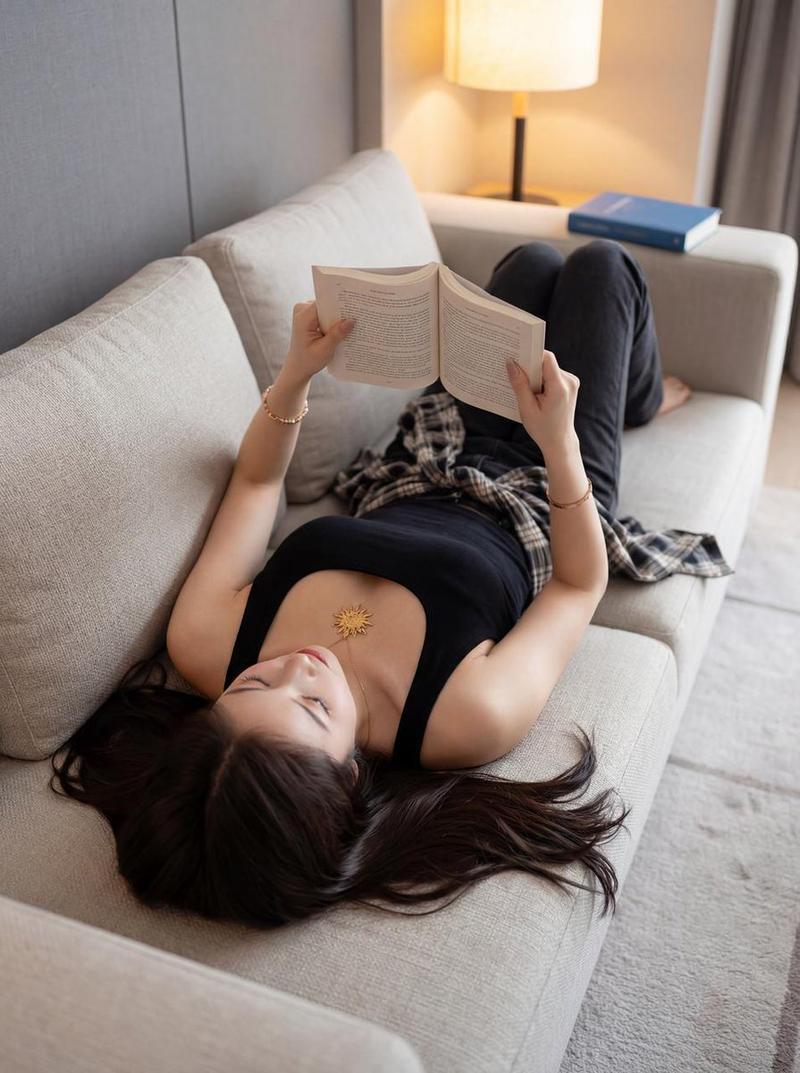
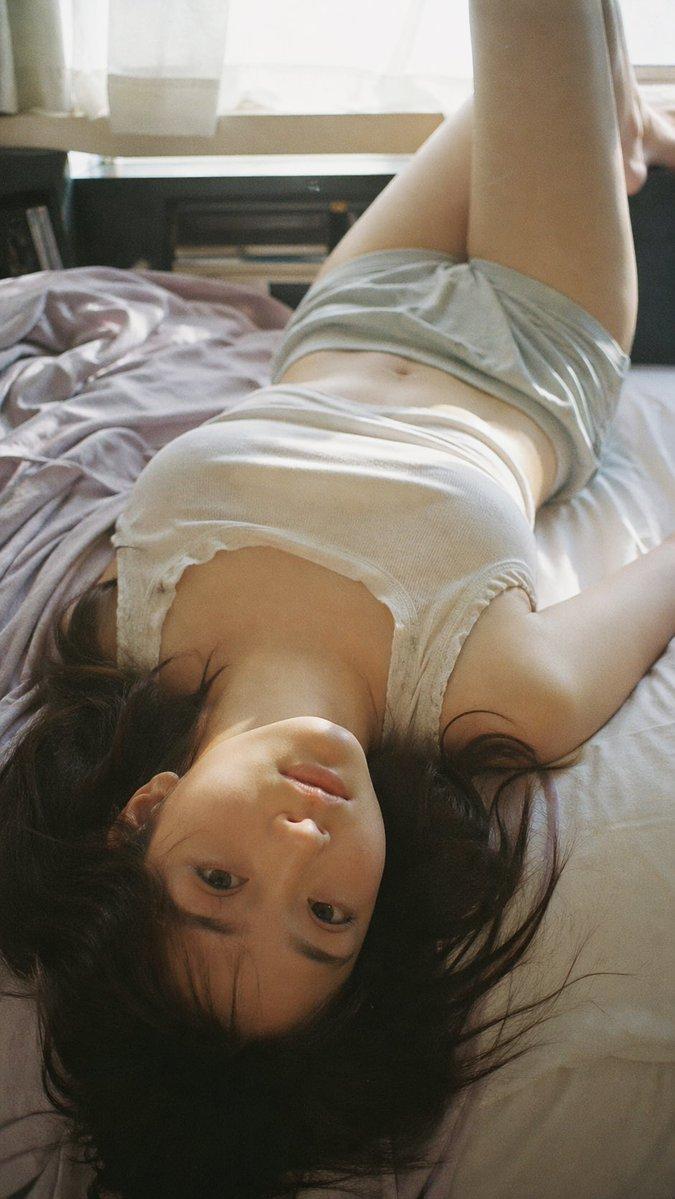
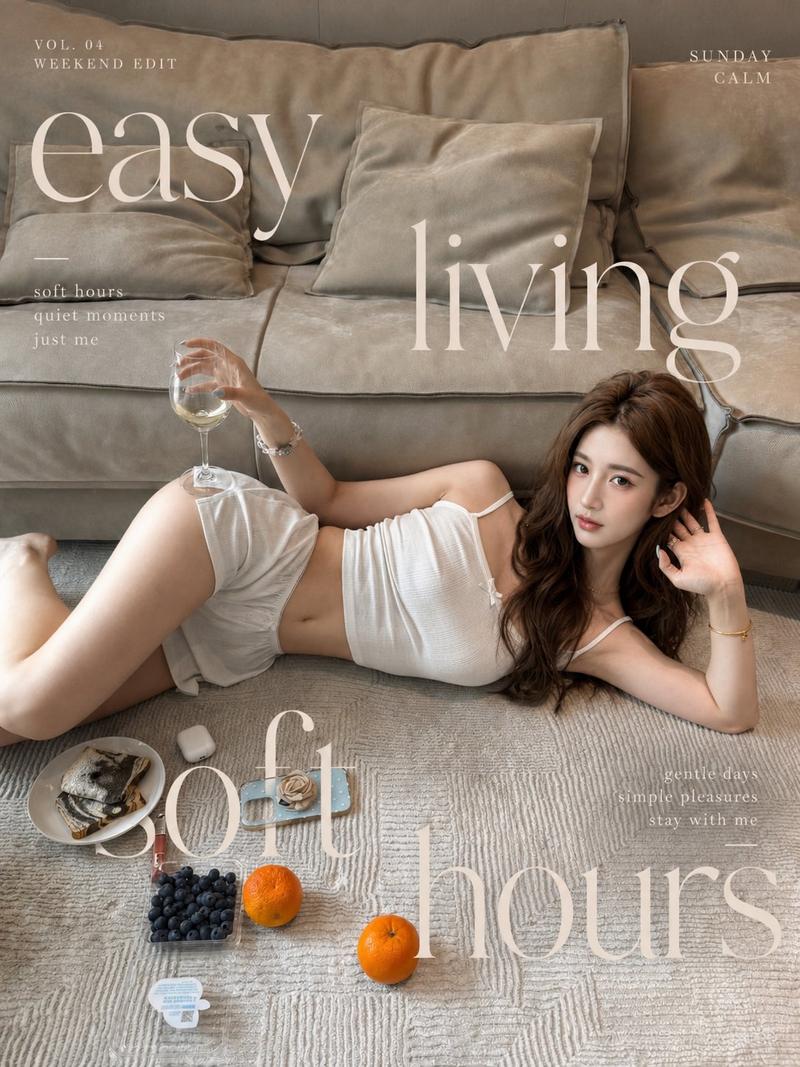
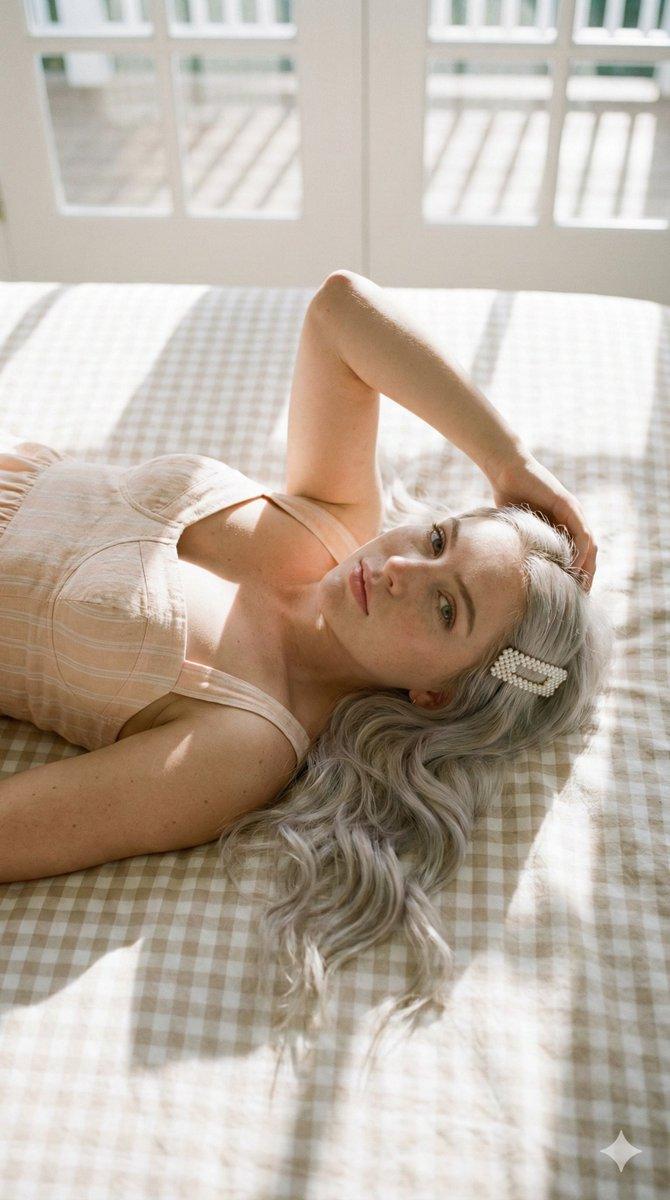
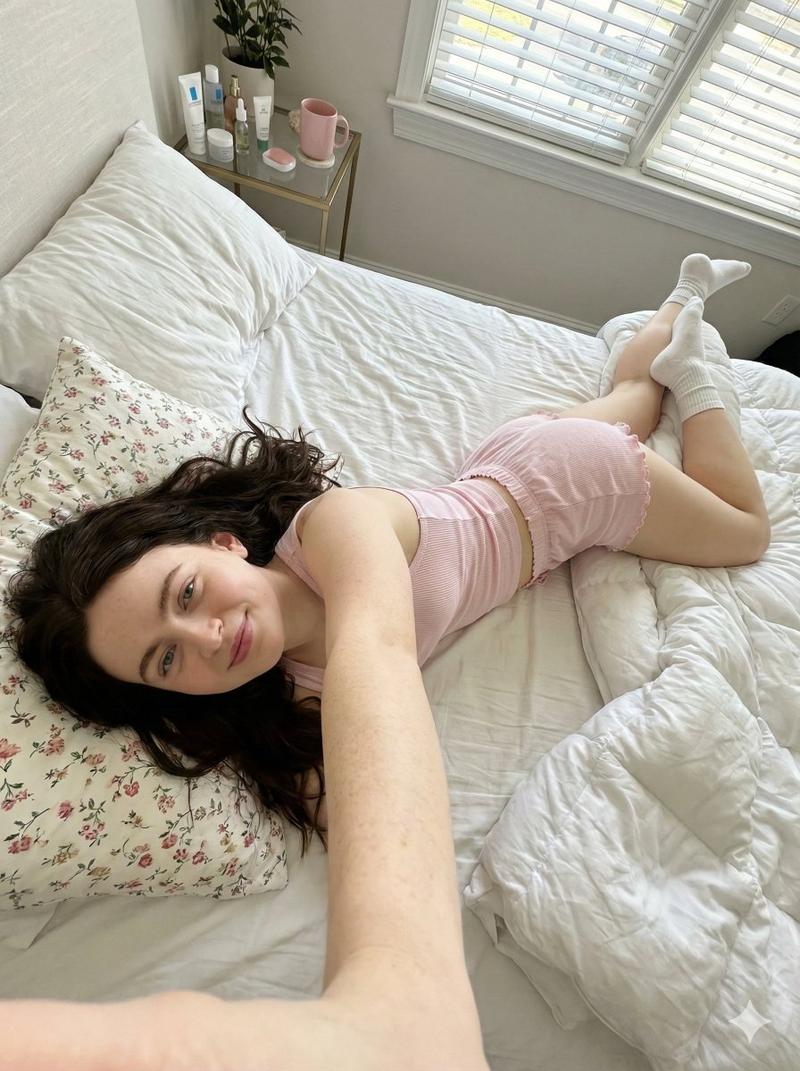
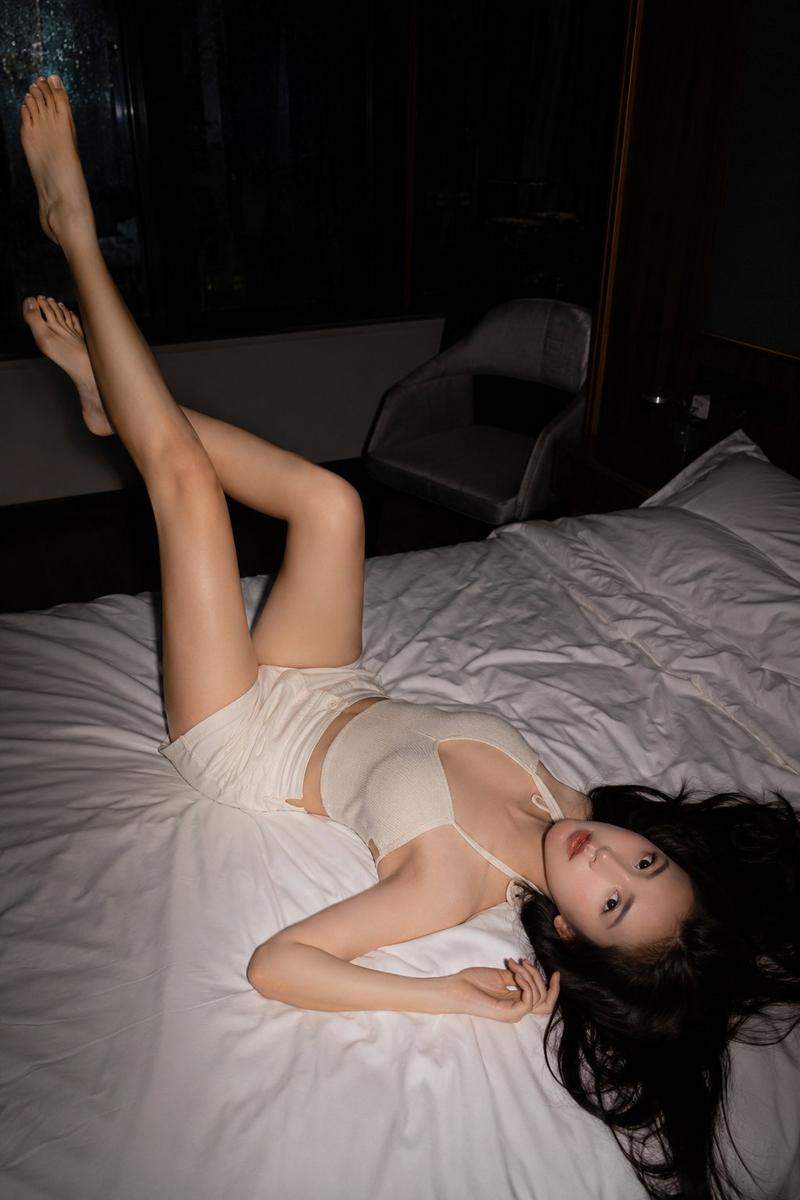
温馨夜晚客厅抓拍
Prompt
Create a warm, candid, photorealistic vertical 35mm-style indoor snapshot of a cozy, slightly messy apartment living room at night. The main subject is {argument name="subject description" default="a young East Asian woman with black messy hair and round glasses"} lying upside down across a dark gray fabric sofa, head near the front-right edge of the couch, one arm bent behind her head and the other relaxed outward, eyes closed or half-closed with a tired, peaceful expression. She wears {argument name="top color" default="a muted blue sleeveless tank top"} and {argument name="shorts color" default="light gray drawstring lounge shorts"}, bare legs stretched along the sofa, with a rumpled beige throw blanket around her waist and cushions nearby. The room should feel lived-in and intimate: stacks of magazines and papers on a chair and side surfaces, shelves full of books and records in the background, a low wooden coffee table on the right holding exactly three black remote controls and one ceramic mug, and a pile of blankets on an ottoman or floor cushion in the back. Include exactly three warm light sources: a large floor lamp on the left foreground, a small lamp on a cabinet in the rear center, and another glowing lamp near the right rear curtains. Use {argument name="lighting mood" default="warm tungsten evening light"}, shallow depth of field, soft film grain, natural skin tones, slight motion softness, realistic clutter, and an unposed documentary-photo composition shot from above the sofa looking diagonally through the room. Avoid glamour styling; make it feel like an ordinary quiet night at home.- Category
- Charts & Infographics
- Model
- GPT Image 2
- Creator
- いきいき行田人_AI & TSF用
- Source ID
- 18417
- Published
- May 4, 2026
Views2