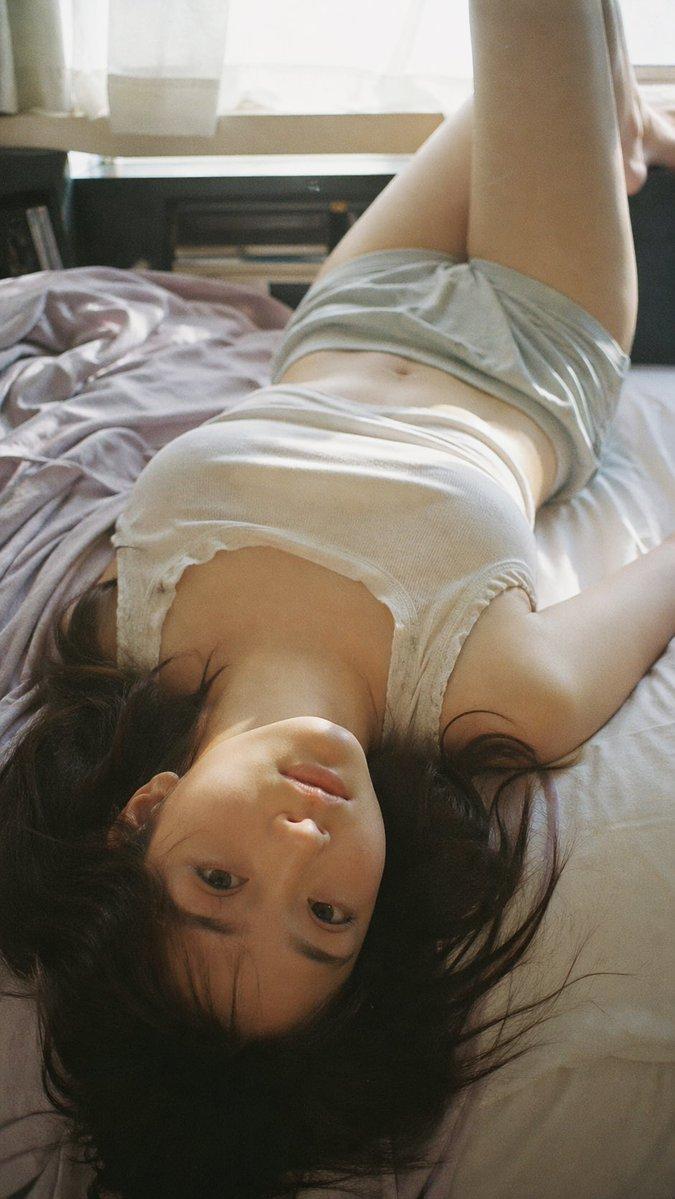
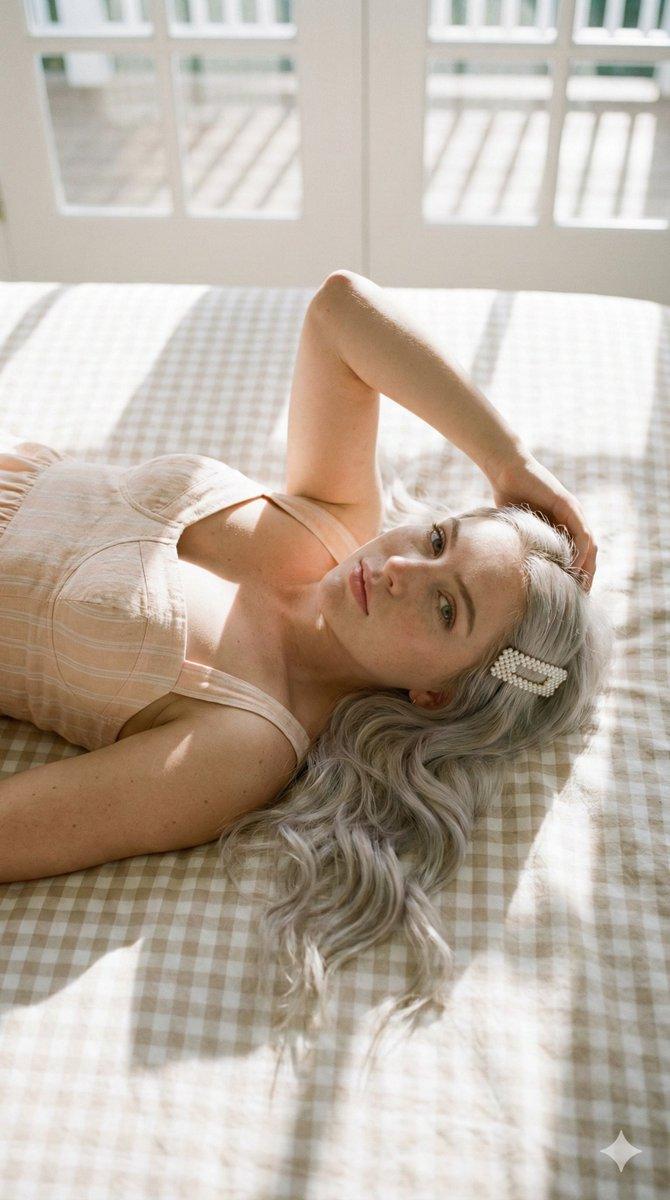
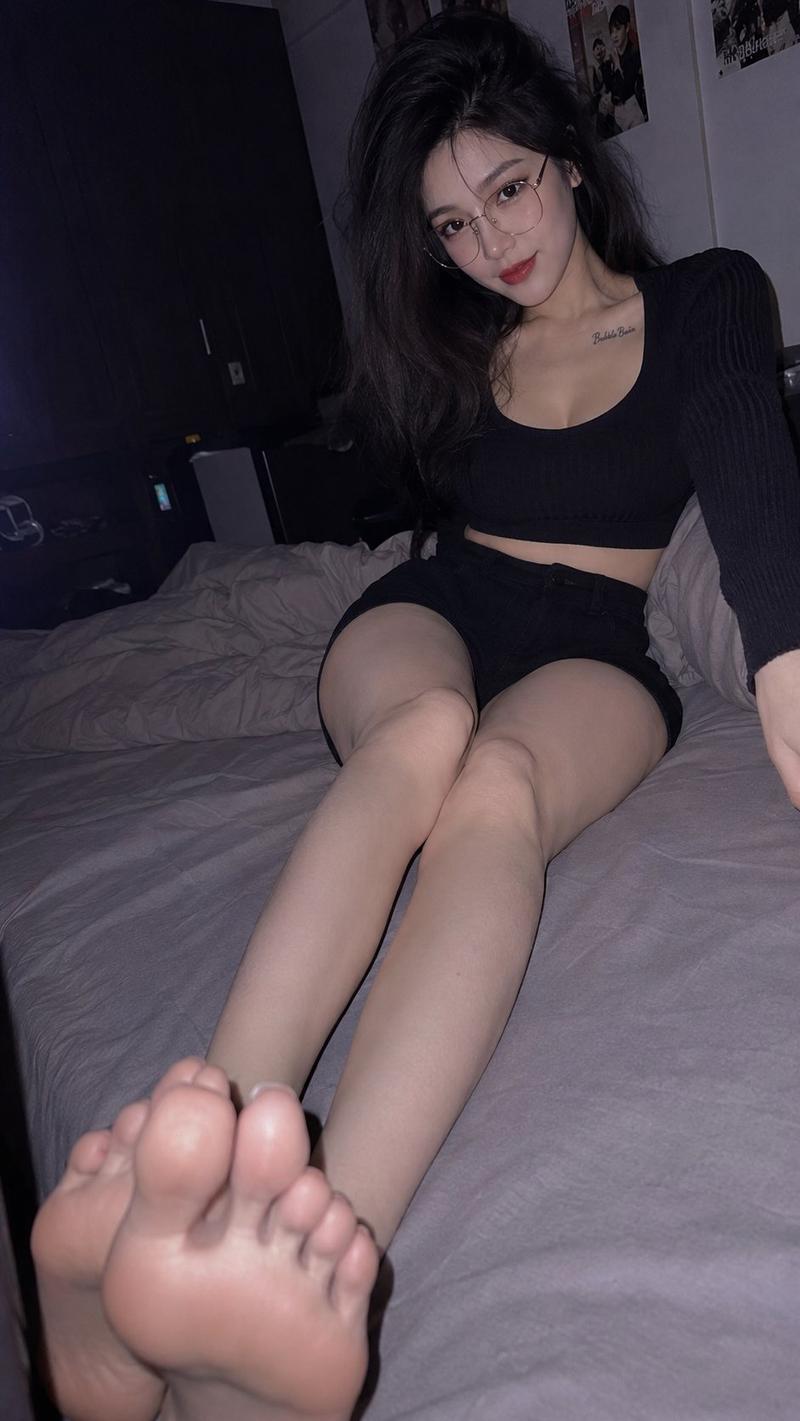
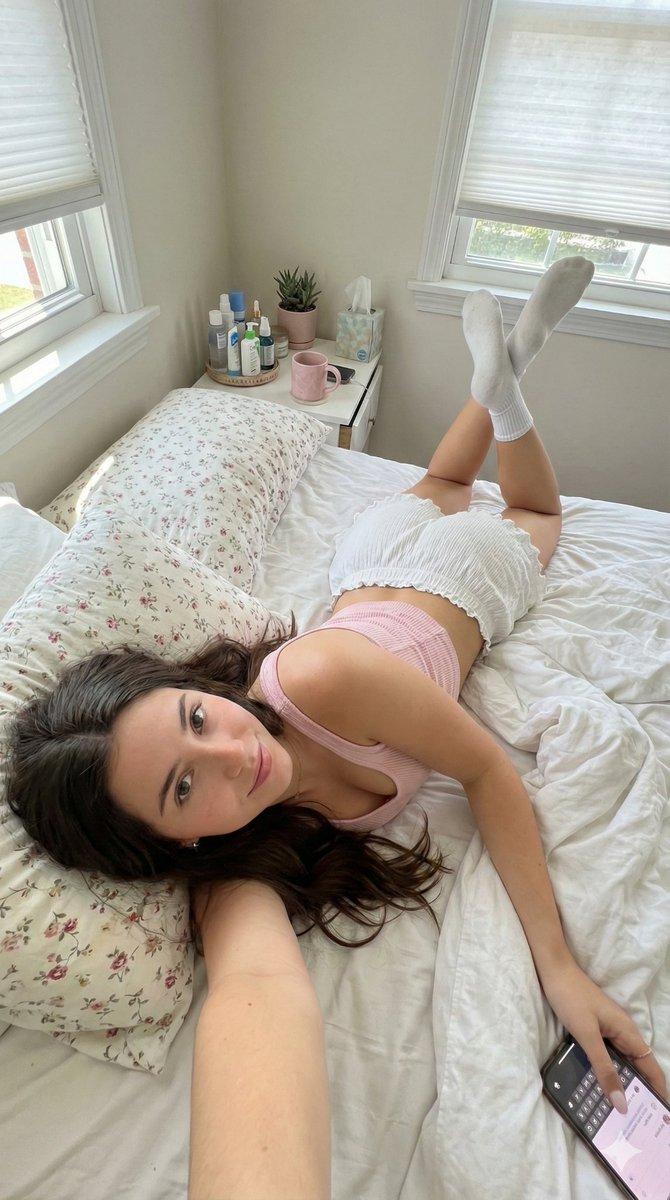
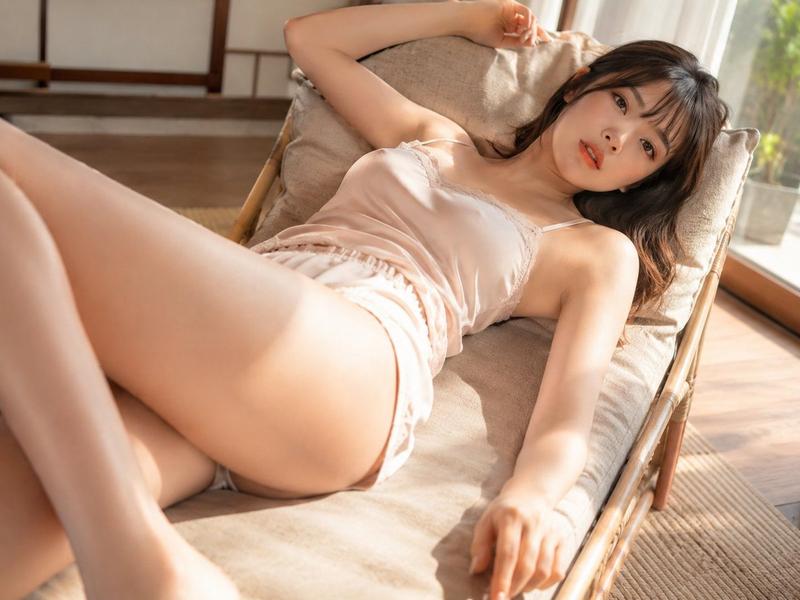
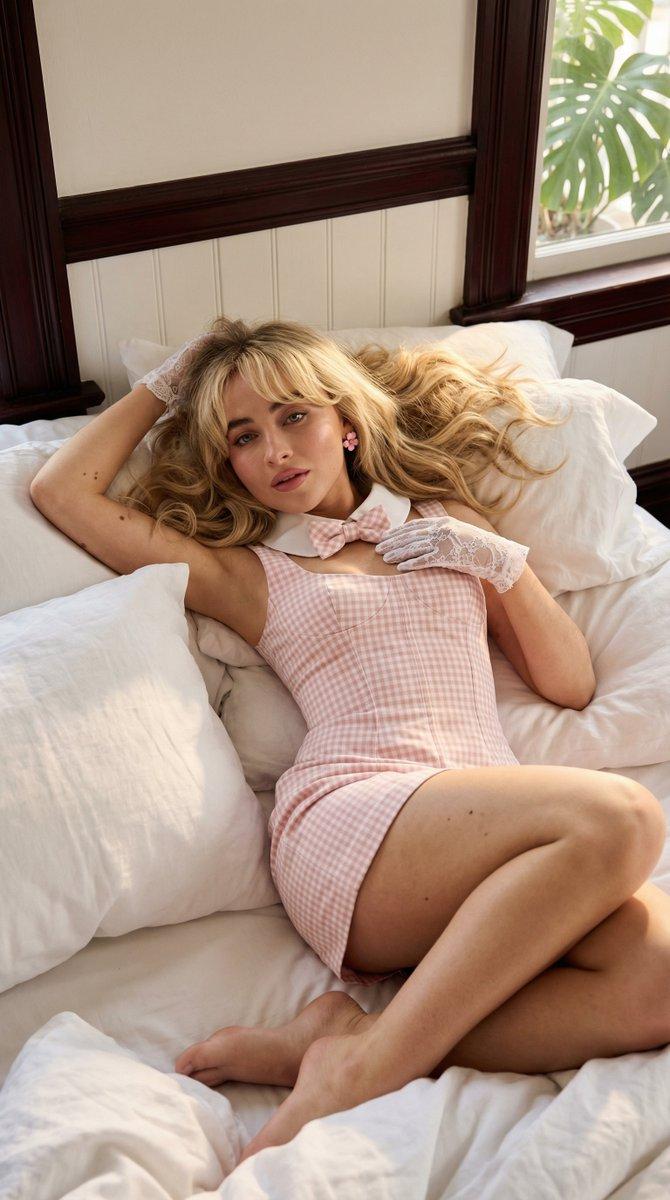
酒店床铺纪实风格闪光灯摄影
Prompt
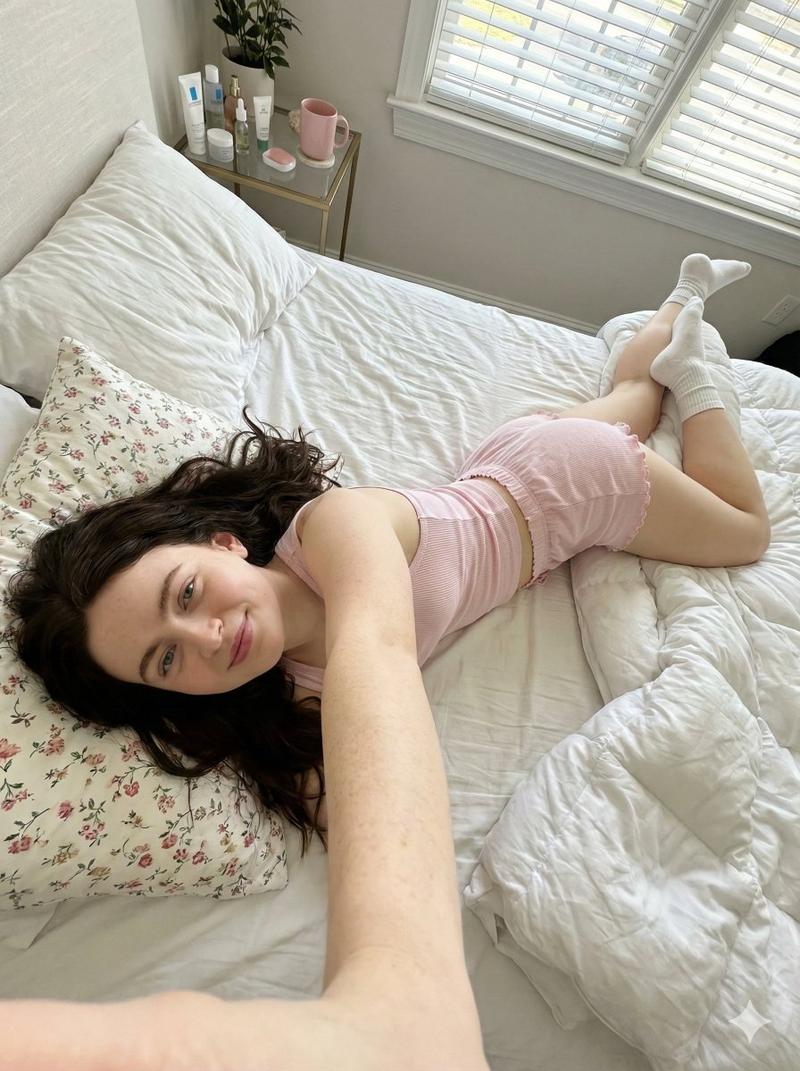
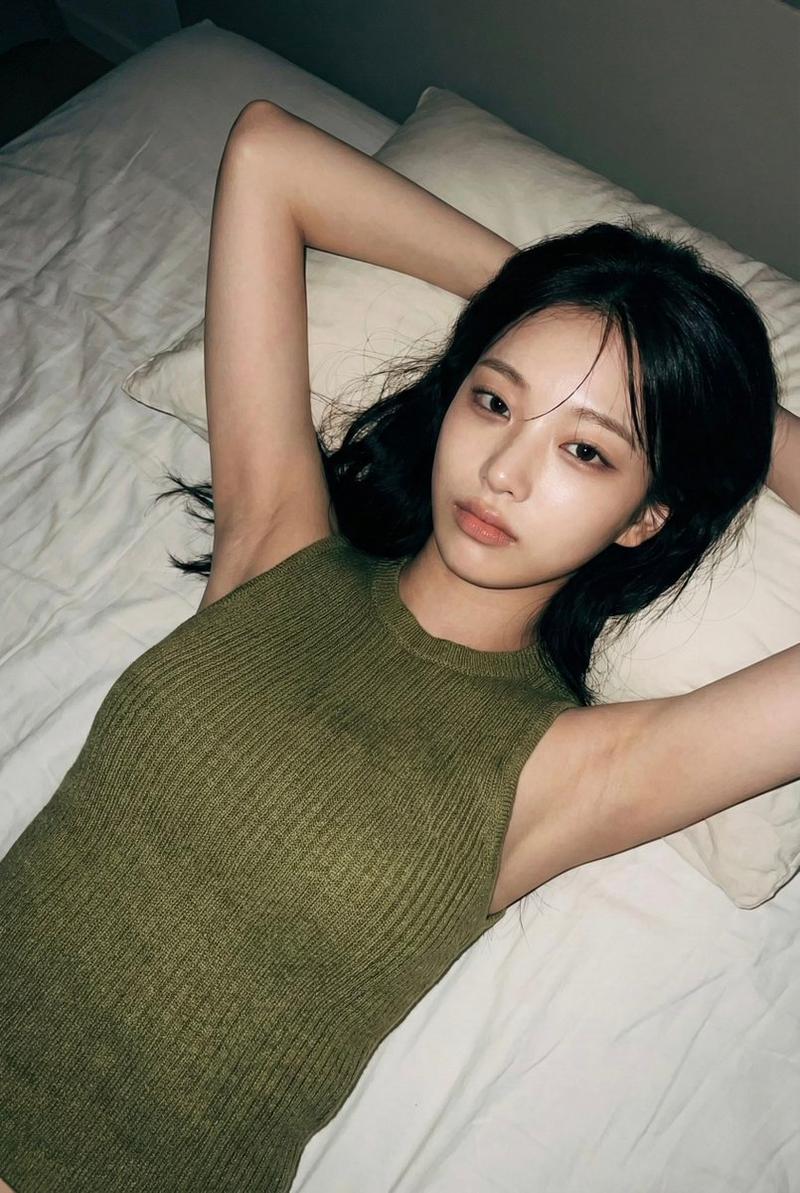
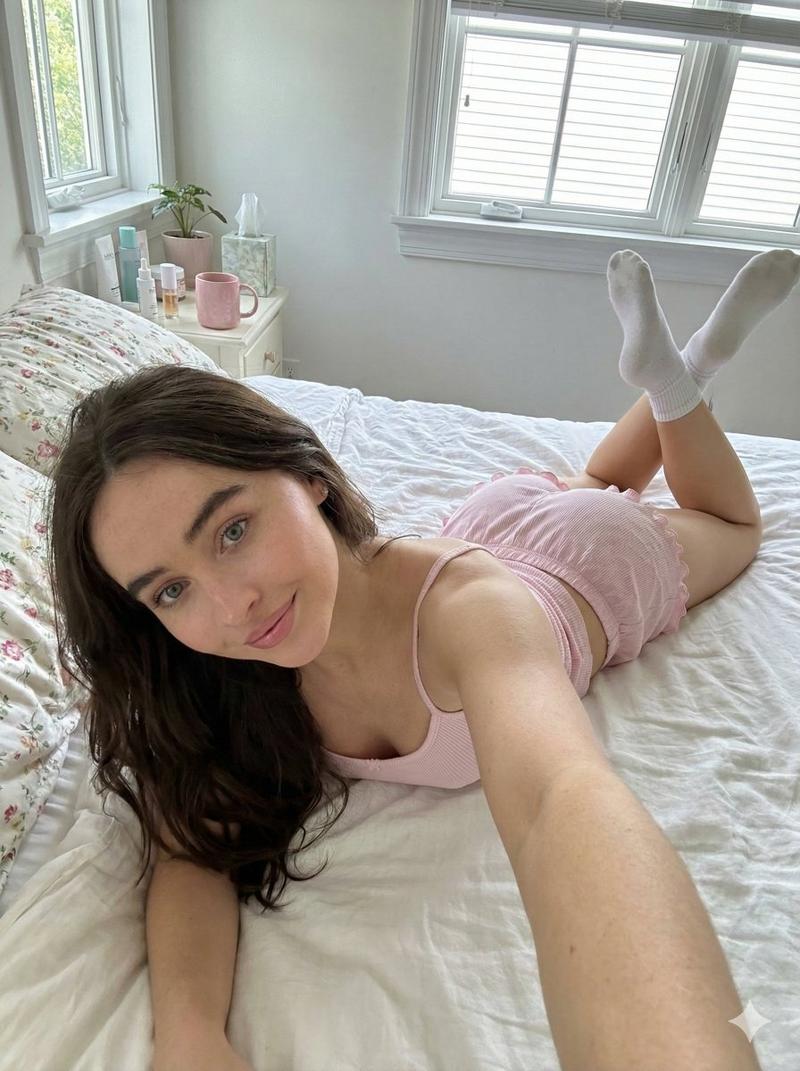
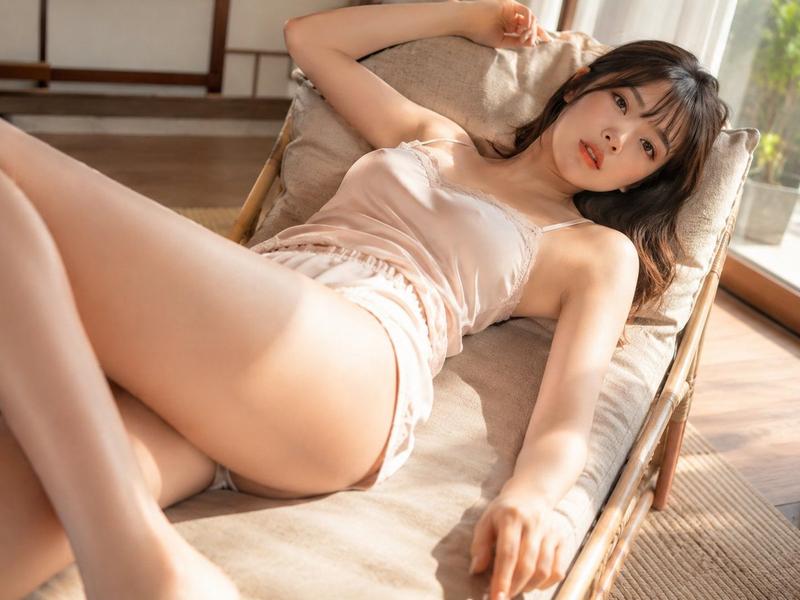
Create a candid flash-photography editorial image of an adult woman relaxing on an unmade hotel bed at night. She is lying diagonally across white sheets with her head toward the lower right, long dark hair spread on the pillow, face intentionally obscured by a soft rectangular blur, one arm bent near her head, and both bare legs raised upward with one leg straight and the other bent/crossing behind it. She wears a minimal pale cream ribbed crop camisole and loose white shorts, styled like intimate loungewear rather than glamour posing. The room is dark and moody: a large black window with faint night reflections on the left, dark wood wall panels on the right, a gray upholstered chair in the background, rumpled white bedding and pillows, and strong direct on-camera flash creating bright skin highlights, deep shadows, and a realistic smartphone snapshot feel. Use a vertical 2:3 composition, slightly wide-angle perspective from above the bed, natural skin texture, messy bedding wrinkles, muted colors, low ambient light, no text, no watermark. Customize the subject as {argument name="subject description" default="adult woman with long dark hair"}, outfit as {argument name="outfit" default="pale cream ribbed crop camisole and loose white shorts"}, setting as {argument name="room setting" default="dark luxury hotel bedroom at night"}, pose as {argument name="pose" default="lying diagonally on an unmade bed with legs raised upward"}, and lighting as {argument name="lighting style" default="direct on-camera flash with deep shadows"}.- Category
- Architecture & Spaces
- Model
- GPT Image 2
- Creator
- 牛顿AI中转站
- Source ID
- 24956
- Published
- Jun 9, 2026
Views1