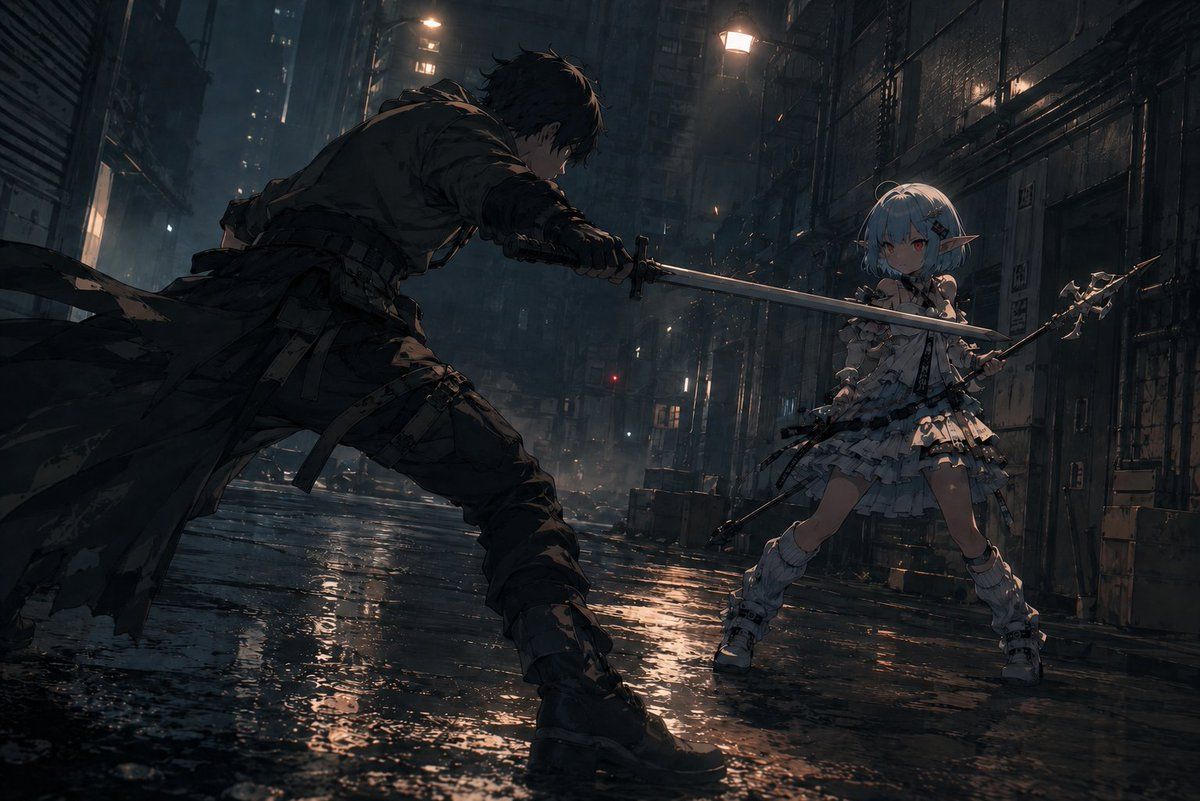
雨中赛博朋克巷战剑斗
Prompt
Create a cinematic dark anime battle scene in a rain-soaked cyberpunk alley at night, wide horizontal 16:9 composition, low camera angle near the wet pavement with dramatic perspective. On the left foreground, show {argument name="male fighter" default="a rugged dark-haired swordsman in torn black tactical clothing and a long ragged coat"} lunging forward in a wide aggressive stance, body mostly in shadow, holding a katana with both hands and thrusting the blade horizontally toward his opponent. On the right midground, show {argument name="female fighter" default="a petite pale-blue-haired elf girl with pointed ears"} in an ornate layered white frilly combat dress with armor-like details, thigh straps, white boots, and a small fantasy spear or halberd held defensively; she faces the swordsman with a tense ready posture. The two visible weapons should form a strong diagonal crossing line through the center of the frame, emphasizing imminent impact without showing contact. The setting is a narrow dystopian city alley with tall dark buildings, metal shutters, pipes, cables, fire escapes, vents, scattered crates, distant windows, mist, smoke, and glowing streetlamps; the ground is covered in puddles reflecting orange and blue lights. Use moody cinematic lighting, heavy shadows, rim light on both fighters, rain haze, water splashes, subtle sparks or glowing particles, detailed anime illustration style, high contrast, gritty texture, dynamic action composition, no text, no watermark, avoid extra limbs or malformed hands, keep exactly two fighters and exactly two primary weapons.- Category
- Posters & Typography
- Model
- GPT Image 2
- Creator
- Eris Create Lab
- Source ID
- 21758
- Published
- May 20, 2026
Views8













