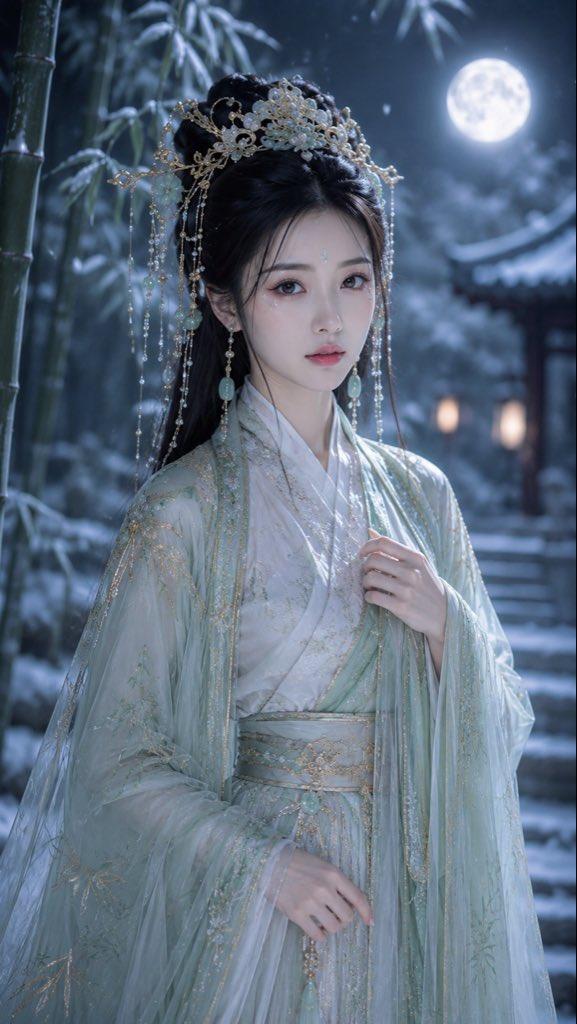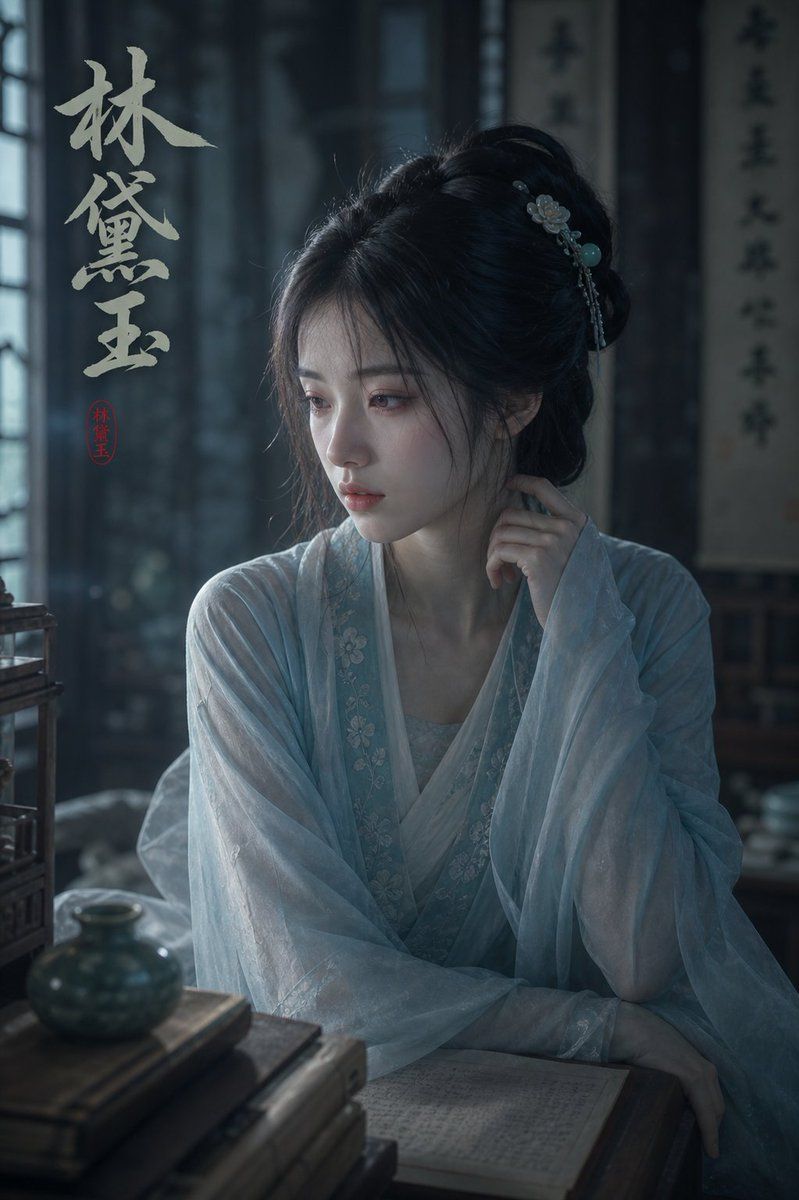
忧郁林黛玉肖像
Prompt
Create a moody cinematic portrait of {argument name="character name" default="Lin Daiyu"}, one of the heroines from Dream of the Red Chamber, seated indoors in an ancient Chinese study. She is a delicate young noblewoman in a translucent pale blue Hanfu with layered gauze sleeves, subtle floral embroidery along the collar, and a soft white inner robe. Her long black hair is styled in an elegant loose updo with wispy strands, decorated with a small floral hairpin, dangling silver ornaments, and a turquoise bead. Her pose is quiet and introspective, one hand raised thoughtfully near her lips and the other resting across her lap beside an open handwritten book on a dark wooden desk. A large flat medium-gray square covers the center of her face, obscuring her facial features. The room is dim and atmospheric, lit by cool bluish window light from the left, with soft haze, shallow depth of field, dark wooden furniture, a blurred hanging calligraphy scroll in the background, and antique objects in the foreground including a stack of old books, a small blue-green ceramic jar, and the edge of a wooden birdcage or shelving piece. Add large vertical off-white Chinese brush calligraphy on the upper left reading {argument name="calligraphy text" default="林黛玉"}, plus one small red seal stamp beneath it also reading {argument name="seal text" default="林黛玉"}. The style should be realistic historical Chinese costume drama photography, melancholic, elegant, poetic, high detail, soft film grain, cool desaturated teal-gray color grading, vertical 2:3 composition.- Category
- Charts & Infographics
- Model
- GPT Image 2
- Creator
- kumasan🧸~Bunnies🐰~
- Source ID
- 18433
- Published
- May 4, 2026
Views10