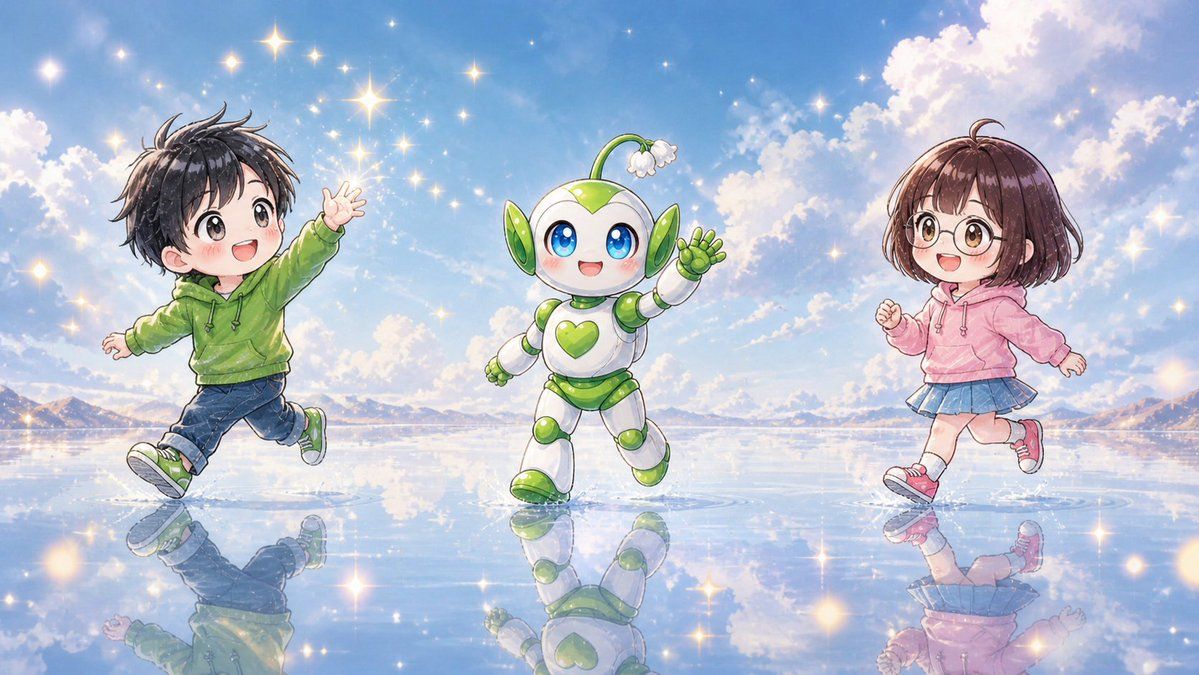
气泡水上的 Q 版小伙伴
Prompt
Create a bright whimsical anime-style wide illustration of exactly 3 cute chibi figures running and dancing across a mirror-like shallow water surface under a vivid blue sky: 1 chibi boy on the left, 1 small mascot robot in the center, and 1 chibi girl on the right. The left child is {argument name="left child outfit" default="a green hoodie, dark blue cuffed jeans, and green sneakers"}, with messy short black hair, arms spread as if skipping, one leg lifted, and the face intentionally covered by a soft square blur. The center character is {argument name="mascot design" default="a white and lime-green round robot mascot with big blue eyes, green heart emblem on its chest, leaf-like green ear panels, rounded segmented limbs, and a small sprout antenna ending in a white flower"}, smiling happily and waving while stepping forward. The right child is {argument name="right child outfit" default="a pink hoodie, blue pleated skirt, white socks, and pink sneakers"}, with short brown bobbed hair, running lightly with one fist raised, and the face intentionally covered by a soft square blur. Set the scene on an expansive reflective water plain like a dreamlike salt flat, with crisp reflections of all 3 figures beneath them. Use {argument name="background setting" default="distant low mountains on the horizon, fluffy sunlit clouds, and a radiant blue afternoon sky"}. Fill the air and water with many glowing star-shaped sparkles and warm golden light flares, creating a magical cheerful atmosphere. Use polished Japanese children’s book anime rendering, soft watercolor-like shading, clean line art, pastel colors, luminous highlights, high detail, wide 16:9 composition, no text, no logos.- Category
- Charts & Infographics
- Model
- GPT Image 2
- Creator
- sasakura|宅録ナレーター×占星術×AI愛好家🇯🇵
- Source ID
- 18451
- Published
- May 4, 2026
Views7