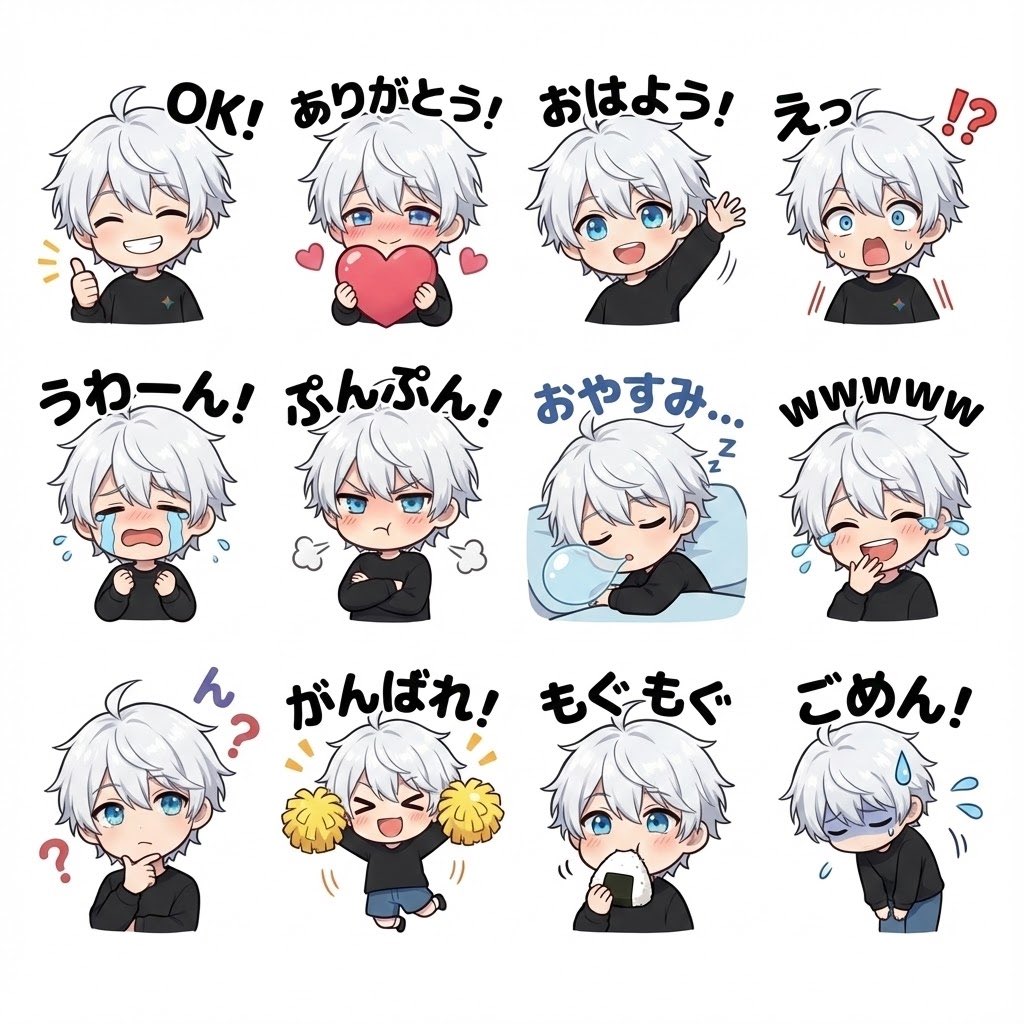
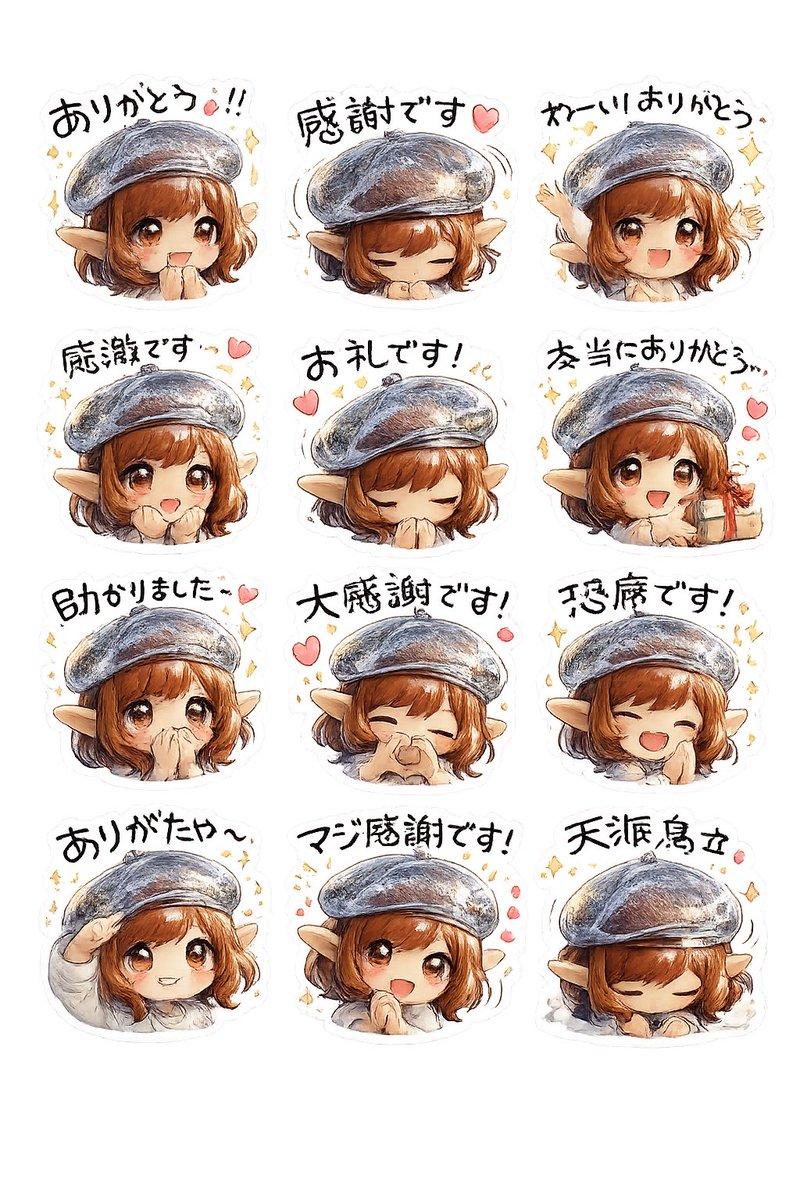
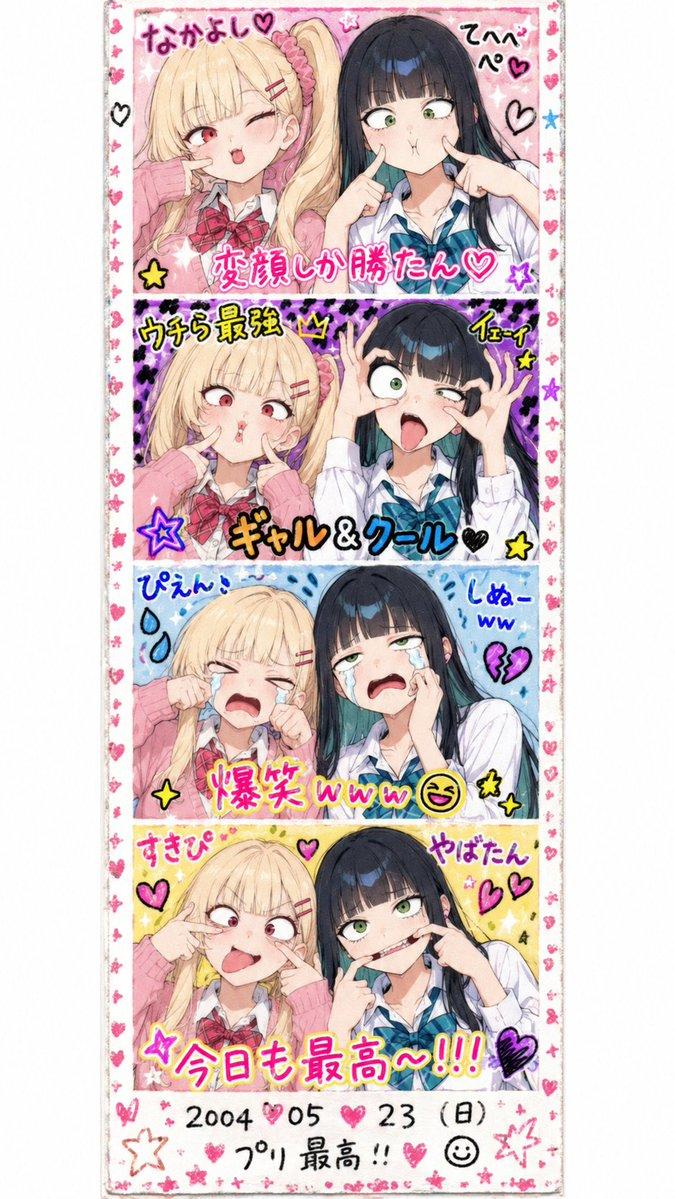
Q 版角色贴纸海报广告
Prompt
{"type":"promotional chibi sticker sheet poster","style":"cute Japanese LINE sticker advertisement, bright clean white background, soft rounded vector-anime rendering, pastel teal/green accent color, thick white sticker outlines, playful handwritten Japanese typography, sparkles, hearts, exclamation marks, small doodles","main_subject":{"character_name":"{argument name=\"character name\" default=\"Ogu Ogu\"}","appearance":"small chibi anime character with vivid teal-green bob hair, long bangs, blue-green eyes, black feather-like side hair accessories, green cloak or jacket, black gloves, patterned black-and-white collar scarf, tiny white hamster mascot sitting on the head in many stickers","mood":"adorable, expressive, energetic, promotional"},"poster_text":{"headline":"{argument name=\"headline text\" default=\"ステッカーできた!\"}","subheadline":"いろんな表情つくってみたよ〜!","message":"たくさん使ってねっ","speech_bubble":"よかったら保存して使ってね!","footer":"みんなのトークがもっと楽しくなりますようにっ"},"layout":{"canvas":"vertical poster, white background, teal rounded rectangular frame enclosing the sticker grid, decorative margins","top_area":"large headline centered at the top, main chibi character peeking from the upper left making a peace sign, small hamster in a speech bubble at upper right","sticker_grid":{"position":"center","count":18,"arrangement":"4 columns with uneven final rows, each sticker has a white die-cut outline and handwritten label above it","labels":["おはよう!","えぇぇ?","ん?","リマインドだよ!","わっ!承認っ!","いいね!","ねぇねぇ!","ハワション!","おこ!","え???","ねむすぎ…","うぇぇん…","もぐもぐ","むすっ","おやすみ :3","かわいすぎるぅ","もうイケてる?!","もうだめかも…"],"poses":["cheerful morning greeting with both hands up and sun doodle","surprised confused reaction with blue shock marks","questioning tilt with question mark","reminder pose raising one hand","approval or acknowledgement with sparkles","winking thumbs-up with hearts","calling for attention with blue motion lines","flustered sneeze or shiver pose","angry pouting pose with steam puffs","confused wide-eyed pose with many question marks","sleepy tired pose with bubbles","crying pose with tears","eating a snack happily","grumpy unimpressed half-lidded expression","sleeping in bed under a crescent moon and stars","sparkly cute pleading expression with hearts","confident winking peace sign","collapsed exhausted pose with vertical gloom lines"]},"decorations":{"counted_elements":"2 small hamster mascot illustrations outside the sticker grid, one on the top right speech bubble and one near the lower left speech bubble; many red hearts and yellow/green sparkles scattered around the border","bottom_left_speech_bubble":"わーい!"}},"color_palette":{"primary":"{argument name=\"primary color\" default=\"emerald teal\"}","secondary":"mint green, sky blue, soft pink, warm yellow, black accents"},"quality":"high resolution, crisp sticker edges, cute commercial merchandise look, balanced spacing, no photorealism, no harsh shadows"}- Category
- Charts & Infographics
- Model
- GPT Image 2
- Creator
- オグオグ🍡🐈
- Source ID
- 18475
- Published
- May 4, 2026
Views2