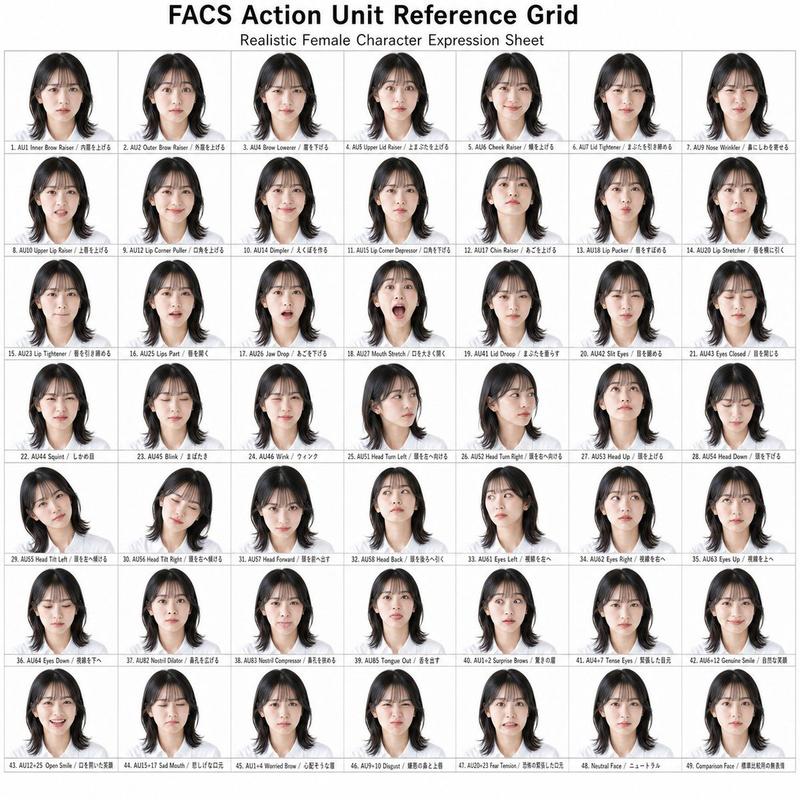
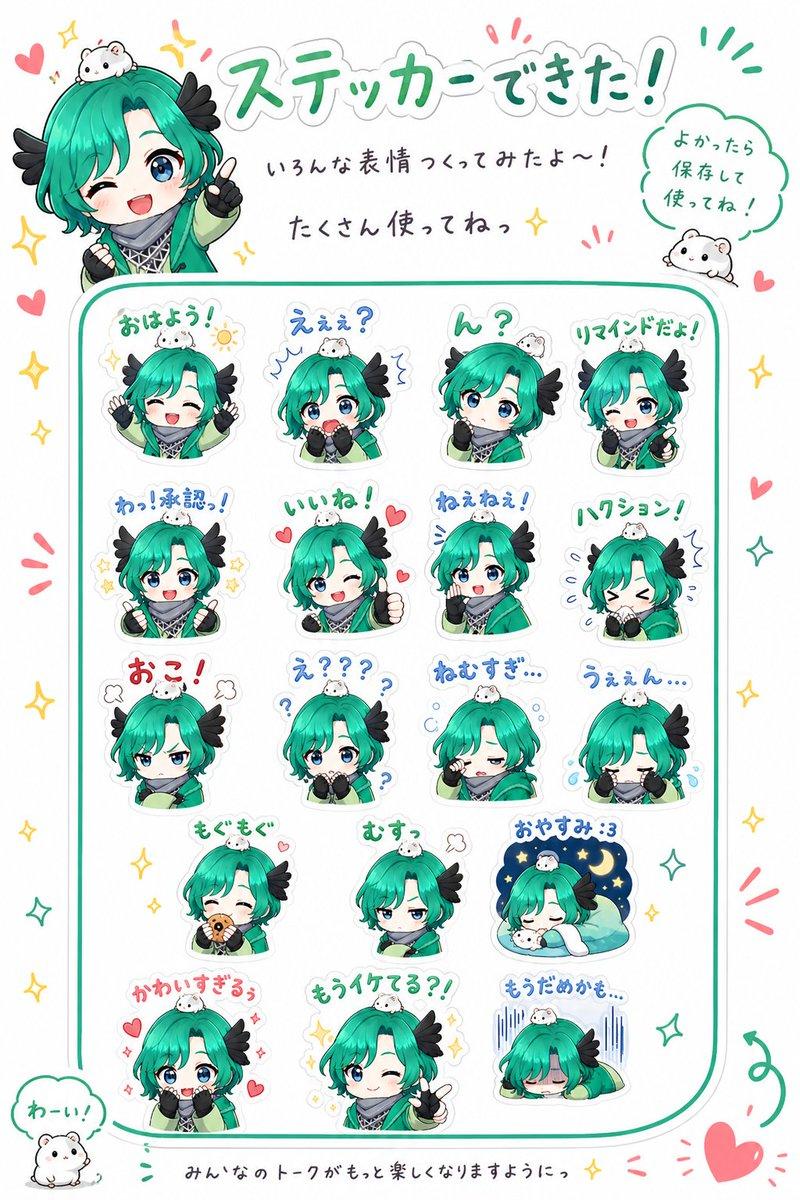
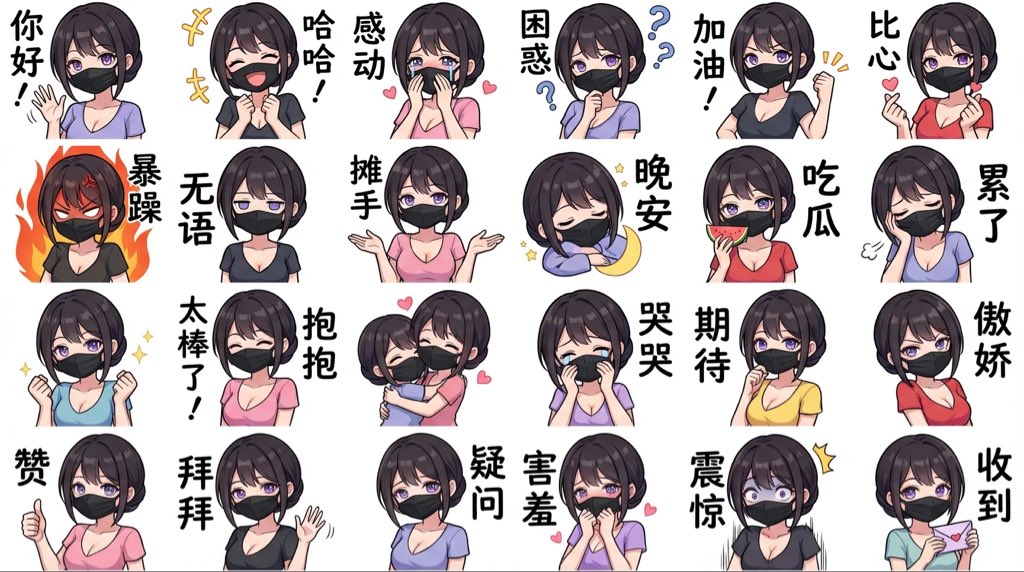
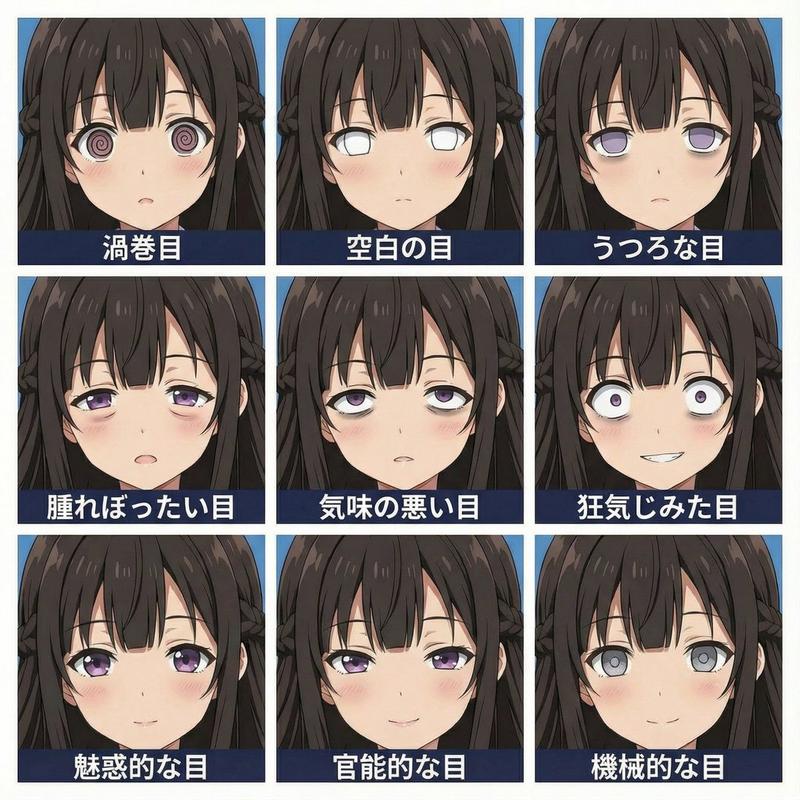
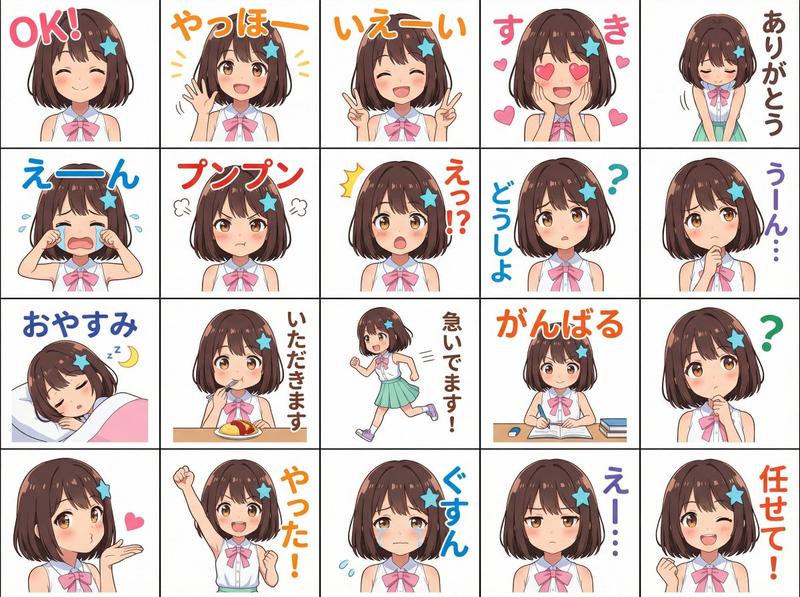
FACS 面部表情控制
Prompt
面部表情更改 FACS AU46\n\n面部动作编码系统 (FACS) 列表\n女性角色参考网格\n\n1. AU1 - 内眉提升 (Inner Brow Raiser)\n2. AU2 - 外眉提升 (Outer Brow Raiser)\n3. AU4 - 眉毛下压 (Brow Lowerer)\n4. AU5 - 上眼睑提升 (Upper Lid Raiser)\n5. AU6 - 脸颊提升 (Cheek Raiser)\n6. AU7 - 眼睑收紧 (Lid Tightener)\n7. AU9 - 鼻部皱缩 (Nose Wrinkler)\n8. AU10 - 上唇提升 (Upper Lip Raiser)\n9. AU11 - 鼻唇沟加深 (Nasolabial Deepener)\n10. AU12 - 嘴角上扬 (Lip Corner Puller)\n11. AU13 - 唇部尖锐拉伸 (Sharp Lip Puller)\n12. AU14 - 酒窝形成 (Dimpler)\n13. AU15 - 嘴角下压 (Lip Corner Depressor)\n14. AU16 - 下唇下压 (Lower Lip Depressor)\n15. AU17 - 下巴提升 (Chin Raiser)\n16. AU18 - 噘嘴 (Lip Pucker)\n17. AU20 - 唇部拉伸 (Lip Stretcher)\n18. AU22 - 唇部收拢 (Lip Funneler)\n19. AU23 - 唇部收紧 (Lip Tightener)\n20. AU24 - 唇部挤压 (Lip Pressor)\n21. AU25 - 双唇分开 (Lips Part)\n22. AU26 - 下颌下垂 (Jaw Drop)\n23. AU27 - 张口 (Mouth Stretch)\n24. AU28 - 吸唇 (Lip Suck)\n25. AU41 - 眼睑下垂 (Lid Droop)\n26. AU42 - 眯眼 (Slit Eyes)\n27. AU43 - 闭眼 (Eyes Closed)\n28. AU44 - 挤眼 (Squint)\n29. AU45 - 眨眼 (Blink)\n30. AU46 - 眨单眼 (Wink)\n31. AU51 - 头部左转 (Head Turn Left)\n32. AU52 - 头部右转 (Head Turn Right)\n33. AU53 - 抬头 (Head Up)\n34. AU54 - 低头 (Head Down)\n35. AU55 - 头部左倾 (Head Tilt Left)\n36. AU56 - 头部右倾 (Head Tilt Right)\n37. AU57 - 头部前伸 (Head Forward)\n38. AU58 - 头部后仰 (Head Back)\n39. AU61 - 眼球左转 (Eyes Turn Left)\n40. AU62 - 眼球右转 (Eyes Turn Right)\n41. AU63 - 眼球上转 (Eyes Up)\n42. AU64 - 眼球下转 (Eyes Down)\n43. AU71 - 皱眉 (Brow Furrow)\n44. AU72 - 眉部隆起 (Brow Bulge)\n45. AU81 - 咀嚼 (Chewing)\n46. AU82 - 鼻孔扩张 (Nostril Dilator)\n47. AU83 - 鼻孔收缩 (Nostril Compressor)\n48. AU84 - 舌头上抬 (Tongue Up)\n49. AU85 - 伸舌 (Tongue Out)
- Category
- Posters & Typography
- Model
- GPT Image 2
- Creator
- ぐふとくく
- Source ID
- 19275
- Published
- May 9, 2026
Views3