19

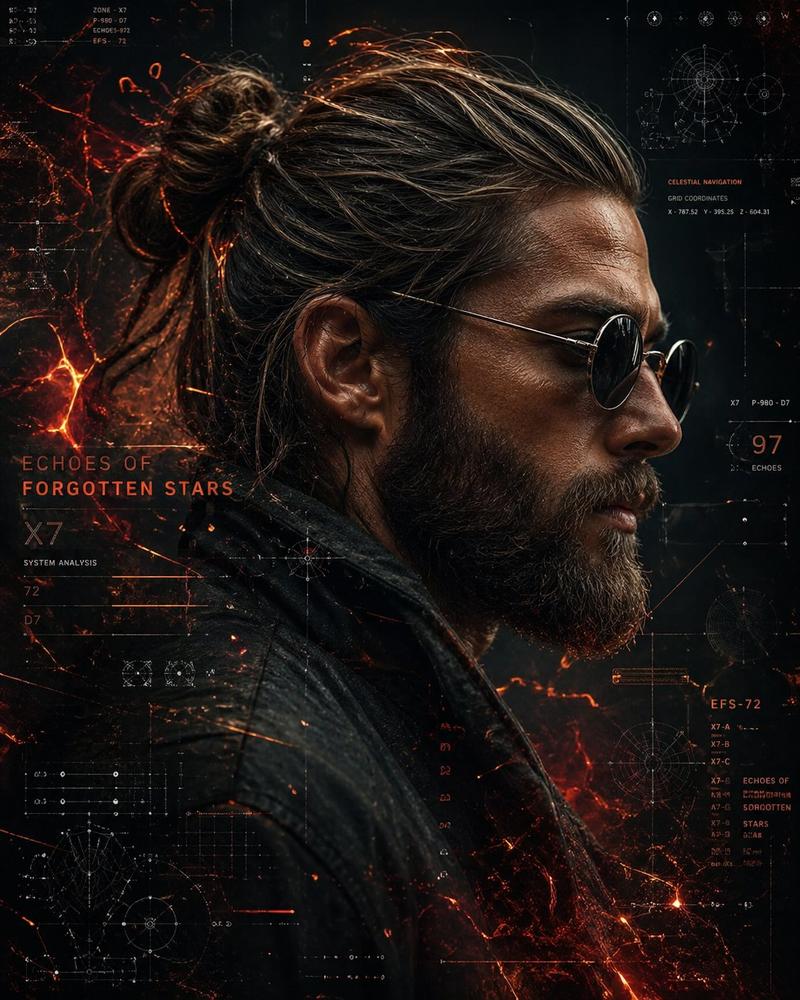
匿名冬季黑色电影风格肖像
Enlarge

匿名冬季黑色电影风格肖像

Prompt
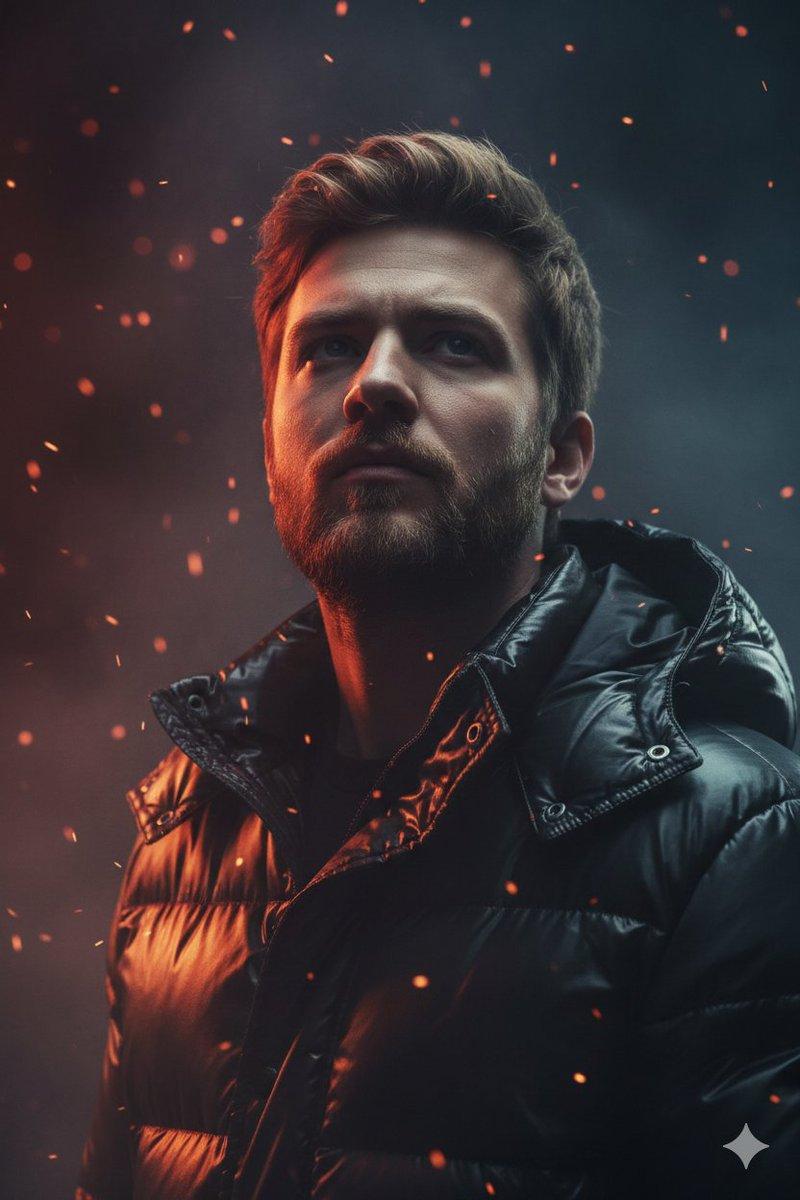
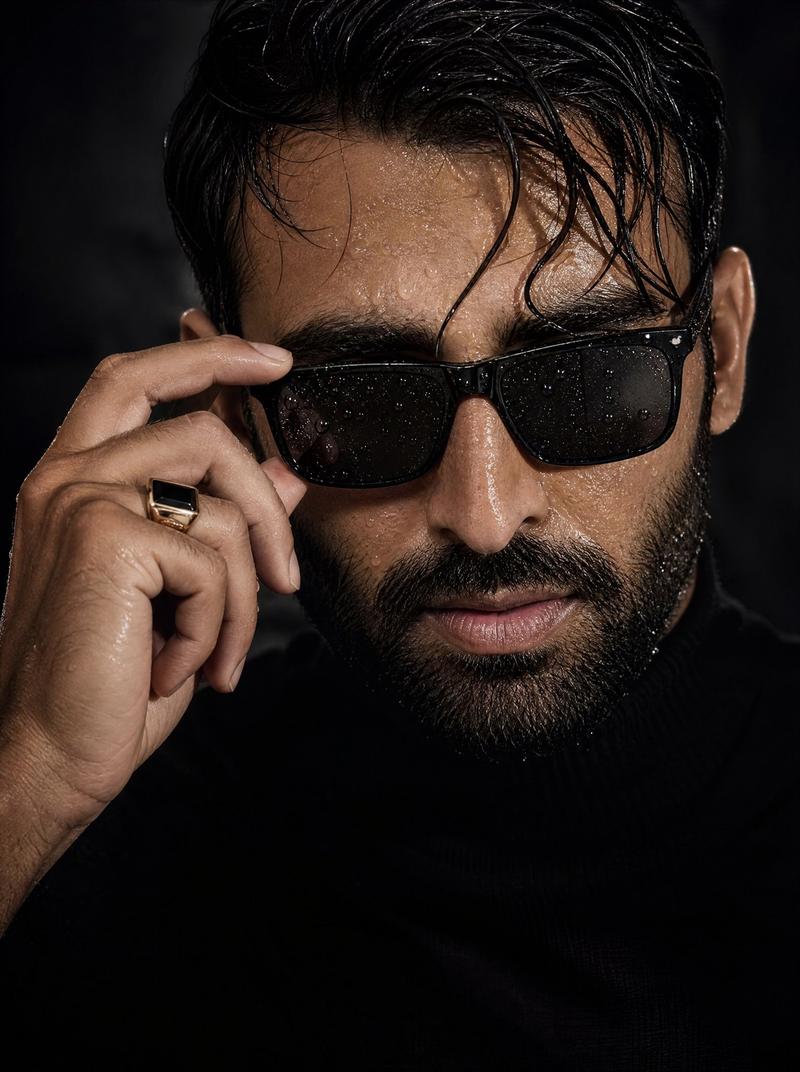
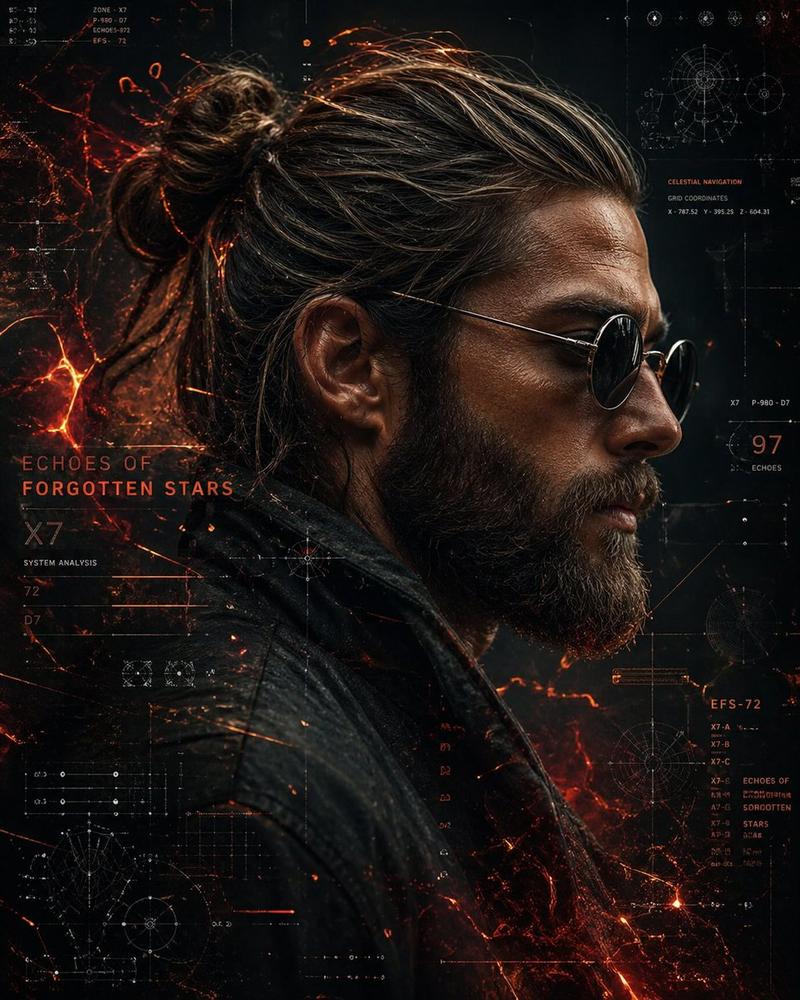
Create a cinematic close-up portrait of {argument name="subject" default="a mysterious adult man"} in a dark winter setting, framed tightly from the shoulders up. He has wet, dark hair, a visible right ear, and a small glimpse of eyeglasses on the left side, but his face is completely covered by a large centered vertical dark charcoal rectangle, like an intentional anonymous censor block. He wears a heavy dark coat with a thick fur-lined hood or collar covered in frost and snow crystals. The atmosphere is cold, blue-toned, and moody, with falling snow particles, soft bokeh lights in the blurred background, and dramatic low-key lighting that highlights icy textures on the hair and fur. Use a realistic cinematic photography style, shallow depth of field, high detail, cool teal-blue color grading, subtle film grain, and a suspenseful noir mood. The image should be landscape-oriented, with the subject filling most of the frame and the rectangular face-obscuring block occupying the center.
Category
Charts & Infographics
Model
GPT Image 2
Creator
Drey
Views1
Source ID
18611
Published
May 6, 2026

Guide

About "匿名冬季黑色电影风格肖像"

What is this prompt for?

"匿名冬季黑色电影风格肖像" AI image prompt for GPT Image 2 (Charts & Infographics). 生成一张覆盖着积雪的匿名人物电影感特写,面部带有黑色遮挡块,适用于惊悚、悬疑或编辑类视觉内容。 Copy it on Picva and recreate the look…

The full copyable prompt and example visuals above are ready for AI image generation or one-click recreate in Picva.

How to use this prompt

  1. Step 1

    Open the prompt detail

    Review the example visuals, category, and full prompt text for "匿名冬季黑色电影风格肖像".

  2. Step 2

    Copy the prompt

    Copy the prompt body from this page, or load it directly in Studio.

  3. Step 3

    Pick a model (GPT Image 2)

    Prefer GPT Image 2. If you switch models, keep subject and composition and tweak style terms.

  4. Step 4

    Generate and export

    Recreate the look in Picva, or export into your workflow for editing and publishing.

FAQ

What is the "匿名冬季黑色电影风格肖像" prompt?
It is an AI image-generation prompt for GPT Image 2 in the Charts & Infographics category. This page includes the full prompt text, example visuals, and a one-click recreate path in Picva.
How do I use this prompt to generate an image?
Copy the prompt from this page, or use Generate / Studio. Paste it into a compatible image model, or recreate the look in Picva with optional reference images.
Which model is this prompt for?
This page lists GPT Image 2. Most descriptive prompts also transfer to nearby image models such as GPT Image, Flux, or Midjourney with light style tweaks.
Can I use the result commercially?
You can usually copy the prompt for creation, but commercial use of the final image depends on the model terms, reference-image rights, and the generated content. Follow the source author and platform rules.