16

柴郡猫毛绒玩具照片
Enlarge

柴郡猫毛绒玩具照片

Prompt
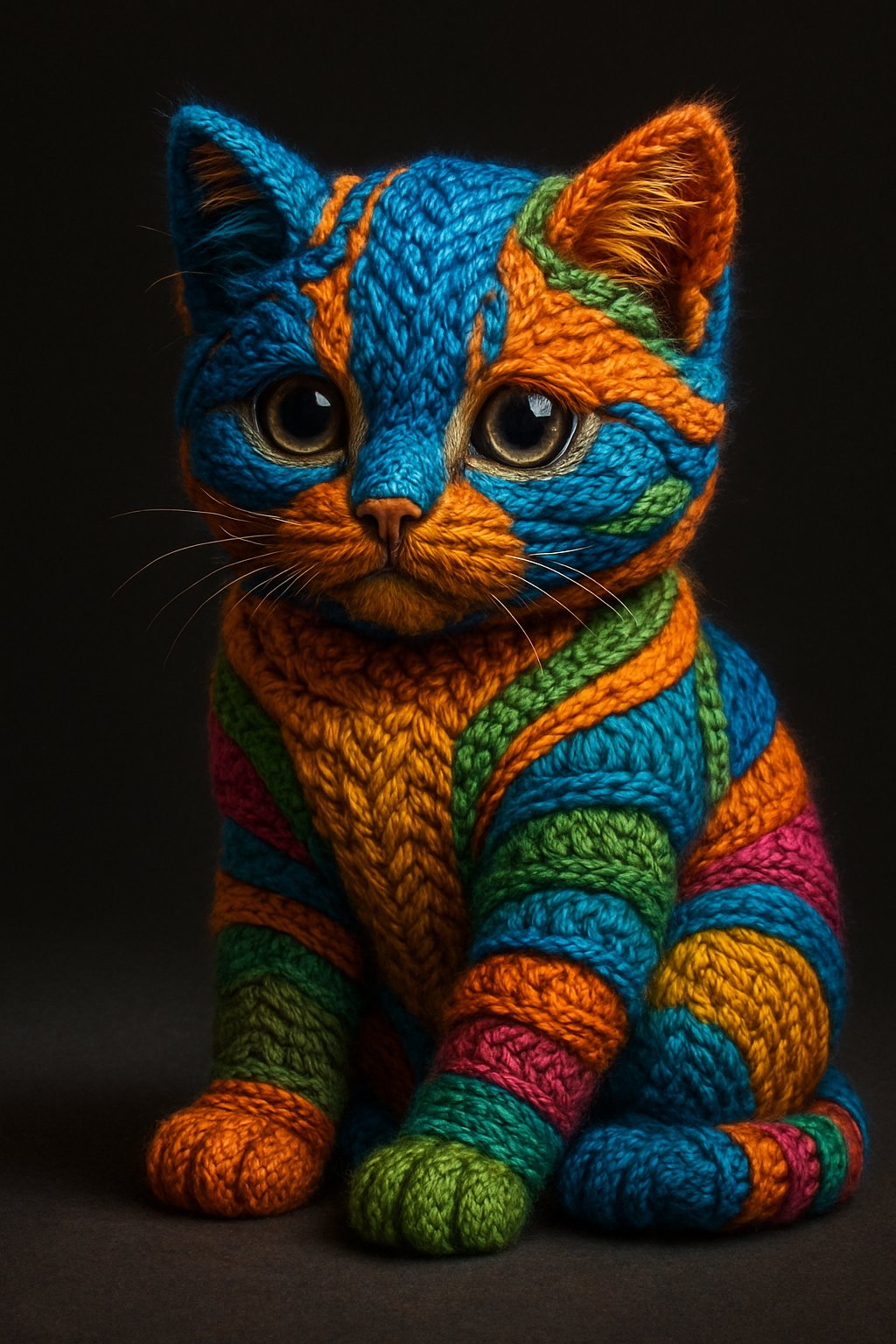
Create a studio product photograph of a handmade plush toy inspired by {argument name="character concept" default="the Cheshire Cat"}, seated front-facing on a dark square pedestal against a nearly black charcoal background. The plush has a round oversized head, two tall triangular cat ears, two large almond-shaped teal-green glassy eyes with tiny white catchlights, and an exaggerated crescent grin filled with many vertical rectangular cream-colored teeth. Use a moody patchwork design in {argument name="main fabric colors" default="deep charcoal black and warm tan brown"}, with mismatched fabric panels across the face, belly, arms, legs, and feet, visible hand stitching down the forehead, muzzle, torso, and paws, and slightly worn fuzzy velour texture. The body is squat and cuddly with two rounded arms resting forward, two short seated legs, two circular feet with tan paw-pad patches and small stitched claws, and a tan oval belly panel split by a vertical seam. The expression should feel mischievous but cute rather than scary, like a premium collectible plushie prototype. Lighting is soft and directional from above-left, emphasizing the fabric nap, seams, and toothy smile, with subtle shadows under the toy and a high-end toy photography look. Use {argument name="background color" default="matte black"} surroundings, centered symmetrical composition, shallow depth of field, realistic materials, no text, no packaging, no extra objects.
Category
Charts & Infographics
Model
GPT Image 2
Creator
Tom Löwe
Views4
Source ID
18617
Published
May 6, 2026

Guide

About "柴郡猫毛绒玩具照片"

What is this prompt for?

"柴郡猫毛绒玩具照片" AI image prompt for GPT Image 2 (Charts & Infographics). 生成一张逼真的柴郡猫拼布毛绒收藏品摄影棚产品照。 Copy it on Picva and recreate the look in one click.

The full copyable prompt and example visuals above are ready for AI image generation or one-click recreate in Picva.

How to use this prompt

  1. Step 1

    Open the prompt detail

    Review the example visuals, category, and full prompt text for "柴郡猫毛绒玩具照片".

  2. Step 2

    Copy the prompt

    Copy the prompt body from this page, or load it directly in Studio.

  3. Step 3

    Pick a model (GPT Image 2)

    Prefer GPT Image 2. If you switch models, keep subject and composition and tweak style terms.

  4. Step 4

    Generate and export

    Recreate the look in Picva, or export into your workflow for editing and publishing.

FAQ

What is the "柴郡猫毛绒玩具照片" prompt?
It is an AI image-generation prompt for GPT Image 2 in the Charts & Infographics category. This page includes the full prompt text, example visuals, and a one-click recreate path in Picva.
How do I use this prompt to generate an image?
Copy the prompt from this page, or use Generate / Studio. Paste it into a compatible image model, or recreate the look in Picva with optional reference images.
Which model is this prompt for?
This page lists GPT Image 2. Most descriptive prompts also transfer to nearby image models such as GPT Image, Flux, or Midjourney with light style tweaks.
Can I use the result commercially?
You can usually copy the prompt for creation, but commercial use of the final image depends on the model terms, reference-image rights, and the generated content. Follow the source author and platform rules.