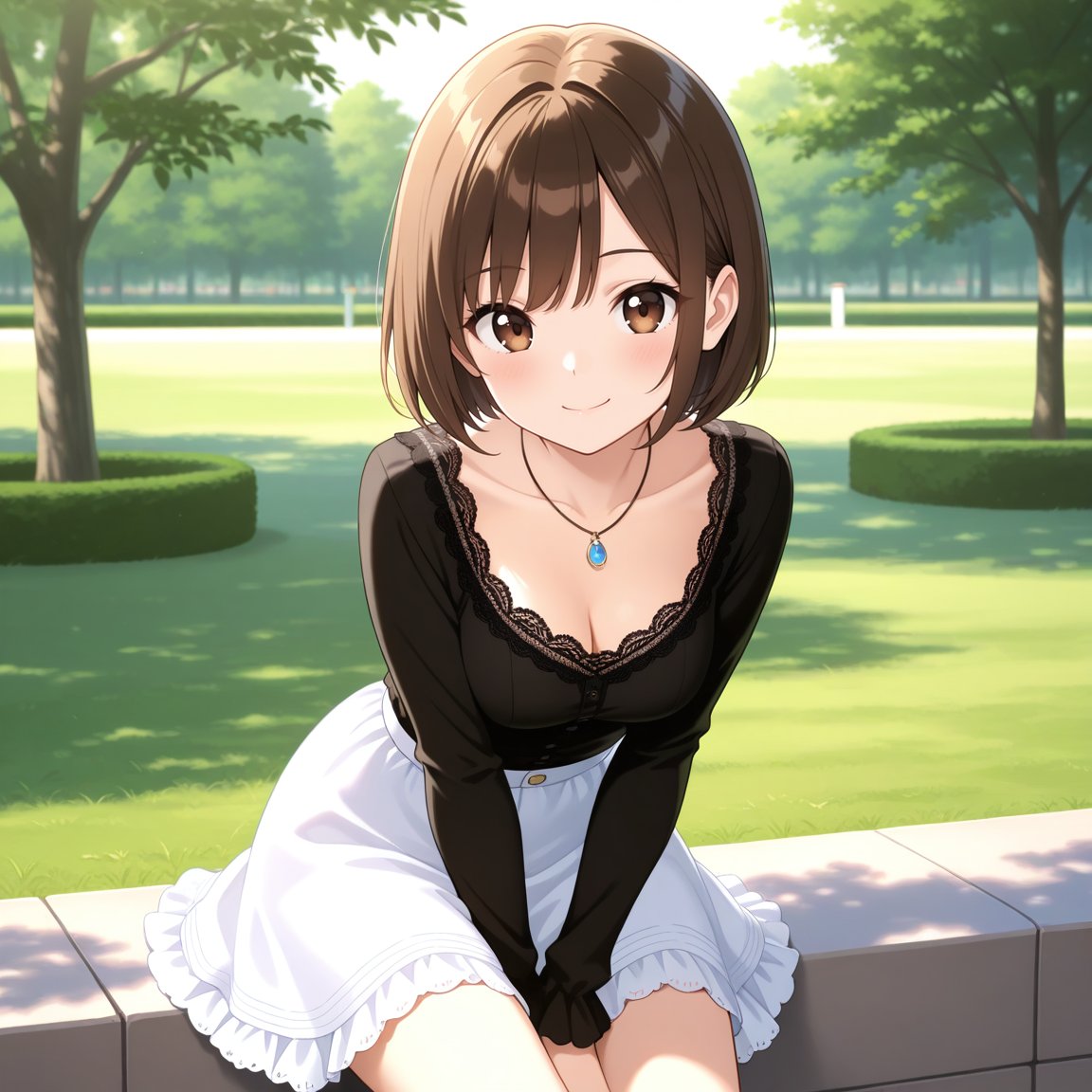
雨中公园视觉小说 CG
Prompt
{"type":"anime visual novel screenshot","format":"16:9 widescreen game CG","scene":"rainy evening in a park pavilion, cinematic romantic-drama atmosphere, glossy wet surfaces and blue twilight lighting","subject":{"character name":"{argument name=\"character name\" default=\"七瀬 あや\"}","romanized name":"{argument name=\"romanized name\" default=\"Ayana Nanase\"}","appearance":"teenage anime schoolgirl seated sideways on a wooden bench under a shelter, long wavy blonde hair with soft bangs, visible ear, delicate build, face intentionally covered by a plain skin-tone square censor block with no facial features","outfit":"white short-sleeve blouse, navy school vest or jumper dress with glossy rain droplets, red ribbon bow at collar, small crest badge on chest, pleated skirt, bare legs partly visible","pose":"sitting on the right side of the composition, body turned left, knees angled toward the viewer, melancholic quiet posture"},"environment":{"location":"tree-lined public park with benches, hedges, hydrangea-like flowers, wet brick walkway, distant street lamps, dark wooden shelter posts and roof framing the character","weather":"heavy rain with many diagonal streaks, water droplets on character and bench, puddle reflections","lighting":"cool blue night rain ambience with bright backlight from cloudy sky, soft rim highlights on blonde hair, high-detail anime background painting"},"visual novel interface":{"top right menu":{"count":8,"items":["AUTO with play icon","SKIP with fast-forward icon","LOG with document icon","SAVE with download arrow icon","Q.LOAD with upload arrow icon","VOICE with speaker icon","SYSTEM with gear icon","one additional spacing/row alignment as part of the 2-by-4 menu cluster"]},"nameplate":{"position":"lower left above dialogue box","style":"white flower emblem and decorative sparkles","visible text":["七瀬 あや","Ayana Nanase"]},"dialogue box":{"position":"bottom third","style":"translucent dark blue glass panel with ornate pale corners and thin border","speaker":"七瀬 あや","text":"{argument name=\"dialogue text\" default=\"……ねえ、どうして、私じゃダメになっちゃったの?\\nあんなに、隣にいたのに……気づけなかったの?\"}"},"choice buttons":{"count":3,"position":"very bottom in a horizontal row","style":"glowing rounded rectangular buttons, blue-to-pink translucent gradients, small heart/star ornaments","labels":["{argument name=\"left choice\" default=\"もう一度、やり直したい\"}","{argument name=\"middle choice\" default=\"ごめん、もう離れた方がいい\"}","{argument name=\"right choice\" default=\"黙って、抱きしめる\"}"]}},"composition":"character dominates right half, empty rainy park depth on left, bench and shelter create perspective lines, UI overlays remain crisp and readable, polished gpt-image-2 anime game CG quality, no extra characters"}- Category
- Charts & Infographics
- Model
- GPT Image 2
- Creator
- 七瀬@AIイラスト
- Source ID
- 18649
- Published
- May 6, 2026
Views1