17

黄金周结束的忧郁
Enlarge

黄金周结束的忧郁

Prompt
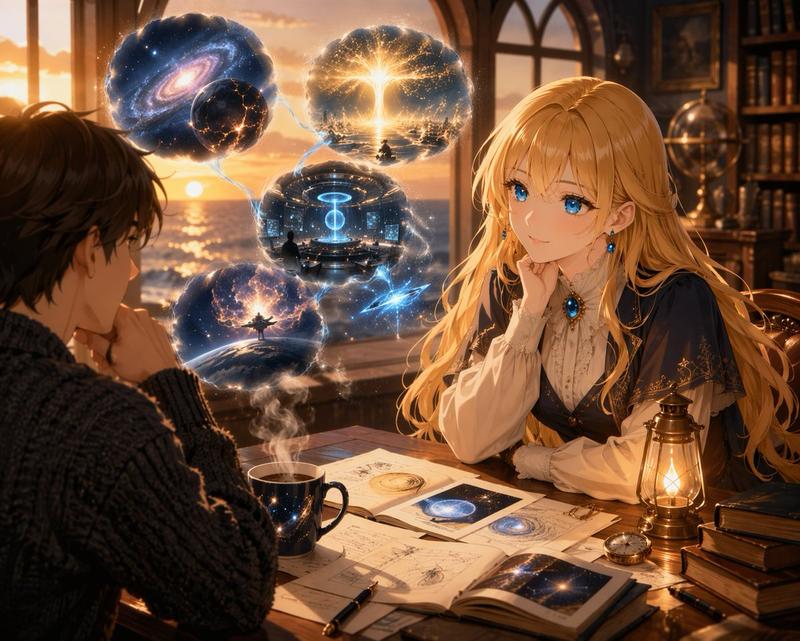
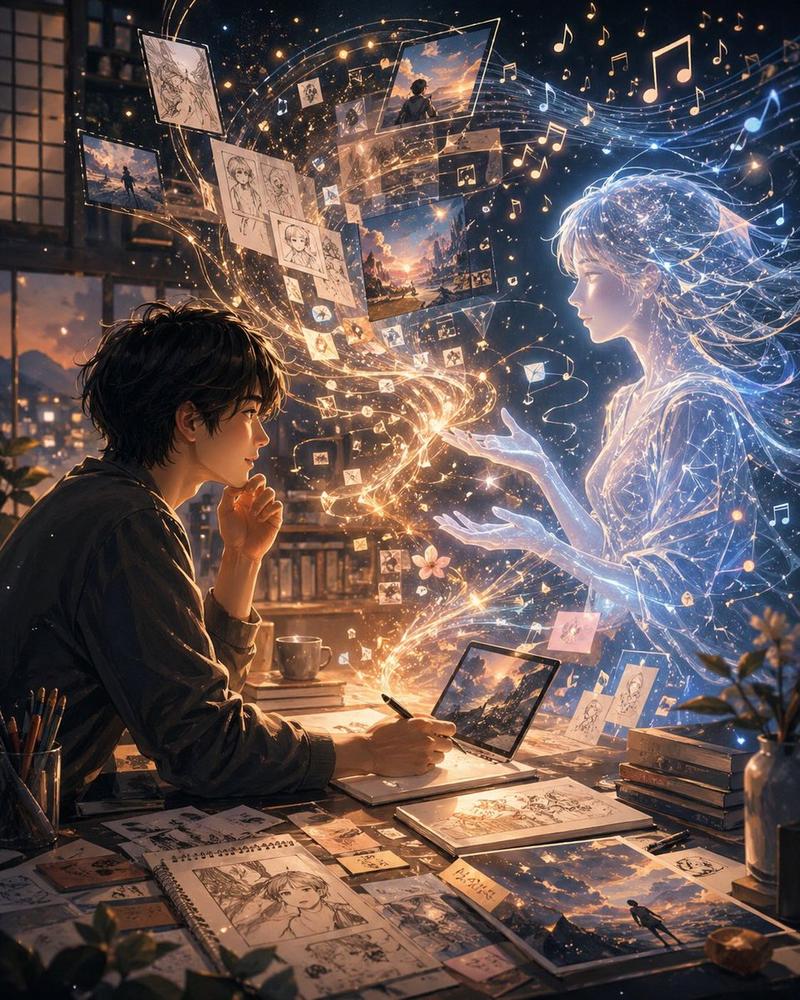
Create a melancholic anime-style illustration of {argument name="character description" default="a tired young man with messy dark hair"} sitting hunched on a sofa in a dim apartment room at {argument name="time" default="18:00"}, facing a large window where the sun is setting over a dense city skyline. The mood is the painful realization that Golden Week is ending and work resumes tomorrow: quiet, heavy, resigned, with the character resting his face against one hand and staring toward the orange-purple dusk. Show warm sunset light spilling through the window, dramatic clouds, distant buildings in silhouette, and deep blue shadows inside the room. The apartment should feel lived-in and slightly messy after a holiday: an open suitcase with clothes on the left, a low table in the foreground with an open planner, scattered papers, a smartphone, a calculator, chopsticks, a bowl, snack wrappers, and a mug, plus a jacket or bag draped on the sofa. Use cinematic lighting, detailed background art, soft painterly anime rendering, emotional slice-of-life atmosphere, and a composition that contrasts the beautiful sunset with the character’s dread. Include no readable text, no captions, and keep the scene realistic and subdued, with the character’s face turned away or partially obscured to emphasize universal sadness. Overall theme: {argument name="theme" default="the end of Golden Week and the dread of returning to work tomorrow"}.
Category
Charts & Infographics
Model
GPT Image 2
Creator
沈黙LV0
Views3
Source ID
18668
Published
May 6, 2026

Guide

About "黄金周结束的忧郁"

What is this prompt for?

"黄金周结束的忧郁" AI image prompt for GPT Image 2 (Charts & Infographics). 生成一张电影感动漫风格的房间场景,捕捉假期结束的悲伤与即将重返工作的恐惧。 Copy it on Picva and recreate the look in one click.

The full copyable prompt and example visuals above are ready for AI image generation or one-click recreate in Picva.

How to use this prompt

  1. Step 1

    Open the prompt detail

    Review the example visuals, category, and full prompt text for "黄金周结束的忧郁".

  2. Step 2

    Copy the prompt

    Copy the prompt body from this page, or load it directly in Studio.

  3. Step 3

    Pick a model (GPT Image 2)

    Prefer GPT Image 2. If you switch models, keep subject and composition and tweak style terms.

  4. Step 4

    Generate and export

    Recreate the look in Picva, or export into your workflow for editing and publishing.

FAQ

What is the "黄金周结束的忧郁" prompt?
It is an AI image-generation prompt for GPT Image 2 in the Charts & Infographics category. This page includes the full prompt text, example visuals, and a one-click recreate path in Picva.
How do I use this prompt to generate an image?
Copy the prompt from this page, or use Generate / Studio. Paste it into a compatible image model, or recreate the look in Picva with optional reference images.
Which model is this prompt for?
This page lists GPT Image 2. Most descriptive prompts also transfer to nearby image models such as GPT Image, Flux, or Midjourney with light style tweaks.
Can I use the result commercially?
You can usually copy the prompt for creation, but commercial use of the final image depends on the model terms, reference-image rights, and the generated content. Follow the source author and platform rules.