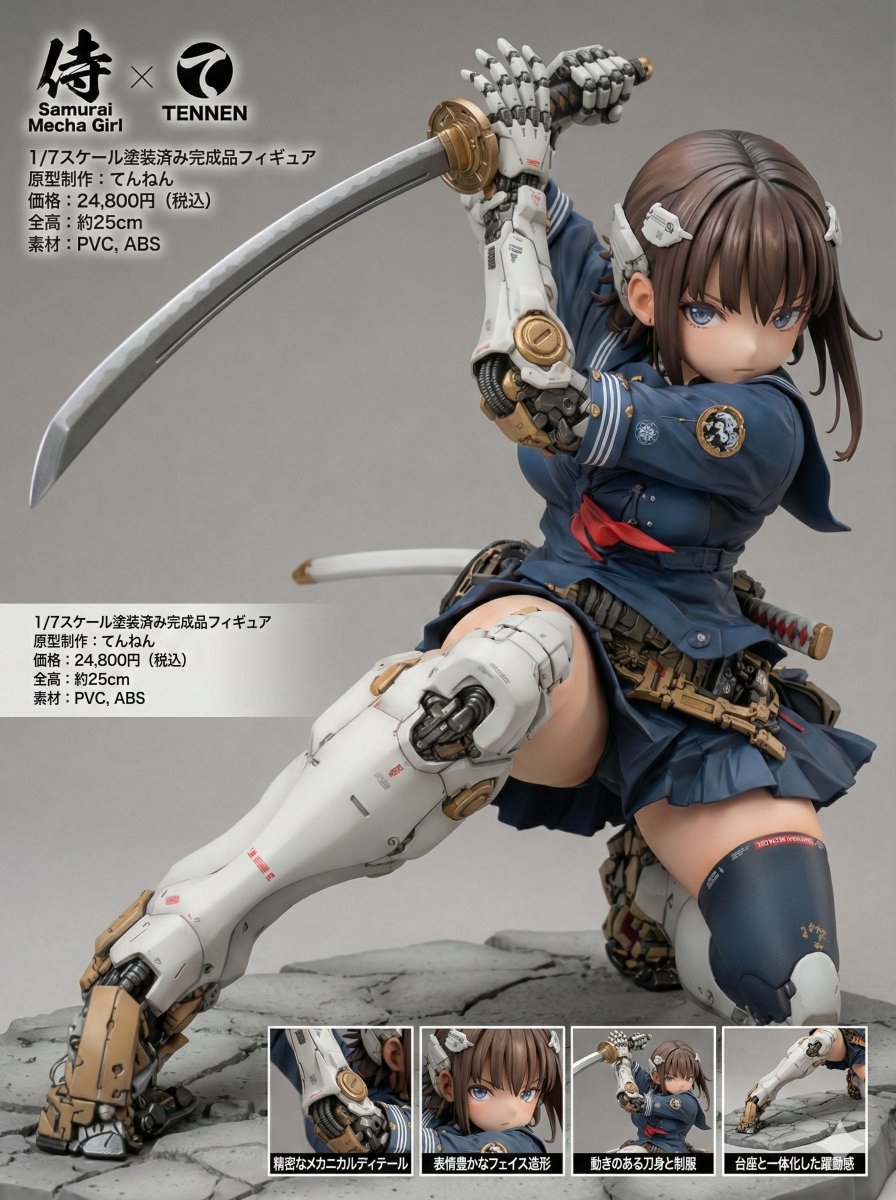
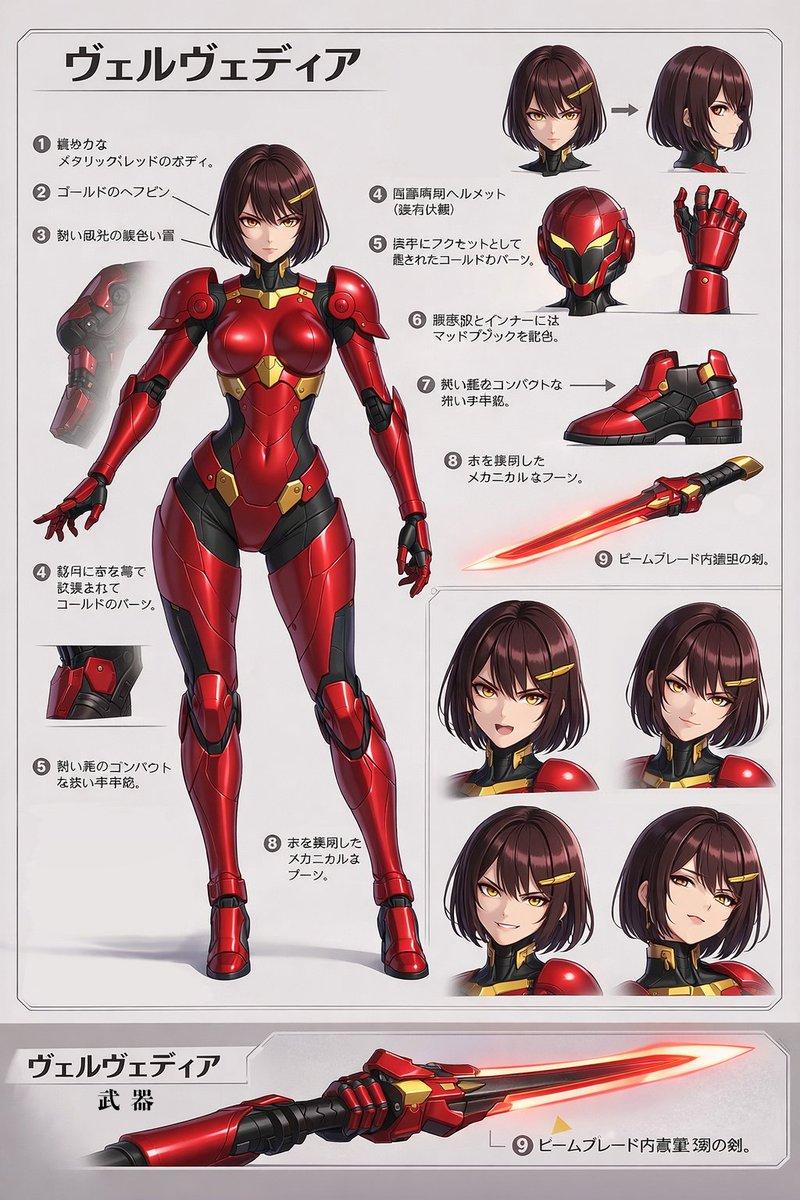
机甲女学生武士刀动作海报
Prompt
Create a polished anime action illustration of {argument name="character name" default="a mecha schoolgirl warrior"} in a dynamic low crouching pose on a clean white background, framed by a thin red futuristic HUD-style border with angular corner cuts. The character is a young anime girl with {argument name="hair color" default="dark brown"} long straight hair, blunt bangs, a white hair clip, large brown eyes, and a focused expression, wearing a cropped white-and-teal Japanese sailor school uniform with a red neckerchief, pleated teal mini skirt, white sneakers, and exposed midriff. Give her bulky articulated cybernetic armor: glossy white and deep teal mechanical forearms, shoulders, thighs, shins, knee guards, and hands, with brass/gold joints, circular pistons, screws, segmented fingers, and small red technical markings; the hands must be anatomically correct, with clear articulated fingers and believable gripping. She is holding a long katana vertically at the left side of the image, one mechanical hand gripping the hilt above her head and the other braced on the ground, with the blade extending down beside her and faint sweeping motion arcs behind her to imply a fast slash landing. Use clean cel-shaded anime rendering with detailed mecha design, soft highlights on glossy armor, warm skin tones, crisp line art, subtle ground shadow, and a futuristic concept-art poster feel. Include exactly 3 visible text/logo elements: {argument name="top left logo text" default="MECHA GIRLS"} in small red lettering near the upper left, {argument name="bottom center caption" default="MECHA GIRL"} at the bottom center border, and {argument name="bottom right logo text" default="IONEN"} with a circular red emblem at the lower right.- Category
- Posters & Typography
- Model
- GPT Image 2
- Creator
- てんねん
- Source ID
- 18670
- Published
- May 6, 2026
Views3