19

赛博朋克明朝武士海报
Enlarge

赛博朋克明朝武士海报

Prompt
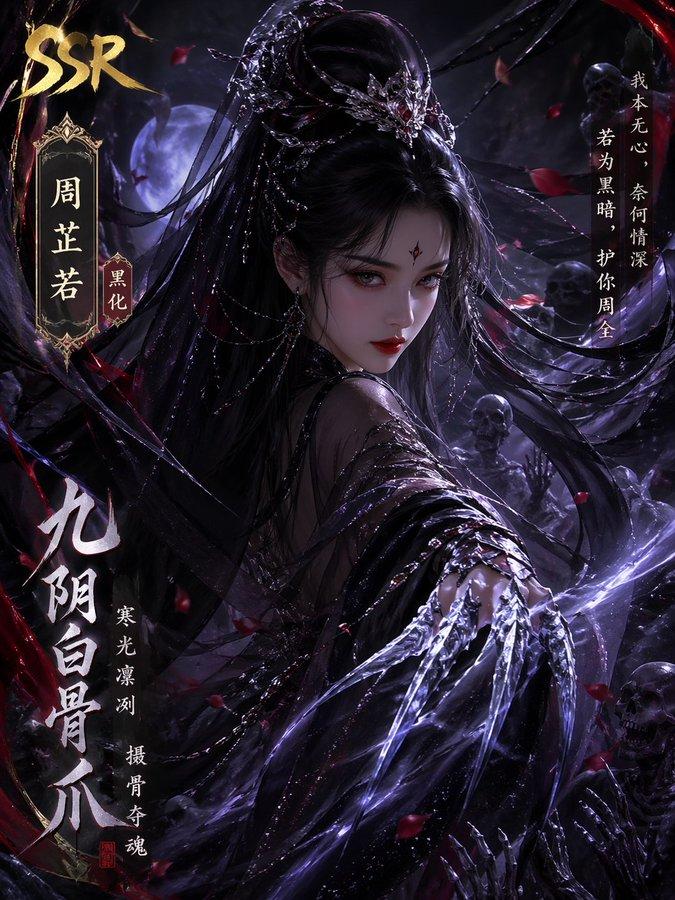
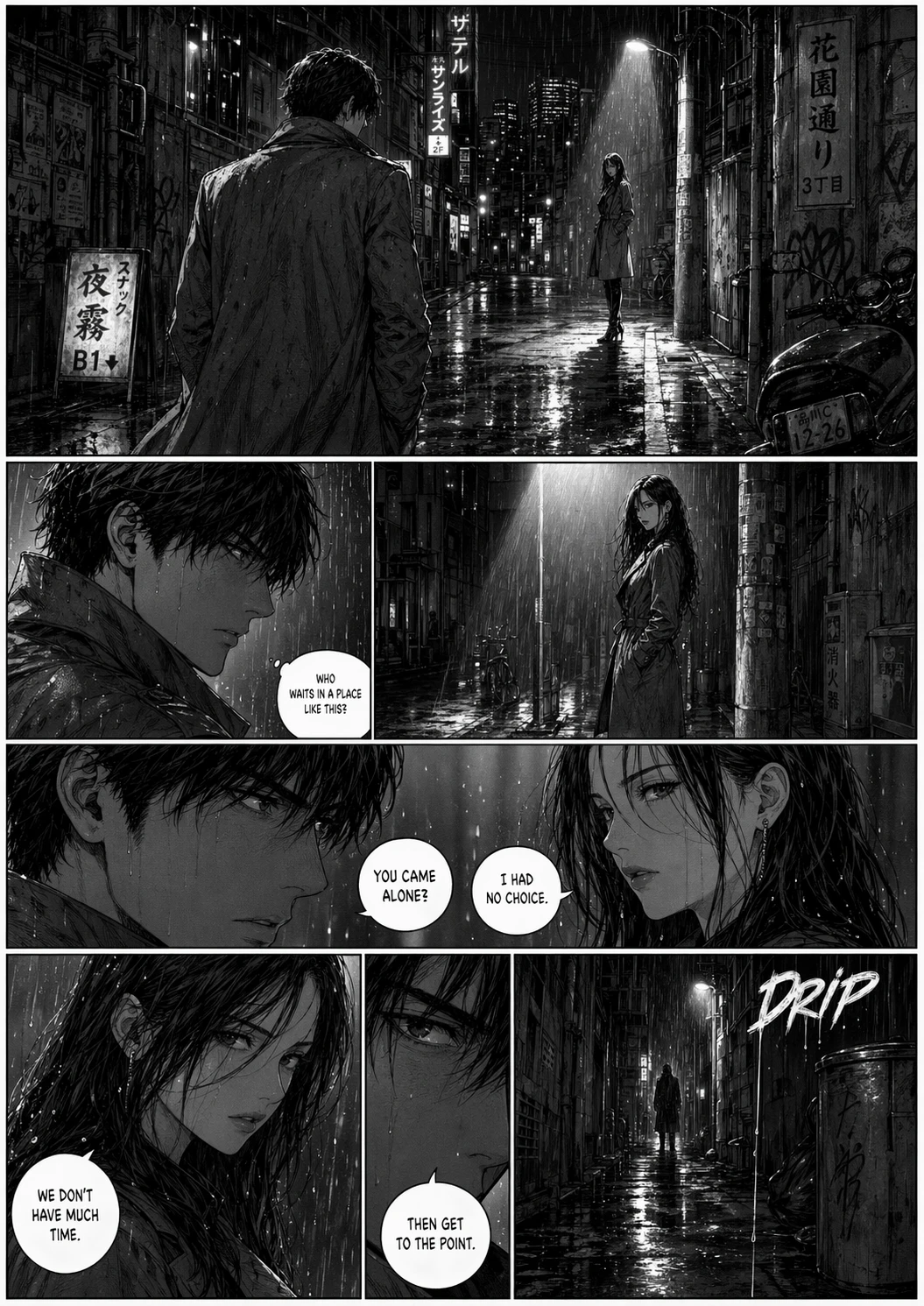
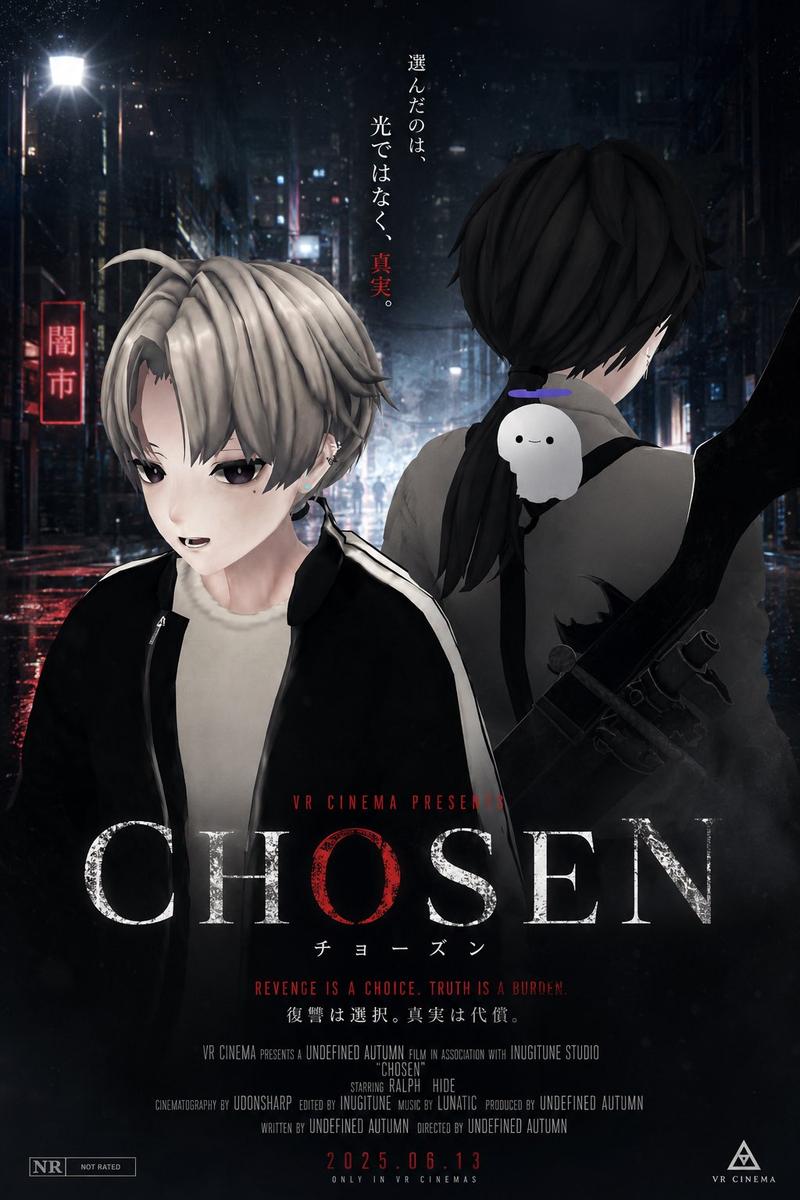
创作一张超高细节「{argument name="主题风格" default="新中式国潮 × 明代杀神"}」时尚人物海报,将东方龙元素、中式街头文化、明代战神气质、书法美学与现代时尚摄影融合。整体视觉方向:“{argument name="视觉方向" default="明代杀神 × 东方赛博街头 × 国际时尚大片"}”画面兼具:* 东方压迫感 * 冷峻肃杀气场 * 中式街头潮流感 * 高端时尚杂志视觉 * 电影级叙事氛围 整体构图极具视觉冲击力,但保持高级、克制、不杂乱。主体人物(核心重点)不要复制参考图姿势与表情。重新设计人物:像一位从古代战场穿越到未来东方都市的“明代杀神”。人物气质:* 冷感 * 极度压迫感 * 沉稳危险 * 不怒自威 * 东方帝王般肃杀气场 * 像经历无数战争后的安静疯感 表情:* 眼神极具故事感 * 冷漠中带轻微蔑视 * 克制但危险 * 不要夸张怒吼 * 不要传统古风摆拍 * 有国际时尚大片中的“松弛感” 动态:自然、真实、有重量感。像准备缓慢走向镜头的瞬间。服装设计(重点强化)现代新中式战神穿搭:融合:* 明代飞鱼服结构 * 改良斗篷 * 解构汉服 * 中式立领 * 战损层叠布料 * 龙纹刺绣 * 暗黑水墨纹理 * 中式盘扣 * 功能性机能风 * 东方盔甲细节 * 金属束带 * {argument name="服装细节" default="黑红战术长袍"} * 宽松垂坠剪裁 整体风格:“东方古代战神 × 高端街头时装 × 亚洲未来主义” 避免:* cosplay感 * 廉价古风 * 游戏皮肤感 * 网红写真感 画面视觉元素 大量融入中式视觉文化:* 中国龙图腾 * 巨型东方黑龙残影 * 毛笔狂草书法 * 水墨飞白 * 篆刻印章 * 霓虹汉字 * 国潮 graffiti * 做旧海报拼贴 * 东方火焰纹 * 祥云解构纹样 * 红黑金配色 * 宣纸肌理 * 墨迹泼洒 * 古代军令符号 * 破损战旗元素 * 中文标语 * 中式街头海报层叠 * 龙鳞纹理 * 血色残墨质感 加入:“古代战争余韵 + 未来都市霓虹” 背景 现代东方赛博都市街头:* 雨夜霓虹巷道 * 中文霓虹灯牌 * 中国风广告牌 * 涂鸦墙 * 国潮贴纸 * 做旧街头海报 * 东方 cyberpunk 元素 * 潮湿地面反光 * 烟雾与雨气 背景有层次但不抢主体。灯光(非常关键)电影级灯光:* 高对比硬光 * 红色边缘光 * 金色局部高光 * 冷黑阴影 * 霓虹轮廓光 * 真实皮肤纹理 * 潮湿空气中的体积光 * 高端时尚摄影布光 整体像:“A24电影 + 亚洲奢侈品广告 + 国潮视觉实验”
Category
Posters & Typography
Model
GPT Image 2
Creator
serein
Views14
Source ID
18806
Published
May 7, 2026

Guide

About "赛博朋克明朝武士海报"

What is this prompt for?

"赛博朋克明朝武士海报" AI image prompt for GPT Image 2 (Posters & Typography). 一款融合了传统明朝元素与现代赛博朋克都市美学的高级时尚电影感海报提示词。 Copy it on Picva and recreate the look in one click.

The full copyable prompt and example visuals above are ready for AI image generation or one-click recreate in Picva.

How to use this prompt

  1. Step 1

    Open the prompt detail

    Review the example visuals, category, and full prompt text for "赛博朋克明朝武士海报".

  2. Step 2

    Copy the prompt

    Copy the prompt body from this page, or load it directly in Studio.

  3. Step 3

    Pick a model (GPT Image 2)

    Prefer GPT Image 2. If you switch models, keep subject and composition and tweak style terms.

  4. Step 4

    Generate and export

    Recreate the look in Picva, or export into your workflow for editing and publishing.

FAQ

What is the "赛博朋克明朝武士海报" prompt?
It is an AI image-generation prompt for GPT Image 2 in the Posters & Typography category. This page includes the full prompt text, example visuals, and a one-click recreate path in Picva.
How do I use this prompt to generate an image?
Copy the prompt from this page, or use Generate / Studio. Paste it into a compatible image model, or recreate the look in Picva with optional reference images.
Which model is this prompt for?
This page lists GPT Image 2. Most descriptive prompts also transfer to nearby image models such as GPT Image, Flux, or Midjourney with light style tweaks.
Can I use the result commercially?
You can usually copy the prompt for creation, but commercial use of the final image depends on the model terms, reference-image rights, and the generated content. Follow the source author and platform rules.