19

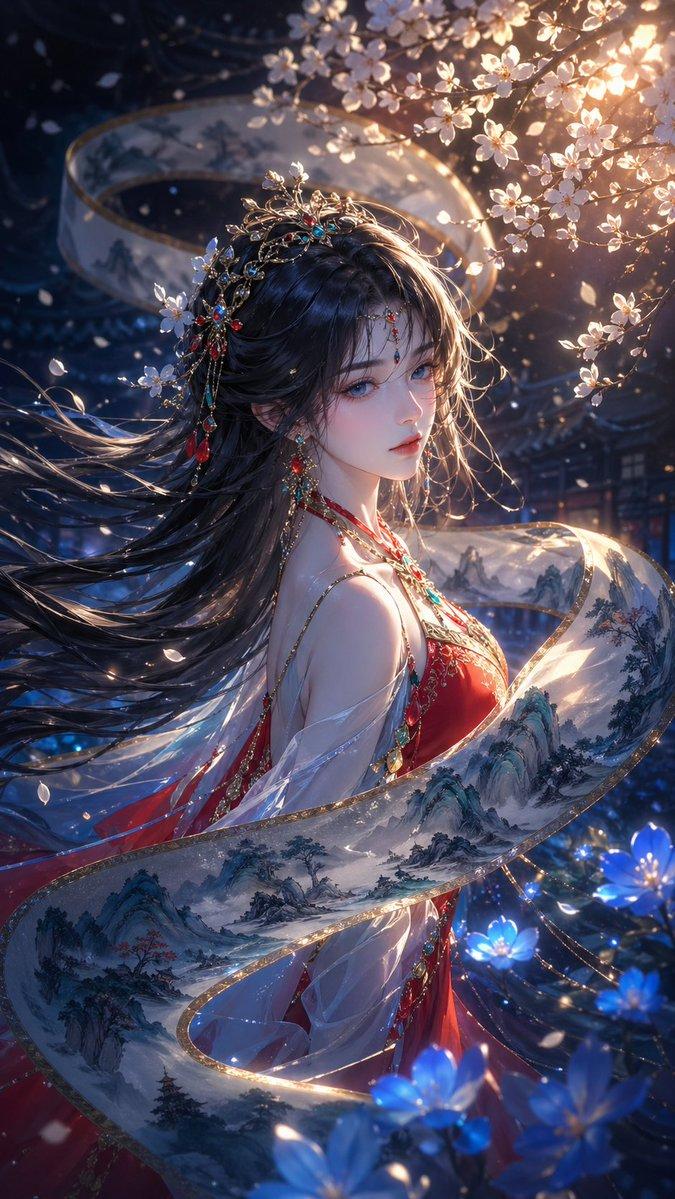
梦幻发光丝带风格转换
Enlarge

梦幻发光丝带风格转换

Prompt
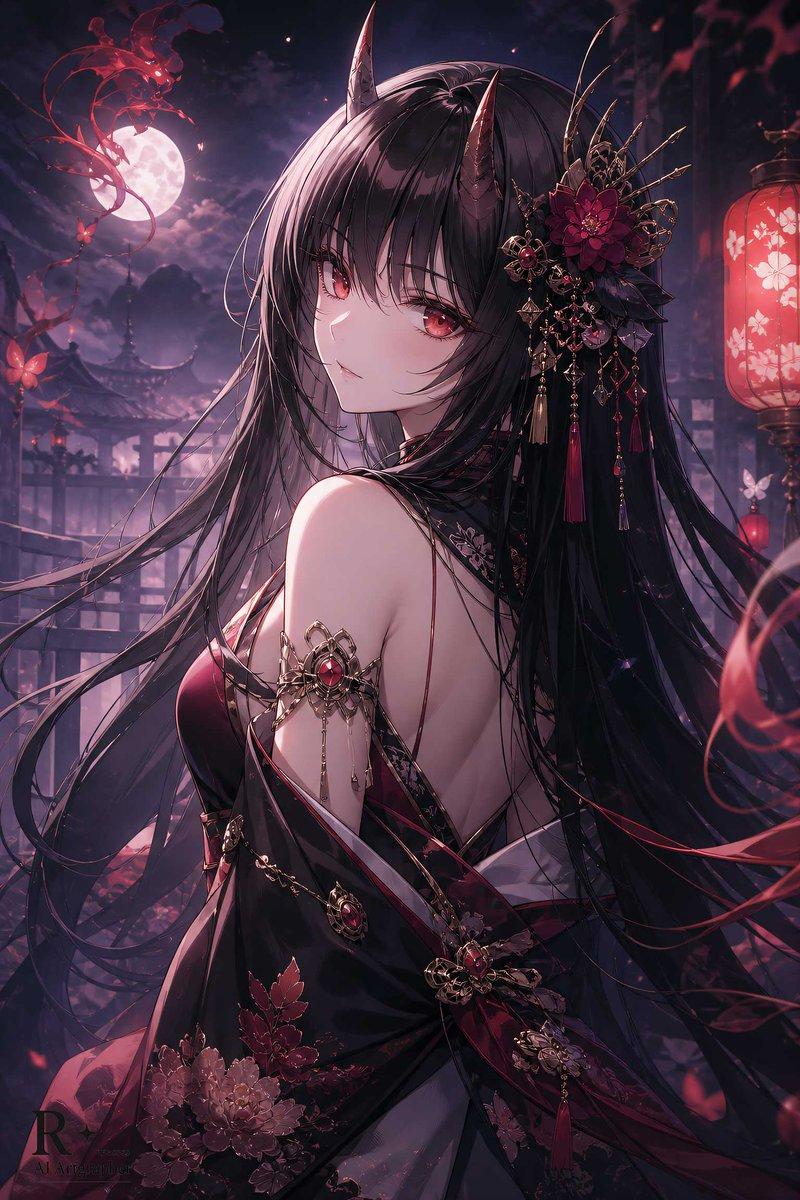
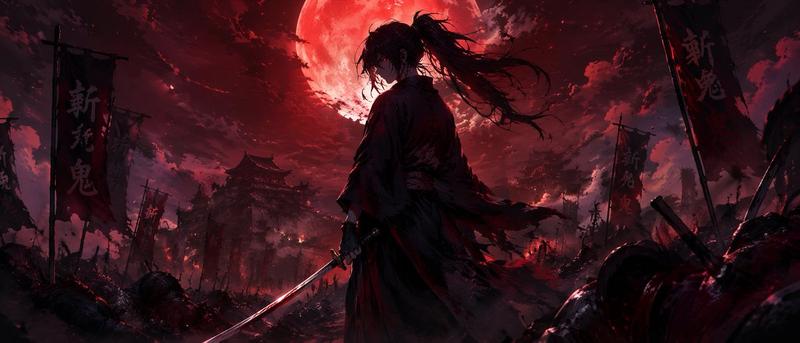
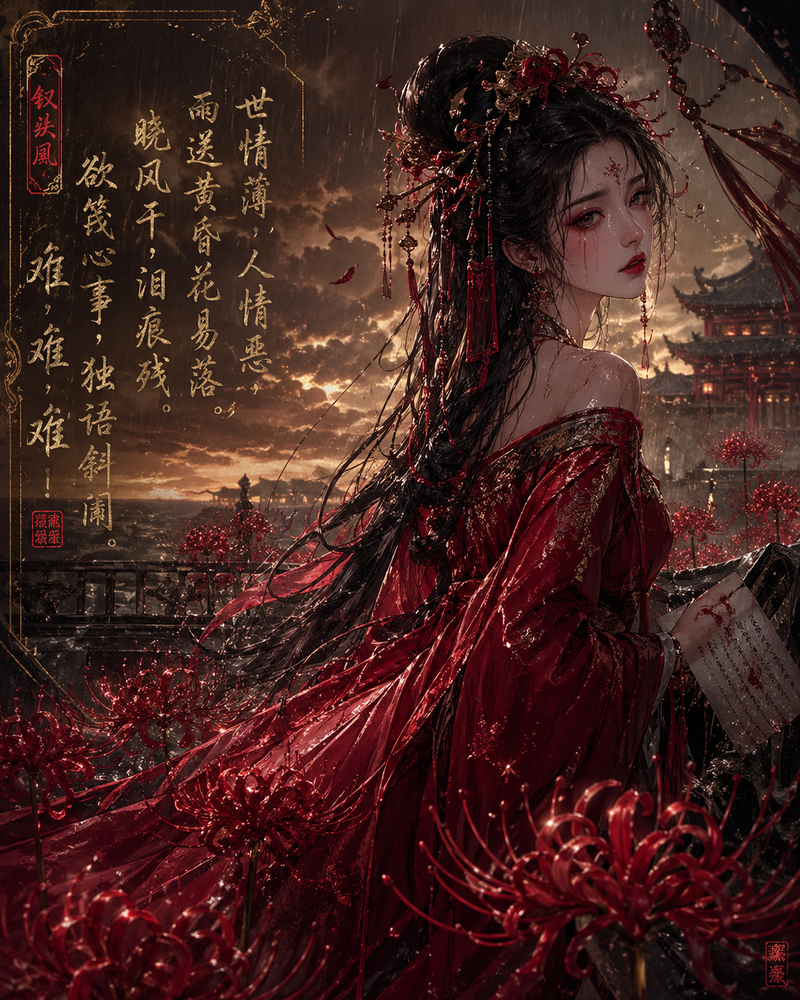
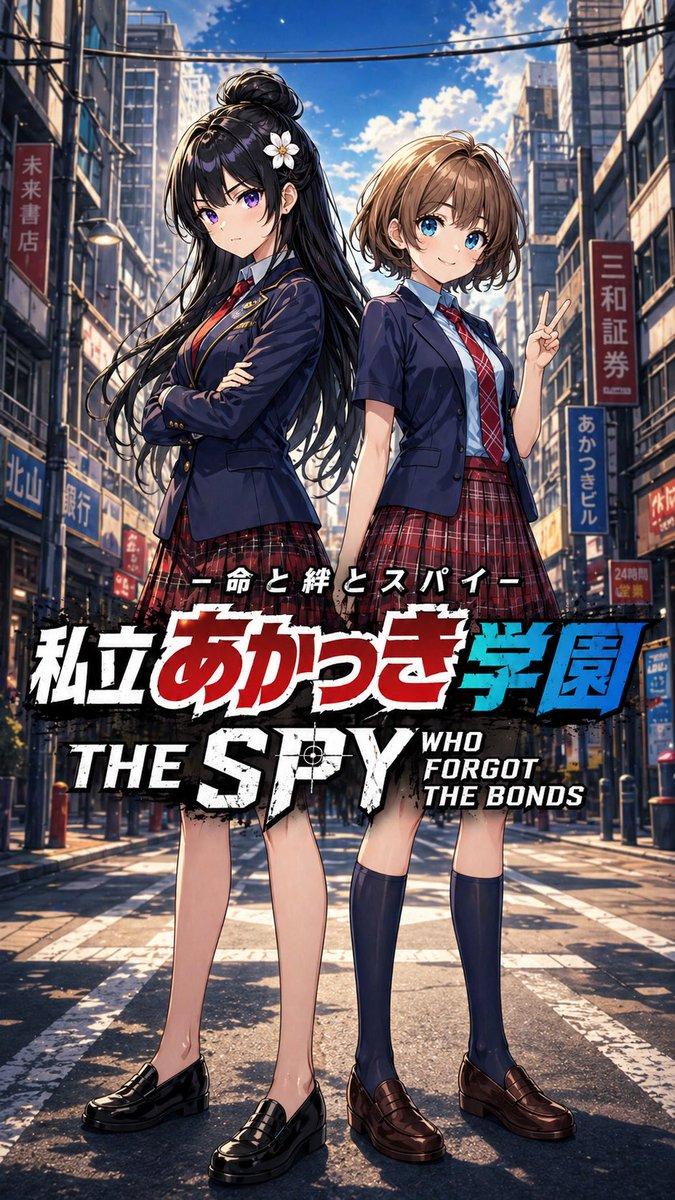
Using the provided reference image, transform the scene by applying an intensely glowing, {argument name="lighting color" default="golden and orange"} lighting effect. Add dynamic, swirling {argument name="magical element" default="luminous ribbons and energy trails"} wrapping around the character and flowing through the foreground and background. Make the character's hair blow dynamically in the wind and fill the air with sparkling light particles. Preserve the original character design, pose, and lantern street setting, but elevate the overall look to a {argument name="aesthetic style" default="radiant, magical anime"} aesthetic.
Category
Charts & Infographics
Model
GPT Image 2
Views4
Source ID
13829
Published
Apr 16, 2026

Guide

About "梦幻发光丝带风格转换"

What is this prompt for?

"梦幻发光丝带风格转换" AI image prompt for GPT Image 2 (Charts & Infographics). 将普通的动漫插画转换为充满动感、光芒四射的魔法场景,并加入旋转的能量丝带和强烈的灯光效果。 Copy it on Picva and recreate the look in o…

The full copyable prompt and example visuals above are ready for AI image generation or one-click recreate in Picva.

How to use this prompt

  1. Step 1

    Open the prompt detail

    Review the example visuals, category, and full prompt text for "梦幻发光丝带风格转换".

  2. Step 2

    Copy the prompt

    Copy the prompt body from this page, or load it directly in Studio.

  3. Step 3

    Pick a model (GPT Image 2)

    Prefer GPT Image 2. If you switch models, keep subject and composition and tweak style terms.

  4. Step 4

    Generate and export

    Recreate the look in Picva, or export into your workflow for editing and publishing.

FAQ

What is the "梦幻发光丝带风格转换" prompt?
It is an AI image-generation prompt for GPT Image 2 in the Charts & Infographics category. This page includes the full prompt text, example visuals, and a one-click recreate path in Picva.
How do I use this prompt to generate an image?
Copy the prompt from this page, or use Generate / Studio. Paste it into a compatible image model, or recreate the look in Picva with optional reference images.
Which model is this prompt for?
This page lists GPT Image 2. Most descriptive prompts also transfer to nearby image models such as GPT Image, Flux, or Midjourney with light style tweaks.
Can I use the result commercially?
You can usually copy the prompt for creation, but commercial use of the final image depends on the model terms, reference-image rights, and the generated content. Follow the source author and platform rules.